On this page
- What should you buy first for video on a budget?
- Which microphone should you get?
- What lighting do you need on a budget?
- Is a smartphone good enough for business video?
- When is it worth buying a dedicated camera?
- What accessories make the biggest difference?
- What editing software is free?
- How do you get better results without spending more?
- When should you bring in a professional crew?
On a tight budget, spend on sound first, then light, then something to keep the camera steady. A recent smartphone is a good enough camera for most business video. A clip-on microphone, one soft LED light and a tripod will do more for quality than an expensive camera, and free editing software covers the rest.
This guide is for startups, small businesses and solo creators filming their own content: social clips, tutorials, internal updates. We've kept it to what to look for rather than specific models and prices, because both change every few months. Check current reviews before you buy.
What should you buy first for video on a budget?
Buy in this order:
- A microphone. Viewers will put up with a slightly soft picture, but not with echoey or muffled sound.
- A light. Even, soft light on your face makes any camera look better.
- A tripod or phone stand. Steady shots look deliberate. Shaky ones look rushed.
- A better camera, only once the first three are sorted and you know what your phone can't do.
Which microphone should you get?
For most people filming themselves or interviewing others, a lavalier (clip-on) microphone is the best first purchase. It sits close to the mouth, so it picks up the voice and not the room.
- Wireless lavalier kits are now common at modest prices and are the easiest to use: a small transmitter clips to the speaker and a receiver plugs into the phone or camera. Many record a backup copy internally, which is useful if the signal drops.
- Wired lavaliers are cheaper still and perfectly good for sit-down recording where nobody moves.
- An on-camera shotgun microphone mounts on top of the camera. It's better than the built-in mic and good for run-and-gun filming, but it needs to be close to the speaker.
- A USB microphone is the simplest choice for voiceovers and podcasts recorded at a desk.
What to check before you buy:
- The connection matches your device: USB-C, Lightning or a 3.5mm jack. Phones and cameras use different 3.5mm plugs (TRRS and TRS), so check the cable or adapter.
- You can monitor it. Being able to listen on headphones while you record saves a lot of wasted takes.
- Wind protection (a foam or furry cover) if you'll ever film outdoors.
What lighting do you need on a budget?
One good soft light is enough to start. Two lets you light a person properly.
- LED panels are the most practical choice: cool, light and battery or mains powered. Look for bi-colour (adjustable from warm to cool, so you can match daylight or room light) and a high CRI rating (a measure of how accurately the light shows colour; skin tones look more natural with a high one).
- Softboxes or diffusion make the light larger and softer, which is more flattering on faces. A bare LED panel close to someone's face looks harsh.
- A reflector (or a sheet of white card) bounces light back into the shadows for almost nothing.
How do you use window light for free?
Sit facing a window, or at an angle to it, never with your back to it. Overcast days give lovely soft light. On bright sunny days, a thin white curtain or baking paper over the window diffuses it. Switch off overhead office lights if they cast shadows under the eyes. For more on lighting a person, see our interview video setup guide.
Is a smartphone good enough for business video?
For social media, tutorials and internal video, a recent smartphone is good enough for most people. The limits show in low light, when you want a shallow, blurred background, or when you need to zoom.
To get the best from a phone:
- Use the main (rear) camera, not the selfie camera. It's usually much better.
- Lock focus and exposure so they don't drift while you talk.
- Clean the lens. It sounds obvious, but a smudged lens is a common cause of hazy footage.
- Shoot in the right shape. Vertical for Reels, TikTok and Shorts; horizontal for YouTube, websites and presentations.
- Use airplane mode so calls and notifications don't interrupt a take.
When is it worth buying a dedicated camera?
When you've outgrown the phone. A mirrorless camera with interchangeable lenses handles low light better, gives you a blurred background and more control. If you're buying, look for:
- Reliable autofocus that tracks faces, especially if you film yourself.
- A microphone input and, ideally, a headphone output.
- A flip-out screen so you can check framing when you're on camera.
- Clean HDMI output if you plan to livestream through the camera.
- No overheating in long recordings (check reviews for this).
A good used camera, or an older model a generation behind, is often the best value.
What accessories make the biggest difference?
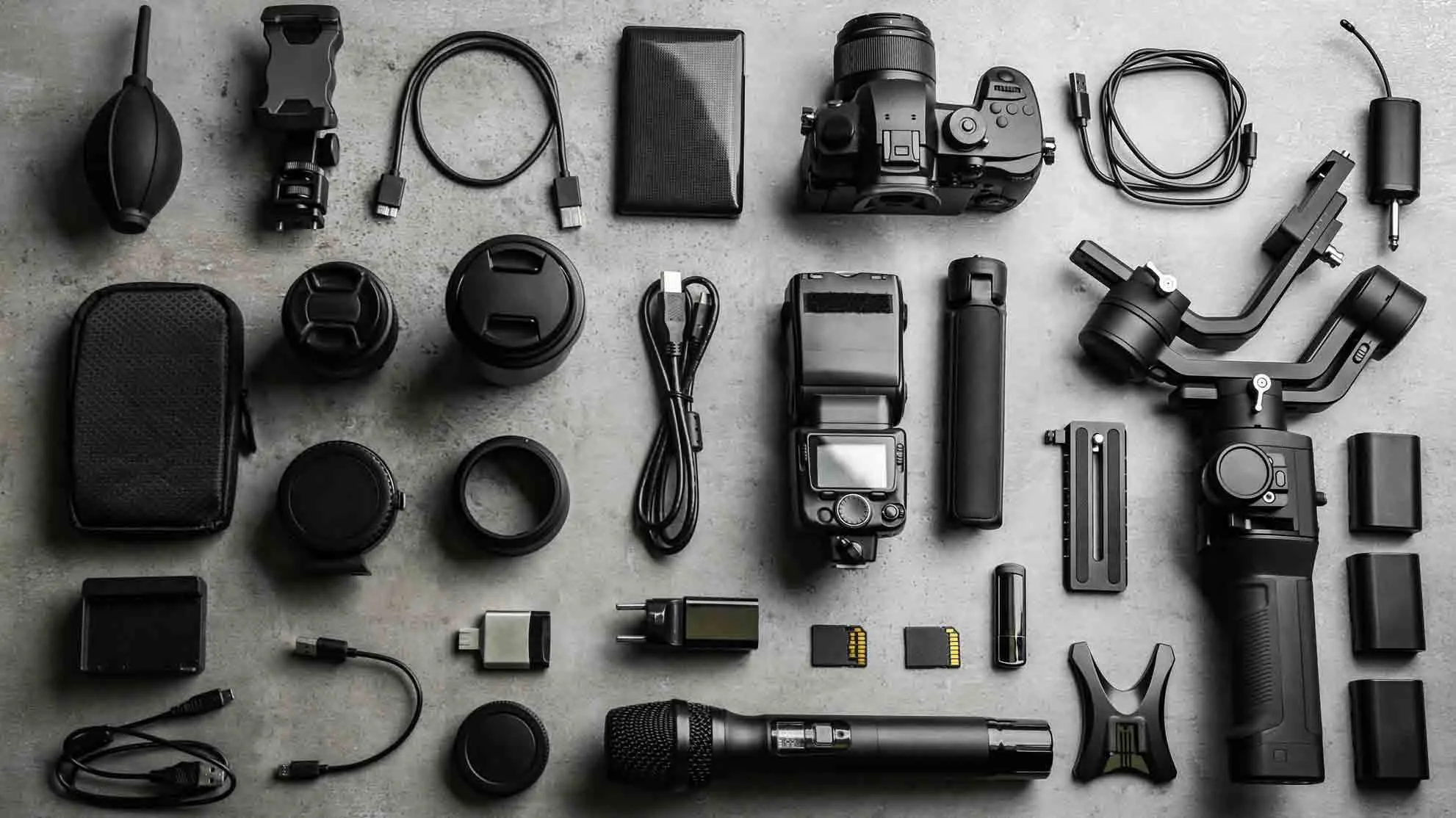
- A tripod with a phone clamp. A sturdy full-size one is better than a wobbly tabletop one for anything you'll film often.
- A gimbal if you film while moving. Not needed for sit-down content.
- Spare batteries and enough storage. Running out mid-shoot is the most common avoidable problem.
- A tidy, plain background, or a collapsible backdrop if your space is cluttered.
What editing software is free?
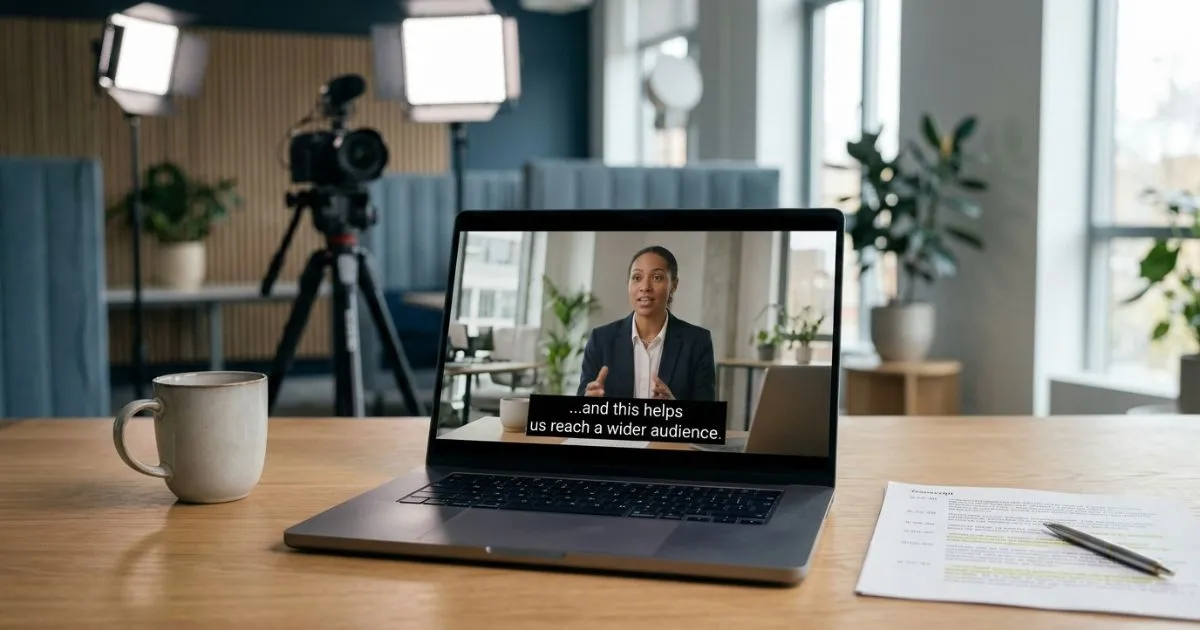
DaVinci Resolve has a free version with professional editing, colour and audio tools, though it takes time to learn. Phones come with basic editors, and several mobile editing apps are free or cheap and designed for social formats. Whatever you use, add captions: many people watch with the sound off.
How do you get better results without spending more?
- Plan before you film. A few bullet points on what you'll say, and who it's for, saves hours. Our guide to writing a promo video script helps.
- Batch film. Set up once and record several videos in one session.
- Record a short test and play it back on headphones before filming properly.
- Keep it short. A tight one-minute video usually beats a rambling five-minute one.
- Learn basic editing: trim pauses, cut the slow start, add captions.
When should you bring in a professional crew?
DIY kit is great for regular, everyday content. For the videos that do the heavy lifting, like a website hero film, a paid ad, a recruitment film or a big event, a professional crew brings experience, lighting, sound and editing that's hard to match on your own. Many businesses do both: a professional film once or twice a year, and their own social content in between.
If you need a crew for a day, see videographer hire. For a full project, get an estimate in a few minutes from our instant quote calculator.
Written by Mango Media. Published , updated .