On this page
- What makes a hybrid event different from a normal livestream?
- Which events suit a hybrid format?
- How many cameras does a hybrid event need?
- Why does the stream need its own sound mix?
- How do slides and videos get into the stream?
- How do you include remote speakers?
- What internet connection does a hybrid livestream need?
- How do online viewers take part?
- Who is on a hybrid event crew?
- How long does a hybrid event take to set up?
- Common hybrid event mistakes
- Planning a hybrid event?
Hybrid event livestreaming means filming an in-person event and broadcasting it live to an online audience at the same time. To run one smoothly, plan for two audiences: give the stream its own camera angles, its own sound mix and a direct feed of the slides, secure a reliable internet connection, and give online viewers a way to take part.
What makes a hybrid event different from a normal livestream?
A hybrid event has two audiences with different needs, and the production has to serve both at once. The people in the room want a good stage show: clear sound through the PA, readable screens and a programme that runs on time. The people online only get what the cameras and microphones pick up, so the broadcast has to work on its own on a laptop or phone.
That changes the planning. Camera positions can't block sightlines. The stream needs its own audio mix, separate from what the room hears. Slides go to the stream directly rather than being filmed off the projector screen. And someone needs to make sure online viewers' questions reach the stage, so they don't feel like they're watching through a window.
If you're streaming a talk with no room audience, our guide to planning a livestream event covers the basics. This post focuses on what's specific to hybrid.
Which events suit a hybrid format?
Hybrid suits any event where some of the audience can't or won't travel. Common examples:
- Conferences and industry summits
- AGMs and investor presentations
- Company town halls with staff in several locations
- Product launches
- Award ceremonies
- Training days and workshops
The benefits are practical. You reach people beyond the room's capacity, include speakers who can't travel, and end up with a recording you can reuse for highlights, training or on-demand viewing.
How many cameras does a hybrid event need?
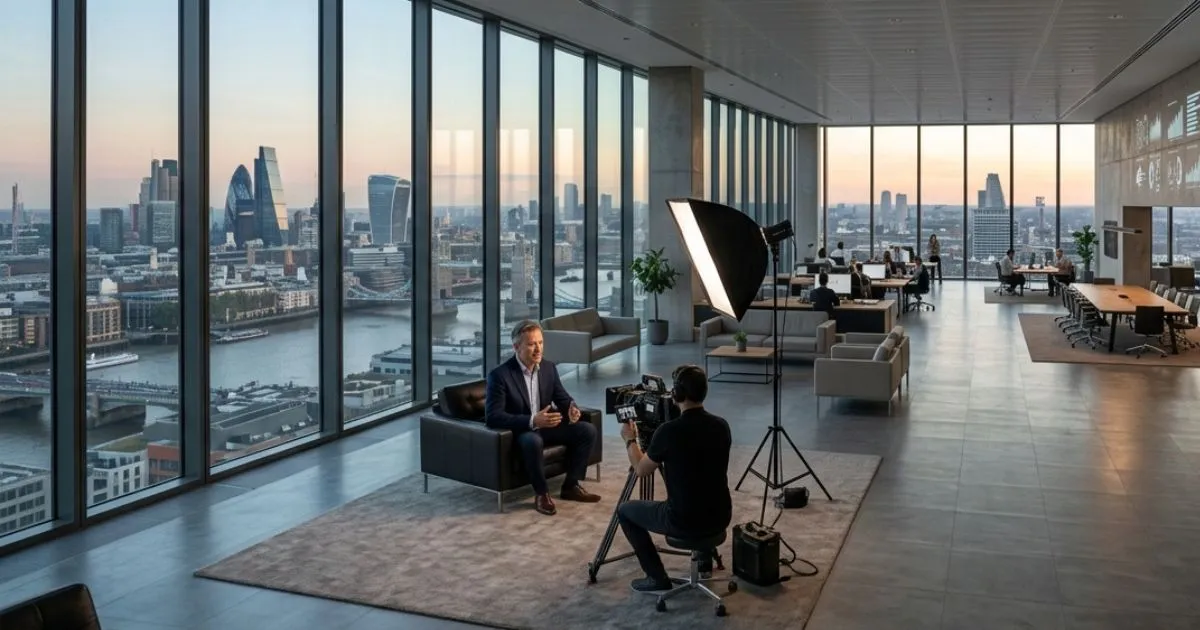
Most hybrid events need at least two cameras, and many conferences use three or more. One static wide shot tires viewers quickly. With several angles, a vision mixer can cut between them live so the stream looks like a broadcast.
A typical setup covers:
- A wide shot of the stage
- A close-up of the speaker at the lectern
- Angles on panel guests
- An audience camera for questions and reactions
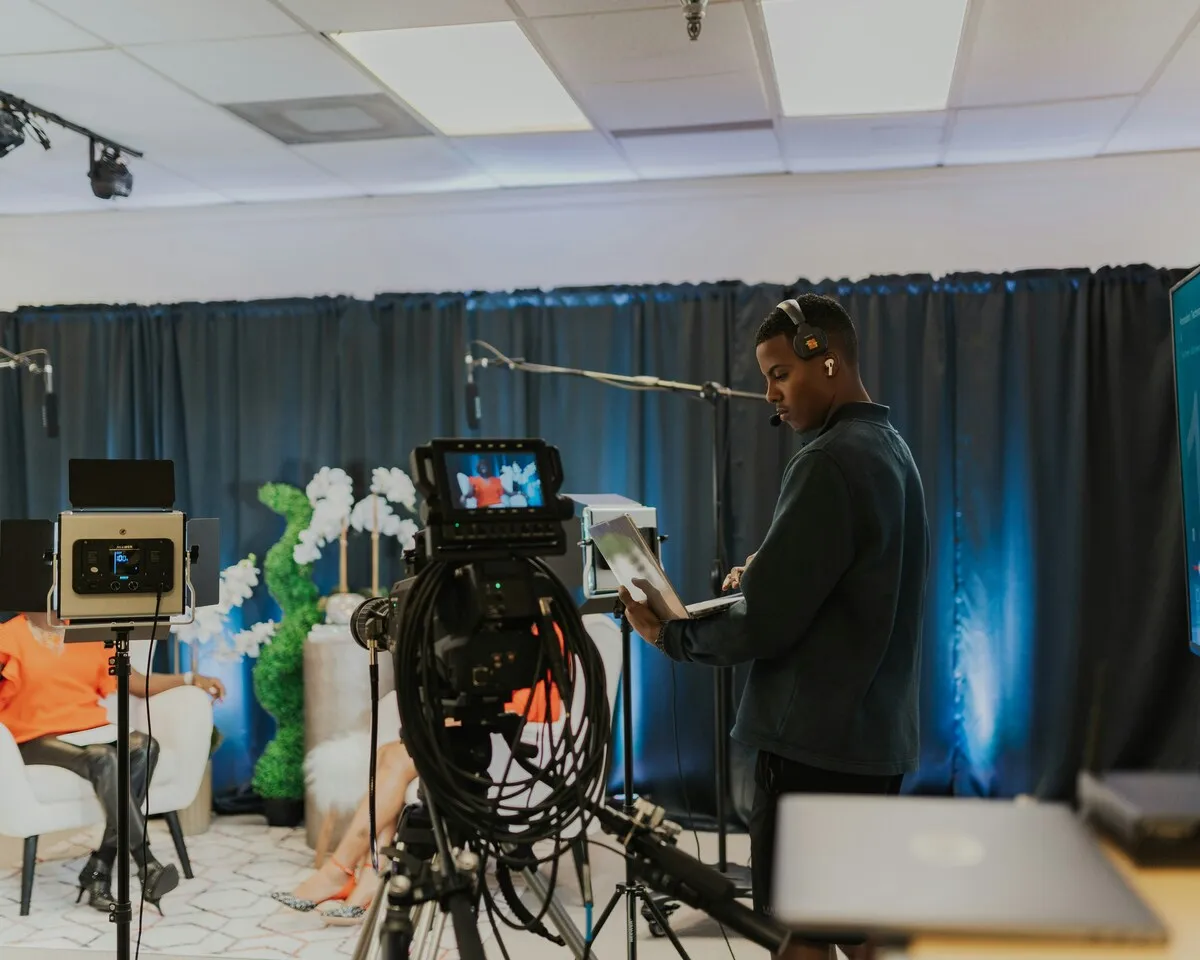
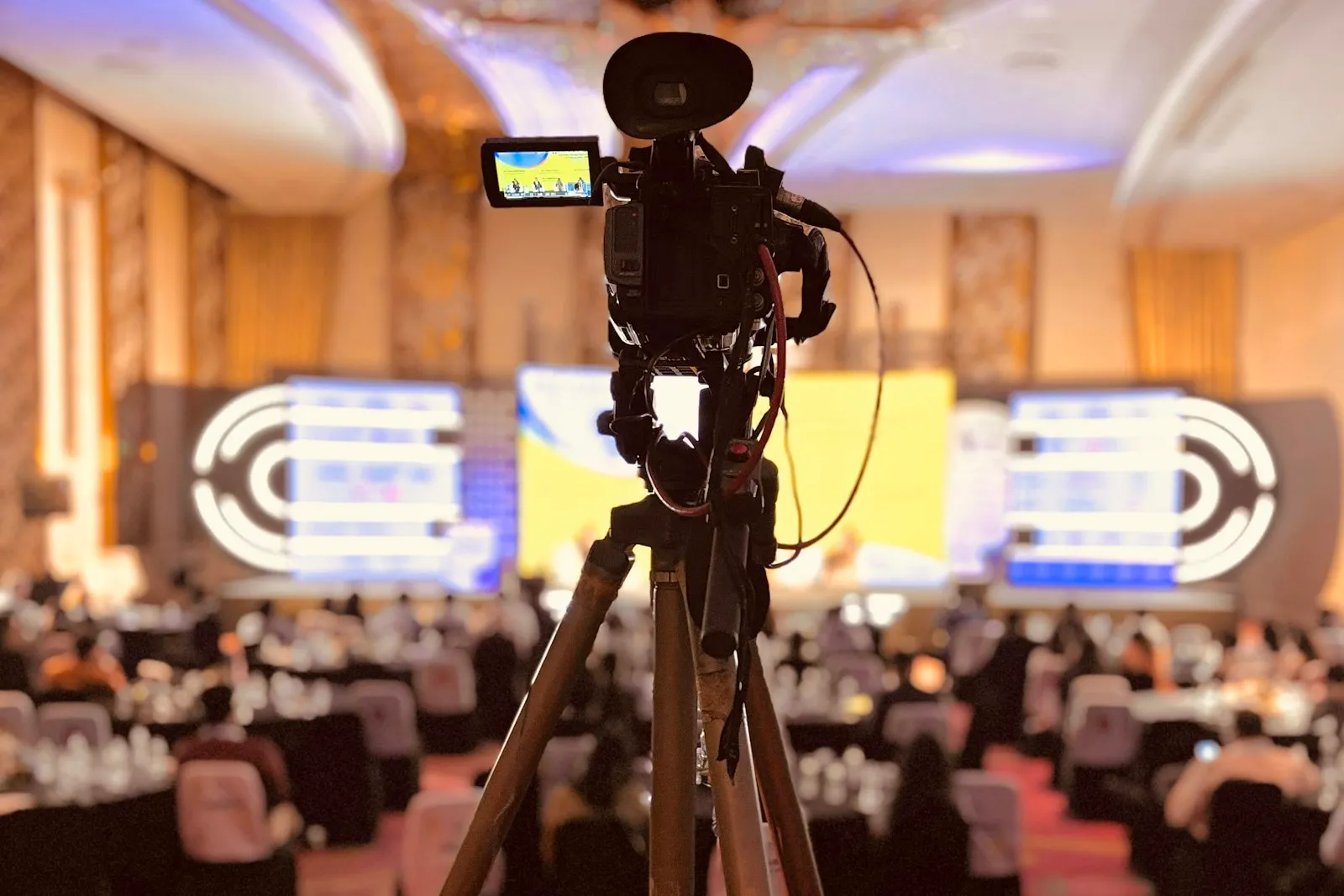
Camera positions need agreeing with the venue and the event organiser early. Cameras on risers at the back, or at the side of the room, keep sightlines clear for the people who paid to be there.
Why does the stream need its own sound mix?
The stream needs its own mix because what sounds right in a hall rarely sounds right through headphones. The room hears speakers through a PA with the room's echo added. Online viewers need a clean, balanced signal straight from the microphones.
A hybrid setup usually takes feeds from:
- Lectern and radio microphones for presenters
- Panel microphones
- Handheld or roving microphones for audience questions
- Playback audio from videos and slides
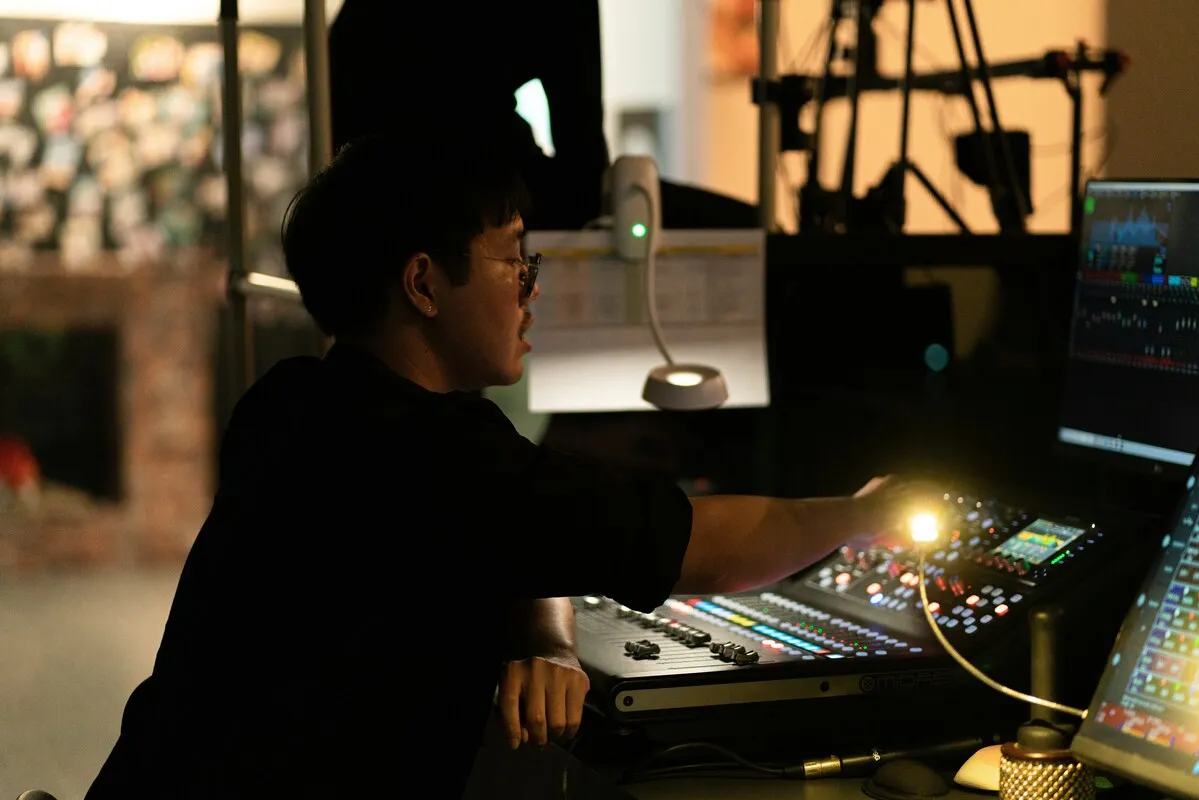
The most common hybrid failure is audience questions that the room hears but the stream doesn't, because the person asking spoke without a microphone. Have a roving mic for every question, and ask the host to repeat questions if one is missed.
Audio matters more than picture. Viewers will forgive a softer image, but they leave a stream they can't hear.
How do slides and videos get into the stream?
Slides and videos should be fed directly into the stream, not filmed off the screen behind the speaker. A camera pointed at a projector screen gives washed-out, unreadable slides. A direct feed from the presentation laptop (or a dedicated playback machine) gives online viewers sharp text, and lets the vision mixer show slides full screen or alongside the speaker.
Agree a deadline for final slides, usually the day before, and run them all on one machine. Last-minute laptop swaps on stage are a common cause of delays in both the room and the stream.
How do you include remote speakers?
Remote speakers join over a video call that's brought into the vision mixer and shown on the room's screens and on the stream at the same time. Test each remote speaker's connection, camera and microphone before the day, and have a phone number for each one. If a connection drops, the host needs to know straight away and move on to the next item.
What internet connection does a hybrid livestream need?
A hybrid livestream needs a stable, wired connection with enough upload speed for the stream, tested at the venue in advance. Venue Wi-Fi shared with hundreds of guests is not enough.
Production teams usually:
- Ask the venue for a dedicated wired line for the stream
- Test upload speed and stability during the site visit
- Bring a backup, such as a bonded mobile connection that combines several networks
- Record the event locally as well, so a dropped stream doesn't mean lost footage
How do online viewers take part?
Online viewers take part through a moderated Q&A, chat or polls, with one person whose job is to pass their questions to the host. Without that link, online viewers feel like spectators. With it, a question from someone watching at home gets answered on stage alongside questions from the room, which is the point of a hybrid event.
Practical options:
- A Q&A tool or the platform's chat, watched by a moderator
- Polls run at the same time for the room and online
- A host who reads out online questions and speaks to the online audience directly
Who is on a hybrid event crew?
A small hybrid event might need two or three people. A larger conference needs more. Typical roles:
- Camera operators
- A vision mixer (who switches between cameras, slides and graphics)
- A sound engineer for the stream mix
- A streaming technician
- A producer or technical director running the show from the running order
On smaller events one person often covers more than one role. The venue's own AV team usually looks after the room PA and screens, so agree early who does what.
How long does a hybrid event take to set up?
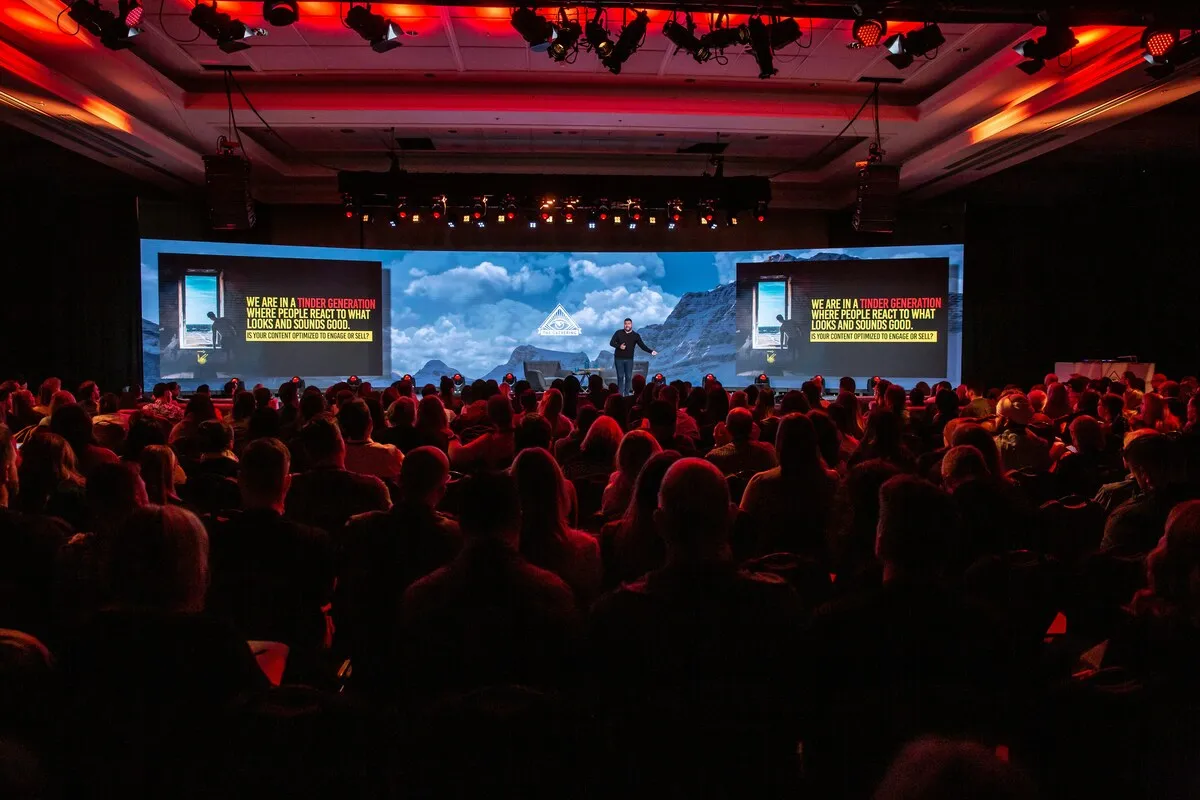
Allow several hours. For a single-room conference, the crew usually arrives a few hours before doors open to rig cameras, connect to the venue sound desk, set lighting and test the internet and stream. The last hour is for speaker microphone checks, slide checks and a private test stream. Bigger events, or venues with limited access on the day, may need setup the evening before.
Common hybrid event mistakes
- Treating the stream as an afterthought. A single camera at the back gives online viewers a poor event.
- No microphone for audience questions. The room hears them, the stream doesn't.
- Filming the projector screen instead of feeding slides directly.
- Relying on venue Wi-Fi.
- Forgetting the online audience during Q&A.
- Skipping the rehearsal and test stream.
Planning a hybrid event?
Our event video and livestreaming service covers cameras, sound, graphics and streaming for conferences and corporate events, with livestreaming from about €3,400 plus VAT. For a figure for your event, try the instant quote calculator, or see the livestream setup checklist for the technical detail.
Written by Mango Media. Published , updated .