
On this page
Aspect ratio is the shape of your video: its width compared with its height. It matters because it decides how much of the screen your video fills. A 16:9 film fills a laptop or TV but shrinks to a strip on a phone held upright, while a 9:16 vertical video fills the phone and looks narrow on a monitor. Choose it before you shoot, not after.
What is aspect ratio?
Aspect ratio is written as width:height. A 16:9 video is 16 units wide for every 9 units tall. It describes the shape, not the quality.
Resolution is different. It's the number of pixels in the picture, and more pixels means a sharper image. Two videos can share an aspect ratio and have very different resolutions: 1280 x 720 and 3840 x 2160 are both 16:9, because both divide down to 16 by 9.
Why does aspect ratio matter so much?
Because you can't fix it cleanly later. If you shoot a horizontal interview and then need a vertical version, you crop away more than two-thirds of the frame. Anything near the edges (a second speaker, a product on a table, on-screen text) is lost. If you shoot vertically and later need a horizontal version for a website or a big screen, you have to add blurred bars or padding at the sides.
That's why we settle the formats at the planning stage. If a project needs a horizontal hero film and vertical social cut-downs, the camera operator frames each shot so both versions work, and for some setups we shoot a vertical version on purpose.
What are the common aspect ratios?
| Ratio | Shape | Where you'll see it |
|---|---|---|
| 16:9 | Horizontal widescreen | TV, YouTube, websites, laptops, presentations |
| 9:16 | Vertical, full phone screen | Instagram Reels and Stories, TikTok, YouTube Shorts |
| 4:5 | Slightly tall | Instagram, Facebook and LinkedIn feeds on a phone |
| 1:1 | Square | Social feeds; a safe middle ground for phone and desktop |
| 4:3 | Almost square, horizontal | Older TV and some stylised films and series |
| 21:9 and wider | Very wide, cinematic | Cinema-style films, ultra-wide monitors |
16:9 is still the standard for most professional video. It's the shape of TVs and computer screens, and YouTube's own help page gives 16:9 as the standard for desktop viewing.
9:16 is 16:9 turned on its side. It fills a phone held upright, which is how most people scroll social media.
4:5 and 1:1 sit in between. In a phone feed they take up more height than 16:9, so they're harder to scroll past, but they still look reasonable on a desktop.
When is vertical video the right choice?
Vertical works best when people will watch on a phone held upright, which covers most short-form social video. Its strengths:
- It fills the whole screen, so nothing else competes for attention.
- Viewers don't have to turn their phone.
- It suits one person talking to camera, a product held close, or a single clear action.
Its limits are real too. A vertical frame shows less of a room, a crowd or a wide view. Two people side by side are hard to fit. On a desktop or a TV, it appears as a narrow column. For anything with a lot of visual context (a factory, an event, a drone shot of a site), horizontal usually tells the story better.
When is horizontal video the right choice?
Horizontal is right for anything watched on a laptop, TV, cinema screen or projector: website films, YouTube videos, presentations, conference screens, internal comms and TV ads. It shows more context and suits longer viewing, interviews with two people, wide establishing shots and drone footage.
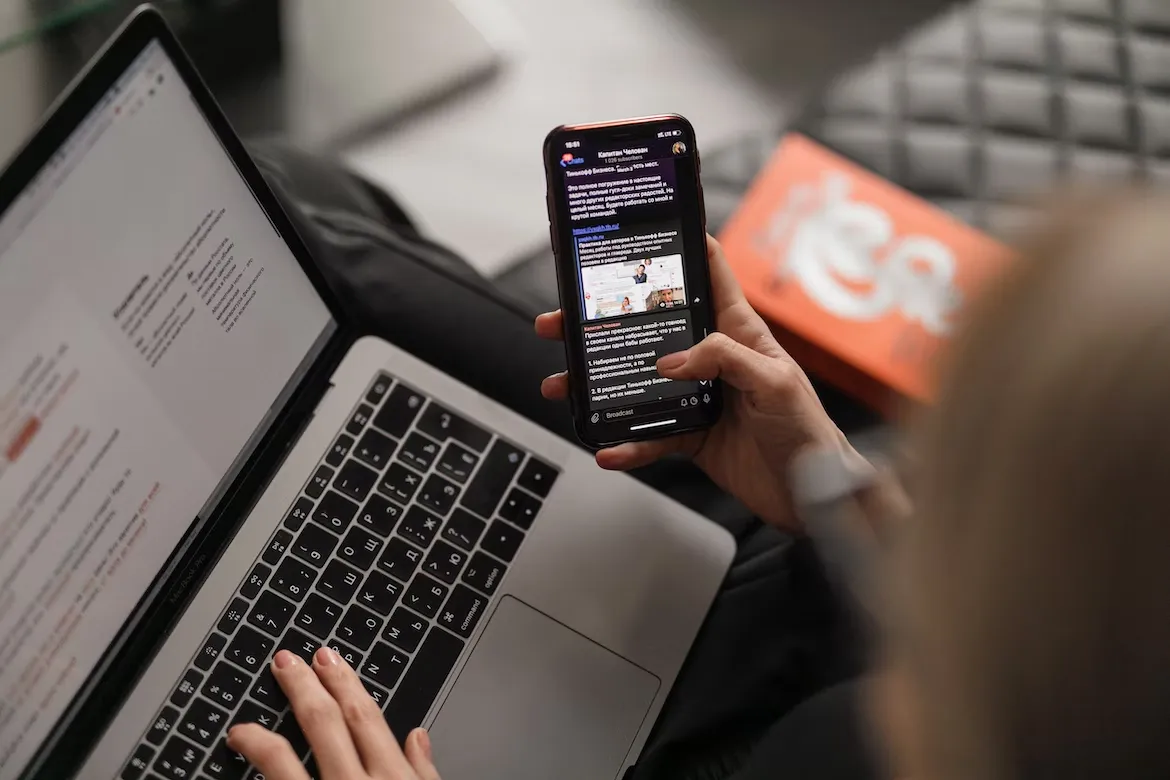
The main downside is on phones. Someone scrolling with their phone upright sees a 16:9 video as a small band across the middle, and many won't rotate their phone to watch it.
Which aspect ratio should you use for each platform?
These are the shapes each platform suits best, based on their help pages as of October 2026:
- YouTube: 16:9 for standard videos. YouTube's player adapts to other shapes, and its help page advises against adding your own black bars or padding. Square or vertical videos up to three minutes long are treated as Shorts.
- Instagram: 9:16 for Reels. Instagram's creator guidance asks for high-resolution 9:16 video with no borders. For feed posts, a vertical 4:5 or square version fills more of the screen than 16:9.
- TikTok: 9:16. The platform is built around full-screen vertical video.
- LinkedIn: accepts anything from 1:2.4 to 2.4:1. On a phone, square or 4:5 takes up more of the feed than 16:9. Keep text and logos away from the edges, where LinkedIn's interface can cover them.
- Facebook: all videos except Stories and Live are now shared as reels, in any orientation. A vertical version usually suits the mobile feed best.
- Your website and presentations: 16:9, unless your web designer has built a specific vertical slot.
How do you get several aspect ratios from one shoot?
Plan it in the brief. List every version you'll need (for example, a two-minute 16:9 film for the website and three 9:16 clips for social) and share that list with the crew before the shoot. Then:
- Frame the key action and faces near the centre so a vertical crop still works.
- Shoot at a high resolution so cropped versions stay sharp.
- Keep titles and captions as separate layers in the edit, so they can be repositioned for each shape rather than cropped off.
- Check every version on the device it's made for before it goes live.
Our guide to creating videos for different social media platforms covers the rest of the platform-by-platform detail, and how to turn one video into 10 pieces of content shows how to use all those versions.
Next step
If you need a main film plus versions for social, tell us where each one will be shown and we'll plan the formats from the start. For a ballpark figure, the instant quote calculator emails you an estimate within minutes, or see our corporate video production page.
Written by Mango Media. Published , updated .