On this page
- Why can't you post the same video everywhere?
- How do you plan one shoot for several platforms?
- What are the current video specs for each platform?
- How should you make video for Instagram?
- How should you make video for TikTok?
- How should you make video for YouTube?
- How should you make video for LinkedIn?
- How should you make video for Facebook?
- What works on every platform?
- Next step
Each platform shows video differently, so the best practice is to plan for every platform before you shoot. Decide which channels matter, frame the shoot so you can cut both vertical and horizontal versions, put the point in the first few seconds, add captions, and edit a separate version for each platform rather than posting one file everywhere.
Why can't you post the same video everywhere?
You can, but it rarely works as well as a version made for each platform. A horizontal 16:9 film looks right on YouTube or a website. Dropped into a vertical feed on a phone, it shrinks to a strip across the middle of the screen. A vertical clip made for TikTok looks odd as a YouTube video on a desktop monitor.
The audiences differ too. People on LinkedIn are usually at work and looking for something useful to their job. People scrolling Reels or TikTok are deciding in a second or two whether to keep watching. Same message, different packaging.
How do you plan one shoot for several platforms?
Most of the work happens before the camera rolls. When we plan a shoot that needs to cover several channels, we decide three things up front:
- Which platforms matter. Two or three channels done well beat six done badly. Pick the ones your audience actually uses.
- Which versions you need. For example, a two-minute horizontal film for the website and YouTube, plus three 30-second vertical cut-downs for Reels, TikTok and LinkedIn.
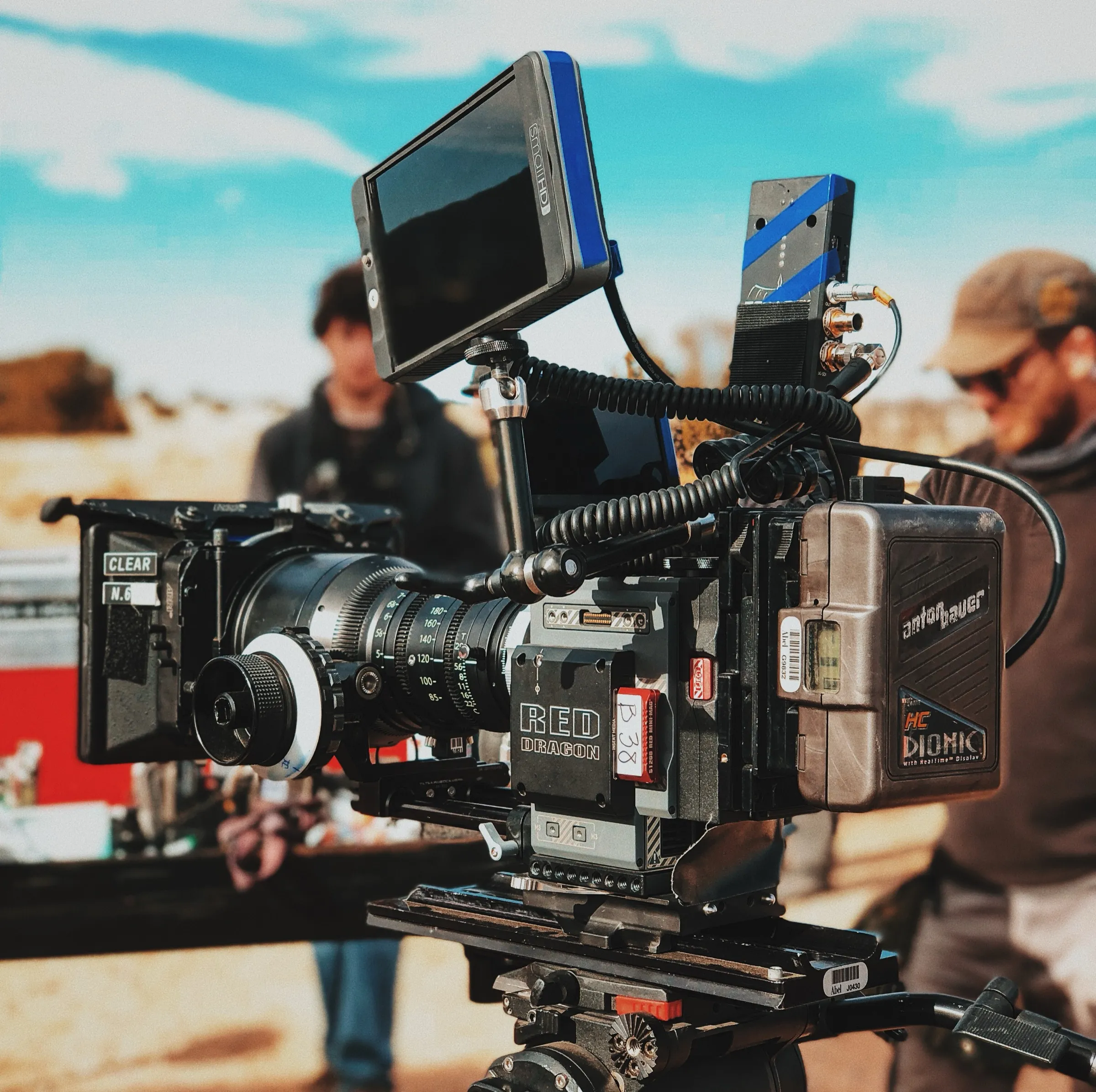
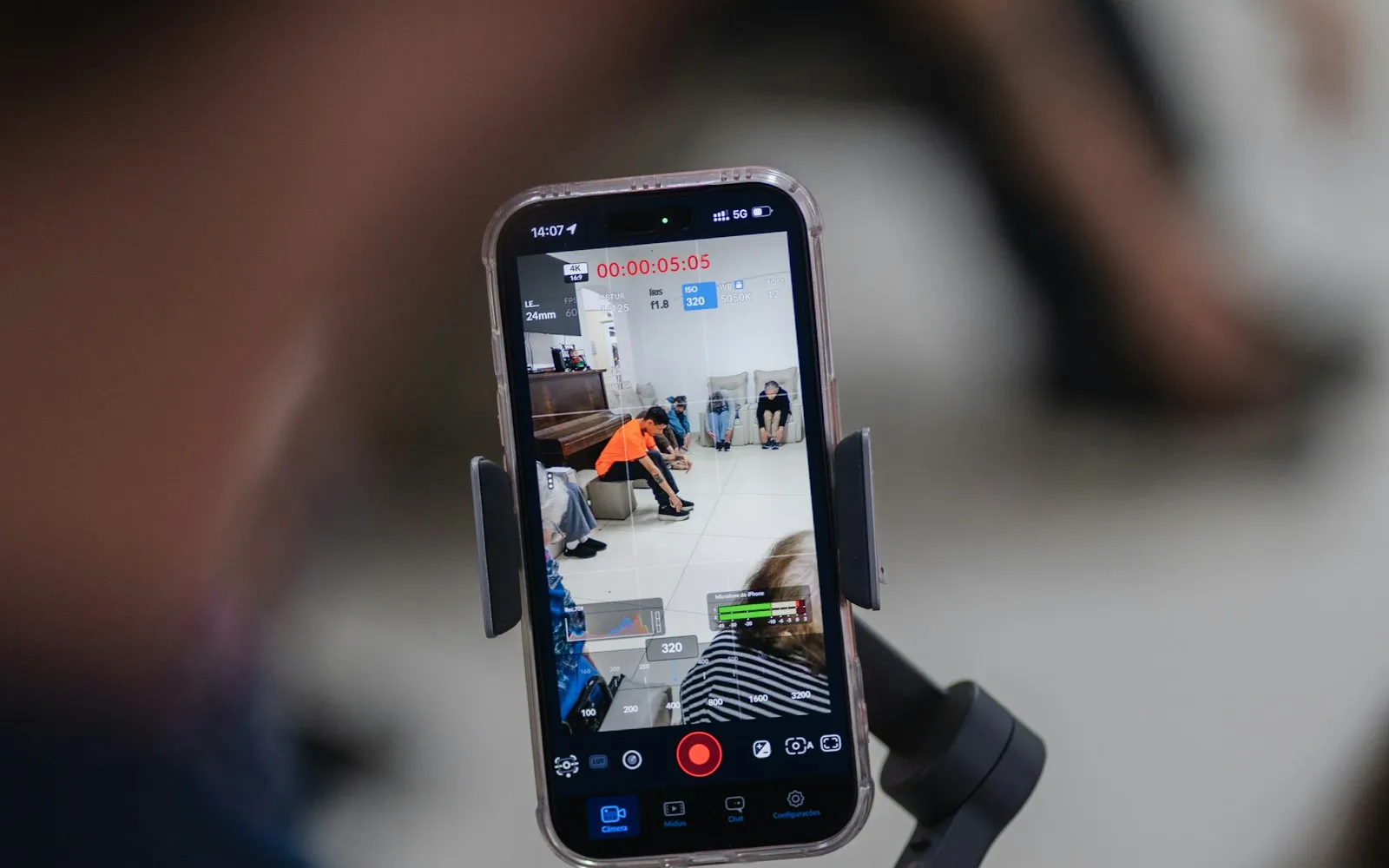
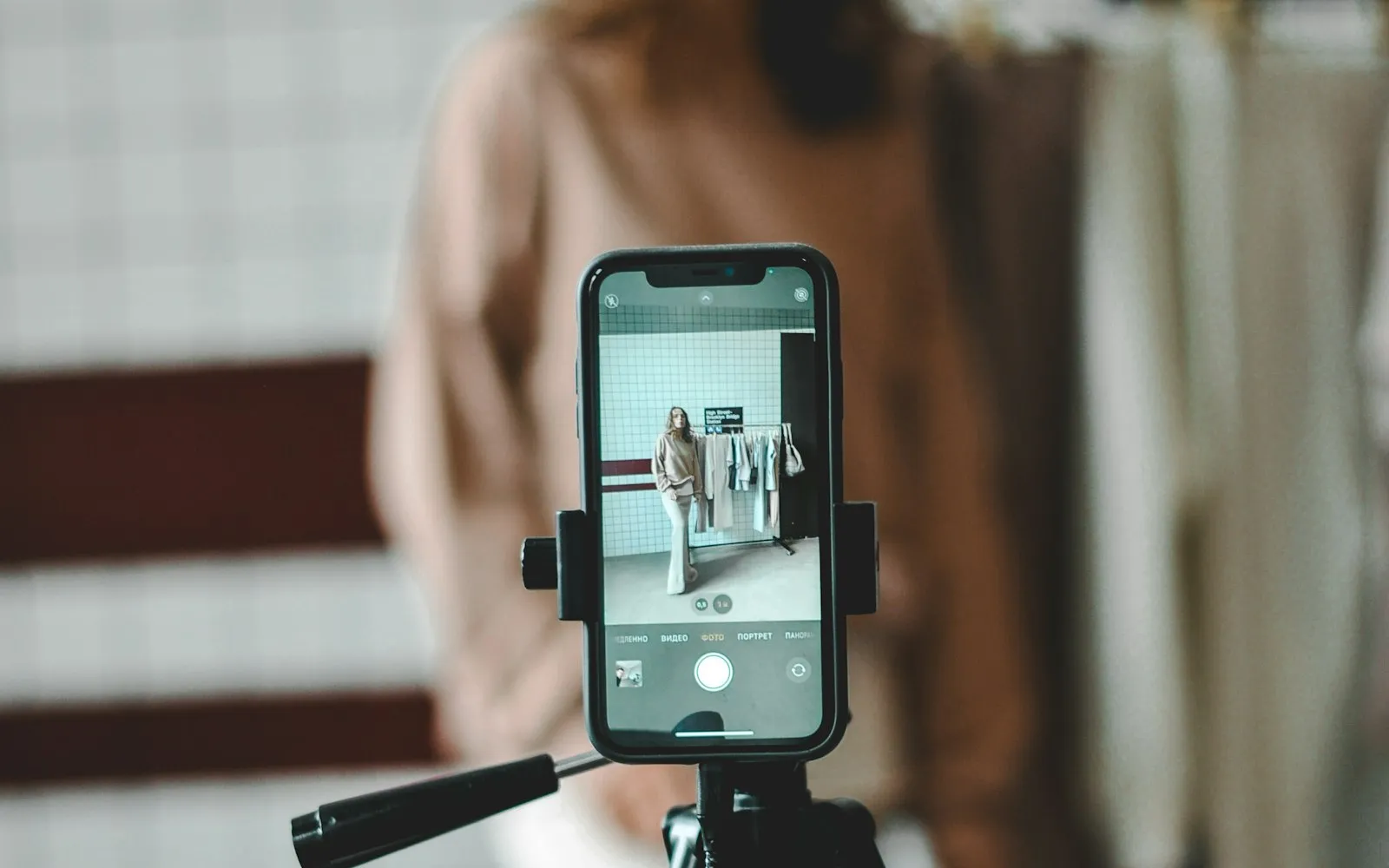
- How to frame it. If vertical versions are needed, the camera operator keeps the key action and faces in the centre of the frame so a 9:16 crop still works. For important vertical content, it's often better to shoot some setups vertically on purpose.
Planning this way costs very little extra on the day. Trying to rescue vertical versions from footage that was never framed for them costs a lot more in the edit. Our post on aspect ratios explains the formats in more detail.
What are the current video specs for each platform?
These are the headline specs from each platform's own help pages, checked in October 2026. Platforms change them often, so check the linked page before a big upload.
| Platform | Best shape | Length |
|---|---|---|
| Instagram Reels | Vertical 9:16, full screen | Instagram recommends Reels to non-followers if they are 3 minutes or less |
| TikTok | Vertical 9:16 | Uploads up to 60 minutes; in-app recordings up to 10 minutes |
| YouTube (long-form) | Horizontal 16:9 | Long-form; use 16:9 so it isn't treated as a Short |
| YouTube Shorts | Square or vertical | Up to 3 minutes |
| Anything from 1:2.4 to 2.4:1 | 3 seconds to 15 minutes | |
| Any orientation | Since September 2025, all Facebook videos (except Stories and Live) are shared as reels, of any length |
How should you make video for Instagram?
Instagram rewards full-screen vertical video. Its own creator guidance asks for high-resolution 9:16 video with no borders, text that doesn't cover most of the screen, and no watermarks from other apps. It also says to pull the viewer in within the first 3 seconds.
In practice:
- Lead with the most interesting moment, not a logo or a title card.
- Keep on-screen text inside the middle of the frame, clear of the buttons and caption that sit over the edges.
- Burn in captions, because many people watch with the sound off.
- Use Stories for quick, informal updates and Reels for content you want new people to find.
How should you make video for TikTok?
TikTok favours videos that feel native to the platform: vertical, direct to camera, quick to get to the point. A polished brand film can work, but it usually needs a re-edit with a stronger opening and on-screen text to carry the message.
- Open with the payoff or the question, then explain.
- Write a caption with the words people would search for. TikTok says video information such as captions and hashtags feeds its recommendations.
- Post regularly. A single video tells you very little; a run of them shows you what your audience responds to.
How should you make video for YouTube?
YouTube is where people go to search, learn and watch for longer. It suits explainers, case studies, interviews and full versions of your films.
- Shoot and deliver in 16:9. YouTube treats square or vertical uploads of three minutes or less as Shorts.
- Write a title that matches what someone would search for, and a description that explains what the video covers.
- Design a custom thumbnail with a clear image and a few readable words.
- Add chapters to longer videos so viewers can jump to the part they need.
- Upload proper caption files rather than relying only on auto-captions, which can get names and technical terms wrong.
How should you make video for LinkedIn?
LinkedIn suits B2B messages: client testimonials, recruitment films, event highlights, leadership updates and short explainers. People are browsing at work, often with the sound off.
- Upload the video directly to LinkedIn rather than posting a YouTube link, so it plays in the feed.
- Square (1:1) or vertical (4:5) versions take up more of the feed on a phone than 16:9.
- Keep text and logos away from the edges. LinkedIn's own guidance warns that its interface can cover them.
- Write a post that gives context and invites a reply. A question that people in your industry can answer does more than a generic call to action.
How should you make video for Facebook?
Facebook now treats almost every video as a reel, whatever its length or shape. A vertical cut-down will usually suit the mobile feed best, but you can also post a longer horizontal film without it being pushed into a separate video tab. Captions and a strong opening matter as much here as anywhere.
What works on every platform?
- Captions on every version. They help people watching on mute and people who are deaf or hard of hearing. We include captions in every project as standard.
- The point early. Whatever the platform, the opening seconds decide whether people stay.
- One idea per clip. A short video that makes one clear point does better than one that tries to cover everything.
- Consistent branding. Same colours, fonts and tone across versions, so people recognise you wherever they see you.
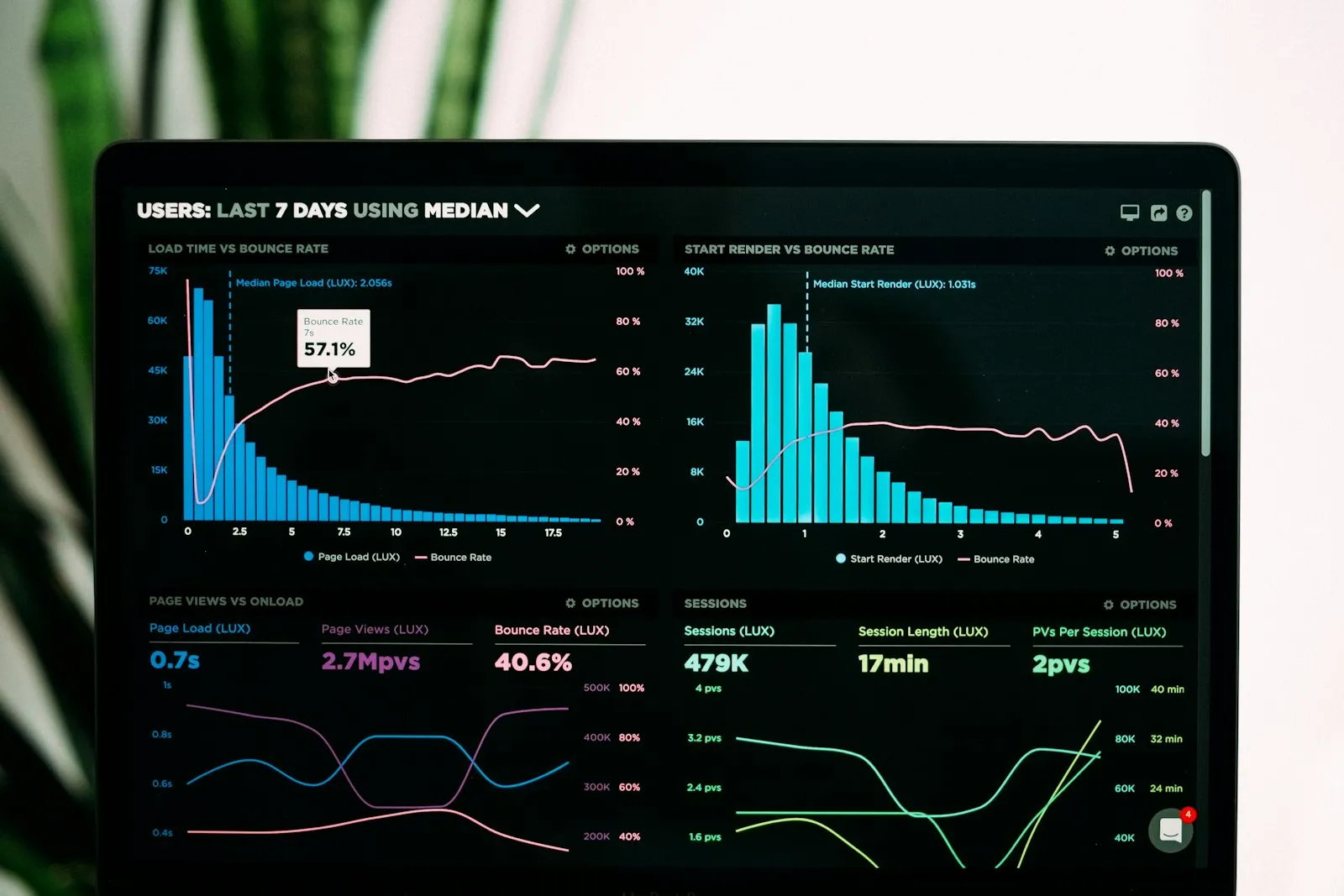
- Look at the numbers. Each platform's analytics show where people stop watching. Use that to shape the next edit.
To understand why some videos get shown to more people than others, read how social platforms rank video content. For ways to get more out of a single shoot, see how to turn one video into 10 pieces of content.
Next step
If you need a main film plus versions for each platform, our brand films and advertising work includes social cut-downs. For a ballpark figure, try the instant quote calculator, which emails you an estimate within minutes.
Written by Mango Media. Published , updated .