On this page
Corporate video has moved from long, scripted company promos shown once at a conference to shorter, story-led films built around real people, cut into several versions and captioned for every platform. What works now is a clear story, honest interviews, good sound and a plan for where each version will be watched before anything is filmed.
How has corporate video changed?
Not long ago, a typical corporate video was a single five-minute overview: a managing director reading a script, a voiceover listing services, stock footage of handshakes. It lived on a DVD or the homepage, and it rarely changed for years.
Three things changed that.
- Where people watch. Much corporate video is now watched on phones, in feeds, in emails and on LinkedIn, often with the sound off. One long horizontal film no longer fits all of those places.
- What people trust. Audiences have become much better at spotting polished corporate messaging, and they give more weight to real staff and real customers speaking in their own words.
- What it costs to make more. Lighter cameras, faster editing and easy online delivery mean one shoot can now produce a main film plus a set of shorter versions, at far less extra cost than a second shoot.
What are the main corporate video trends right now?
Story first, sales second
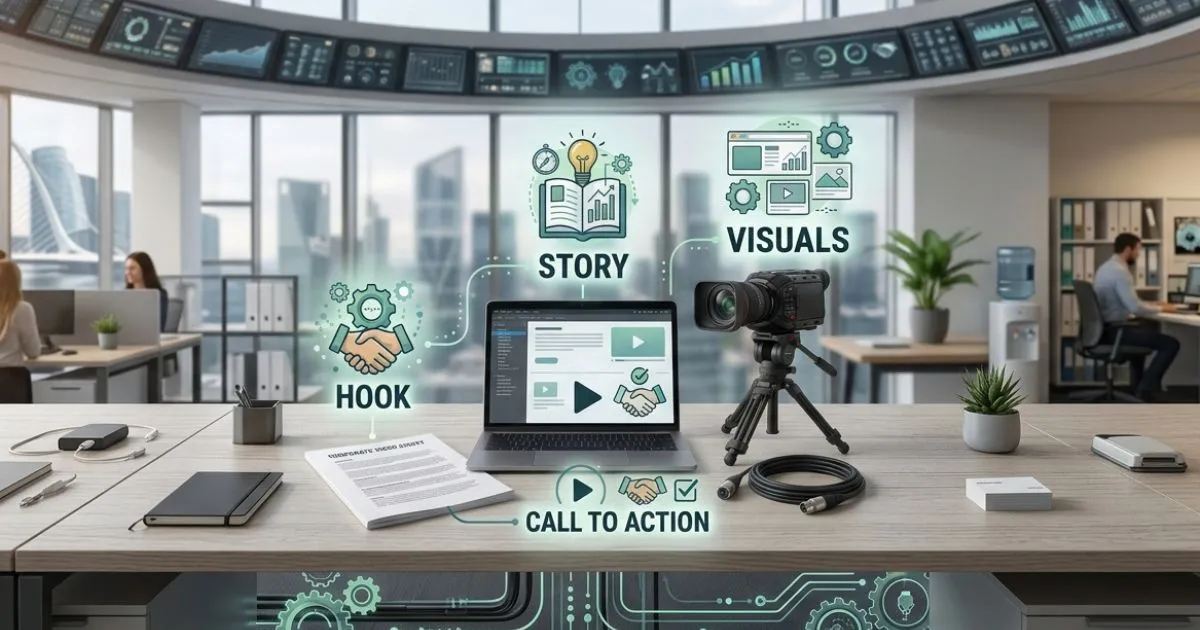
The strongest corporate films tell a story about a person, a problem and a result, and let the company's role come through in that story. A customer explaining how a problem was solved is more persuasive than a list of services.
Real people instead of scripts
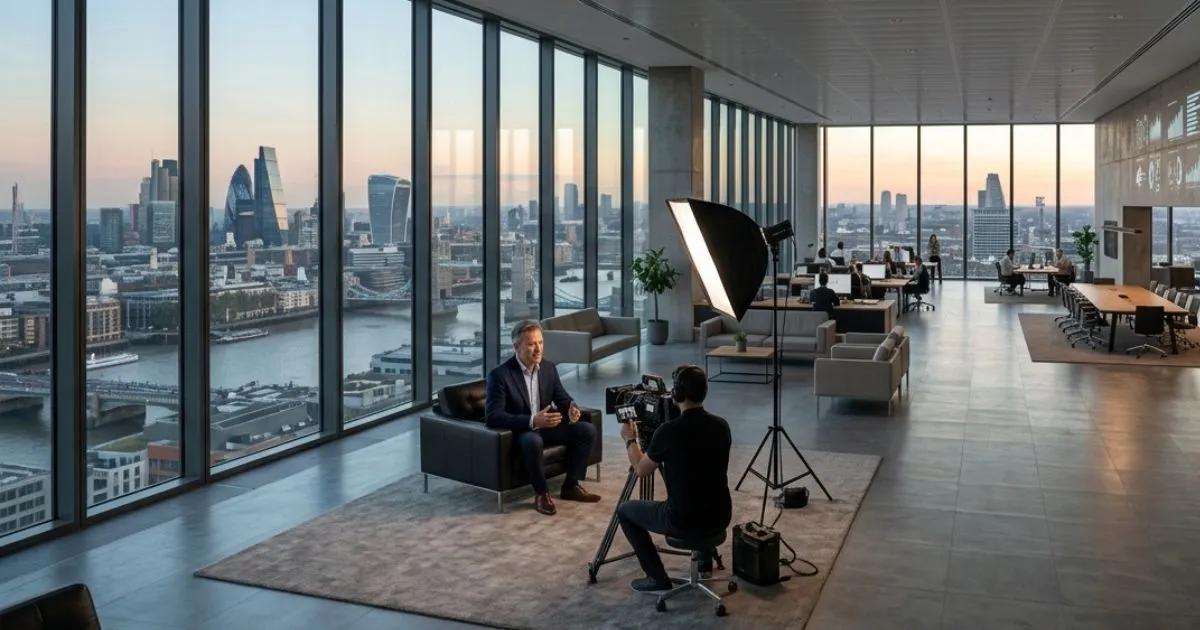
Guided interviews with staff and customers have largely replaced memorised scripts and actors in corporate work. The interviewer asks questions, people answer naturally, and the story is built in the edit. If your people are nervous on camera, our guide to becoming more comfortable on camera helps.
One shoot, many versions
A shoot is now planned around a set of deliverables, not a single film: a main film for the website, a shorter cut for LinkedIn or YouTube, vertical clips for Reels, Shorts and TikTok, and stills. Planning this before the shoot means the camera operator frames for both widescreen and vertical. Our post on turning one video into ten pieces of content explains how.
Captions as standard
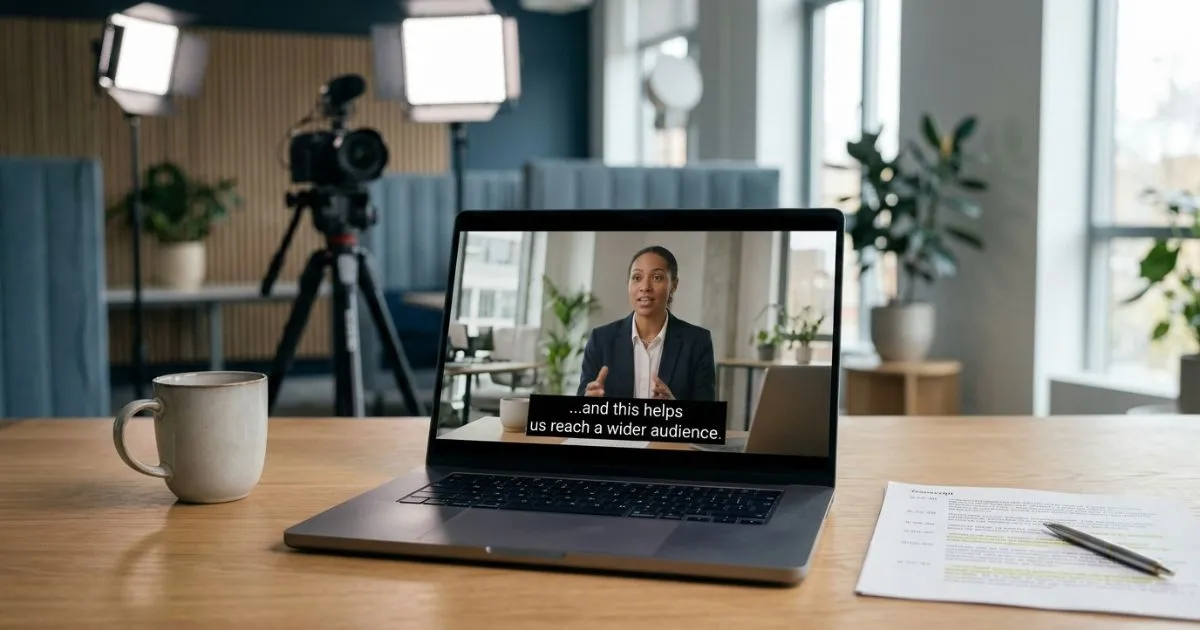
Captions used to be an add-on. Now they're expected, because so many people watch with the sound off and because captions make video accessible to people who are deaf or hard of hearing. For Irish public-sector bodies they're also a legal requirement: the EU Web Accessibility Directive, applied in Ireland by S.I. No. 358/2020, covers pre-recorded video published on their websites since 23 September 2020, as the National Disability Authority explains. Captions are included in every Mango project.
Live and hybrid events
Many organisations now stream conferences, AGMs and launches so remote audiences can watch and ask questions, then reuse the recording as on-demand content. Our guide to planning a livestream event covers what's involved.
AI in the edit suite
AI tools now help with transcription, rough captions, translation and finding clips in long interviews, which speeds up editing. They don't replace the interview, the story or the judgement about what to leave out. Our post on AI in video production goes into more detail.

Which storytelling techniques work best in corporate video?
- Problem, solution, result. Introduce a real challenge early, show how it was handled, end on what changed. It's the simplest structure and it suits most case studies and testimonials.
- Customer at the centre. Make the customer or employee the main character, not the company. The company is the guide that helped.
- Show, don't list. If you say you're hands-on, show the work being done. Footage of the real place and people does more than a voiceover claiming it.
- Make data visual. If numbers matter, turn them into simple on-screen graphics rather than reading them out. Keep to a few figures that people can remember. See turning data into video content.
- Use humour carefully. Light humour can make a film memorable, but only if it suits your brand and audience.
Which styles suit which jobs?
- Animated explainers suit complex or abstract products, software and processes that are hard to film. See our animation page.
- Documentary-style films (interviews, real footage, natural sound) suit brand stories, case studies and charity work.
- Fast, energetic edits suit social media and event highlights.
- Cinematic films (careful lighting, camera movement, specially chosen music) suit brand films and advertising where the impression matters most.
Best practices for getting corporate videos seen
- Plan distribution first. Decide where each version will live before you film, so you shoot what each platform needs.
- Write proper titles and descriptions. On YouTube and your own site, describe what the video covers in plain words people search for.
- Put the video where the question is asked. A service explainer belongs on that service page, a recruitment film on your careers page.
- Ask staff to share. Your team's own LinkedIn networks are often a bigger audience than the company page.
- Measure what matters. Look at how much of the video people watch and what they do next, not just views. Our guide to measuring video ROI shows how.
Next step
See how we approach corporate video production, or get an estimate for your next film from our instant quote calculator within minutes.
Written by Mango Media. Published , updated .