On this page
AI has made the routine parts of video production faster: transcripts, captions, translation, cleaning up audio, finding shots in hours of footage and filling small gaps in an edit. It hasn't replaced the parts that decide whether a film works: the idea, the interviews, the direction and the edit. New EU rules also require deepfakes to be labelled.
Across the industry, 63% of video marketers now say they've used AI tools to create or edit video, up from 51% a year earlier (Wyzowl, 2026). Here is where that use actually lands.
Where does AI help most in video production?
In post-production, on the time-consuming tasks that used to be done by hand.
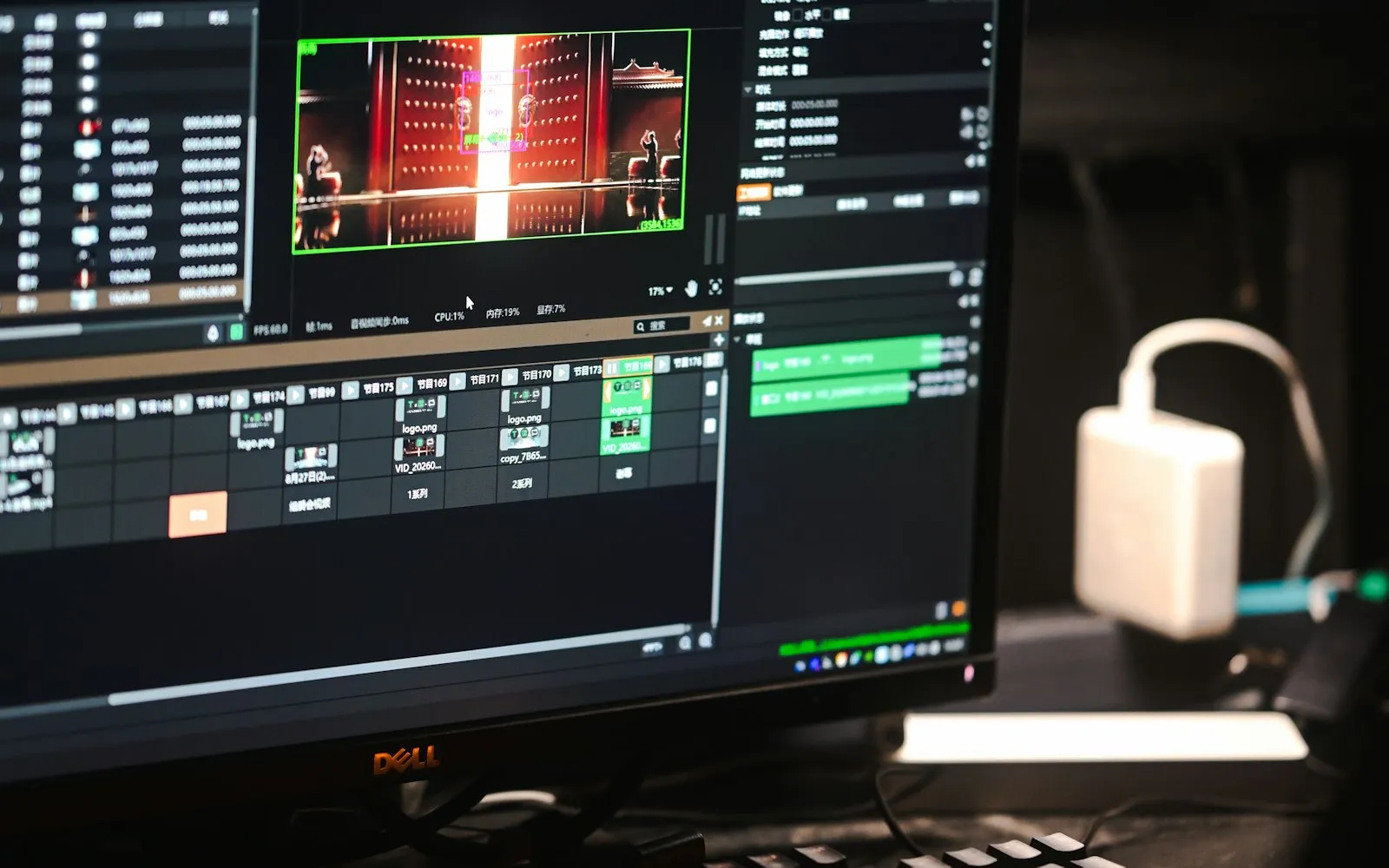
- Transcripts and text-based editing. Interviews are transcribed automatically, so an editor or producer can find a quote by searching the text instead of scrubbing through hours of footage.
- Captions and translation. First-draft captions are generated in minutes and can be translated. Adobe added automatic caption translation to Premiere Pro in 2025 (Adobe). A person still needs to check names, jargon and timing.
- Cleaning up dialogue. Speech enhancement tools, now built into the main editing software, reduce background noise on interview audio. They rescue a usable take but don't replace a good microphone.
- Finding footage. AI search can recognise objects, places and shot types, so an editor can find "wide shot of the warehouse" without logging every clip by hand (Adobe).
- Filling small gaps. Premiere Pro's Generative Extend can add a few extra frames to a shot that ends too early, or extend background sound to cover a gap (Adobe). Useful for timing, not for inventing scenes.
- Dubbing. YouTube's automatic dubbing is now widely used: more than six million people a day watched at least ten minutes of auto-dubbed content in December 2025 (YouTube).
The result is that the same budget can stretch further in the edit, or a project can turn around faster.
Can AI make a whole video on its own?
It can generate short clips, synthetic presenters and voiceovers from text. For most business video, it can't yet replace filming real people and places, for three reasons:
- Trust. People can usually tell. 89% of consumers say a video's quality affects how much they trust a brand (Wyzowl, 2026), and a synthetic presenter often reads as cheap or evasive.
- Specificity. AI can't film your actual team, your customers, your building or your product working. A case study or recruitment film needs the real thing.
- Consistency and control. Generated footage is hard to keep consistent across shots, and hard to change in a precise way when a client asks for an amend.
Where generated imagery does earn its place is early on, in mood boards and concept frames that help everyone agree on a look before the shoot, and in backgrounds or abstract visuals where no real subject is needed.
What are the rules for AI-generated video in Ireland?
Three sets of rules matter most.
Deepfake labelling. Under Article 50 of the EU AI Act, which has applied since 2 August 2026, anyone who publishes AI-generated or AI-altered image, audio or video that looks like real people, places or events (a "deepfake") must disclose that it is artificial. That includes a realistic AI version of your CEO.
Personal data. If you personalise videos using customer data (names, locations, purchase history), GDPR applies. You need a lawful basis, clear information for the people concerned and good security. The Data Protection Commission publishes guidance for Irish organisations.
People's likeness and voice. Don't clone anyone's face or voice without their clear, written agreement for that specific use. The same goes for training or prompting a tool with footage of staff who have left. Treat it like a release form, only stricter.
What are the risks of relying on AI in video?
- Errors that look confident. Auto-captions mishear names and Irish place names. Translations miss tone. Someone has to check every line.
- Bias. Tools trained on large data sets can reproduce stereotypes in who they show and how. Review generated images and casting suggestions with that in mind.
- Rights. Check the terms of any generative tool for commercial use, and keep records of what was generated and how.
- Sameness. If everyone uses the same tools on default settings, everything starts to look and sound alike.
What should you ask a production company about AI?
- Which parts of the process use AI, and which don't?
- Will any person, voice or location in the film be generated or altered? If so, how will it be disclosed?
- Who checks captions, translations and transcripts before delivery?
- Does any client footage or data go into third-party AI tools, and on what terms?
Good answers are specific. A company that can't explain how it uses AI probably hasn't thought about it.
Will AI replace video production companies?
Not for the work that depends on people and judgement: finding the story, getting a nervous interviewee to relax, lighting a real space, directing a scene and deciding what to leave out. What AI changes is how much time goes into the repetitive parts, which can mean faster turnarounds and more versions for the same budget.
For where this sits among this year's other shifts, see video marketing trends for 2026. If you're curious about the people side of a shoot, read what it takes to create a professional corporate video.
Next step
Planning a film? Our instant quote calculator emails you an estimate within minutes, or see how we approach corporate video.
Written by Mango Media. Published , updated .
Add Mango Media as a preferred source on Google