On this page
To become more comfortable on camera, know your message well enough to say it in your own words, practise out loud beforehand, and treat the shoot as a conversation with one person rather than a performance. On the day, give yourself time, breathe, and remember that mistakes cost nothing: you can always do another take.
Almost everyone feels awkward the first time they're filmed. Talking to a lens instead of a person feels strange, and nerves show up as a stiff voice, fast talking or a fixed smile. The good news is that it gets easier quickly, and most of what helps is preparation you can do in advance.
How should you prepare your message?
Know what you want to say and why, but don't try to memorise it word for word. A memorised script tends to come out flat, and if you lose your place it's hard to recover.
- Use talking points, not a script. Write down three or four points you want to make, in the order you'll make them. If you know the subject, the words will come.
- Say it out loud before the day. Thinking an answer through is not the same as saying it. Talk it through in the car, to a colleague or to the mirror.
- Record yourself on your phone. Watch it back once. You'll spot habits (rushing, "um", looking away) and you'll find you look better than you feared.
- If it must be word for word, for example a legal statement or a tightly timed advert, ask about a teleprompter. It lets you read while looking at the lens. It takes a few minutes to get used to, so ask for a practice run.
For interviews, ask the crew for the topics in advance. You don't need the exact questions to give good answers.
What should you wear on camera?
Wear something you're comfortable in and that suits the tone of the video. If you feel good in it, you'll look more relaxed.
A few things that film better than others:
- Plain, mid-tone colours work well. Very fine stripes, small checks and tight patterns can shimmer on camera.
- Avoid noisy jewellery and stiff fabrics if you're wearing a clip-on microphone, because they rustle.
- A jacket or shirt with a collar or lapel gives the sound person somewhere to clip the microphone.
- Bring a spare top in case the colour clashes with the background.
Where should you look?
It depends on the type of video, so ask the director.
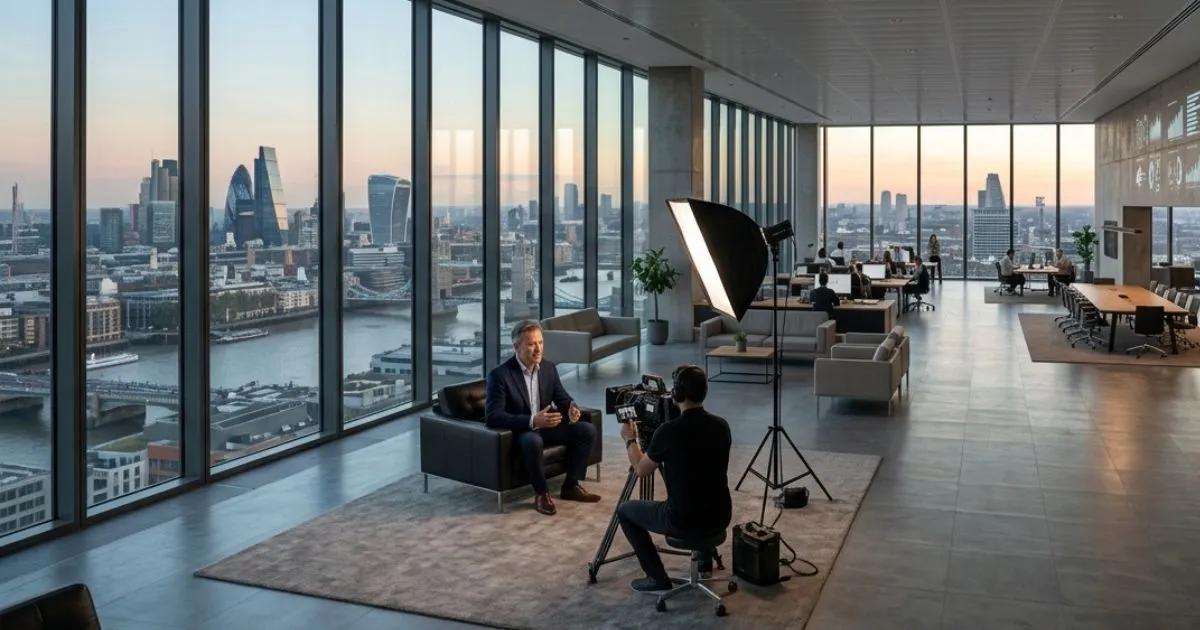
- In an interview, look at the interviewer, who usually sits just beside the camera. Talk to them as you would in a normal conversation. Try not to glance at the lens or at people watching the shoot.
- For a direct message (a CEO update or a presenter piece), look straight into the lens. Imagine one specific person you know is on the other side of it, and talk to them.
How do you sound natural on camera?
Slow down slightly and keep your energy a little higher than usual. Nerves make most people speak faster and flatter than normal, and the camera tends to take a bit of energy away.
- Pause between points. Pauses feel long when you're filming, but they sound natural to the viewer and give the editor clean places to cut.
- Match the tone to the video. A celebration video can be upbeat. An explanation of a difficult change should be calm and steady.
- Don't worry about stumbles. A stumble, an "um" or a wrong word can usually be cut in the edit, especially when the shoot uses two cameras. Your tone, though, can't be fixed afterwards, so focus on sounding like yourself.
What helps with body language on camera?
Sit or stand tall without going rigid. Sit towards the front of the chair, feet flat on the floor, shoulders relaxed. If the chair swivels or rocks, ask for a different one.
Let your hands move naturally if that's how you talk, but keep them below your chest so they don't cross your face. If you don't know what to do with them, rest them loosely in your lap. Smile where it fits the message.
What should you do on the day of the shoot?
Give yourself time. Rushing in from a meeting is the fastest way to feel flustered.
- Arrive a little early and chat to the crew while they set up. It helps the room feel familiar.
- Have water nearby, and avoid a big meal or a lot of coffee right before.
- Put your phone on silent and out of reach.
- Ask the people who don't need to be in the room to leave. An audience of colleagues makes most people more self-conscious.
- Take a couple of slow breaths before each take.
A good crew will help. Part of a director's job is to put people at ease: warming you up with easy questions first, giving you clear feedback and making it normal to go again. For more on what happens behind the camera, see our guide to how an interview video is set up.
Are mistakes a problem on camera?
No. Mistakes are a normal part of filming, and nobody sees the takes that didn't work. If you trip over a sentence, pause, take a breath and start the sentence again. The editor will use the best version.
A perfectly polished delivery isn't the goal anyway. Viewers connect with people who sound genuine, which is why a relaxed, slightly imperfect answer usually works better than a word-perfect one. We explore this more in our post on authenticity in video production.
Does being on camera get easier?
Yes, and faster than most people expect. By your second or third video the process feels familiar. Each time, watch the result back, notice one thing to improve and let the rest go.
Next step
If you're planning a video with your team on camera, send this post to everyone who'll be filmed. To see how we work, visit our corporate video production page, or get an estimate in a few minutes from the instant quote calculator.
Written by Mango Media. Published , updated .