
In today’s oversaturated inboxes, getting your email noticed — let alone opened — is no easy feat. In this article, we’ll explore the power of video in email campaigns, how to embed video content the right way, best practices to maximise performance, and how to track your results. Whether you’re a startup, marketer, or creative agency, using video in your emails can be a game-changer for audience retention and conversions.
Quick Answer: How to Prepare for a Video Shoot
Preparing for a video shoot involves defining the goal of the video, outlining key talking points, selecting the right participants, preparing wardrobe and filming locations, and creating a realistic filming schedule. Proper preparation helps filming run smoothly, improves on-camera performance, and makes the editing process more efficient.
Why Preparation Matters
A successful filming day is rarely about the camera equipment. More often, the difference between a stressful shoot and a smooth one comes down to preparation.

Many businesses initially believe that the quality of a video depends mainly on the camera or production equipment used. In reality, most production problems occur long before filming begins. Poor planning, unclear messaging, or participants who feel unprepared can slow down filming and create unnecessary retakes.
When teams plan ahead, filming becomes far more efficient. The crew can focus on capturing strong footage instead of solving last-minute issues, and participants feel more relaxed when they know what to expect.
Preparation ensures that everyone involved understands the goals of the video and the role they play in the production. When participants know the topics they will be discussing and how the shoot will unfold, they tend to perform more confidently on camera.
Good preparation helps you:
- Capture more usable footage with fewer retakes
- Reduce stress for participants and crew
- Shorten filming time
- Improve on-camera confidence
- Make editing faster and easier
These benefits extend beyond the filming day itself. Well-prepared shoots typically produce clearer messaging and more structured footage, which makes the editing process far smoother and more efficient.
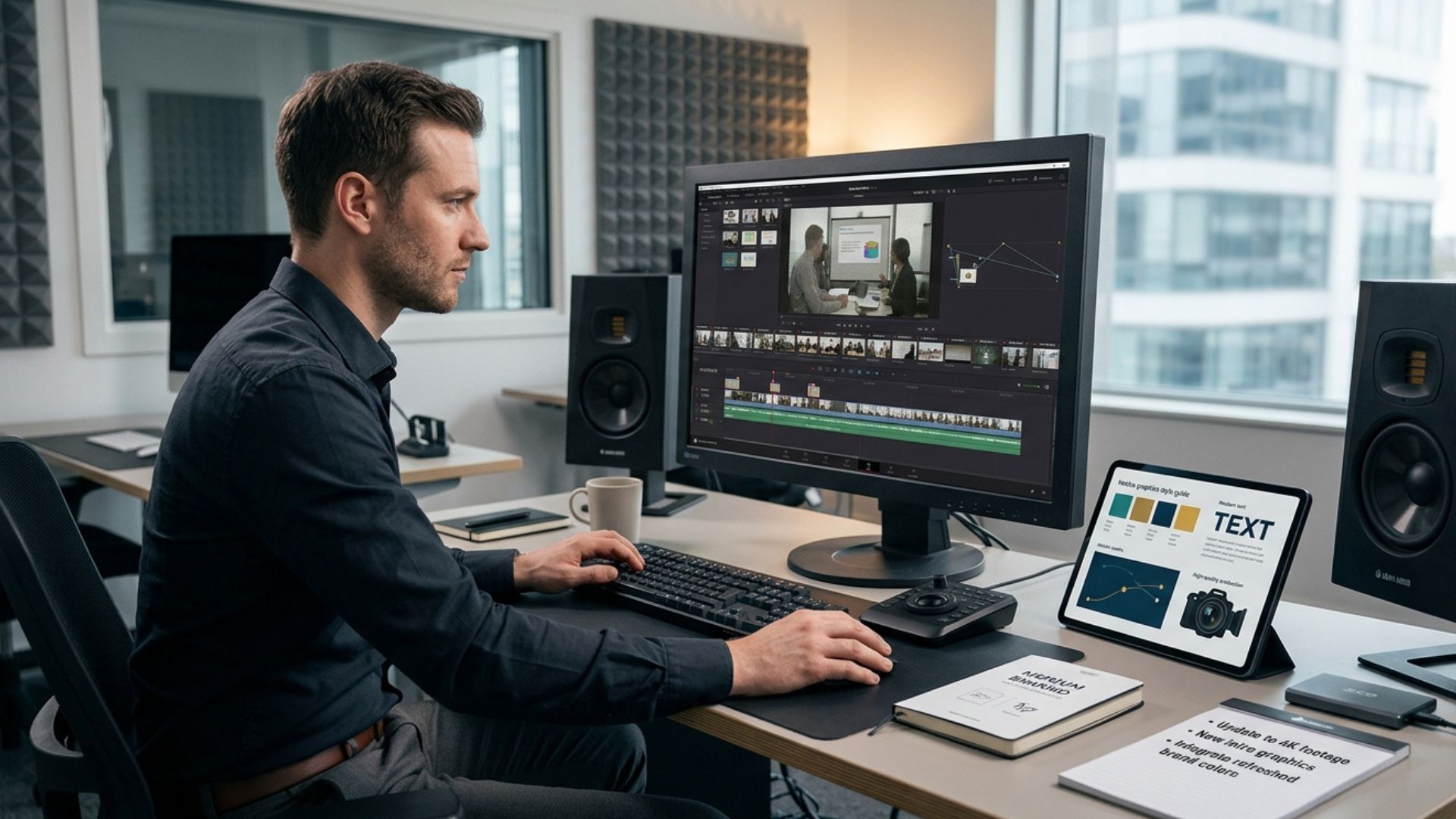
Editors often rely on well-structured interviews and clearly communicated talking points to build the final narrative of a video. When participants deliver their ideas clearly during filming, the editing process becomes faster and more focused.
From working with businesses across Ireland on interviews, promotional videos, and client testimonials, one pattern appears consistently: the most successful shoots are always the best prepared ones. When teams arrive with clear messaging and realistic expectations, filming tends to run smoothly and produce far better results.
Businesses that invest time in preparation often discover that filming itself becomes one of the simplest parts of the project. Once the planning stage is handled properly, the production team can guide participants through the process and capture the footage needed without unnecessary delays.
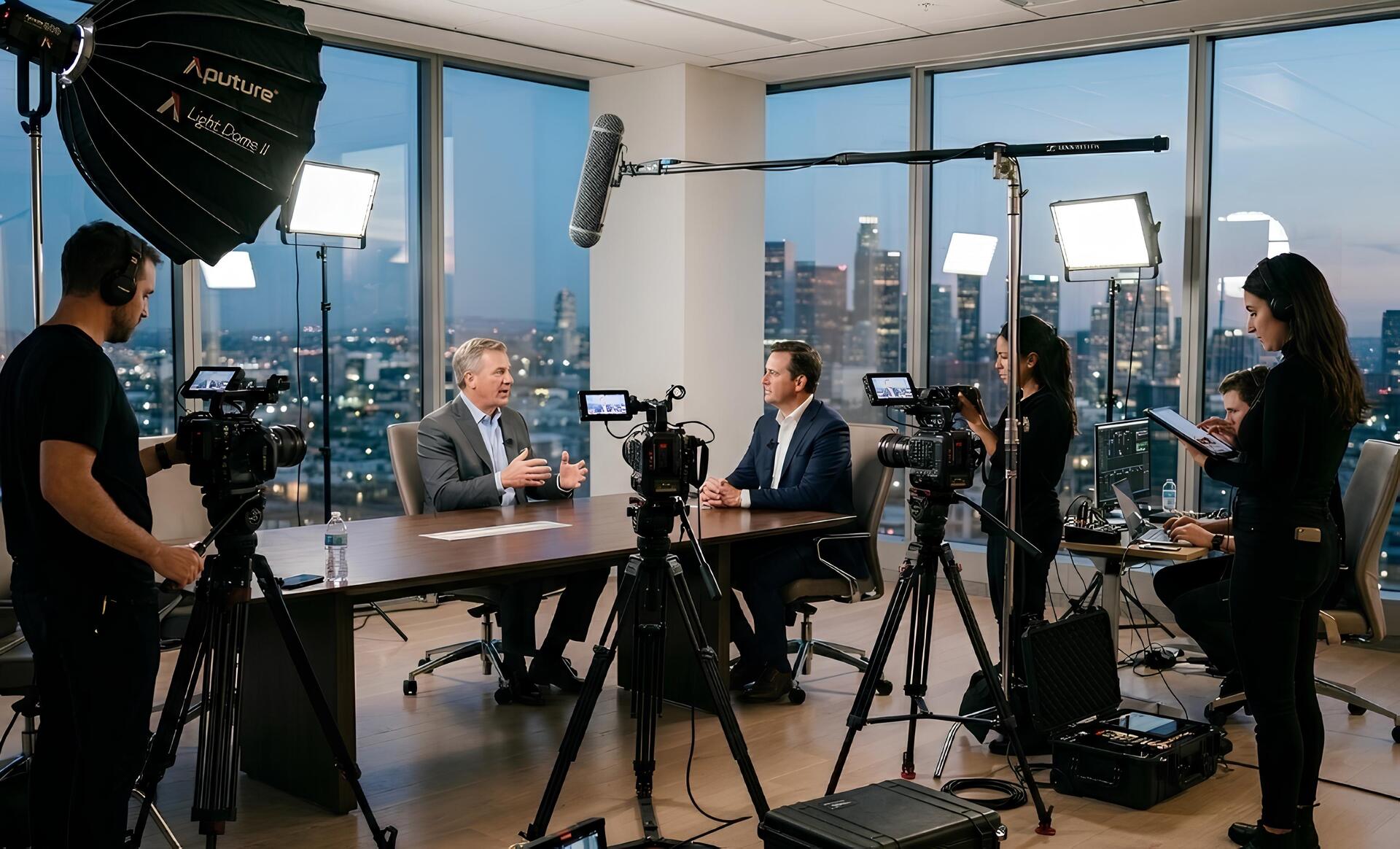
Another reason preparation matters is that filming environments can often be unpredictable. Offices may have background noise, lighting may change during the day, and participants may initially feel nervous on camera. Preparing for these possibilities in advance allows the production team to adapt quickly and maintain a calm filming environment.
Video Shoot Preparation Checklist

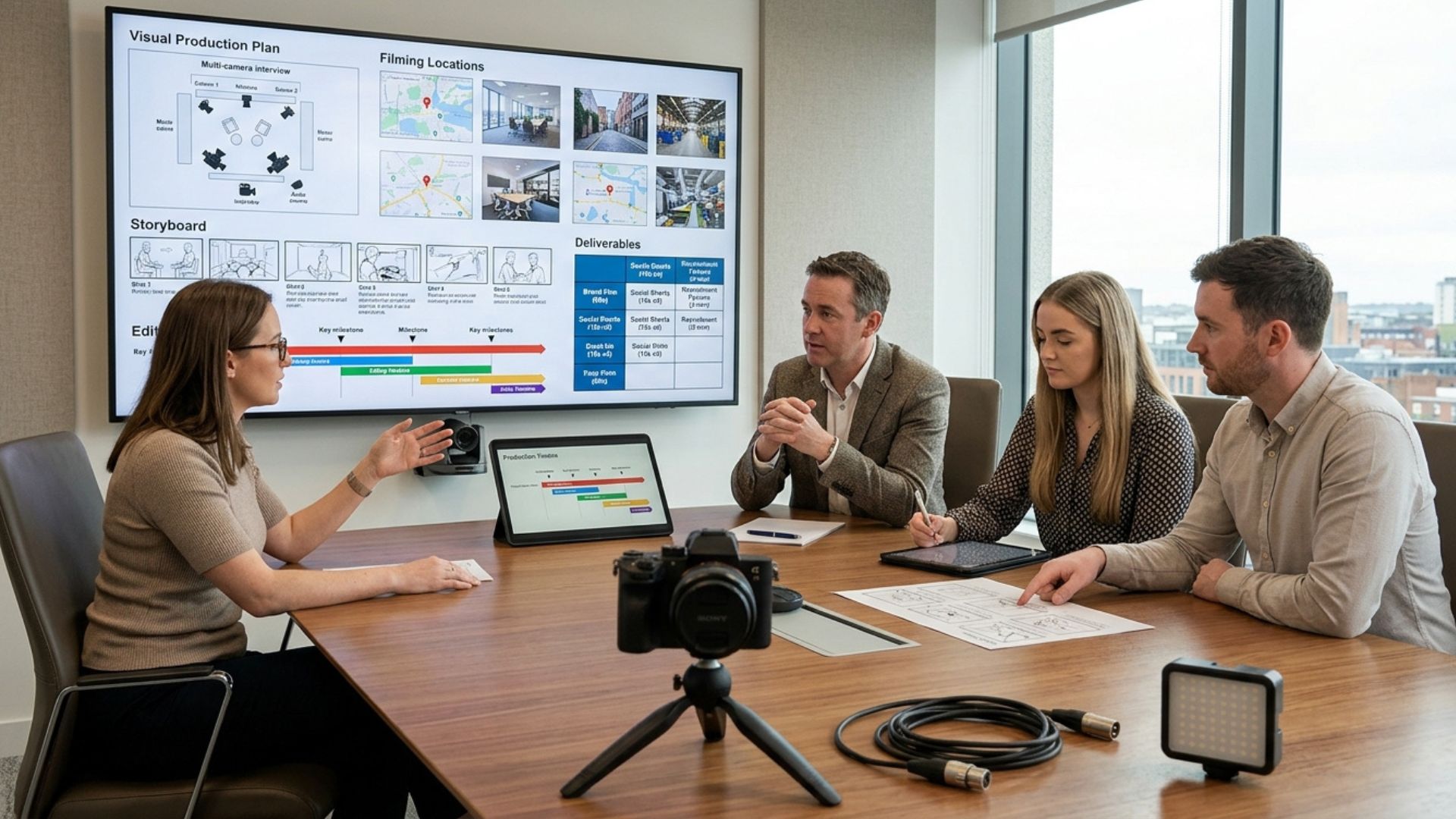
While every project is different, most corporate video shoots follow a similar preparation process. The steps below provide a practical checklist businesses can use when preparing for filming.
In most cases, preparing for a video shoot involves defining the goal of the video, outlining key talking points, selecting the right participants, preparing the filming location, planning wardrobe, and creating a realistic filming schedule. When these elements are organised in advance, the filming process becomes significantly smoother and more efficient.
Following a checklist like this ensures that small but important details are not overlooked. Even simple preparations — such as tidying a background or clarifying interview questions — can significantly improve the quality of the final video.
Preparation checklists are particularly useful for corporate video projects because several people are often involved. Marketing teams, managers, and participants appearing on camera may all have different responsibilities during filming. A simple preparation checklist helps coordinate these roles so that everyone understands what needs to happen before the shoot begins.
1. Set Clear Goals for Your Video
Before worrying about cameras or filming locations, start by defining the purpose of the video.
Many corporate videos struggle because their purpose was never clearly defined. Without a clear goal, it becomes difficult to decide what footage should be captured or how the final video should be structured.
Ask yourself:
- Who is this video for?
- Where will it be used (website, social media, ads, internal communication)?
- What action should viewers take after watching?
- What message should they remember?
These questions help ensure the video supports a specific business objective rather than simply producing content for the sake of it.
Clear goals guide every decision during production. Without them, videos often become unfocused or fail to support the wider marketing strategy.
A simple way to clarify your goal is to write a one-sentence purpose statement.
Example:
“This video introduces our new product feature and encourages current customers to start a free trial.”
Creating a short goal statement helps keep everyone aligned throughout the production process.
Clear goals also make it easier to evaluate the success of the video once it is finished. When the objective is defined early, teams can assess whether the final video communicates the intended message and encourages the desired action from viewers.
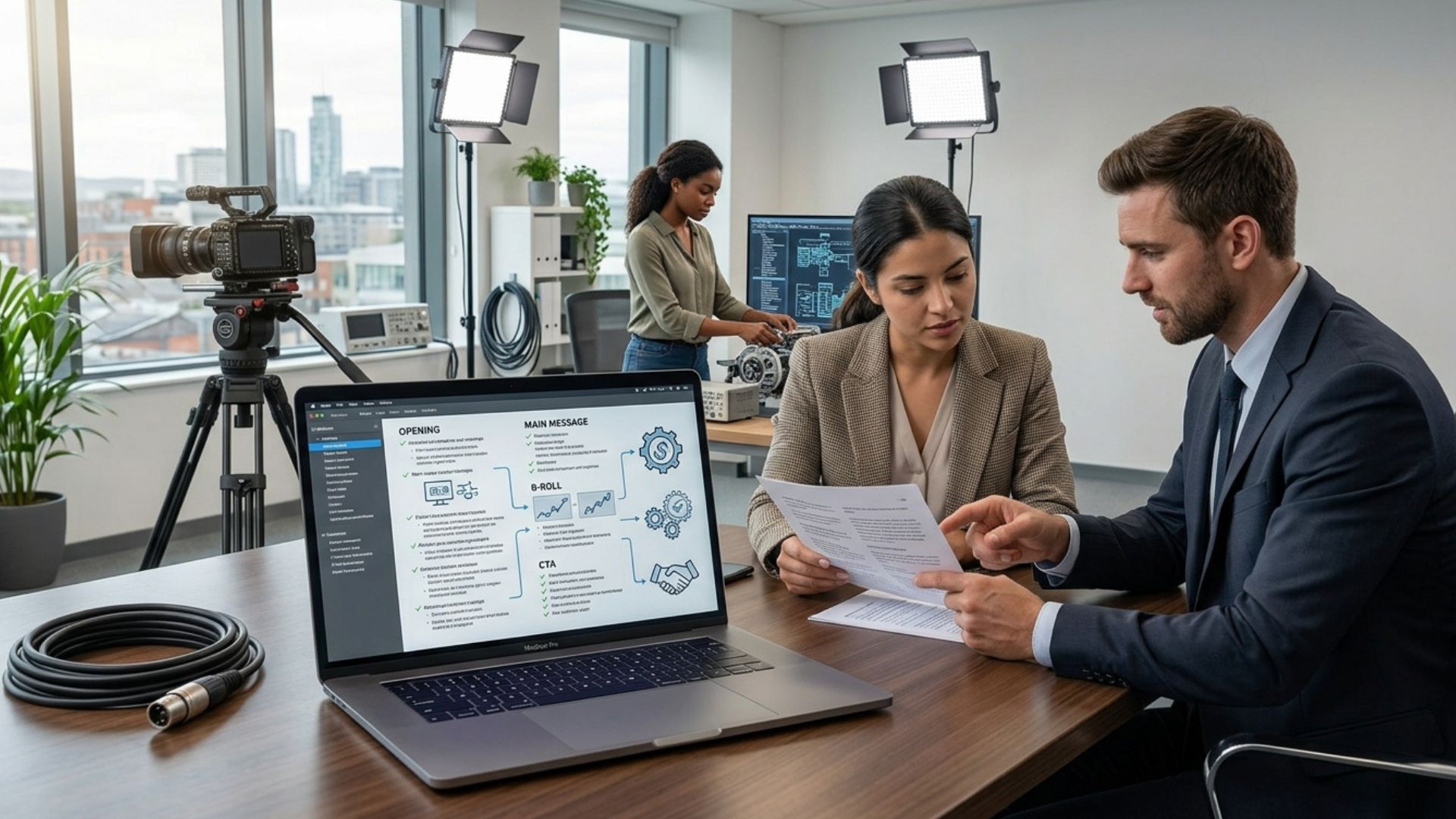
2. Define Key Messages (Not a Full Script)
Many people assume they need to memorise scripts before appearing on camera. In reality, scripted delivery often sounds stiff or unnatural.
Instead, prepare a small set of talking points.
Typically this includes:
- Three to five key ideas
- One main takeaway for viewers
- Simple, conversational language
Bullet points allow speakers to communicate naturally while still covering the important information.

Encourage participants to practise speaking through their points aloud before the shoot so they feel more comfortable during filming.
Practising ahead of time allows participants to refine their message and become familiar with the flow of their answers. When filming begins, they are already comfortable discussing the key ideas rather than trying to remember exact wording.
This approach also helps participants simplify complex explanations. By practising their responses beforehand, they can adjust their language to make it clearer and easier for viewers to understand.
3. Choose the Right On-Camera Talent
Not everyone enjoys speaking on camera, and that’s completely normal.
When selecting participants, focus on people who:
- Communicate clearly
- Understand the message
- Represent the brand authentically
Confidence and authenticity often matter more than perfect delivery.
Viewers tend to respond better to genuine communication than overly polished presentations. Someone who speaks naturally about their experience or expertise often creates a stronger connection with the audience.
If possible, run a short camera test or rehearsal before the shoot. This allows participants to become familiar with the process and helps the production team identify anyone who may need additional support.
Even a brief rehearsal can help participants relax and feel more confident once filming begins.
Another useful technique is to start conversations informally before recording the key responses. These warm-up discussions often help participants feel more comfortable speaking on camera.
4. Plan Wardrobe and Appearance
Clothing choices can significantly affect how professional a video looks.
Recommended wardrobe
- Solid colours
- Neutral tones
- Comfortable, well-fitted clothing
Avoid
- Busy patterns
- Very bright white or pure black
- Large logos or distracting graphics

Encouraging participants to bring a backup outfit can help avoid problems on filming day.
Backup clothing options are useful because lighting conditions or camera settings can sometimes make certain colours appear different on screen than they do in person.
Wardrobe preparation also helps maintain visual consistency throughout the video. When multiple scenes are filmed, consistent clothing choices help the final edit appear seamless and professional.
5. Prepare the Filming Location
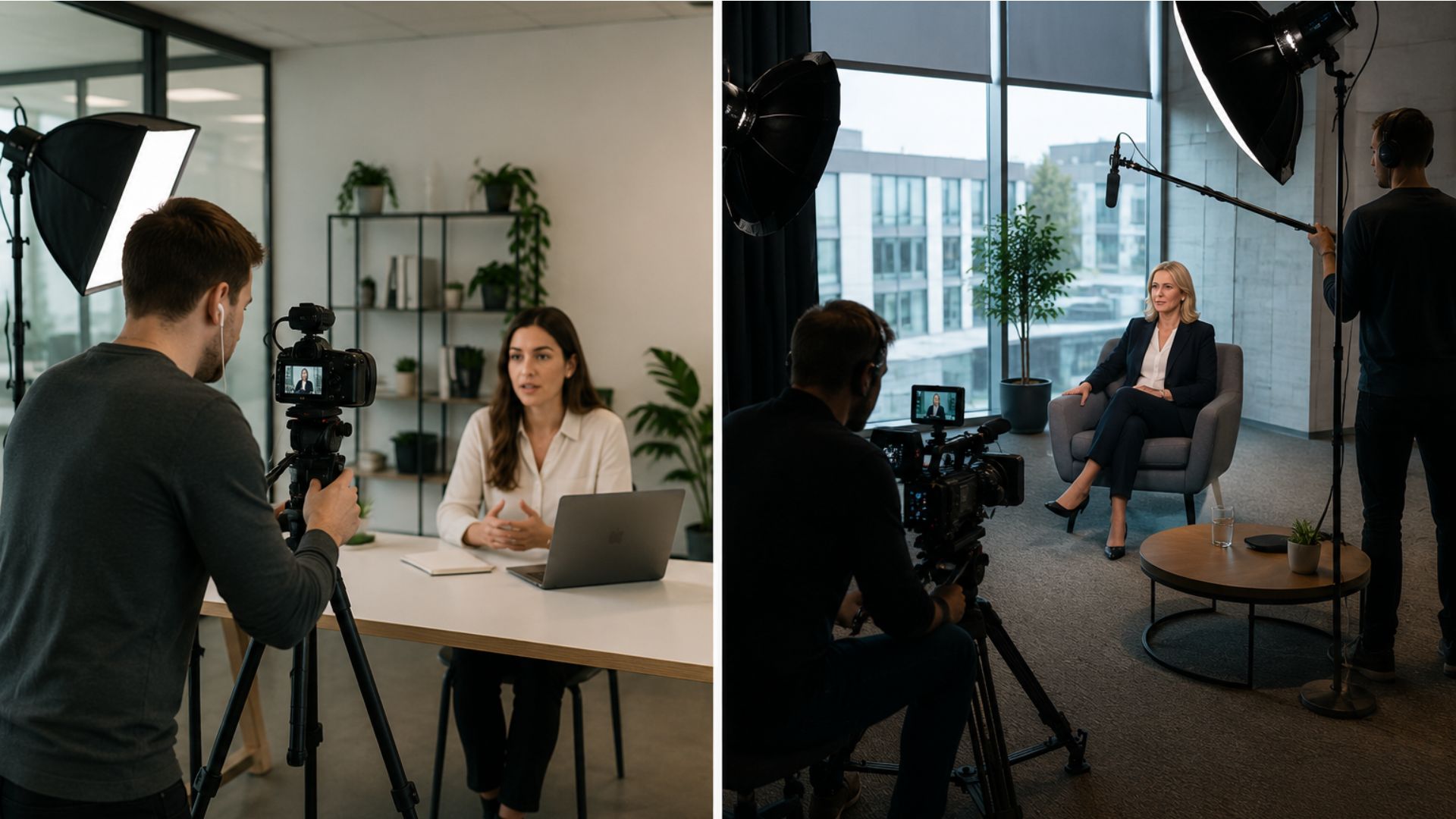
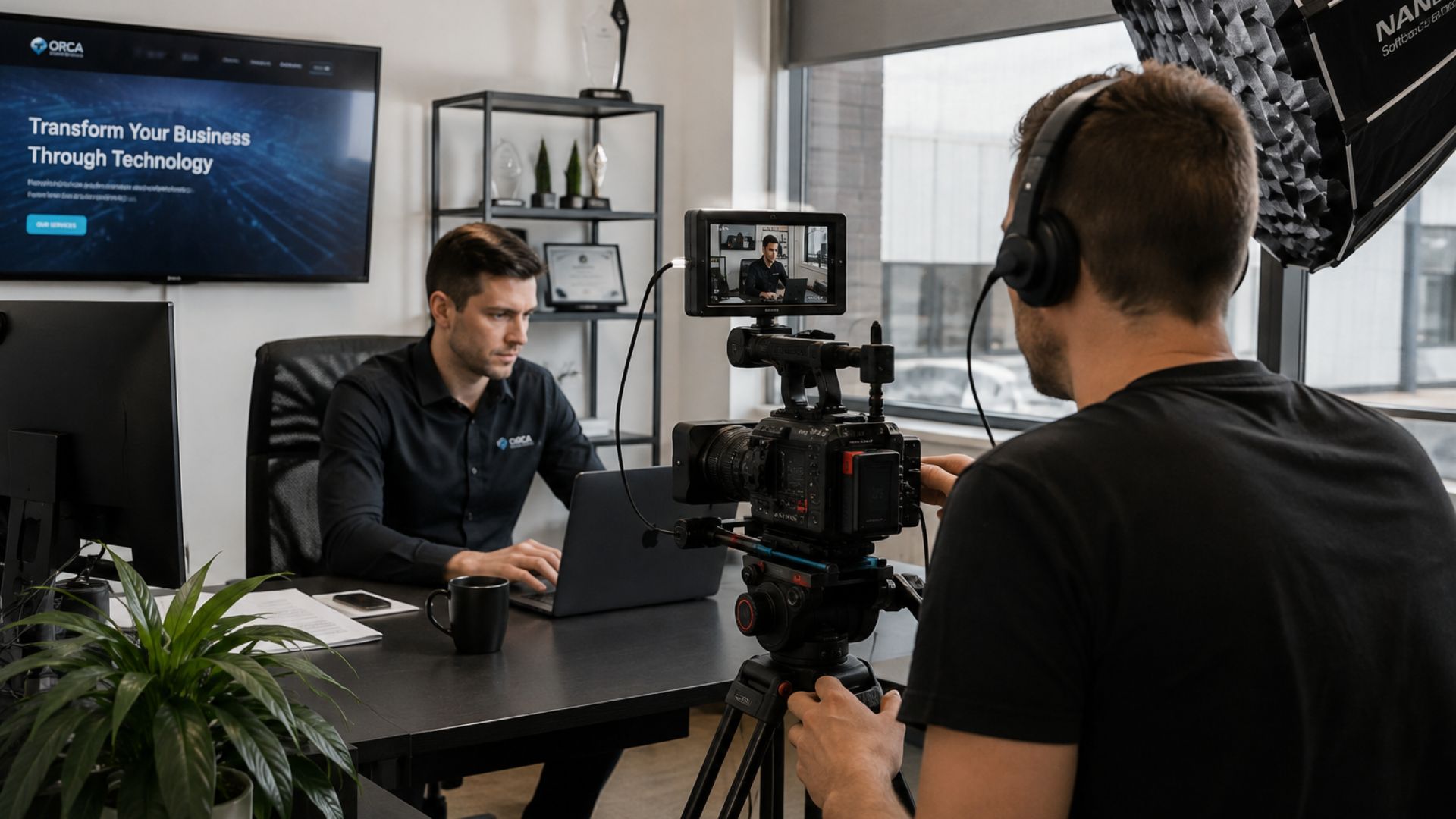
Location preparation has a major impact on both visual quality and audio clarity.
Before filming begins, check the space for:
- Background distractions
- Unwanted noise
- Lighting conditions
- Confidential materials visible in the frame
Small adjustments can dramatically improve the final video.
Simple steps like tidying shelves, repositioning furniture, or controlling natural light can create a much more professional look.
Often the goal is not to create a perfect studio environment but to ensure that the background supports the message rather than distracting from it.
Selecting a location that reflects the real working environment of the business can also help the video feel more authentic and relatable for viewers.
6. Create a Realistic Filming Schedule
Rushed filming days often lead to unnecessary stress and mistakes.
A clear schedule helps everyone understand what to expect and keeps the shoot organised.
Typical filming schedules include:
- Equipment setup (30–45 minutes)
- Sound checks and test shots
- Interview or scene filming
- Capturing B-roll footage
- Short breaks between segments
Including buffer time in the schedule helps prevent delays if something unexpected happens.
Technical adjustments, lighting changes, or participant nerves can easily add extra time during filming, so planning flexibility into the schedule helps keep the day running smoothly.
Scheduling breaks between interviews can also help maintain energy levels and keep participants focused throughout the filming process.
7. Brief Participants Before the Shoot
Providing participants with clear guidance before filming can make a huge difference.
A short briefing document should include:
- Filming date, time, and location
- The purpose of the video
- Key talking points or interview questions
- Wardrobe guidance
Participants who know what to expect tend to feel far more relaxed and confident on camera.
This preparation also reduces confusion on filming day and allows the production team to begin filming more efficiently.
Participants who receive clear information ahead of time often arrive feeling more prepared and ready to speak, which results in smoother interviews and fewer retakes.
8. Trust the Production Team
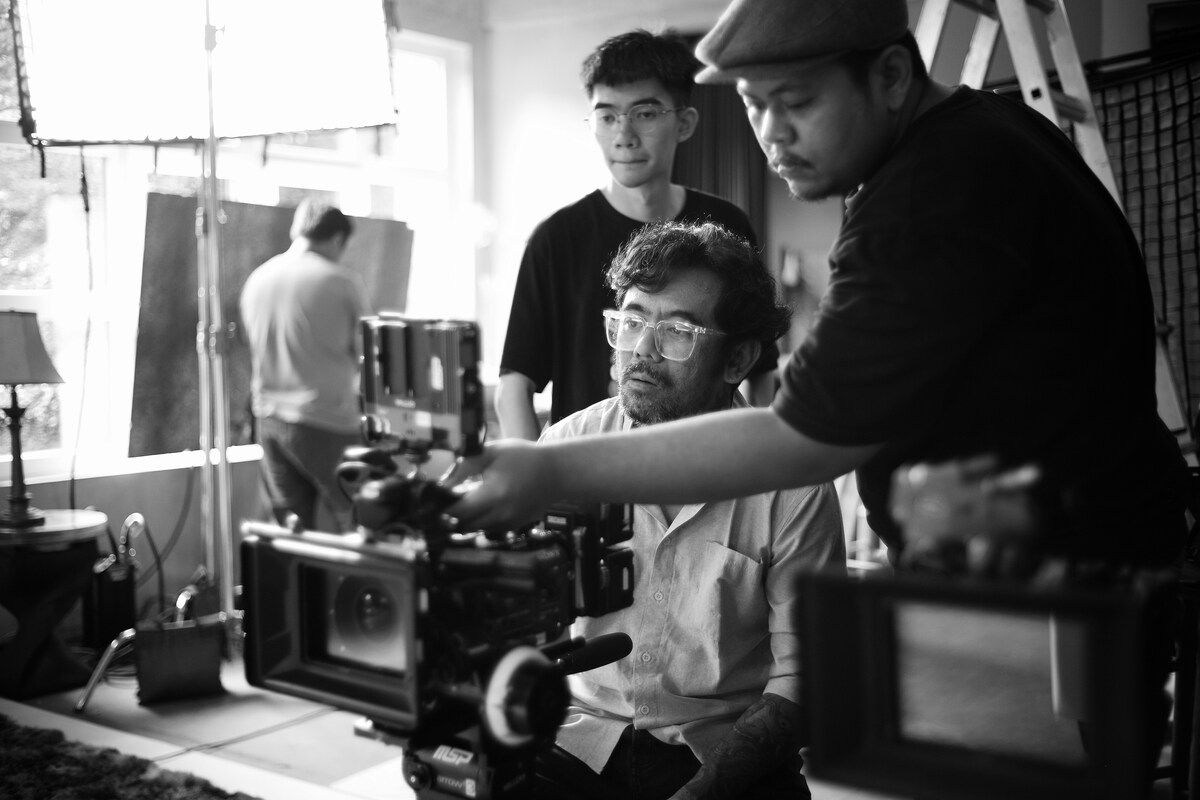
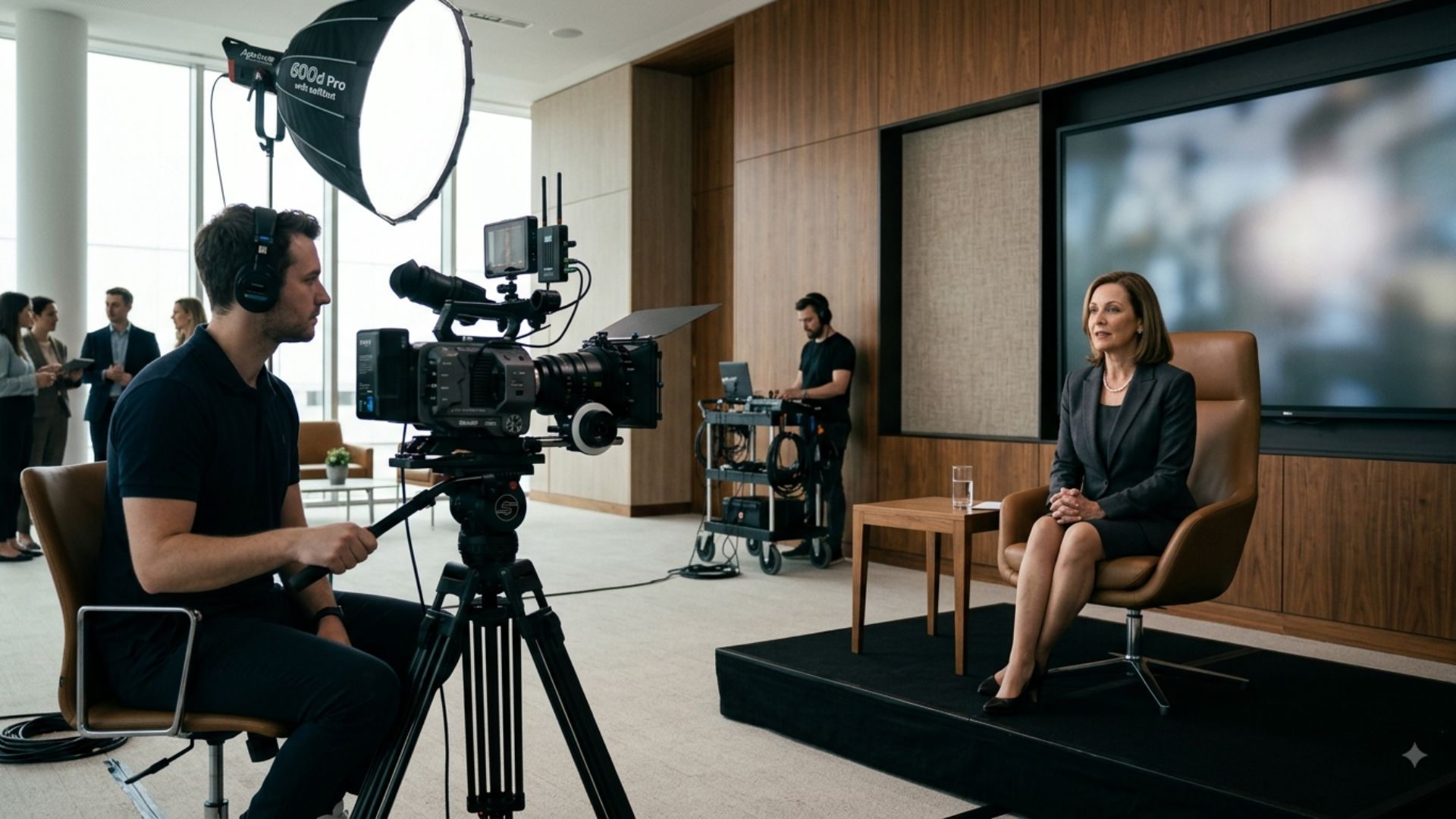
On filming day, the production team will guide the technical side of the process.
Professional crews handle:
- Camera framing
- Lighting adjustments
- Sound monitoring
- Interview direction
For participants, the most important thing is simply to focus on communicating their message clearly and naturally.
Allowing the production team to manage the technical side ensures the video is captured using the best possible lighting, sound, and camera angles.
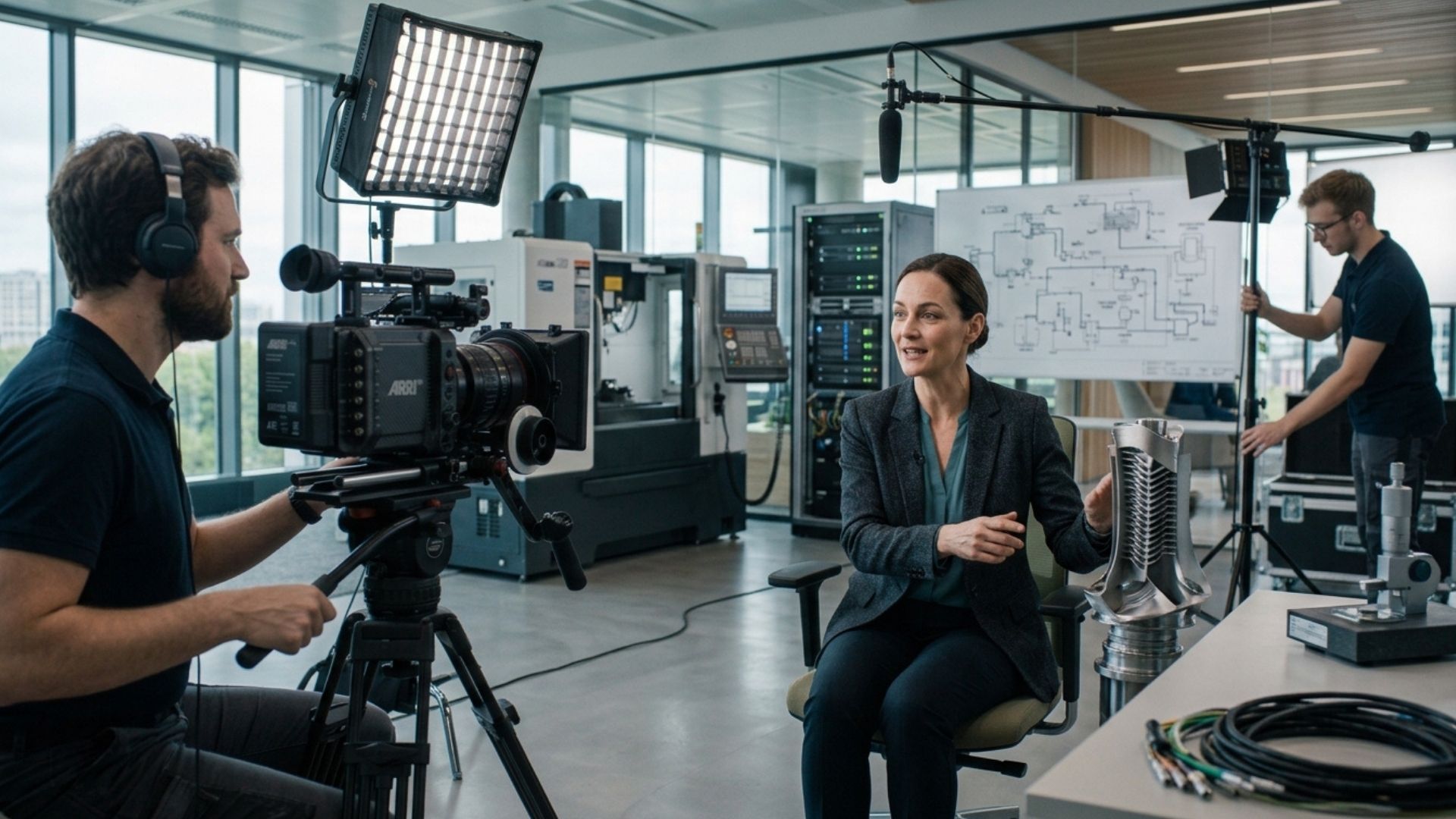
What to Expect on Filming Day
Most video shoots follow a predictable flow.
Typically this includes:
- Equipment setup and lighting
- Sound checks and camera tests
- Filming interviews or scenes
- Capturing additional B-roll footage
Understanding this process helps participants feel more comfortable and reduces anxiety on the day.
When participants know what to expect, they can focus on delivering their message rather than worrying about the technical aspects of the production.
Understanding the workflow also helps teams stay organised and ensures that all necessary footage is captured during the scheduled filming time.

How Long Does a Corporate Video Shoot Take?
The length of a shoot depends on the complexity of the video.
Typical timelines include:
- Single interview with B-roll: 1–2 hours
- Multiple interviews: half-day shoot
- Corporate promotional video: full-day shoot
Proper preparation helps ensure the schedule stays efficient.
When filming is well organised, even complex productions can run smoothly and stay within the planned timeframe.
Common Video Shoot Mistakes to Avoid
Many filming problems happen because of simple planning issues.
Common mistakes include:
- Over-scripted dialogue
- Last-minute scheduling changes
- Too many decision-makers on set
- Poor audio conditions
- No clear approval process
Most of these problems are easily avoided with good preparation.
Identifying potential challenges early allows teams to address them before filming begins and helps ensure the shoot runs smoothly.

Planning Your Next Video Project
If you're researching how to prepare for a video shoot, there's a good chance you're already considering creating a video for your business. At this stage, the most helpful step is turning your idea into a clear plan — defining the goal, identifying participants, and understanding how the filming process will work.
Once those pieces are in place, planning the shoot becomes much easier.
Conclusion
Knowing how to prepare for a video shoot makes a huge difference to the final result. Clear goals, prepared participants, organised locations, and a realistic schedule help filming run smoothly and produce stronger, more effective video content.
If you're planning a video for your business, you can explore our video production services, estimate your project using the instant video price calculator, or get in touch for a no-obligation conversation.
Frequently Asked Questions
How do you prepare for a video shoot?
Preparing for a video shoot usually involves defining the goal of the video, outlining key talking points, selecting participants, preparing the filming location, and creating a realistic schedule.
What should I bring to a corporate video shoot?
Participants typically bring appropriate wardrobe options, key talking points, and any products or materials featured in the video.
How long does a corporate video shoot usually take?
Most corporate video shoots take between one hour and a full day depending on complexity. Interviews may take 1–2 hours, while promotional videos often require half-day or full-day filming.
Similar blogs:






















![How to Write a Promo Video Script (Free Template Included) [2026 Guide]](https://cdn.prod.website-files.com/6226fcc37e2eb518b6e69a7f/69c3804c0b9ea78696bd89e0_covertab11.jpeg)


.jpg)
%20(1)%20(1).jpg)
.jpg)






We'd love to hear from you! Reach out to us today for a chat about our services, pricing, or just to say hello!


