
In today’s oversaturated inboxes, getting your email noticed — let alone opened — is no easy feat. In this article, we’ll explore the power of video in email campaigns, how to embed video content the right way, best practices to maximise performance, and how to track your results. Whether you’re a startup, marketer, or creative agency, using video in your emails can be a game-changer for audience retention and conversions.
What Is a Promo Video Script?
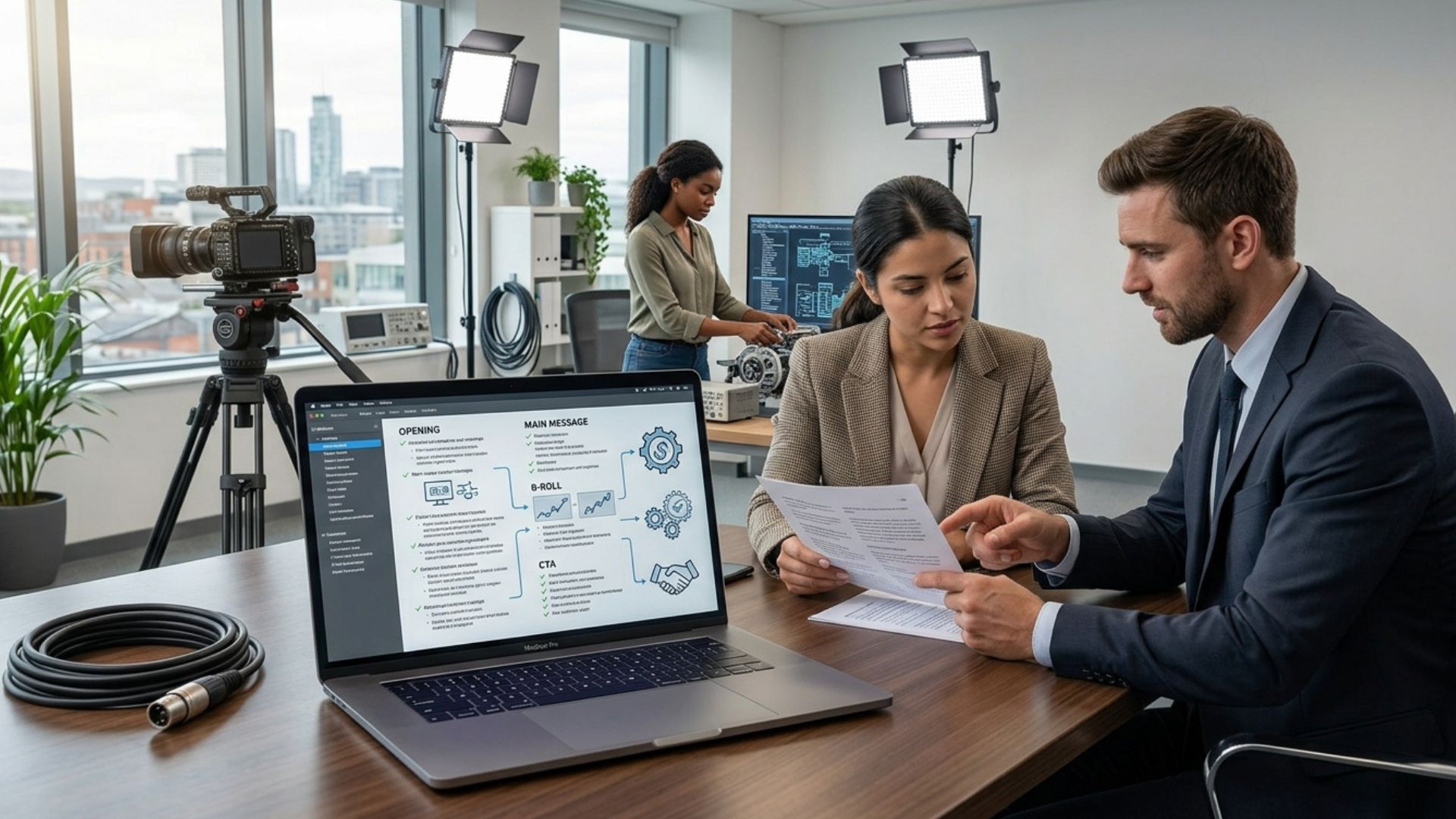
A promo video script is a structured plan for your video. It outlines:
- What will be said (voiceover or dialogue)
- What will be shown (visuals and footage)
- How the message flows from start to finish
Think of it as the blueprint for your video.
In practice, this means you’re not just writing lines — you’re designing the entire viewer experience. A strong script connects visuals, messaging, and pacing into one clear story.
For example, a well-written script might:
- Introduce a problem visually before it’s spoken
- Use voiceover to guide attention
- Match visuals directly with key statements
For businesses, a strong script ensures your video is:
- Clear and easy to follow
- Focused on a specific goal
- Aligned with your brand message
- Designed to guide viewers toward action
Without a script, it’s easy for videos to lose direction during filming and editing.
This often leads to:
- Disjointed messaging
- Unnecessary footage
- Longer editing time
- A final video that “looks good” but doesn’t convert
Why Scriptwriting Matters More Than You Think
Many businesses prioritize production quality—expensive cameras, cinematic lighting, and flashy editing—while overlooking the actual message. This is the most common gap in business video. It is often assumed that high-end visuals automatically lead to better results, but in reality, viewers stay for clarity, not just aesthetics.

The script is the "intellectual property" of your project; it determines whether your video actually works as a business tool. A well-written script helps you:
- Communicate value clearly: Translating complex services into "What’s in it for me?" for the customer.
- Maintain engagement: Hooking viewers in the first few seconds before they scroll away.
- Reduce costs: Avoiding unnecessary footage and expensive reshoots by planning every shot in advance.
- Drive ROI: Focusing every line on improving conversions like enquiries and sign-ups.
A script also serves as the "single source of truth" that aligns everyone involved—from marketing teams and stakeholders to videographers and editors. Without this roadmap, projects often become fragmented, leading to mixed messaging and costly revisions during the editing phase.
From working with Irish businesses across different sectors, the turning point is almost always the same: once the message clicks, the video follows. The difference between an average video and one that performs comes down to the clarity of the script, not the price of the camera.
Before You Start Writing (Don’t Skip This Step)
Before you write anything, you need clarity on three key points.
Skipping this step often leads to:
- Rewriting scripts multiple times: Because the goal keeps shifting.
- Conflicting feedback from stakeholders: Because everyone has a different idea of who the video is for.
- Videos that try to do too much: Resulting in a "muddled" message that resonates with no one.
Taking 10–15 minutes here can save hours later.

It also helps avoid creating a script that sounds good on paper but doesn’t actually achieve a clear outcome.
1. Who Is the Video For?
Be specific. Avoid trying to speak to everyone.
Examples:
- Potential clients considering your service: They need trust and proof of results.
- Job applicants: They need to see culture and the "day in the life."
- Event attendees: They need energy, excitement, and logistical details.
- Internal teams: They need clarity, direction, and motivation.
You can go even deeper by defining:
- Their level of awareness (new vs informed): Do you need to explain what the product is, or just why yours is better?
- Their main concern or hesitation: Are they worried about the price, the setup time, or the reliability?
- What they care about most (cost, quality, speed, trust): Speak directly to their primary driver.
You can also consider:
- What stage they are at in the buying journey: Are they just discovering the problem, or are they comparing you to a specific competitor?
- What objections they might have: Address these head-on in the script to build immediate credibility.
- What information they need to feel confident: Is it a technical spec or a money-back guarantee?
The more specific your audience, the easier it is to write something that actually connects.
2. What Is the Goal?
What should the viewer do after watching? If the video ends and the viewer thinks, "That was nice," but doesn't know what to do next, the video has failed.
- Visit your website: To read a blog post or view a gallery.
- Book a call: To get a personalized quote.
- Submit an enquiry: To start the sales process.
- Attend an event: To register their interest.
Each goal slightly changes how your script should be written.
Each goal slightly changes how your script should be written. You can also prioritise:
- One primary action: The "Big Ask" (e.g., Book a Consultation).
- One secondary action (if relevant): The "Soft Ask" (e.g., Follow us on LinkedIn).
For example:
- A sales-focused video should be more direct
- A brand video may focus more on trust and positioning
- A recruitment video should highlight culture and environment
Your script should naturally guide the viewer toward this action.
3. What Is the One Key Message?
If the viewer remembers one thing, what should it be?
Examples:
- “We make complex services easy to understand through video.”
- “We help businesses communicate clearly and confidently.”
This acts as your anchor.
If something doesn’t support that message, it likely doesn’t need to be included.
Everything in your script should support this one message:
- Every line
- Every visual
- Every example
A clear message keeps everything focused and avoids unnecessary detail.
The Proven Promo Video Script Structure
Most high-performing promo videos follow a simple structure. It keeps things clear, easy to follow, and more effective.
This structure works because it mirrors how people naturally process information:
- Attention → Understanding → Trust → Action

It also helps guide the viewer through a clear journey instead of overwhelming them with too much information at once.
1. Hook (First 5–10 Seconds)
This is where you either grab attention or lose it.
If the opening doesn’t land, most viewers won’t stick around.
Online attention spans are short, especially on platforms like:
- Website landing pages
Effective hooks include:
- A relatable problem
- A direct question
- A bold statement
Example:
“Struggling to explain what your business actually does?”
Other examples:
- “Most businesses lose customers because of this one mistake…”
- “If your marketing isn’t working, this could be why…”
Strong hooks typically:
- Highlight a specific problem
- Create curiosity
- Speak directly to the viewer
2. The Problem
Show that you understand your audience’s situation.
This builds connection and keeps people watching.
This is where you demonstrate:
- Awareness: You know what’s going wrong in their world.
- Empathy: You understand how that problem feels (stress, lost time, lost money).
- Relevance: You are talking to them, not at them.
Example:
“Many businesses invest in marketing but still struggle to communicate their value clearly.”
You can strengthen this by referencing:
- Common frustrations: Like complex software or poor communication.
- Missed opportunities: "Think of the clients you lose because they don't understand your offer."
- Confusion in messaging: "When your message is muddled, your customers look elsewhere."
This step helps the viewer feel understood, which makes them more open to the solution that follows.
3. The Solution (Your Business)
Introduce what you do in a way that’s simple and easy to understand.
Avoid jargon. Keep it clear.
Example:
“We help businesses tell their story through clear, high-quality video content.”
A good test:
If someone outside your industry can understand it instantly, it’s clear enough.
Clarity at this stage builds trust and makes the rest of the message easier to follow.
4. How It Works
Give a quick, practical overview of how things actually work. People are often afraid of the "unknown" or "complex" processes. By breaking it down into simple steps, you lower the barrier to entry. For example:
- Strategy and planning: We map out your goals.
- Scriptwriting: We craft your message.
- Filming: We capture high-quality footage.
- Editing and delivery: We polish the final product for your platforms.
You can also:
- Keep this visual-heavy: Show the process in action.
- Show behind-the-scenes clips: To humanize the brand.
- Use simple step breakdowns: "Our three-step process makes it easy."
This helps remove uncertainty and builds confidence. It proves that you have a system and you aren't just "winging it."
5. Proof / Credibility
This is where trust is built. Anyone can claim to be the best, but proof is hard to fake. This is the section that moves the viewer from "This sounds good" to "I believe them." Include:
- Client testimonials: Real people talking about real results.
- Results or outcomes: "We increased leads by 40% for our last client."
- Years of experience: "Serving the Irish market since 2010."
- Recognisable brands: Logos of companies you’ve worked with.
Additional proof can include:
- Before-and-after comparisons: Visually demonstrating the change you provide.
- Metrics (where appropriate): Hard data and percentages.
- Case study snippets: A 5-second highlight of a successful project.
Even one solid proof point can make a big difference. Proof reduces hesitation and reinforces that your claims are credible.

6. Call to Action (CTA)
Tell the viewer exactly what to do next.
Examples:
- “Get in touch to start your next video project.”
- “Book a call to talk through your ideas.”
A clear CTA removes friction and gives direction. Without it, even an engaging video may not lead anywhere. Don’t assume they’ll take action — guide them. Without a clear CTA, even a strong video can lose momentum at the final step.
Free Promo Video Script Template
Use this simple promo video script template to structure your video:
[HOOK]
Start with a question, statement, or bold idea
→ _______________________________________
[PROBLEM]
What challenge does your audience face?
→ _______________________________________
[SOLUTION]
What do you offer?
→ _______________________________________
[HOW IT WORKS]
Brief explanation of your process
→ _______________________________________
[PROOF]
Why should people trust you?
→ _______________________________________
[CALL TO ACTION]
What should they do next?
→ _______________________________________
This structure works across most business promo videos and is a reliable place to start. You can adapt this depending on your use case:
- Short ads: Compress each section into 5–10 seconds.
- Website videos: Expand the "Proof" and "How It Works" sections to build more depth.
- Social content: Prioritise the "Hook" and make the "CTA" very simple (e.g., "Link in bio").
Scriptwriting Tips That Make a Big Difference
Write Like You Speak
Avoid overly formal or corporate language. When we write for the eye, we tend to get stiff. When we write for the ear, we should be conversational.
- Say: “We help businesses grow”
- Not: “We facilitate scalable growth solutions”
Clear language improves:
- Faster understanding: The brain doesn't have to translate jargon.
- Better retention: People remember simple phrases.
- Stronger engagement: You sound like a human, not a brochure.
Keep Sentences Short
Video is spoken, not read. Long, winding sentences with multiple clauses are difficult for a voiceover artist to deliver and even harder for a viewer to follow. Short sentences are simply easier to follow. They also:
- Improve pacing: Allowing for "breathing room" in the edit.
- Make editing easier: It’s easier to cut between clips when sentences have clear endings.
- Reduce delivery errors: On-camera talent will find it much easier to memorize and perform short bursts of text.
Focus on the Viewer
Instead of talking about your business, focus on what the viewer gets. This is the "You" focus versus the "We" focus.
- Instead of: “We are a leading company with 20 years of experience…”
- Say: “You’ll get a video that clearly explains your business, backed by 20 years of experience.”
This shift alone can make your script more engaging. It turns a lecture into a conversation about the viewer’s needs.
Don’t Try to Say Everything
Keep your script focused. One of the biggest mistakes is trying to pack a 5-minute sales pitch into a 60-second video. Typical word counts at a moderate speaking pace:
- 60 seconds: ~120–140 words
- 90 seconds: ~150–180 words
- 2 minutes: ~200–240 words
Trying to say too much usually weakens the message. If you go over these word counts, you’ll have to speak faster, which makes you sound nervous and makes the video feel rushed. A better approach: One message, one goal, one clear outcome.
Plan Visuals Alongside the Script
Think about what the viewer will see while hearing the message. A script is only half the story. If you say "We provide 24/7 support," show a shot of a friendly person on a headset or a clock ticking over.

Examples of visuals to include:
- Team working: Shows the human side of the business.
- Behind-the-scenes footage: Builds transparency and trust.
- Product or service shots: Shows exactly what the customer is buying.
- Interviews: Adds personal authority.
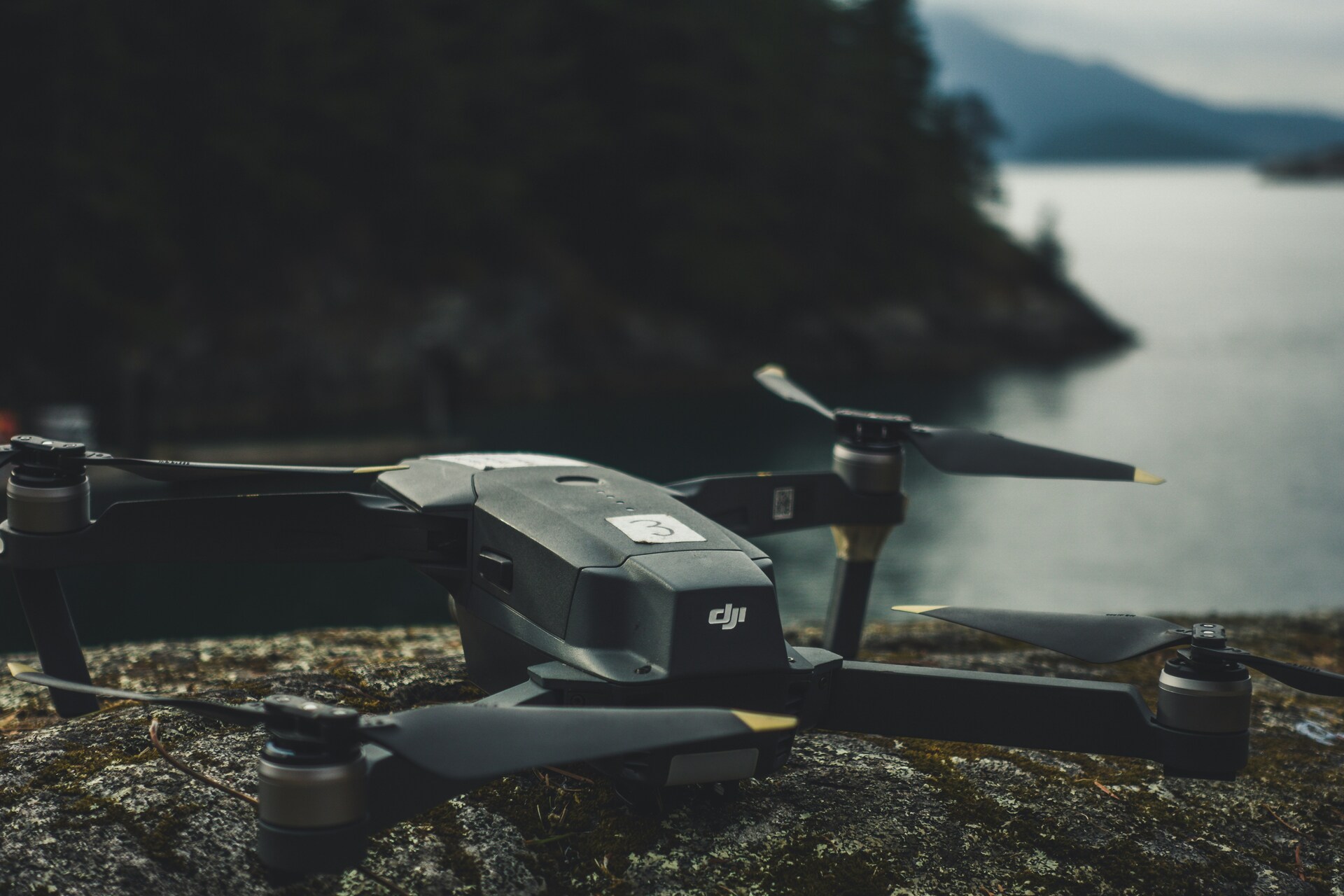
- Drone footage: Provides a sense of scale and location.
Strong visuals support and reinforce what you’re saying. They can also:
- Reduce the need for long explanations: "Show, don't tell."
- Keep viewers visually engaged: By changing the shot every 3–5 seconds.
- Add credibility and realism: Proving that you are a real business with real assets.
How Long Should a Promo Video Script Be?
The ideal length depends on your goal, but most business promo videos fall within:
- 60 seconds → Ideal for social media and ads
- 90 seconds → A strong balance for most businesses
- 2 minutes → More detailed explanation or storytelling
Longer videos can work, but only if they stay engaging.
As a general rule:
- Shorter videos tend to have higher completion rates
- Longer videos can work if the content remains engaging throughout
Common Promo Video Script Mistakes
Even with a template, it’s easy to fall into old habits. These are the most common issues we see when reviewing scripts:
- Starting with a long company introduction: No one cares how long you've been in business until they know you can solve their problem. Save the "About Us" for later.
- Using jargon or buzzwords: Terms like "synergy," "paradigm shift," or "end-to-end solutions" often mean nothing to the average viewer.
- Trying to say too much in one video: If you have five different services, make five short videos instead of one long, confusing one.
- No clear call to action: Don't leave the viewer guessing. Tell them the exact next step.
- Writing for reading instead of speaking: Read your script out loud. If you run out of breath or stumble over a word, rewrite it.
Other common issues include:
- Weak or generic openings: "Hello, my name is..." is not a hook.
- Lack of structure: The video feels like a "stream of consciousness" rather than a planned narrative.
- No clear audience focus: Trying to talk to everyone at once.
Fixing these alone can noticeably improve performance. A small tweak to the first five seconds can sometimes double your view-through rate.
When Should You Work With a Video Production Company?
While many businesses can put together a basic script, working with an experienced team can make a big difference.
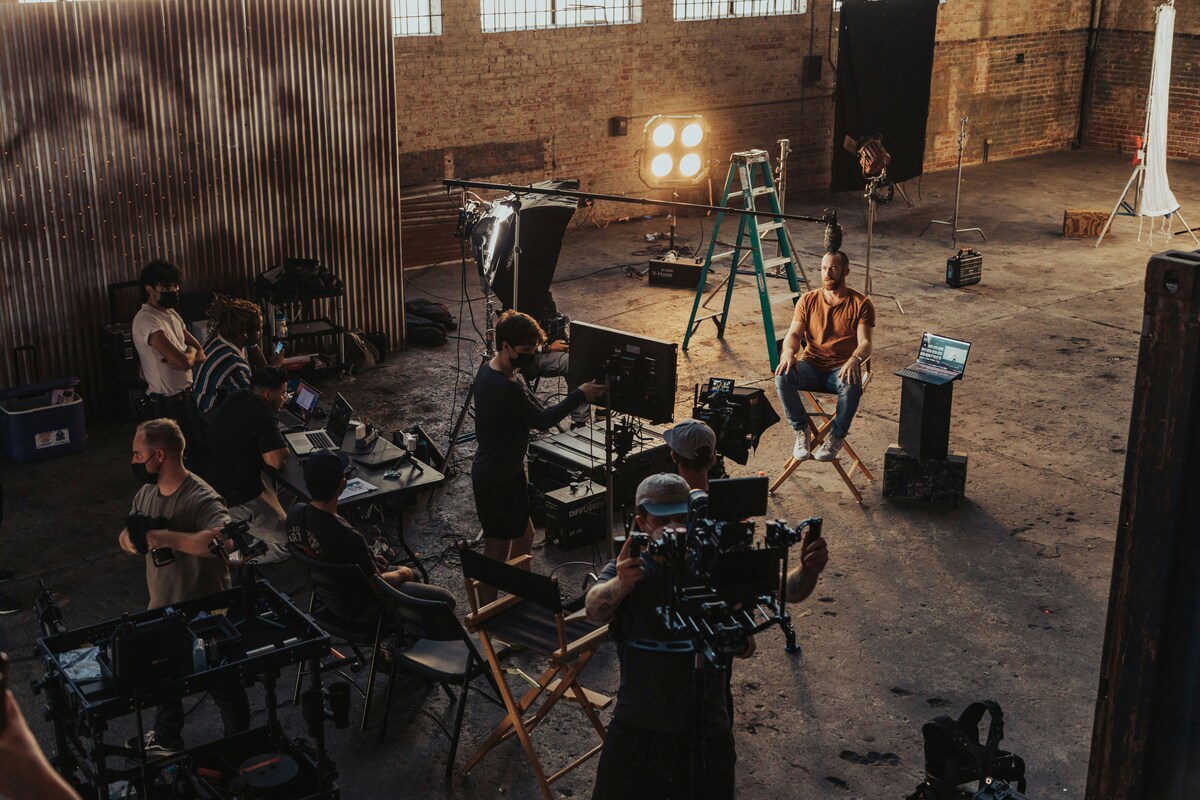
A professional video production company can help you:
- Refine your message
- Structure your script properly
- Align visuals with your goals
- Produce a video that performs commercially
They also bring:
- An external perspective
- Experience across different industries
- Proven frameworks that improve results
This is especially important if your video is being used for:
- Website conversions
- Paid ads
- Sales or presentations
Turning Your Script Into a High-Performing Video
By this point, you should have a clear structure and a working script — which already puts you ahead of most businesses. The next step is making sure that script actually translates into a video that holds attention and gets results. That’s where the execution starts to matter just as much as the words.
Execution includes:
- Visual quality
- Editing pace
- Sound design
- Delivery style
All of these should support the script — not compete with it.
Conclusion
A strong script is the difference between a video that looks good and one that actually sells. It is the roadmap that ensures your message lands, your brand stays clear, and your viewers take action. Get the blueprint right, and the results will follow.
If you’re ready to take the next step, you can explore our video production services, get a quick estimate using our instant price calculator, or get in touch for a no-obligation conversation.
Frequently Asked Questions
How do you write a promo video script?
Start with a clear structure: hook, problem, solution, process, proof, and a call to action. Keep the message simple and focused on your audience.
What should be included in a promo video script?
A strong script includes a clear message, logical flow, supporting visuals, and a clear next step for the viewer.
How long should a promo video script be?
Most scripts are between 120–200 words depending on the video length. Shorter, focused scripts tend to perform better.
Similar blogs:




















![How to Write a Promo Video Script (Free Template Included) [2026 Guide]](https://cdn.prod.website-files.com/6226fcc37e2eb518b6e69a7f/69c3804c0b9ea78696bd89e0_covertab11.jpeg)



.jpg)
%20(1)%20(1).jpg)
.jpg)





We'd love to hear from you! Reach out to us today for a chat about our services, pricing, or just to say hello!


