
In today’s oversaturated inboxes, getting your email noticed — let alone opened — is no easy feat. In this article, we’ll explore the power of video in email campaigns, how to embed video content the right way, best practices to maximise performance, and how to track your results. Whether you’re a startup, marketer, or creative agency, using video in your emails can be a game-changer for audience retention and conversions.
Quick Answer: What Is a Professional Interview Video Setup?
A professional interview video setup combines proper lighting, clear audio recording, well-framed camera angles, and guided on-camera direction to help speakers look confident and sound natural. With the right preparation and equipment, businesses can record interview videos that feel polished, professional, and easy to watch.
In practice, this means creating a filming environment where both the technical setup and the interview subject work together smoothly. Lighting must be balanced, microphones must capture clean audio, and the camera framing must feel natural and engaging for the viewer.
Professional interview setups are designed to make the process comfortable for the person speaking while ensuring the video meets a high production standard. When these elements are combined properly, the final result looks professional without appearing overly staged or artificial.
Key Takeaways: Interview Video Setup
- A professional interview video setup relies on lighting, audio quality, and camera framing working together.
- Proper pre-production planning makes filming faster and reduces retakes.
- Most professional interview shoots take 30–45 minutes to set up before filming begins.
- Multi-camera setups improve editing flexibility and visual quality.
- Good preparation helps interviewees feel comfortable and confident on camera.
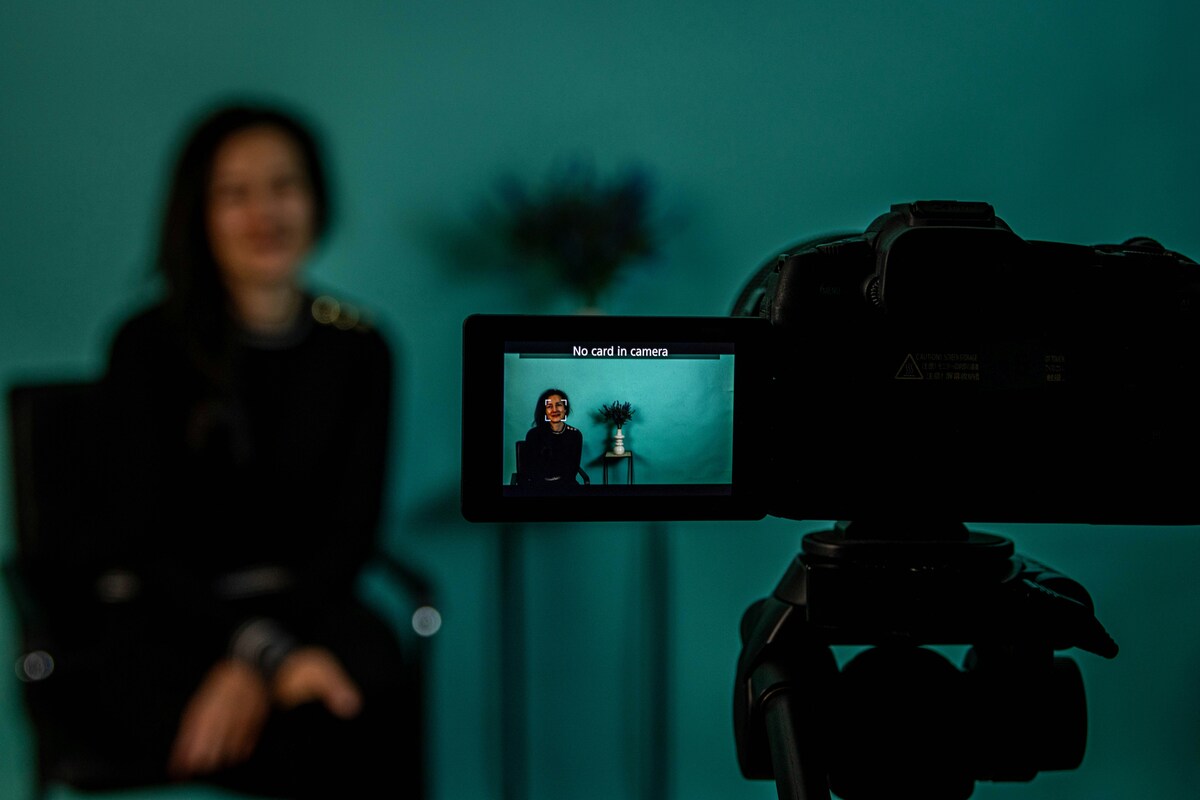
These elements form the foundation of a successful interview video. When lighting, audio, and framing are handled properly, the audience can focus on the message rather than noticing technical distractions.
Businesses often assume that cameras alone determine video quality. In reality, the success of an interview video depends on how well the entire setup works together. A thoughtful production setup supports the speaker and ensures the message is delivered clearly.
How a Professional Interview Video Setup Works
A professional interview video setup usually includes controlled lighting, clear audio recording, proper camera framing, and guidance for the person speaking on camera. When these elements are handled correctly, businesses can create interview videos that feel confident, clear, and visually consistent across marketing and internal communications.
Production teams typically plan these elements in advance to ensure the filming environment supports the message being communicated. Even small details such as microphone placement or background composition can significantly influence how professional the final video appears.

For example, positioning the camera slightly off-centre and maintaining eye-level framing helps the interview subject appear natural and comfortable. This style of framing is commonly used in corporate interview videos because it creates a conversational tone.
Background selection also plays an important role. A well-composed background should support the subject visually without distracting from the message. Offices, meeting rooms, and branded environments are commonly used because they reinforce the company’s identity while maintaining a professional atmosphere.
What Actually Affects Interview Video Quality?
When people think about video quality, they often focus on cameras or expensive equipment. In reality, the overall quality of an interview video is influenced by several interconnected factors, including preparation, filming setup, and post-production.
Understanding these elements helps businesses make better decisions when planning a shoot and ensures the final video communicates the intended message clearly.
Video quality is influenced by a combination of technical factors and human factors. Lighting and audio equipment determine how the footage looks and sounds, while preparation and interview direction influence how confidently the speaker communicates.
A high-quality camera can capture sharp images, but if the lighting is uneven or the audio contains background noise, the video may still feel unprofessional. This is why production teams focus on the entire setup rather than relying on a single piece of equipment.
Another factor that influences interview video quality is how comfortable the speaker feels during the recording. When interview participants feel rushed or unsure about what will happen during filming, their delivery can appear stiff or unnatural. Allowing time for brief conversation before recording begins and explaining how the interview will flow often helps people relax on camera. A comfortable speaker typically communicates more clearly and naturally, which improves both the viewing experience and the overall effectiveness of the video.

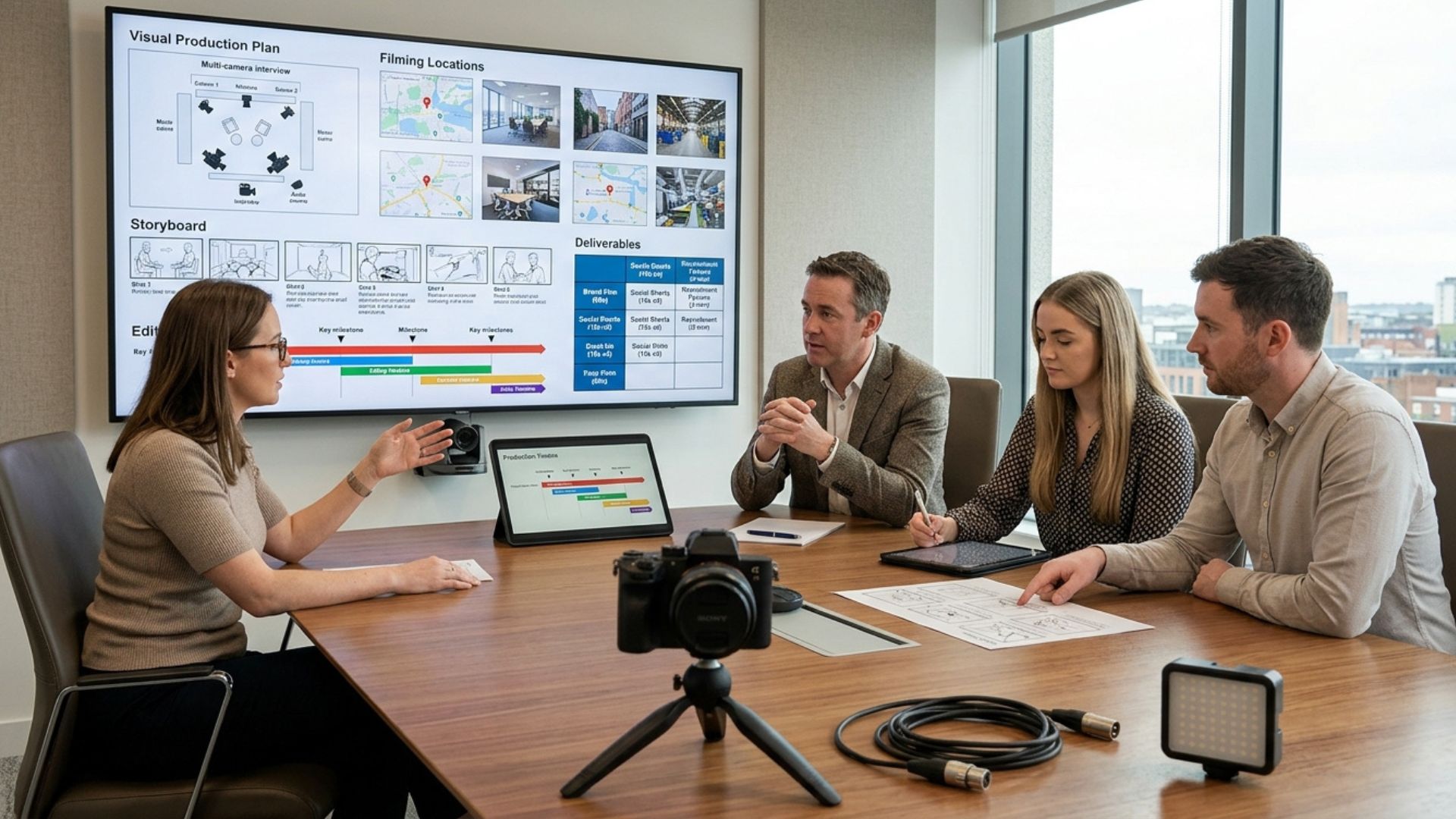
1. Pre-Production: Planning & Script Preparation
Pre-production is the stage that determines whether your shoot runs smoothly or turns into a stressful day of retakes.
Key tasks include:
- Defining interview goals and target audience
- Preparing questions or structured scripts
- Creating shot lists or storyboards
- Scheduling talent, crew, and locations
Skipping pre-production may make shoots longer, increase retakes, and compromise the final video quality.
During this stage, production teams also determine the visual style and messaging structure of the interview. Decisions such as filming location, background composition, and interview tone are usually discussed before filming begins.
Typical setup time: 15–45 minutes depending on complexity
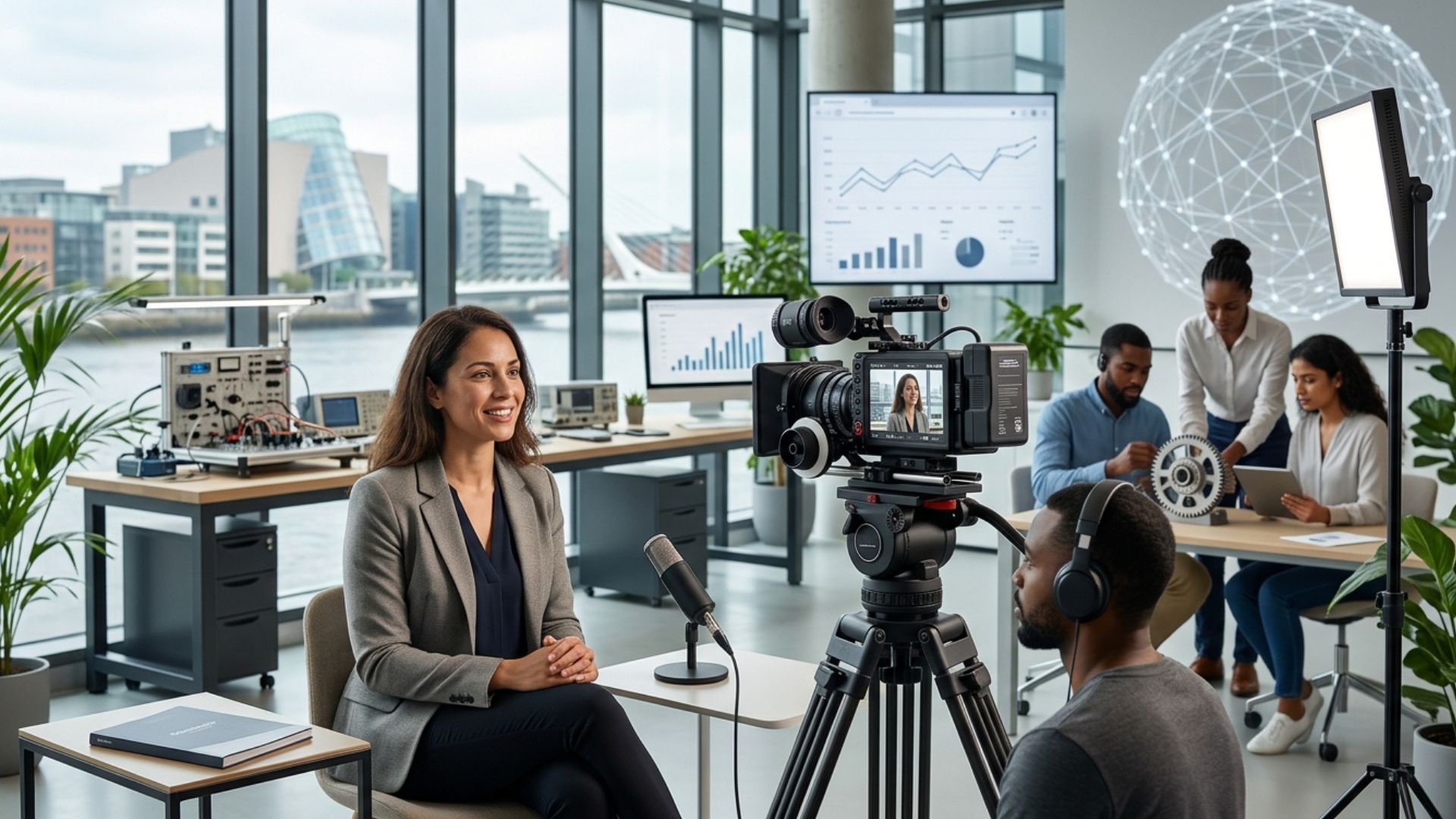
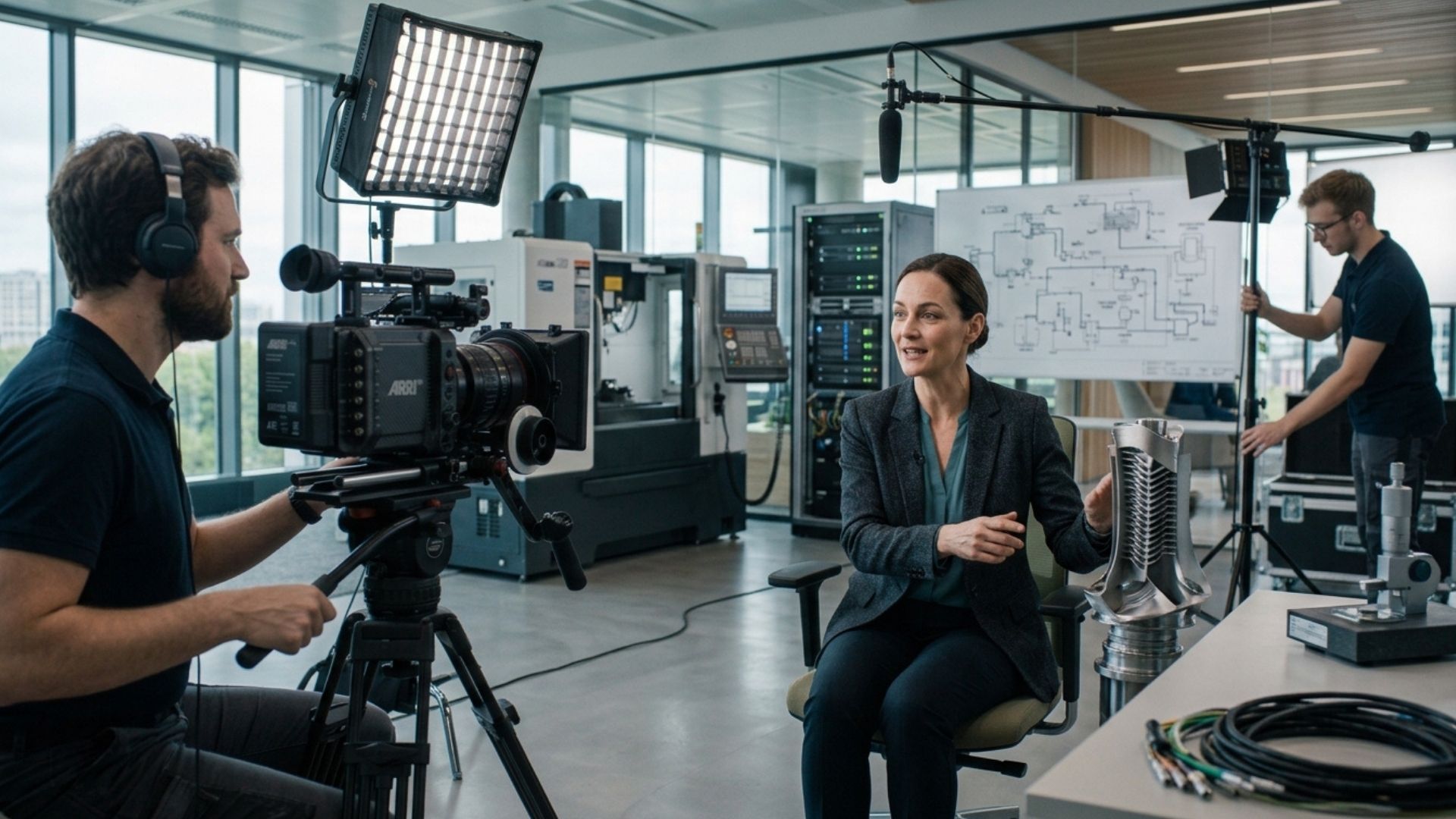
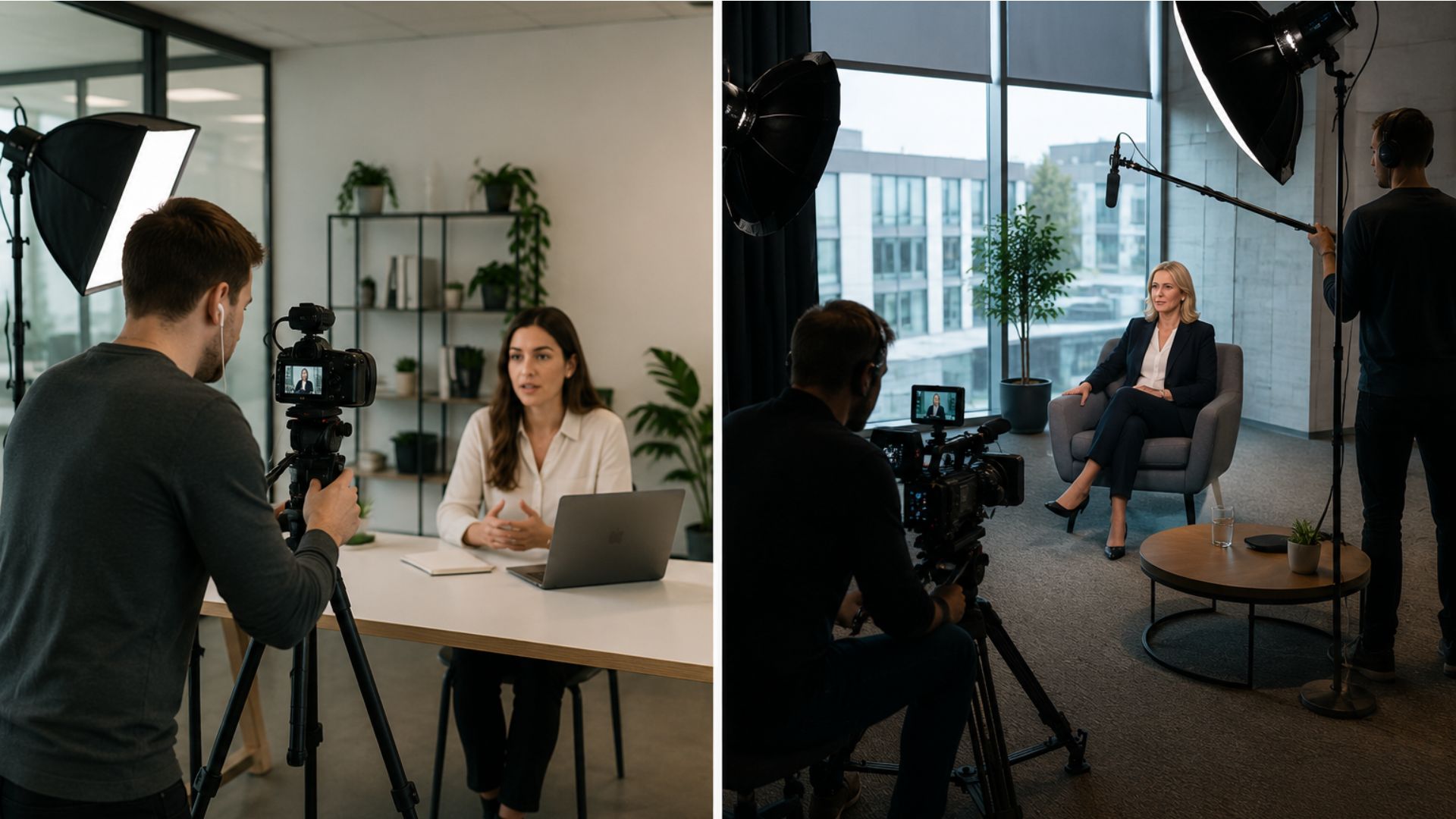
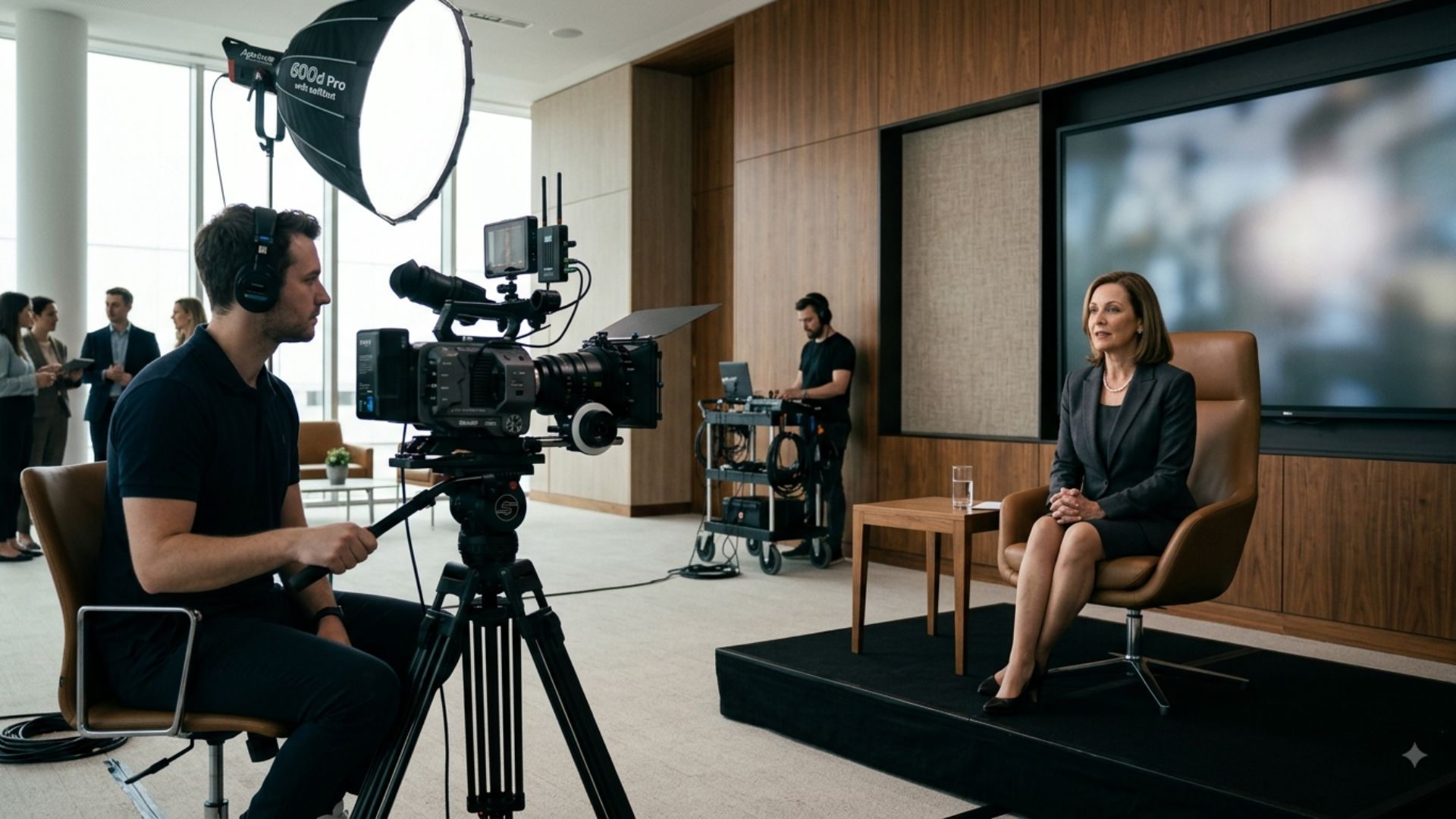
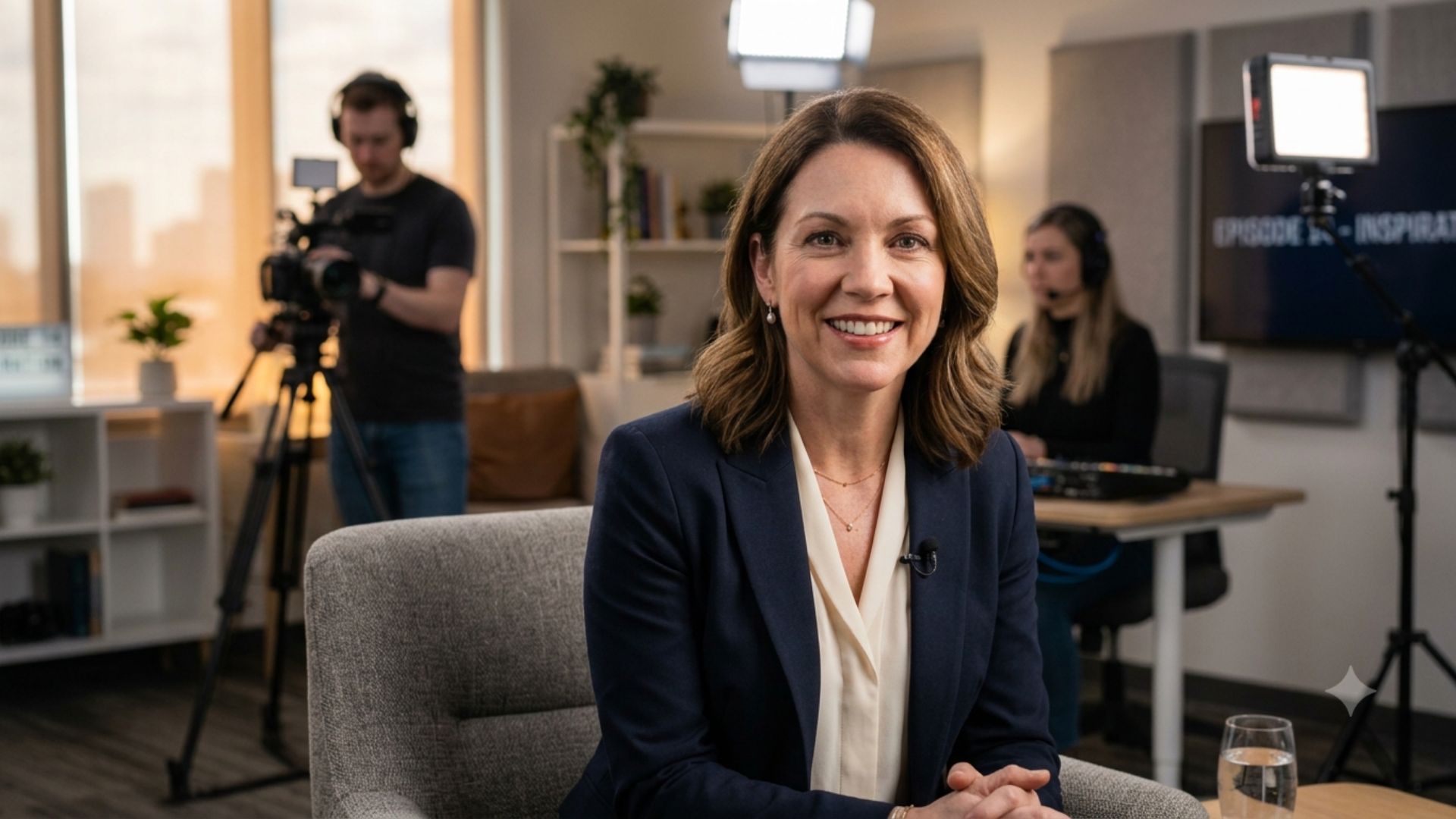
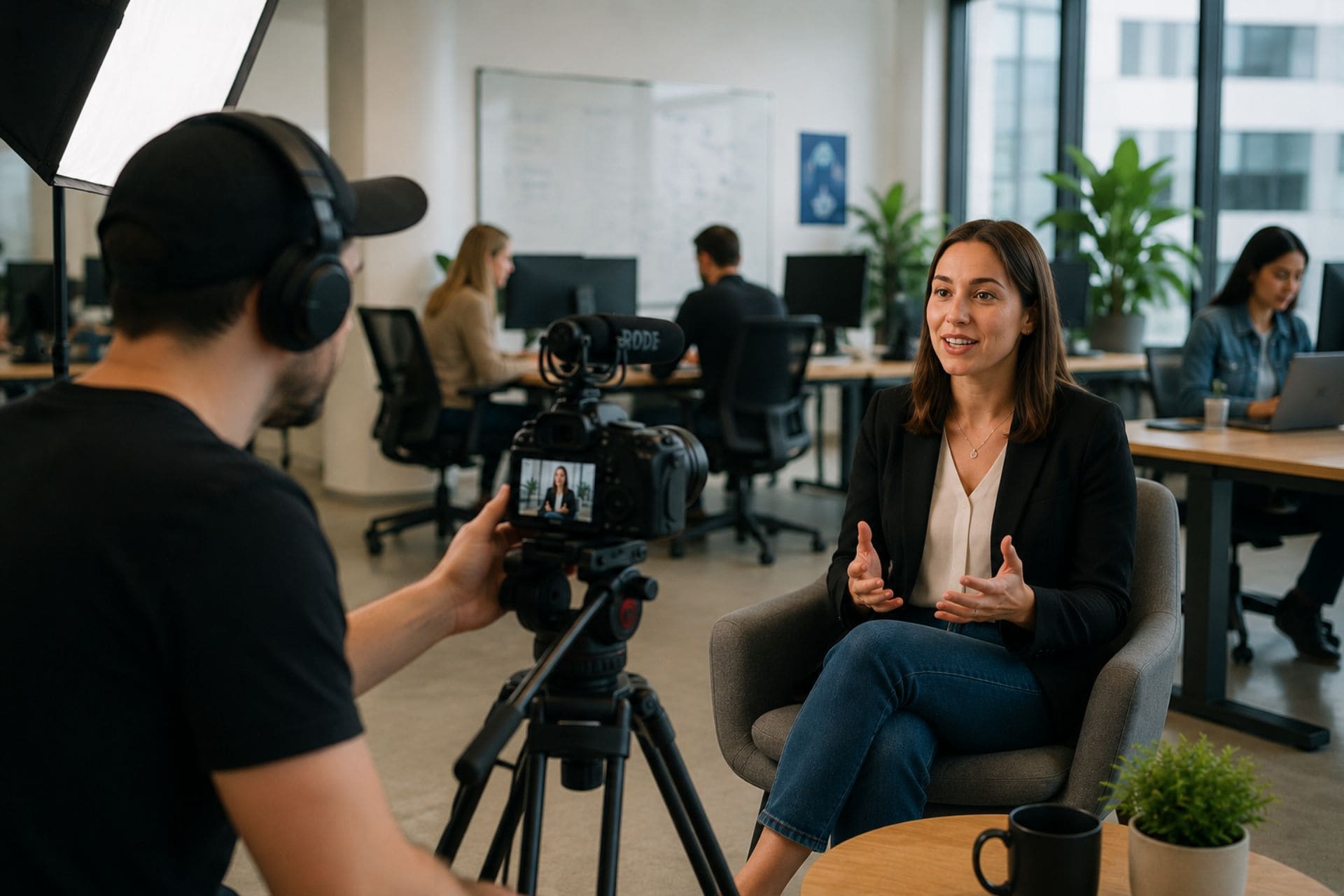
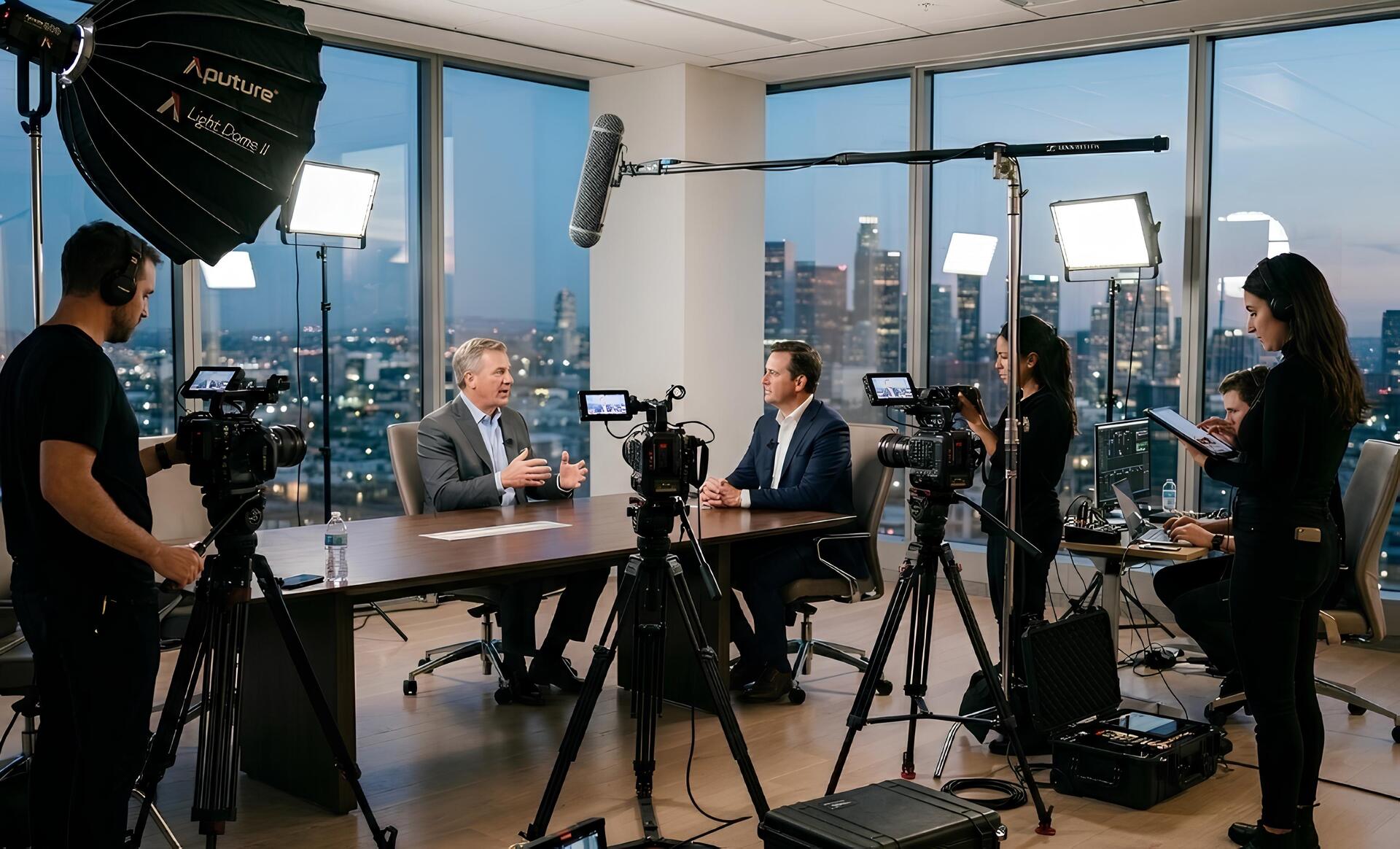
[Insert image here: Film crew setting up camera and lighting for an interview video shoot.]
From our experience filming interview videos with businesses across Ireland, small setup decisions — such as microphone placement or lighting direction — often make the biggest difference in how confident and professional people appear on camera.
Pre-production also allows the production team to anticipate potential issues that could affect filming. For example, they may identify background noise from office equipment, inconsistent lighting from windows, or limited space for camera placement.
By addressing these factors in advance, the filming process becomes more efficient and participants can focus on delivering their message rather than dealing with technical interruptions.
2. Filming: Crew, Equipment & Time
The way your interview is filmed can make or break your video.
Standard setups include:
- Single-camera interviews: Basic lighting, one lavalier microphone
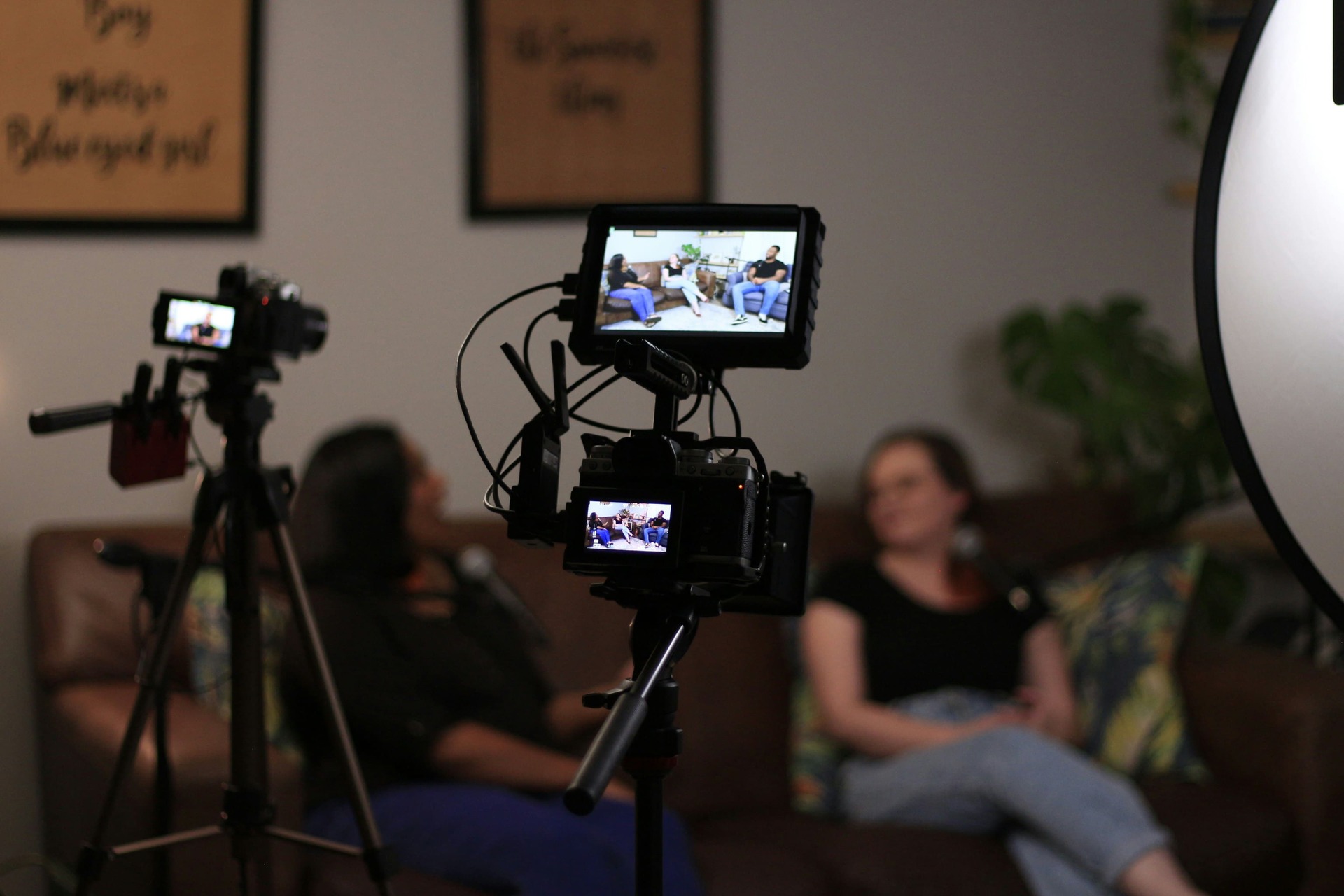
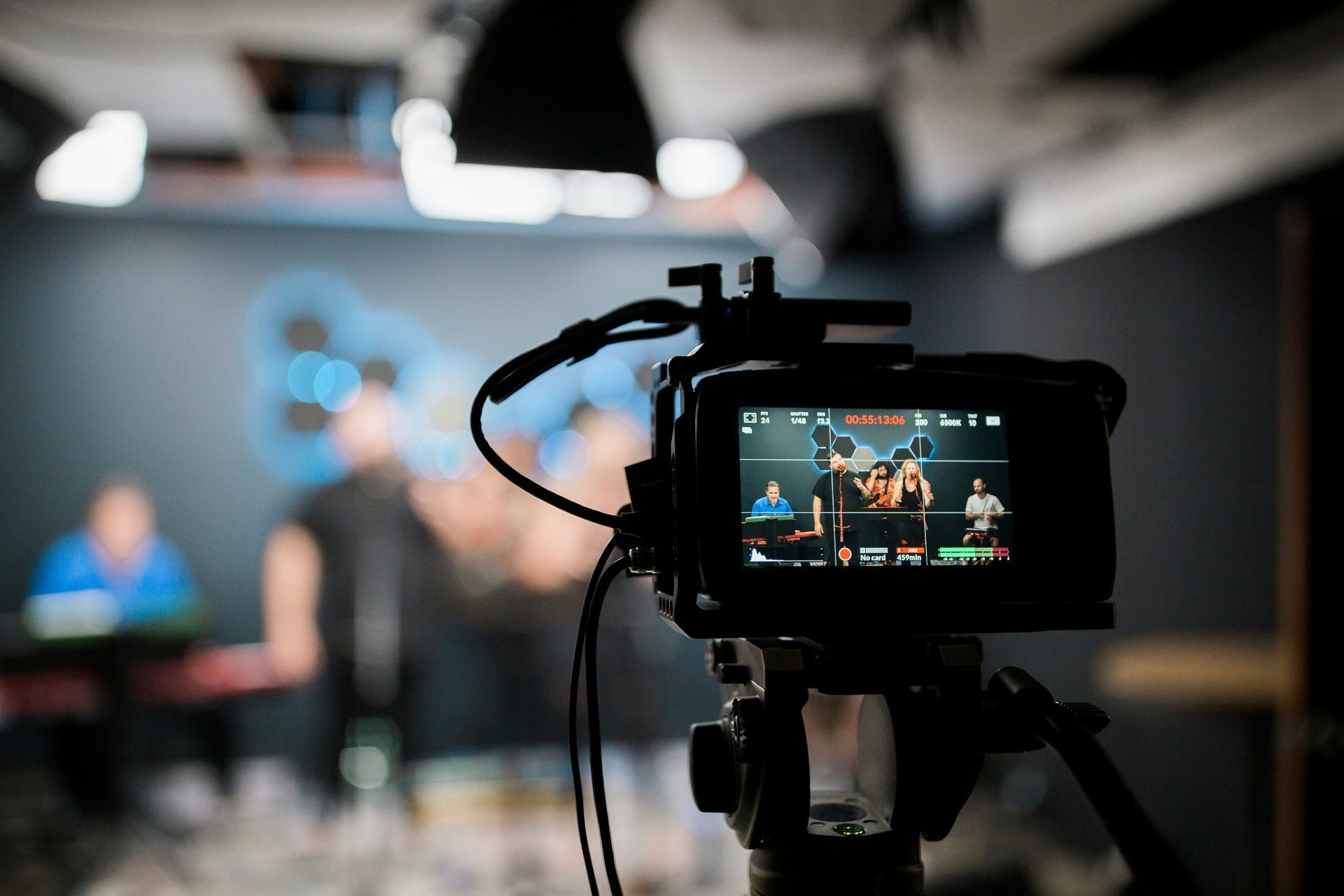
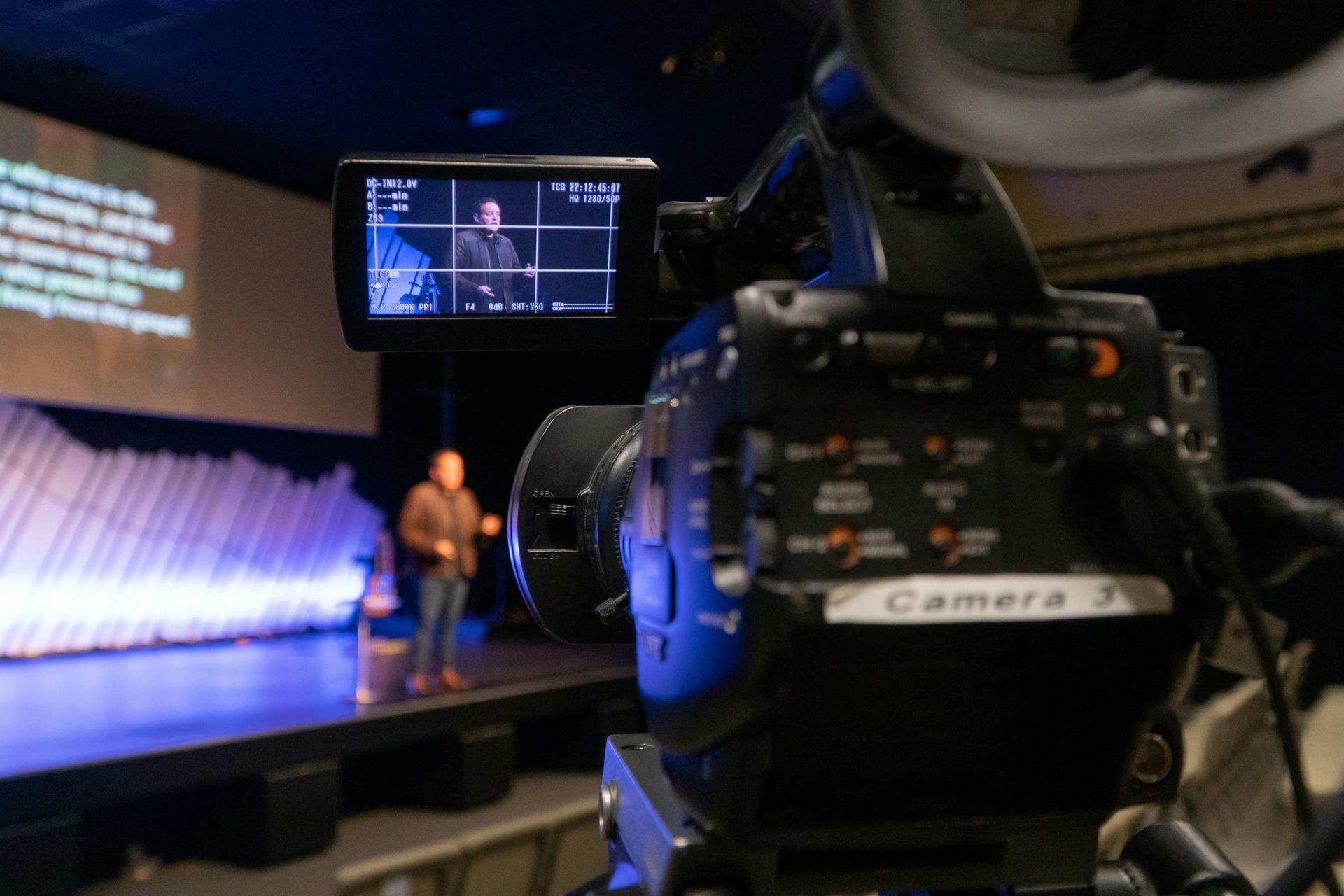
- Two-camera setups: Extra coverage, flexible editing options
- Full professional crews: Director, lighting, multiple cameras, audio specialists
Factors that increase setup complexity and duration include:
- Multiple locations
- Branded environments
- B-roll capture
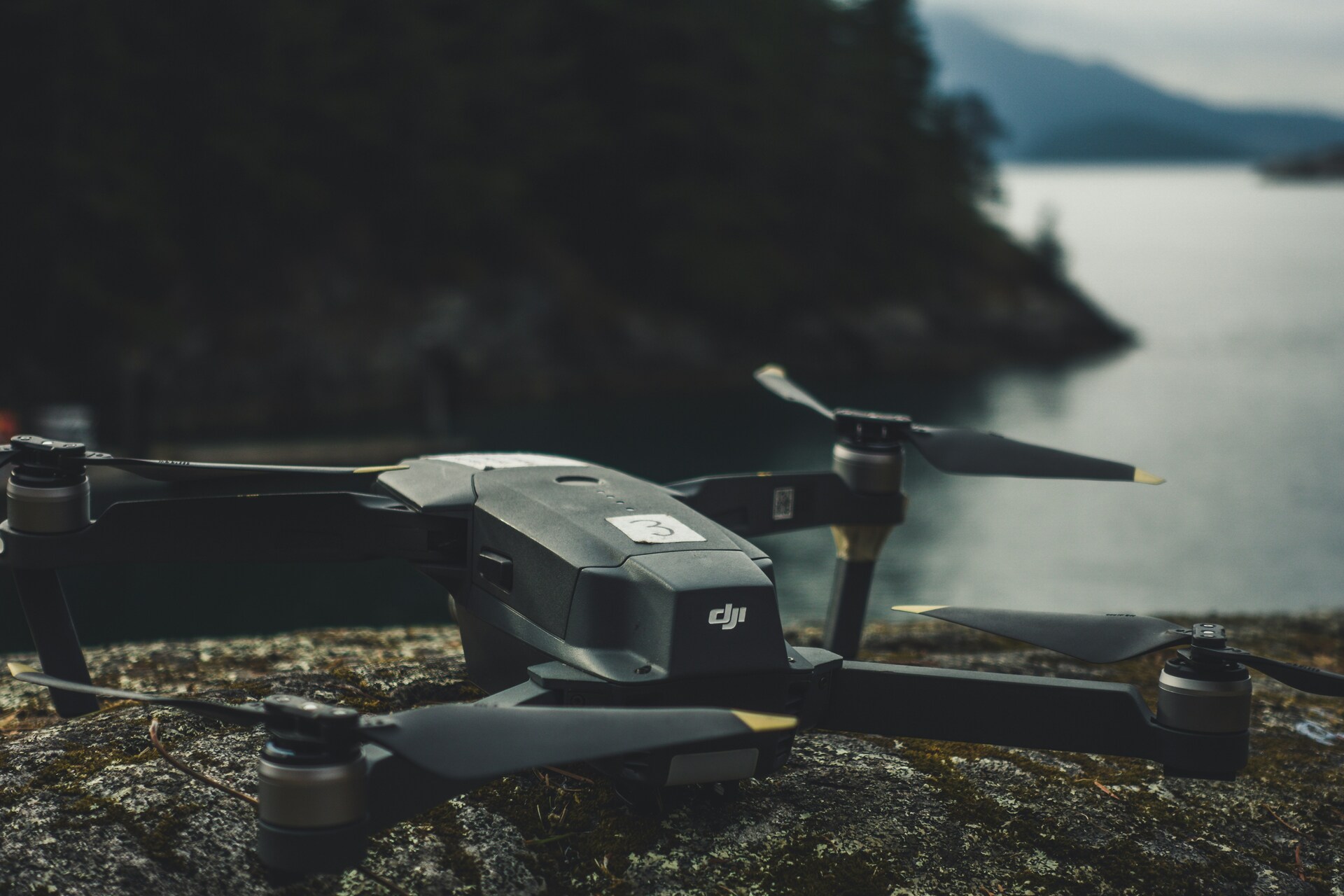
- Drone footage
Setup time: Single interviews usually 30–45 minutes; multi-interview or high-end shoots can take several hours or a full day.
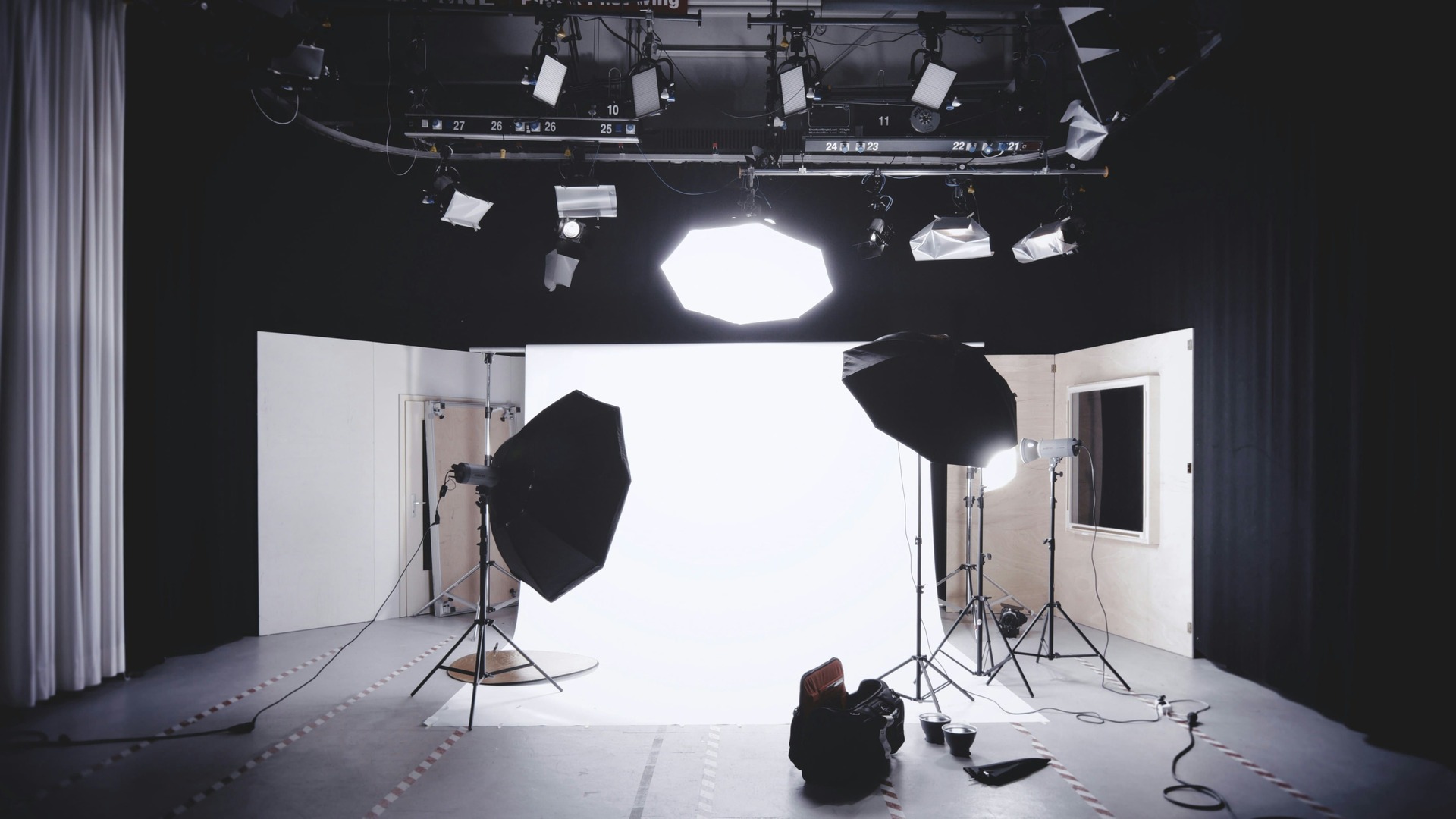
Lighting placement, microphone positioning, and camera framing all play a role in making interview subjects appear comfortable and natural. Even small adjustments in lighting direction or camera angle can significantly improve how the final video looks.
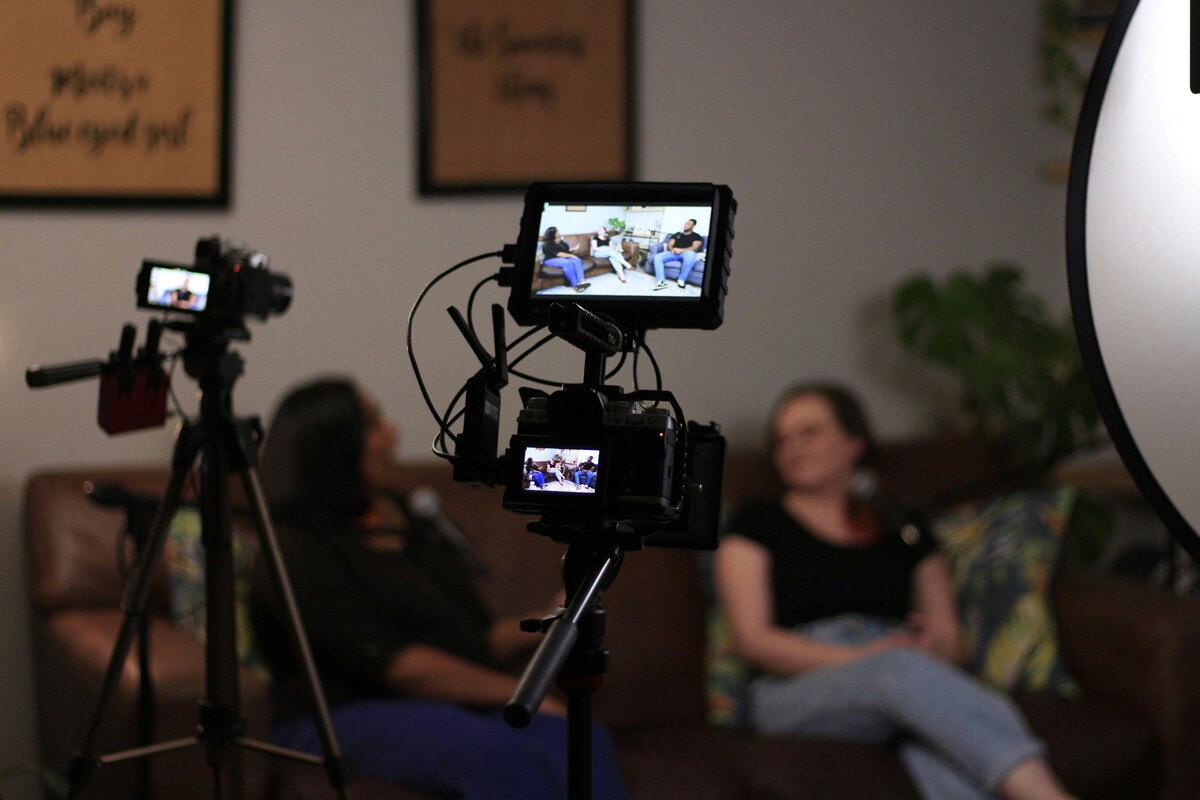
During filming, the interviewer often guides the conversation to help the speaker deliver clear and engaging responses. Rather than memorising a script, interviewees are encouraged to speak naturally about their experience or expertise.
Production teams may also record multiple takes of certain answers to ensure they have options during editing. This approach helps create a smoother final video while maintaining a natural speaking style.
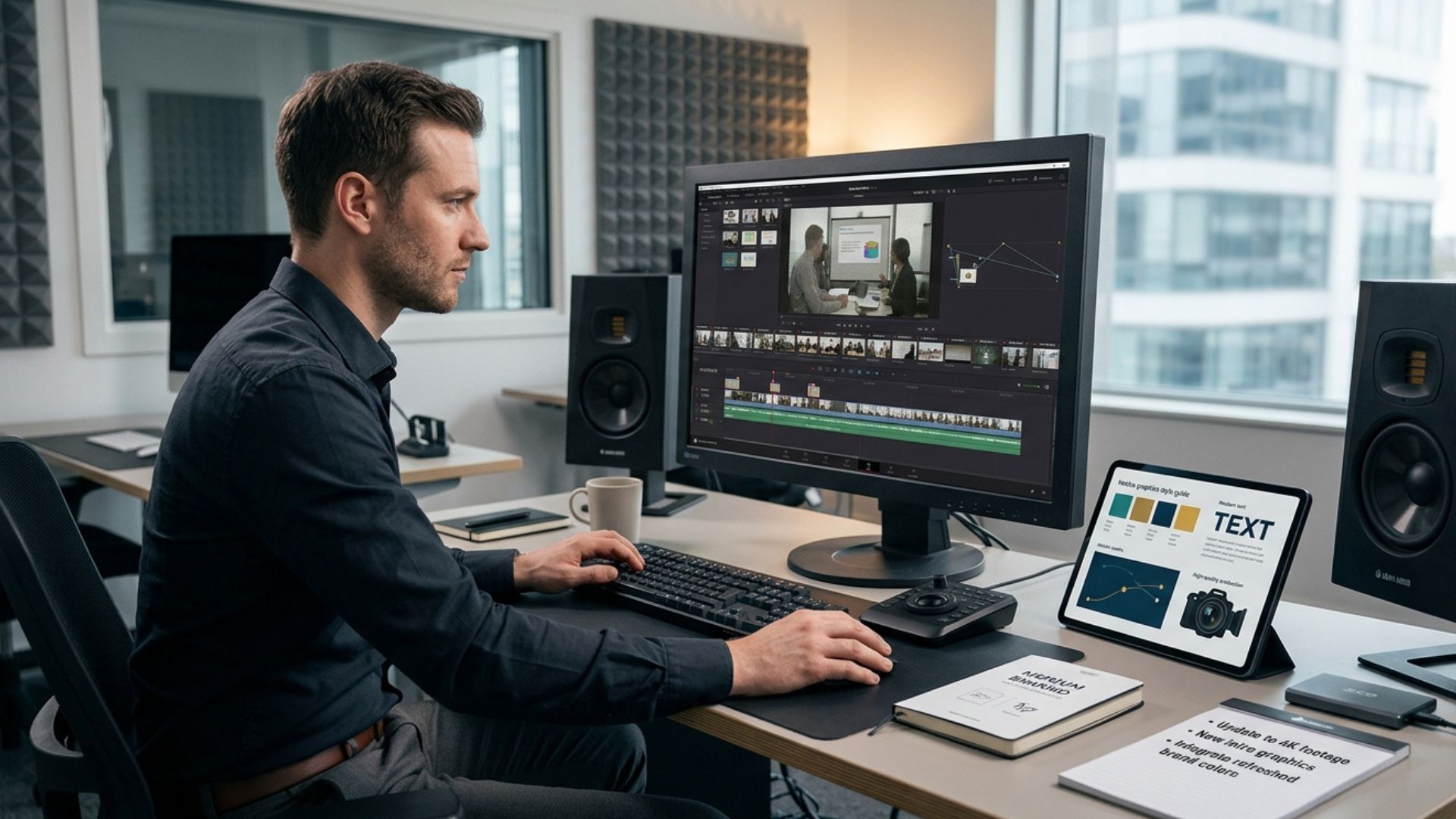
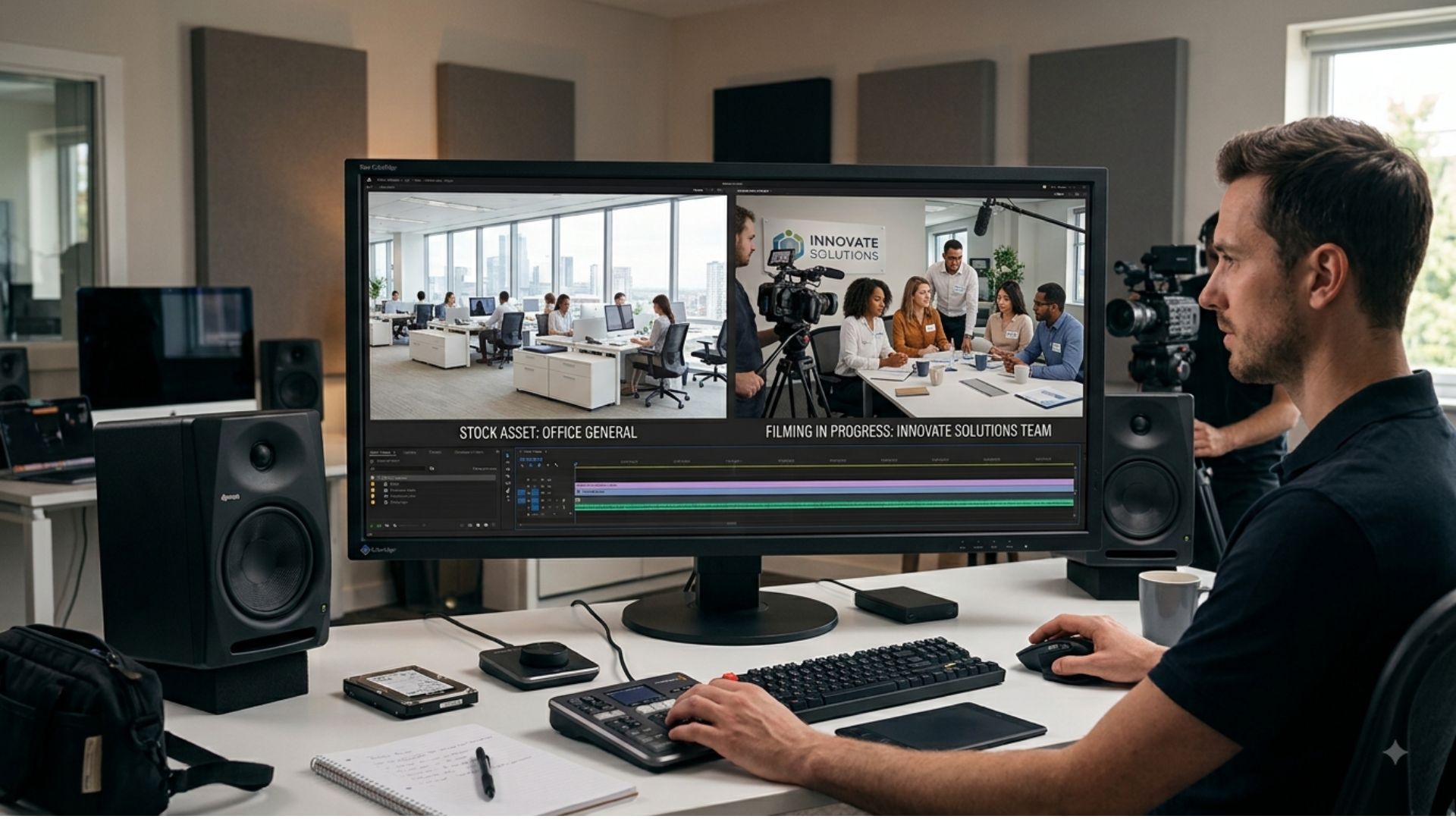
3. Post-Production: Editing & Audio
This is where raw footage becomes a polished, professional video:
- Editing for narrative flow
- Colour correction and lighting adjustments
- Sound mixing, noise reduction, and music integration
- Titles, graphics, and captions
Typical post-production time: 2–6 hours for standard interviews; more for multi-camera or multi-location shoots.
Editing helps refine the story by removing pauses, combining the best answers, and organising footage into a clear structure.
Professional sound mixing is particularly important for interview videos because audiences are highly sensitive to audio quality. Clean, balanced sound helps viewers stay focused on the message rather than being distracted by background noise.
Post-production also allows editors to enhance the visual consistency of the footage. Colour correction ensures that lighting appears balanced across different shots, while subtle graphics or titles can reinforce key messages.
Captions are often added as well, especially for social media distribution where viewers frequently watch videos without sound.
Interview Video Setup by Tier
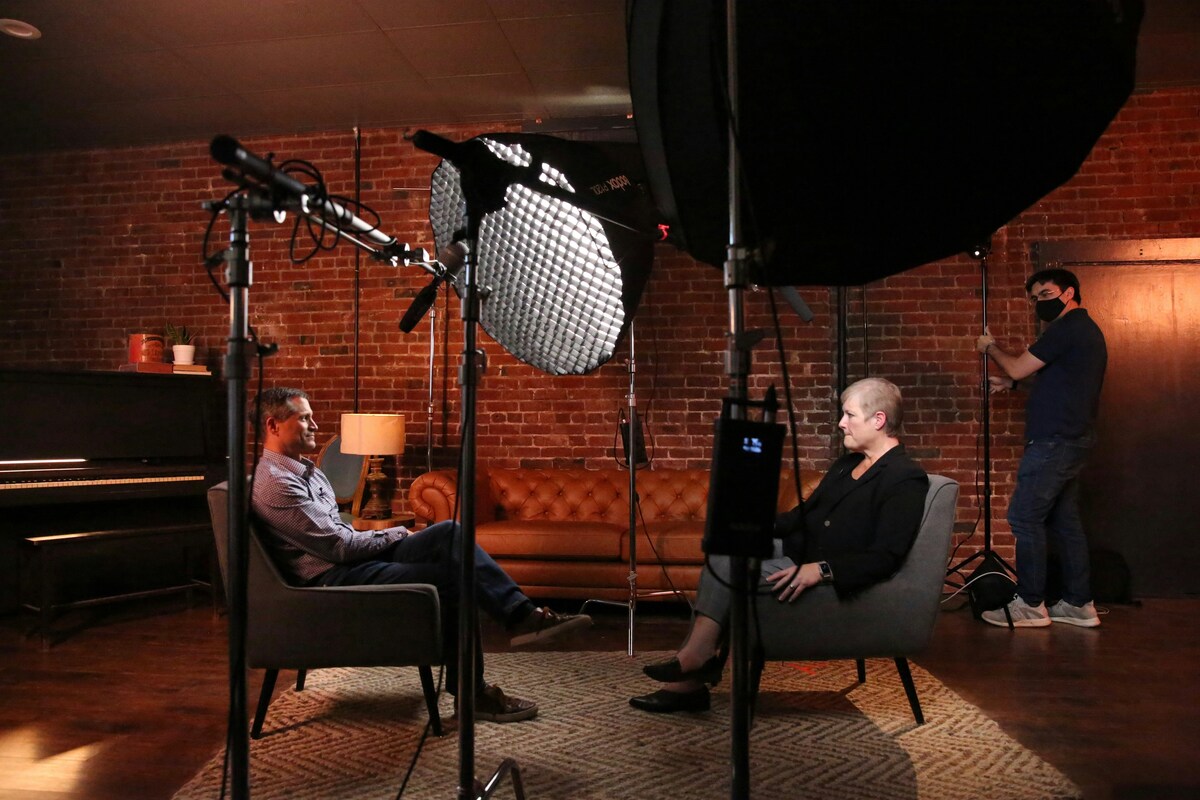
Different projects require different levels of production.
Simple Interview Setup
Best for: Small teams, quick testimonials, internal updates
Features:
- One camera
- Minimal lighting
- Single mic
Focus: Clear messaging without cinematic visuals.
This type of setup is often used when the primary goal is authenticity rather than complex production. Businesses may use simple interview setups for internal communication or quick testimonial videos.
Standard Professional Setup
Best for: SME marketing, website videos, LinkedIn content
Features:
- Two cameras
- Soft lighting kit
- Lavalier microphones
- Controlled location
Focus: Professional visuals and messaging without overproduction.
The second camera allows editors to switch between angles during the interview, which helps maintain viewer engagement.
Multi-Camera / Multi-Location Setup
Best for: Larger companies, recruitment videos, multi-department interviews
Features:
- Director-led shoot
- Multiple cameras
- Advanced lighting/audio
- Location changes
- B-roll capture
Focus: Storytelling and polished production quality.
This approach allows production teams to capture a wider range of perspectives and visual content, which can be used to build a stronger narrative within the final video.
High-End Corporate Interview Setup
Best for: Established brands, campaigns, flagship content
Features:
- Full production crew
- Scripted interviews
- Branded environments
- Advanced lighting and audio
- Multiple deliverables
Focus: Professionalism, flexibility, and long-term usability.
These productions are often designed to support large marketing campaigns or brand messaging initiatives.
Real Interview Video Setup Examples
Single Interview Video: One camera, basic lighting, office location, 1–2 interviewees. Setup time ~45 minutes.
Multi-Camera Company Interview: Two cameras, lavalier mics, B-roll, director-led on-site, 1–2 hours for 2–3 interviewees.
High-End Executive Interview: Full production crew, branded boardroom, multiple camera angles, advanced audio, B-roll, and multiple deliverables. Full-day setup.
These examples demonstrate how interview productions can scale depending on the goals of the project and the level of visual storytelling required.
Industry-Specific Interview Video Considerations

Professional Services & B2B: Single-location, interview-led, focused on trust and clarity. Setup time: 45–90 minutes.
Recruitment & Employer Branding: Multiple voices, storytelling focus, additional B-roll. Setup time: 1–3 hours.
Internal Communications: Short interviews, internal messaging focus. Setup time: 30–60 minutes.
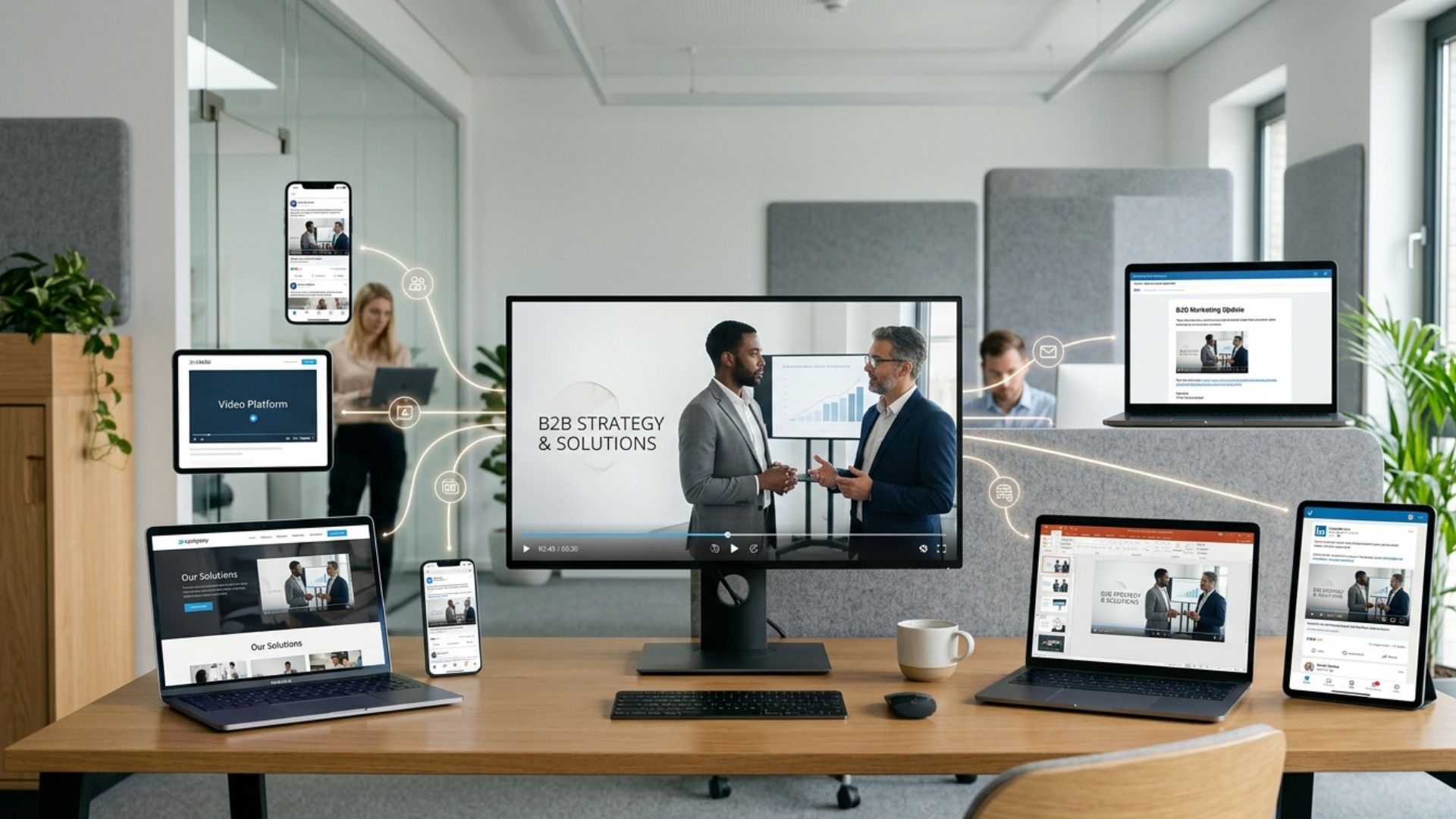
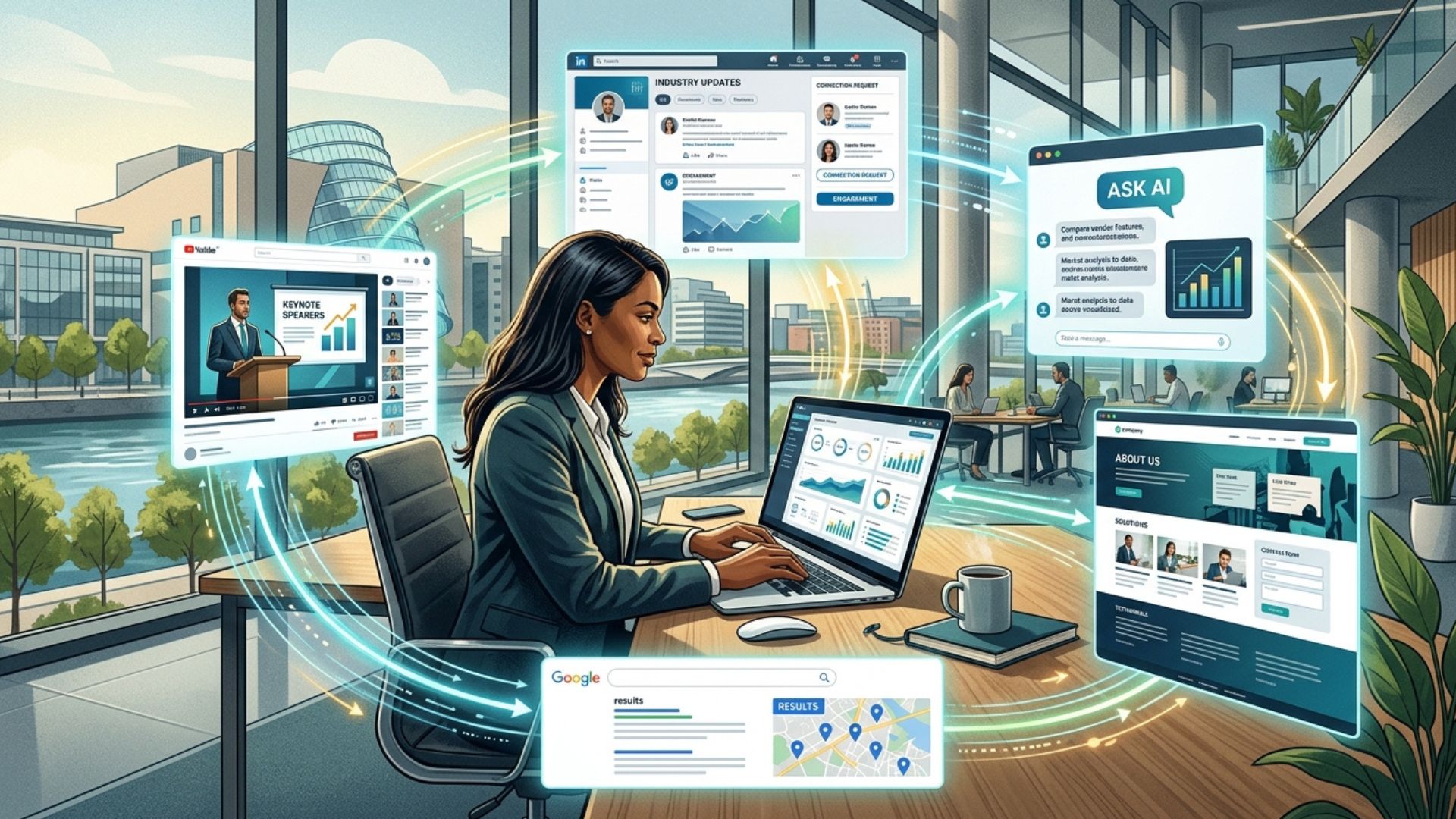
[Insert image here: Interview video displayed across different platforms: website, social media, internal communications.]
Different industries often require slightly different interview styles. Recruitment videos may highlight workplace culture and team interaction, while leadership interviews may emphasise expertise and authority.
Understanding the audience helps determine the tone, visual style, and structure of the interview.
Distribution & Usage: Planning Ahead
Where your video will be used affects setup and post-production:
- Landscape, square, or vertical aspect ratios
- Captions or subtitles
- Social media cut-downs
Planning these versions during the shoot saves time and budget later.
For example, filming with extra framing space allows editors to crop the video for vertical social media formats without losing important visual elements.
Cheap vs Professional Interview Video: Key Differences
Lower-cost setups often result in:
- Poor audio quality
- Flat or inconsistent lighting
- Limited direction
- Short lifespan of content
Professional setups provide:
- Confident on-camera performance
- Clear audio
- Consistent visual quality
- Long-term usability for marketing, training, and communications
Professional productions are typically designed to produce content that can be reused across multiple platforms over time.

How to Get the Best Value From Your Interview Video Budget
- Film multiple interviews at once – main video plus social media cut-downs
- Clarify deliverables upfront – length, platform, key messages
- Share reference videos – reduces misalignment and revisions
- Prioritise message over gimmicks – clear communication outperforms flashy effects
Planning efficiently ensures that the filming day captures enough material to support multiple pieces of content.
How to Choose the Right Production Team
Ask:
- Who will be filming and directing?
- What’s included in the quote?
- How many revisions are allowed?
Red flags: vague pricing, no portfolio examples, overpromising at low cost. The cheapest quote rarely delivers the best results.
Reviewing a production company’s previous work helps ensure their visual style and storytelling approach align with your goals.
Turning Your Interview Video Plan Into Action
If you're researching interview video setups, you're likely already thinking about how video could support your marketing, recruitment, or internal communications. The next step is simply turning those ideas into a clear filming plan — choosing the right location, identifying the people who should appear on camera, and deciding how the final video will be used.
When you’re ready to turn those ideas into a professional, polished interview video, Mango Media can help. Our team has experience setting up everything from single-camera employee interviews to full-scale executive productions — ensuring your team looks confident, sounds clear, and represents your brand exactly as it deserves.
Conclusion
A professional interview video setup isn’t about expensive gear — it’s about the right lighting, clear audio, thoughtful framing, and guidance that helps people feel confident on camera.
If you're planning an interview video for your business, you can explore our video production services, estimate your project using the instant video price calculator, or get in touch for a no-obligation conversation.
Frequently Asked Questions
How do you set up a professional interview video?
A professional interview video setup typically includes proper lighting, clear audio recording, well-framed camera angles, and guidance for the person speaking on camera.
How long does it take to set up an interview video shoot?
For a single interview, setup usually takes around 30–45 minutes. Multi-interview shoots or more complex productions may take 1–3 hours or longer depending on the requirements.
What lighting setup is used for interview videos?
Most professional interview setups use soft key lighting, fill lighting, and sometimes a backlight to create balanced, natural-looking illumination and avoid harsh shadows.
Similar blogs:














![How to Write a Promo Video Script (Free Template Included) [2026 Guide]](https://cdn.prod.website-files.com/6226fcc37e2eb518b6e69a7f/69c3804c0b9ea78696bd89e0_covertab11.jpeg)

.jpg)
%20(1)%20(1).jpg)
.jpg)





We'd love to hear from you! Reach out to us today for a chat about our services, pricing, or just to say hello!


