
In today’s oversaturated inboxes, getting your email noticed — let alone opened — is no easy feat. In this article, we’ll explore the power of video in email campaigns, how to embed video content the right way, best practices to maximise performance, and how to track your results. Whether you’re a startup, marketer, or creative agency, using video in your emails can be a game-changer for audience retention and conversions.
Quick Answer: What Is Hybrid Event Livestreaming?
Hybrid event livestreaming is the process of broadcasting a live in-person event to an online audience while people also attend physically. It combines professional video production, audio capture, and livestream technology to create a smooth experience for both remote and in-room attendees.
What Is Hybrid Event Livestreaming and How Does It Work?
Hybrid event livestreaming refers to broadcasting a live, in-person event to an online audience in real time.
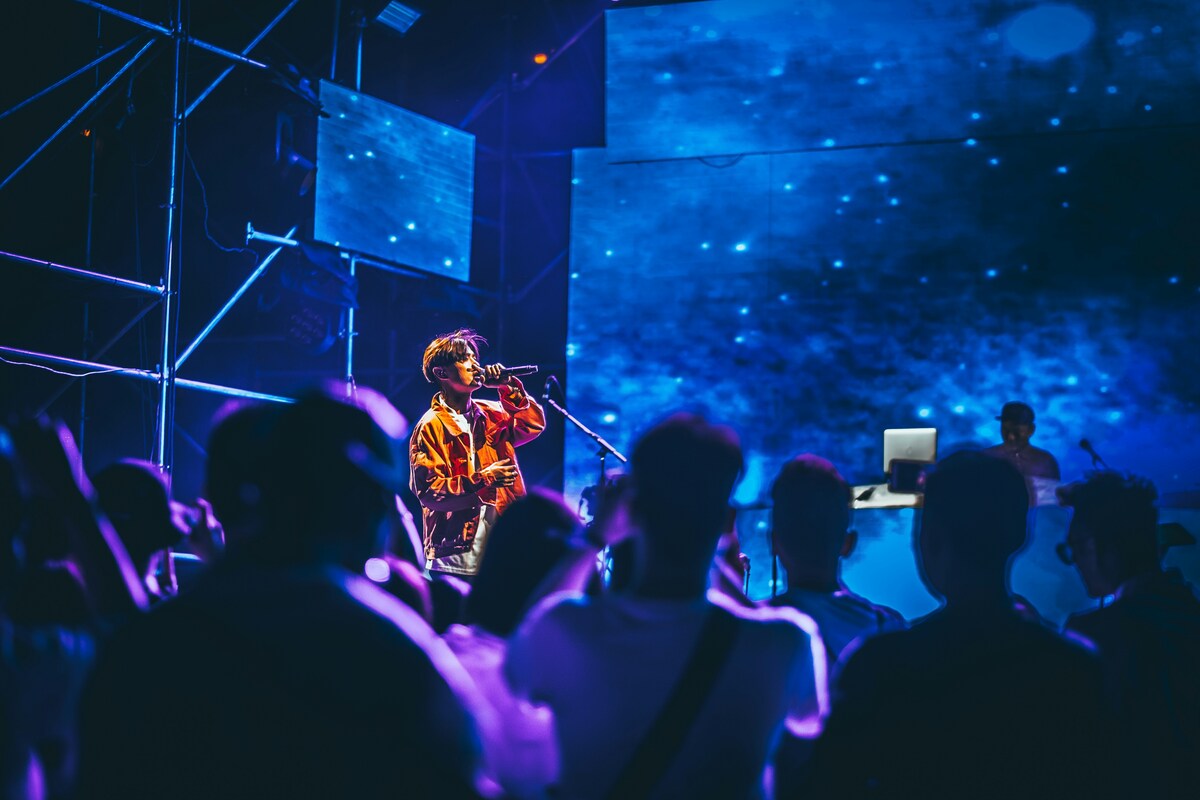
This approach combines physical event production with digital broadcasting, allowing organisations to connect with audiences both inside and outside the venue simultaneously. It effectively merges traditional event management with live video production, requiring coordination between on-site teams and digital platforms.
Rather than simply placing a camera in the room, professional hybrid events are produced so remote viewers feel like active participants rather than passive spectators.
This means the experience is intentionally designed for two audiences at once. Production teams consider how camera framing, audio clarity, and pacing translate to a screen, ensuring that remote viewers are not disadvantaged compared to those physically present.
A well-planned hybrid livestream typically includes:
- Multiple camera angles
- Professional audio capture
- Integrated presentations or slides
- Live switching between camera feeds
- Online audience interaction tools
In addition to these core components, professional productions often include:
- Branded visual overlays and transitions
- Speaker identification graphics
- Countdown timers before sessions begin
- Holding screens during breaks
These elements allow the livestream to feel more like a broadcast production rather than a basic video feed. When done properly, remote viewers can follow the event clearly and remain engaged throughout the presentation.
A structured broadcast format also helps guide viewers through the event, making it easier to follow transitions between speakers, segments, and discussions.
Common types of hybrid events include:
- Corporate conferences
- Industry summits
- Product launches
- Training workshops
- Investor presentations
- Award ceremonies
- Company town halls
Hybrid events are particularly common in industries where organisations want to share knowledge, communicate updates, or showcase products to a broad audience. Conferences and summits, for example, often attract attendees from multiple countries. Hybrid livestreaming allows these events to expand their audience beyond the physical venue.
It also enables organisations to include speakers who may not be able to travel, making event programming more flexible and diverse.
By combining physical and digital attendance, organisations can significantly increase audience reach without needing larger venues or additional event days.
Additional benefits include:
- Reduced travel and accommodation costs for attendees
- Lower environmental impact compared to fully in-person events
- Easier access for people with scheduling constraints
From working with organisations across Ireland on conferences, corporate events, and livestream productions, it’s clear that the difference between a smooth hybrid event and a stressful one usually comes down to preparation and the right technical setup.
Events that appear effortless on the surface are typically the result of detailed planning, rehearsals, and coordination between multiple teams.
When the production planning is done well, hybrid events can feel seamless for both audiences. In-person attendees experience a professional stage production, while remote viewers receive a clear, dynamic broadcast that mirrors the experience of being in the room.
Consistency between both experiences is important for maintaining credibility and ensuring that all attendees receive equal value.
Why Hybrid Events Have Become So Popular
Hybrid events have grown rapidly in popularity because they allow organisations to expand the reach of their events without sacrificing the value of in-person interaction.
They align with the expectations of modern audiences who are accustomed to digital access and on-demand content.
One of the biggest advantages is accessibility. Not everyone can travel to attend a conference or company event, but livestreaming allows remote employees, clients, and partners to participate from anywhere.
This is especially important for:
- Global teams
- Clients in different regions
- Stakeholders with limited availability
Hybrid events also help organisations extend the value of their event content. Because the event is recorded during the livestream, the footage can later be repurposed for marketing campaigns, internal training, or social media content.
This turns a single event into a long-term content resource.
Organisations often reuse hybrid event recordings in several ways:
- Short clips for social media marketing
- Educational content for company websites
- Internal training materials
- Event highlight videos
- Promotional clips for future events
Additional long-term uses include:
- On-demand content libraries
- Webinar-style replays
- Sales presentations and client onboarding materials
Another advantage is flexibility for attendees. Some people prefer attending events in person for networking opportunities, while others prefer watching online due to travel limitations or scheduling conflicts.
This flexibility increases overall attendance and makes events more inclusive.
Hybrid events allow attendees to choose the format that works best for them.
This also allows organisations to:
- Offer tiered ticket options
- Increase registration numbers
- Accommodate last-minute attendees
As a result, hybrid events have become a standard format for many corporate and professional events. Organisations increasingly view hybrid livestreaming not as a backup plan, but as a strategic way to increase participation and engagement.
It is now often included in event planning from the beginning rather than added later.
Key Elements of Successful Hybrid Event Livestreaming
Running a professional hybrid event requires several technical components working together.

Each component must be aligned to ensure consistency between what happens on stage and what is broadcast online.
When planned properly, these elements ensure both audiences have a smooth viewing experience.
Even small technical issues can disrupt the experience, particularly for remote viewers who rely entirely on the broadcast.
Because hybrid events involve both physical production and digital broadcasting, they require coordination between multiple technical systems, including:
- Video capture
- Audio recording
- Internet connectivity
- Presentation content
- Livestream software
Additional supporting systems often include:
- Graphics and branding overlays
- Backup recording systems
- Monitoring screens for quality control
Even small technical issues can affect the experience for remote viewers, which is why careful preparation and testing are essential.
Professional teams often build redundancy into their systems to minimise risk.
Multi-Camera Video Production
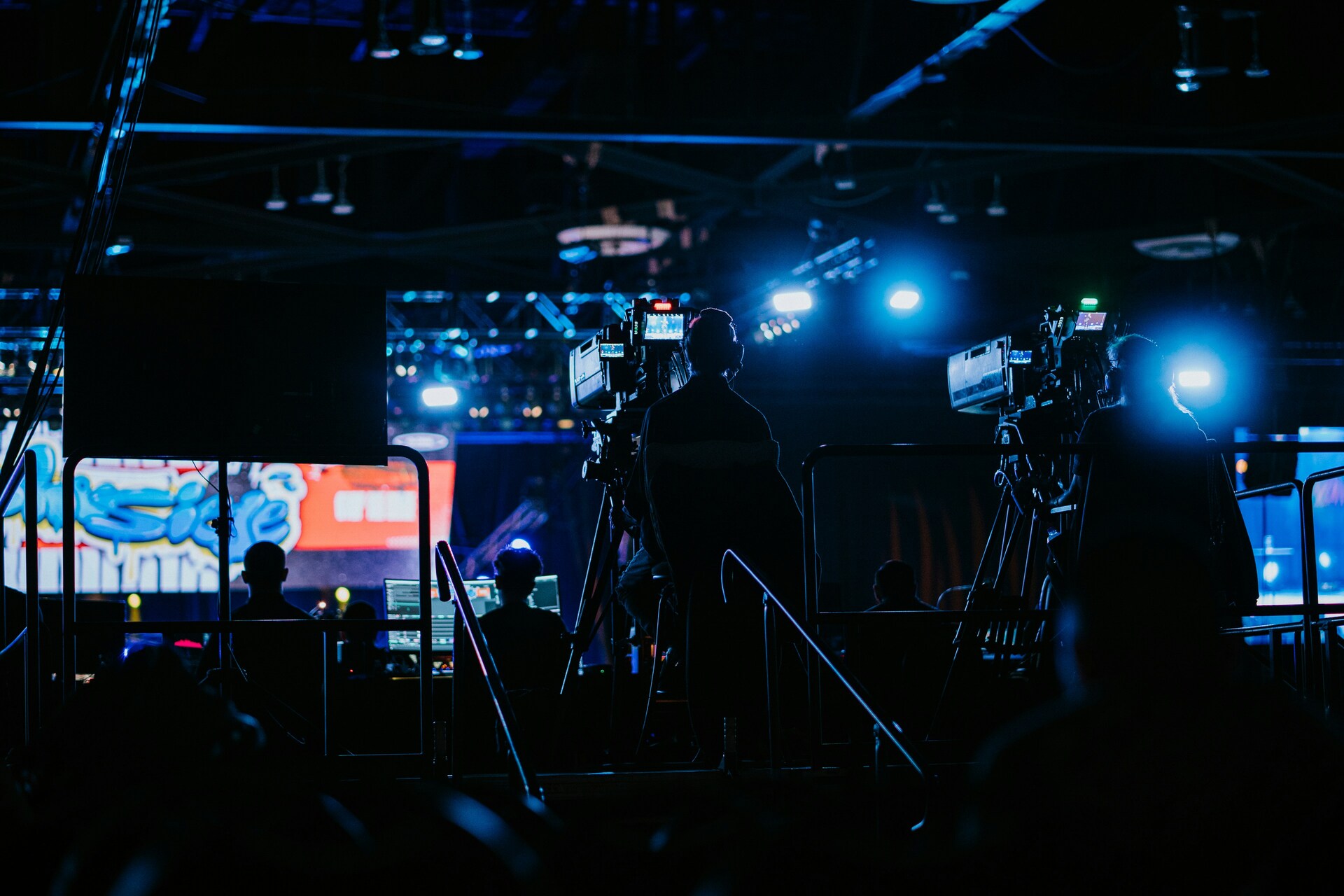
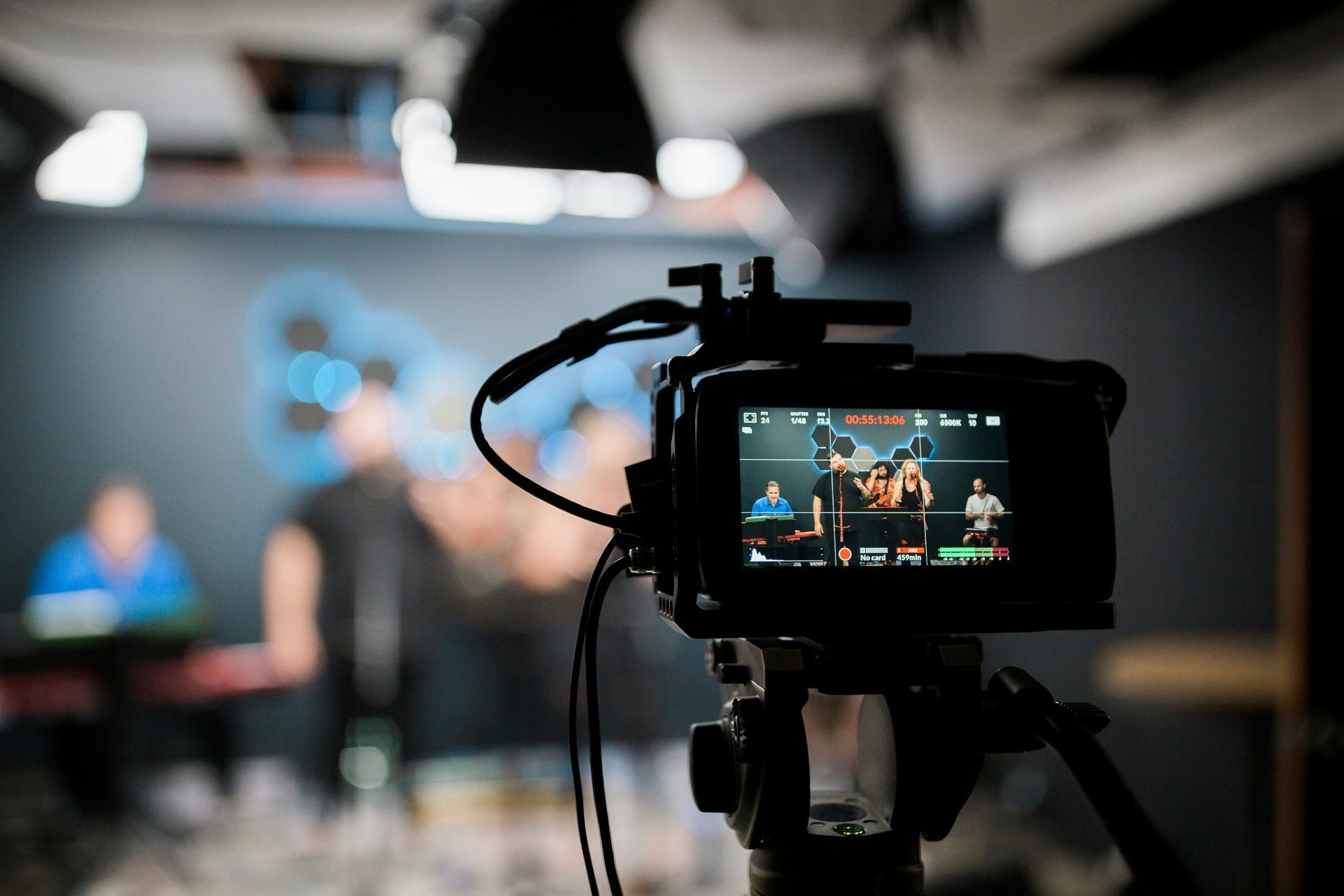
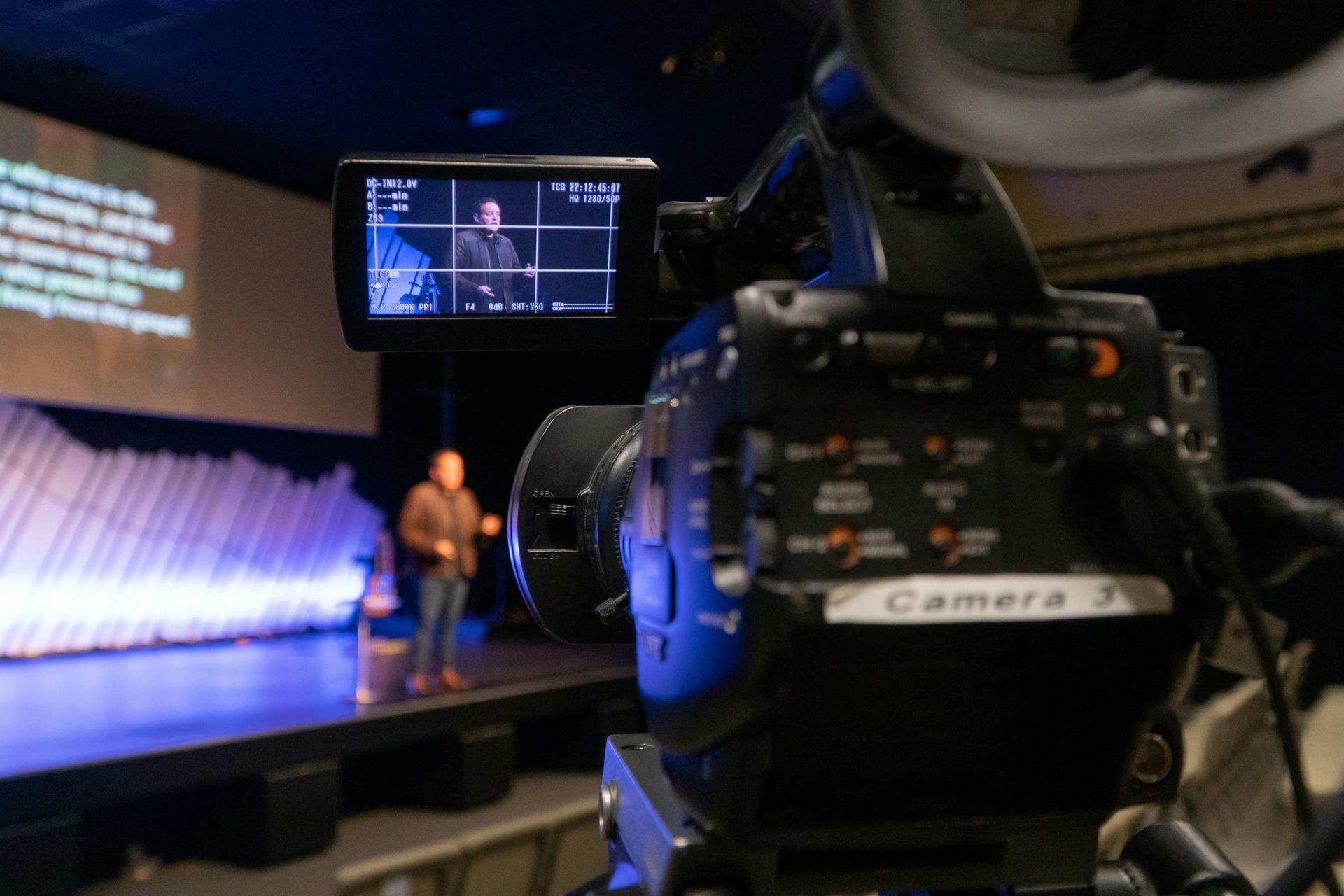
Professional hybrid event livestreaming typically uses multiple cameras to capture different angles of the event.
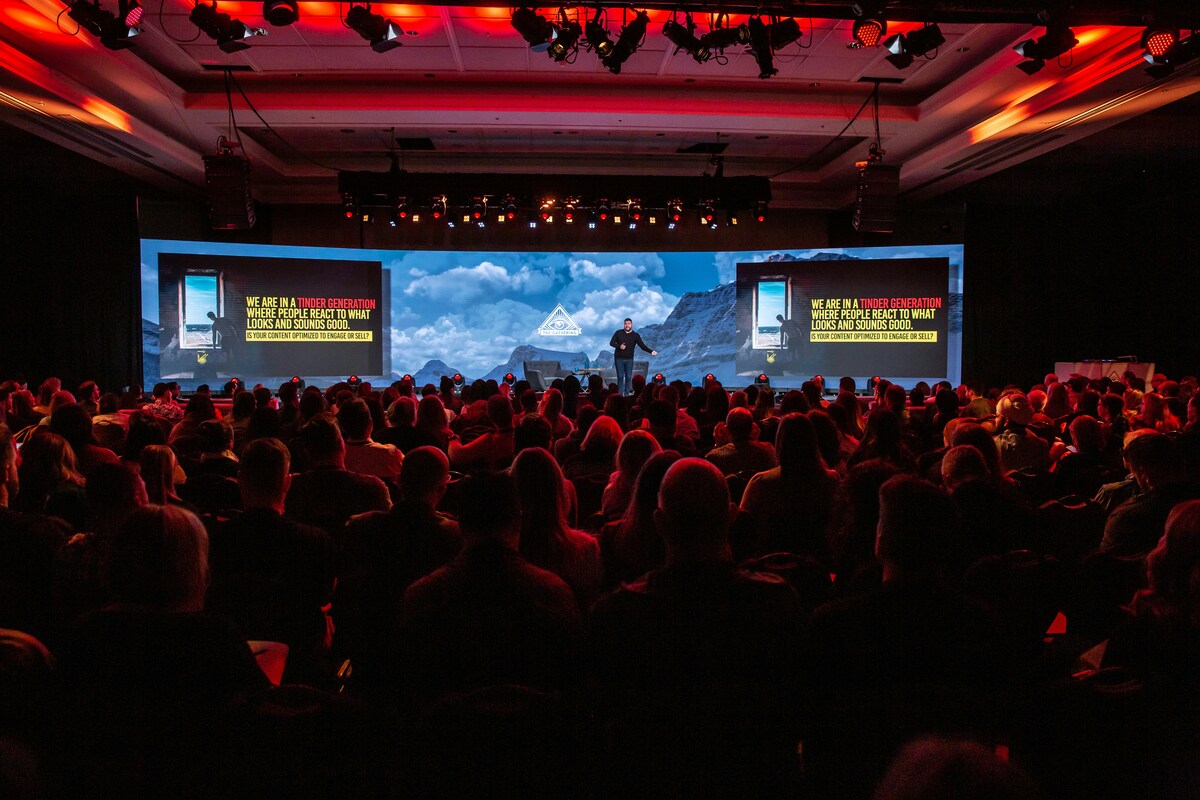
This creates a more engaging and visually dynamic experience compared to a single static shot.
Typical camera setups may include:
- Wide shot of the stage
- Close-up of speakers
- Panel discussion angles
- Audience reaction shots
- Dedicated camera for demonstrations or product displays
Additional camera options may include:
- Moving cameras for dynamic shots
- Side-angle views for depth
- Detail shots for products or visuals
Using multiple cameras helps maintain visual interest for online viewers and allows the production team to follow the flow of the event.
This is especially important during longer sessions where visual variation helps maintain attention.
A video switcher allows the production team to move between these camera feeds in real time, creating a broadcast-style experience.
It also allows integration of graphics, slides, and pre-recorded content into the livestream.
Live switching also helps highlight important moments during the event, such as:
- Audience questions
- Demonstrations
- Panel interactions
High-Quality Audio Integration
Clear audio is essential for hybrid events.
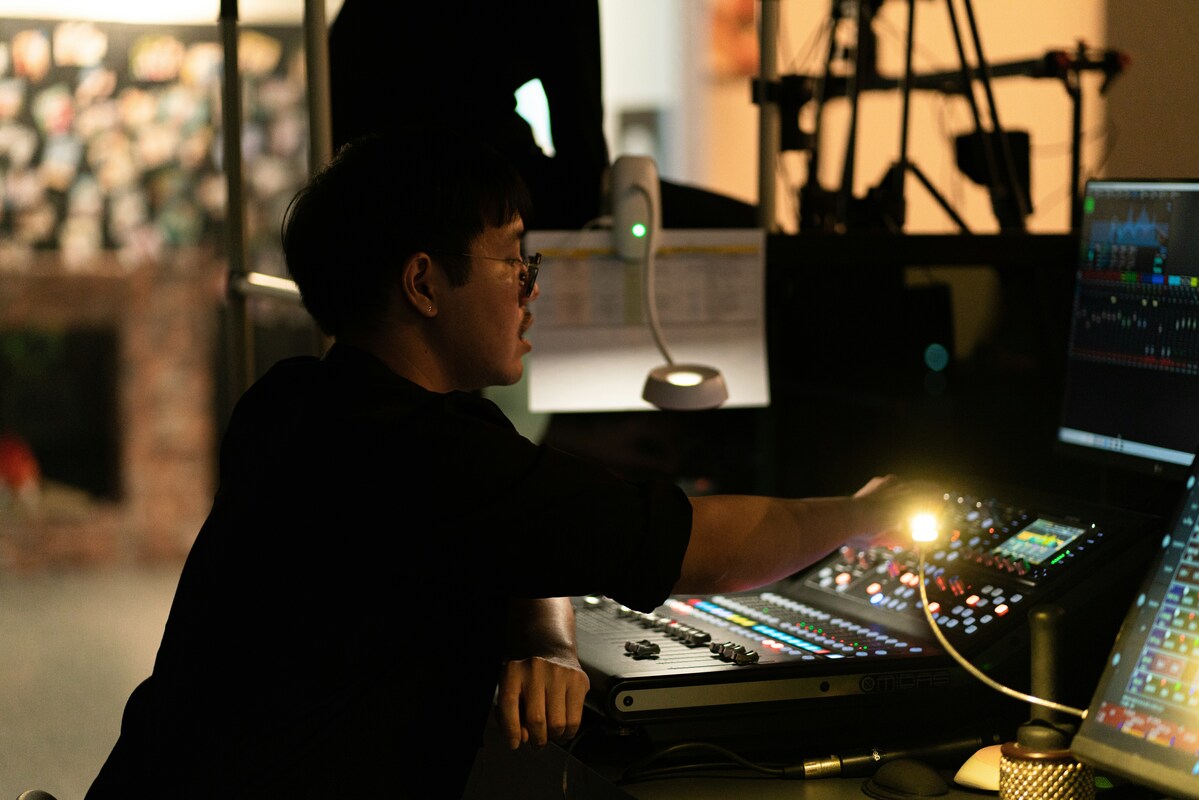
In many cases, viewers are more likely to tolerate lower video quality than poor audio.
Professional setups usually capture sound from multiple sources, including:
- Presenter microphones
- Panel discussion microphones
- Audience questions
- The venue sound desk
- Presentation or video playback audio
Additional audio considerations include:
- Eliminating background noise
- Balancing volume levels between speakers
- Preventing echo or feedback
Audio is often the most critical factor in whether a livestream feels professional. Even if the video looks excellent, poor audio quality can quickly make a presentation difficult to follow.
The audio mix for the livestream is often handled separately from the venue sound system so online viewers hear balanced, clear sound.
This ensures consistency regardless of room acoustics.
This separation is important because the audio requirements for a room full of people are different from the needs of a livestream audience.
Presentation and Screen Integration
Many corporate events include slides, product demonstrations, or visual presentations.
For hybrid event livestreaming, these visuals are usually integrated directly into the broadcast rather than filmed from the stage screen.
This allows remote viewers to clearly see:
- Presentation slides
- Product demos
- Screen recordings
- Keynote visuals
- Pre-recorded video segments
Additional benefits include:
- Higher clarity and readability
- Seamless transitions between content and speakers
- Better control over visual timing
Without this integration, remote viewers may struggle to read presentation slides or follow visual demonstrations.
Reliable Internet Connection
A stable internet connection is critical for livestreaming.
Professional livestream production teams often prepare for this by using:
- Dedicated wired internet connections
- Backup bonded cellular internet systems
- Network speed testing before the event
- Redundant streaming pathways
Additional precautions include:
- Using multiple internet providers where possible
- Monitoring network performance during the event
- Having a failover system ready
Because livestreaming depends on upload speed, testing the network in advance is essential.
Production teams typically perform several checks before the event begins, including:
- Upload speed tests
- Connection stability tests
- Backup network configuration
These precautions reduce the risk of interruptions during important presentations.
Audience Interaction Tools
Hybrid events allow remote viewers to interact with the event rather than simply watch it.
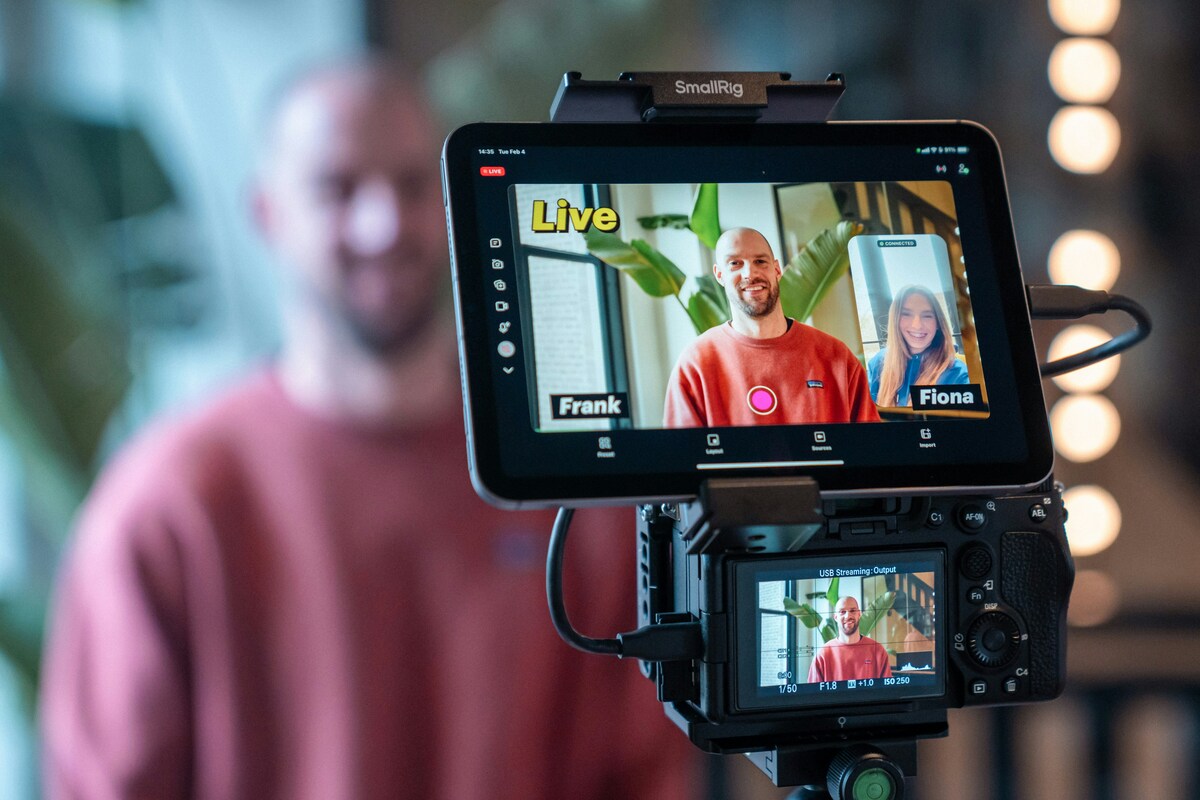
Common engagement tools include:
- Live Q&A submissions
- Moderated chat discussions
- Audience polls and surveys
- Remote questions sent to speakers on stage
Additional engagement features may include:
- Live reactions
- Breakout sessions
- Networking tools for virtual attendees
Interactive tools help maintain audience engagement during longer events and encourage viewers to participate rather than passively watch the livestream.
Hybrid Event Crew and Equipment
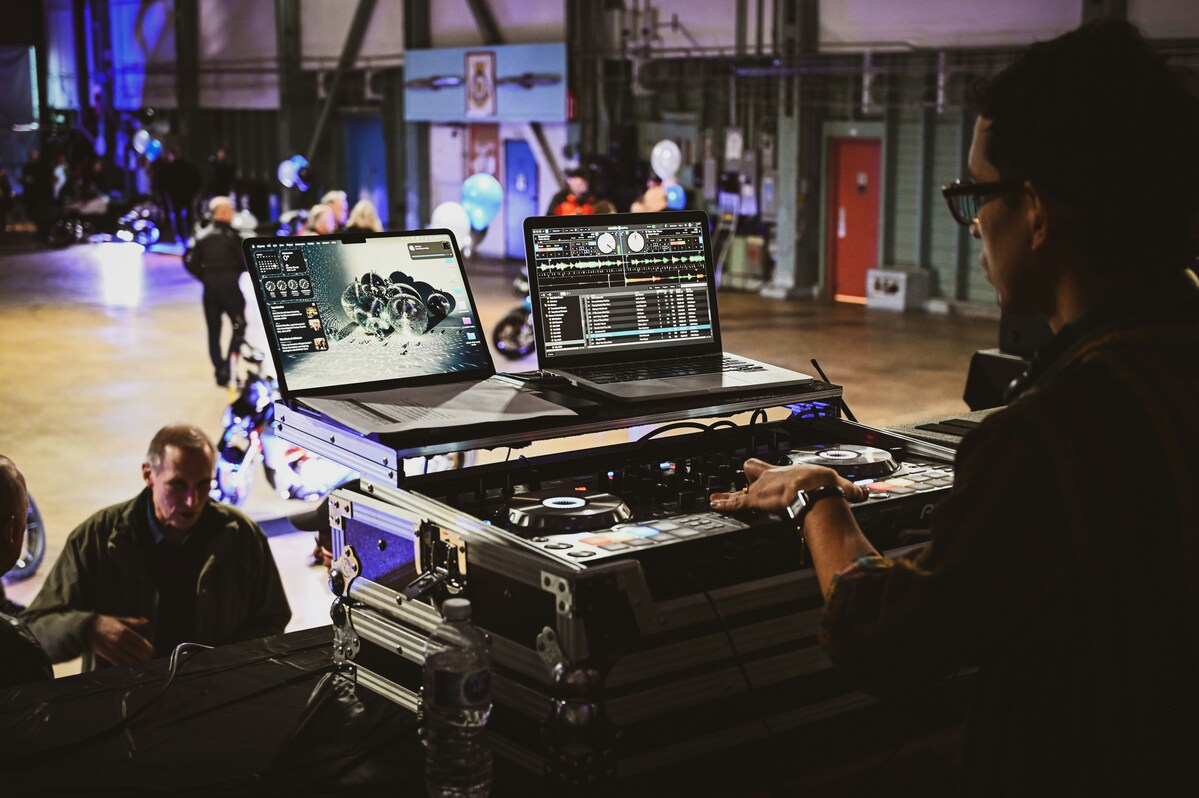
Hybrid events typically require a small production team to manage the technical setup.
A typical hybrid event crew may include:
- Camera operators
- Livestream technician
- Video switcher operator
- Audio technician
- Technical director or producer
Additional roles may include:
- Graphics operator
- Stage manager
- IT support
Equipment used for hybrid livestreams often includes:
- Professional video cameras
- Video switching and streaming equipment
- Wireless microphones
- Audio mixers and integration equipment
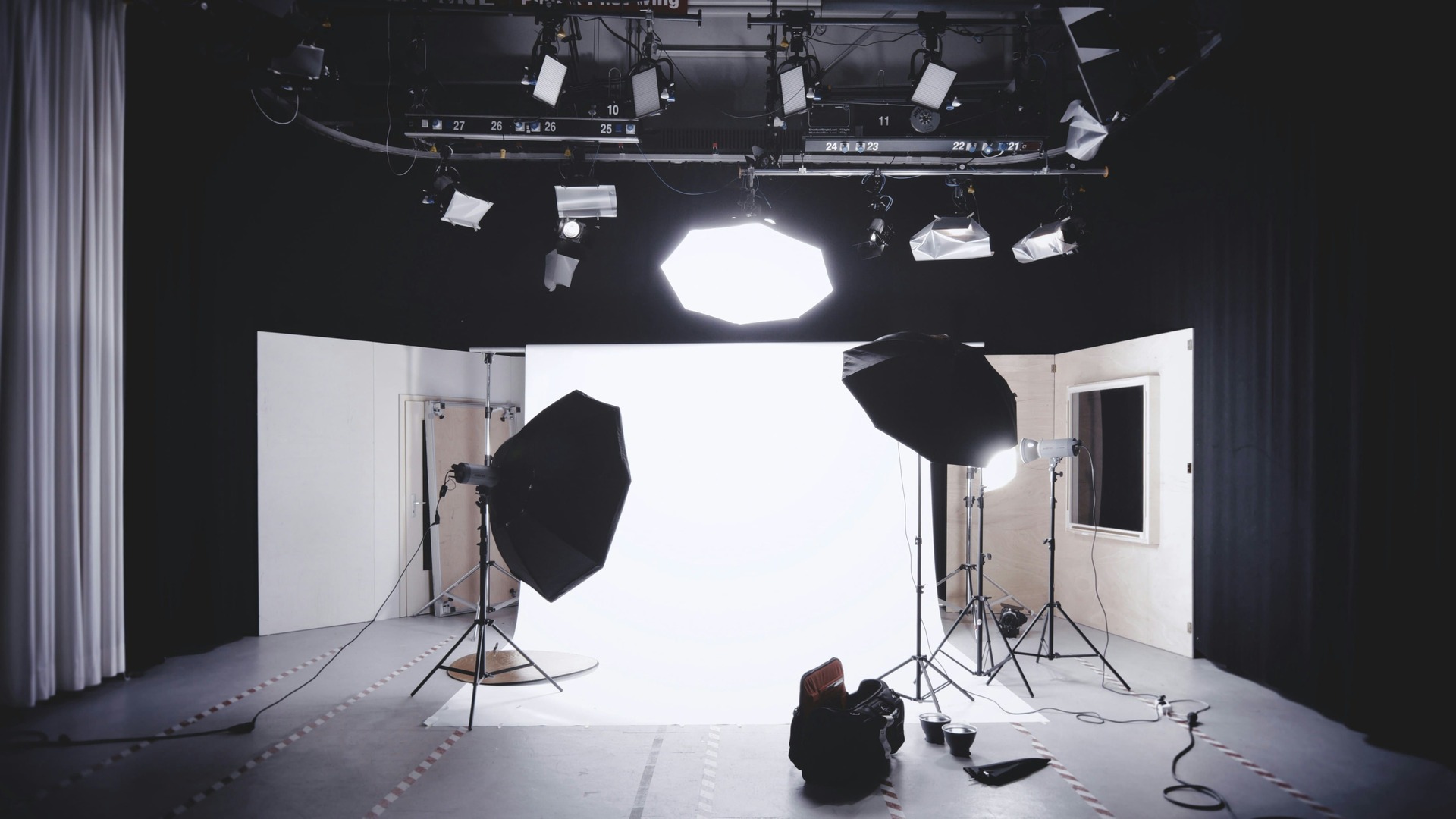
- Stage lighting
- Presentation or graphics integration tools
Using professional production equipment helps ensure the event runs smoothly and looks polished.
Hybrid Event Setup Timeline
Preparation is an essential part of hybrid event livestreaming.
Because hybrid events involve multiple systems, they typically require several hours of setup before the audience arrives.
2–3 Hours Before the Event
Production teams typically arrive early to set up and test the system.
Tasks may include:
- Camera setup and positioning
- Audio integration with the venue sound system
- Lighting adjustments
- Internet connection testing
- Livestream platform configuration
1 Hour Before the Event
Once the equipment is installed, the team usually conducts a rehearsal.
This may include:
- Speaker microphone checks
- Presentation testing
- Camera framing adjustments
- Final broadcast testing
These steps help ensure everything runs smoothly once the event begins.
Common Mistakes to Avoid in Hybrid Event Livestreaming
Businesses planning hybrid events sometimes underestimate the technical complexity involved.
Some common mistakes include:
- Using a single static camera
- Poor audio capture
- Ignoring the online audience
- Unstable internet connections
- Skipping technical rehearsals
Additional mistakes include:
- Poor lighting conditions
- Overloading slides with too much information
- Lack of clear run-of-show planning
Avoiding these issues can significantly improve the quality of the livestream experience.
Benefits of Hybrid Event Livestreaming
Hybrid events offer several advantages for organisations hosting events.
They allow businesses to:
- Reach audiences beyond venue capacity
- Include international participants
- Record sessions for on-demand viewing
- Increase sponsorship opportunities
- Extend the lifespan of event content
- Repurpose presentations for marketing or training
Additional benefits include:
- Data and analytics tracking
- Increased audience engagement insights
- Better return on investment
For many organisations, hybrid events are now a core part of event strategy.
Planning a Hybrid Event?
If you’re organising a conference, corporate event, or product launch, hybrid event livestreaming can significantly expand your audience while maintaining the energy of a live event.
The key is ensuring the technical setup is carefully planned so both in-person and online attendees experience the event smoothly.
Taking time to plan camera placement, audio capture, internet reliability, and audience engagement tools can make a significant difference in how professional the event feels.
Conclusion
Hybrid event livestreaming allows organisations to combine the impact of a live event with the reach of online broadcasting. When the technical setup is planned properly — from cameras and audio to internet reliability and audience interaction — hybrid events can deliver a seamless experience for both audiences.
If you're planning a hybrid conference, corporate event, or product launch, professional production can make the difference between a basic stream and a polished event experience. You can explore Mango Media’s livestreaming services, get a quick estimate using the instant video price calculator, or get in touch with the team for a no-obligation conversation.
Frequently Asked Questions
What equipment do you need for a hybrid event livestream?
Most hybrid event livestreams require multiple cameras, professional microphones, video switching equipment, livestream encoding software or hardware, lighting, and a reliable internet connection.
How much does hybrid event livestreaming cost?
The cost of hybrid event livestreaming depends on factors such as the number of cameras, crew size, venue setup, and streaming platform requirements.
How long does it take to set up a hybrid event livestream?
Most professional hybrid event livestream setups take 2–4 hours to prepare, including equipment installation, internet testing, and rehearsal with speakers.
Similar blogs:




















![How to Write a Promo Video Script (Free Template Included) [2026 Guide]](https://cdn.prod.website-files.com/6226fcc37e2eb518b6e69a7f/69c3804c0b9ea78696bd89e0_covertab11.jpeg)


.jpg)
%20(1)%20(1).jpg)
.jpg)






We'd love to hear from you! Reach out to us today for a chat about our services, pricing, or just to say hello!


