
In today’s oversaturated inboxes, getting your email noticed — let alone opened — is no easy feat. In this article, we’ll explore the power of video in email campaigns, how to embed video content the right way, best practices to maximise performance, and how to track your results. Whether you’re a startup, marketer, or creative agency, using video in your emails can be a game-changer for audience retention and conversions.
What Is the Video Production Process?
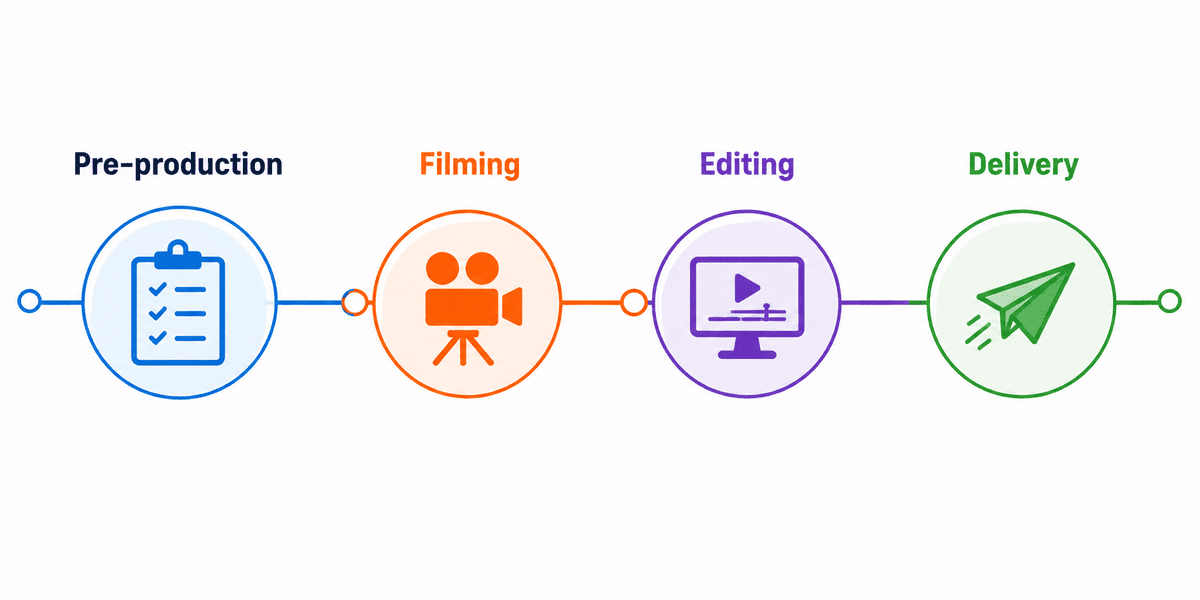
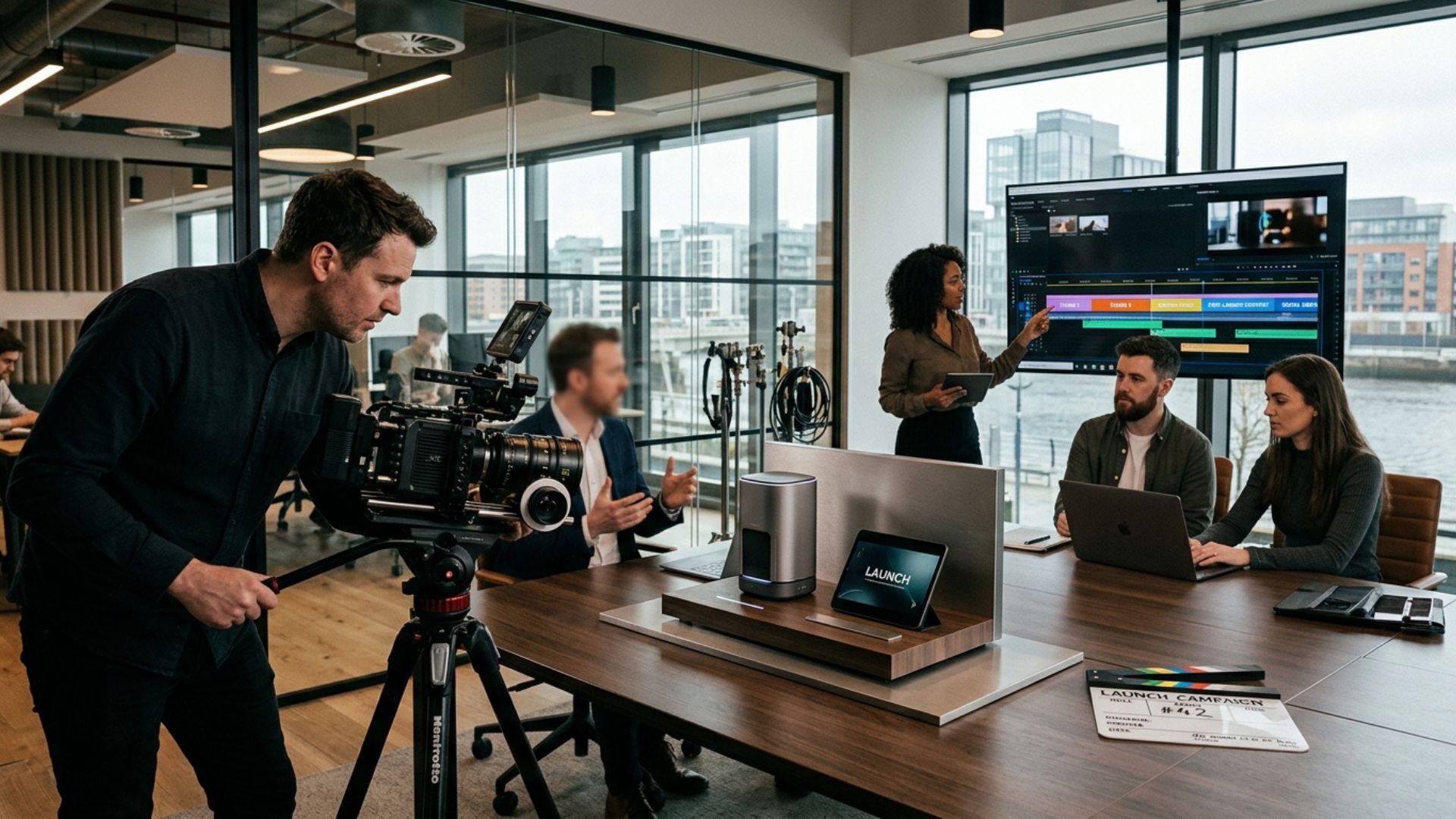
The video production process refers to the structured stages involved in creating a professional video. It typically includes three main phases:
- Pre-production (planning and preparation)
- Production (filming)
- Post-production (editing and delivery)
Each stage plays a critical role in ensuring the final video is effective, on-brand, and aligned with your business goals.
A well-managed process reduces delays, improves video quality, and ensures the final product is not just visually appealing — but strategically effective.
For businesses investing in video marketing, understanding this process helps set realistic expectations around timelines, costs, collaboration, and outcomes. Whether you're creating a corporate brand video, customer testimonial, recruitment video, product showcase, or social media campaign, the production workflow remains largely consistent.
Professional video production is not simply about filming content. It is a strategic communication process that combines planning, storytelling, technical execution, and marketing objectives into one final deliverable.

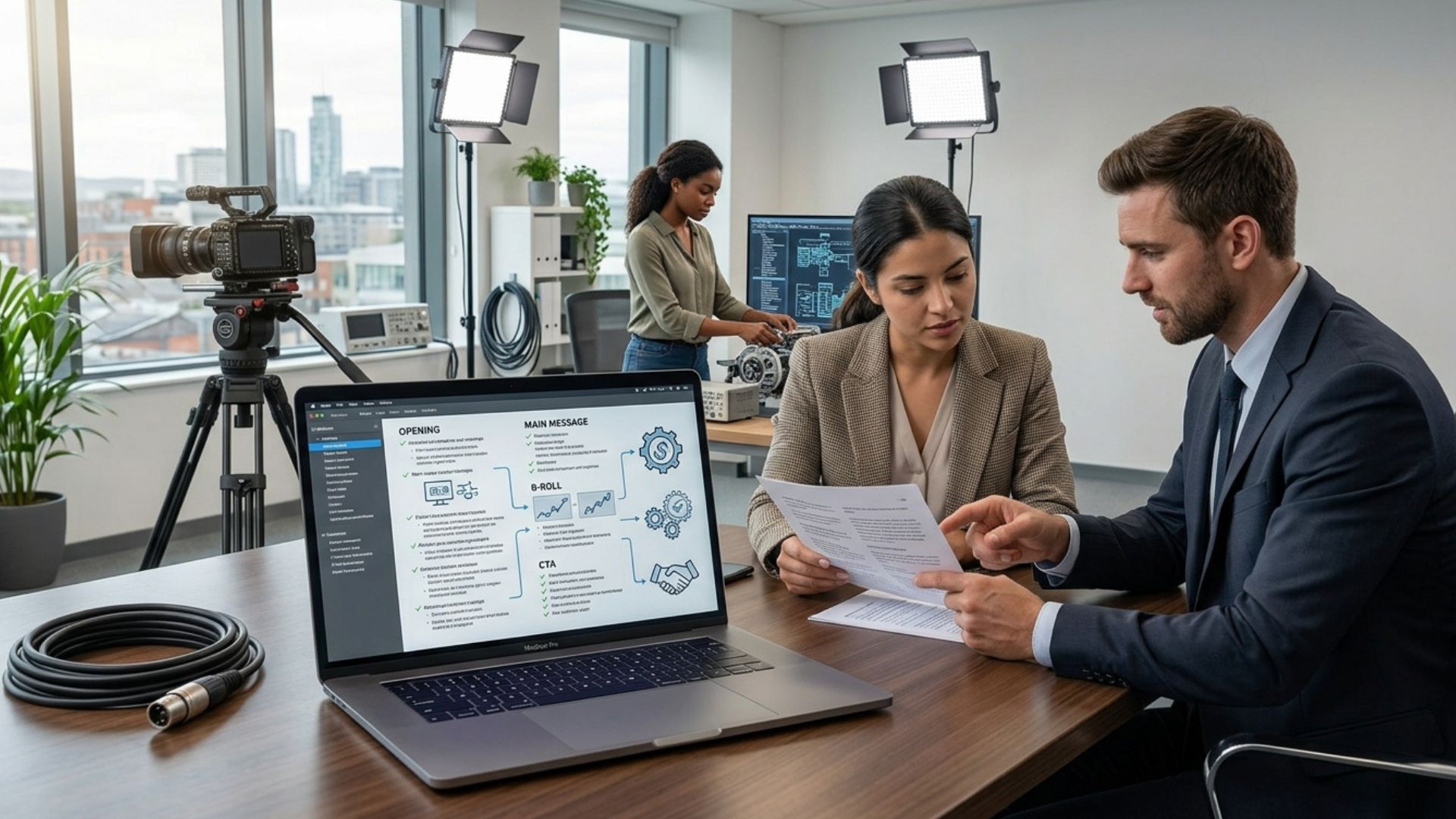
Stage 1: Pre-Production (Planning Phase)
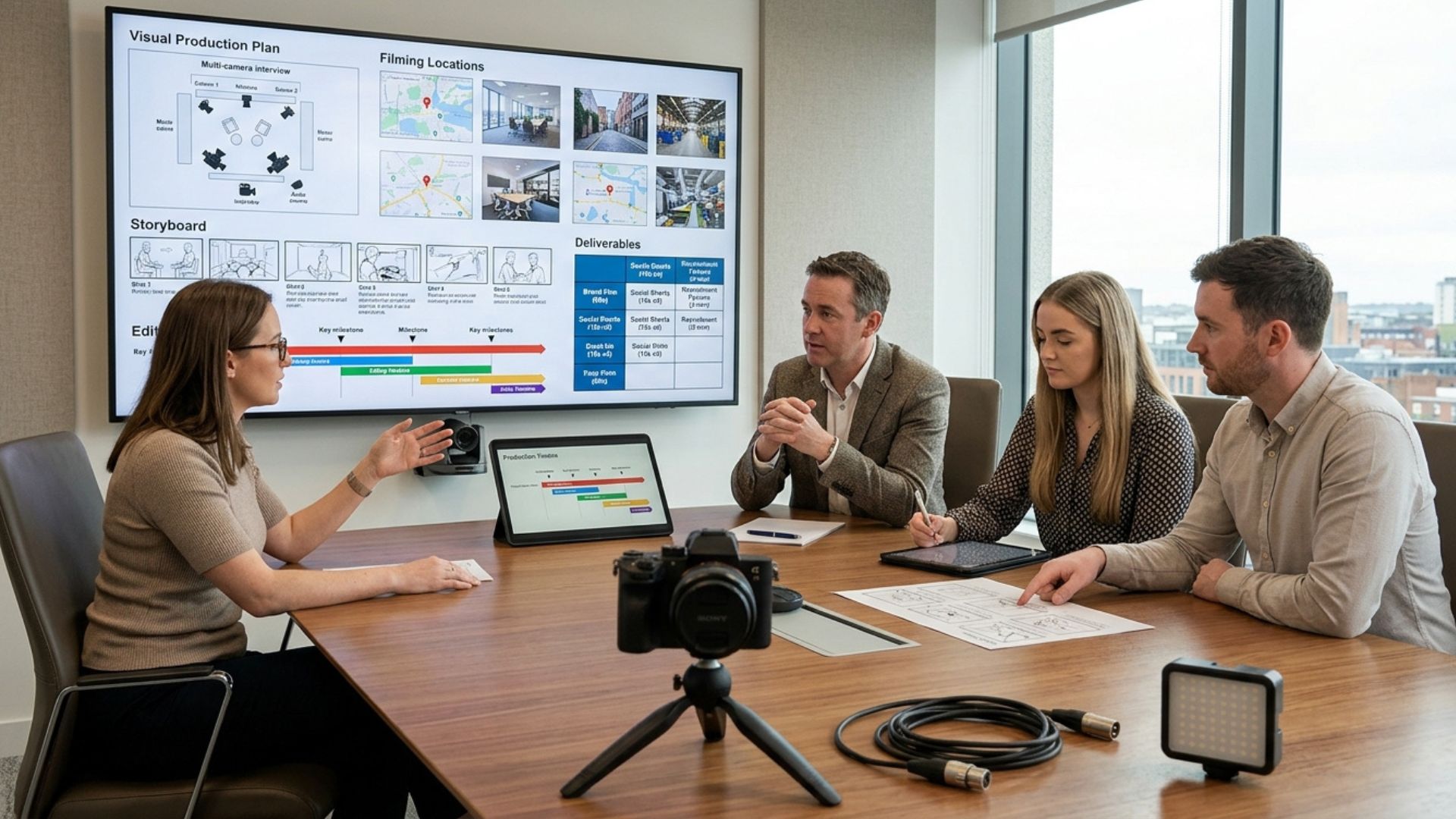
Pre-production is arguably the most important stage of the entire process. This is where the foundation of your video is built.
Many production problems that occur later can usually be traced back to weak planning during pre-production. A clear strategy at this stage saves time, avoids unnecessary revisions, and helps everyone involved stay aligned throughout the project.
This phase often determines:
- The overall quality of the final video
- Whether the project stays on budget
- How efficiently filming runs
- How clearly the message is communicated
- Whether the content achieves measurable business goals
Strong pre-production allows the filming and editing stages to run far more efficiently. It also helps businesses avoid common issues such as unclear messaging, rushed filming schedules, or missing footage.

1. Initial Brief and Discovery
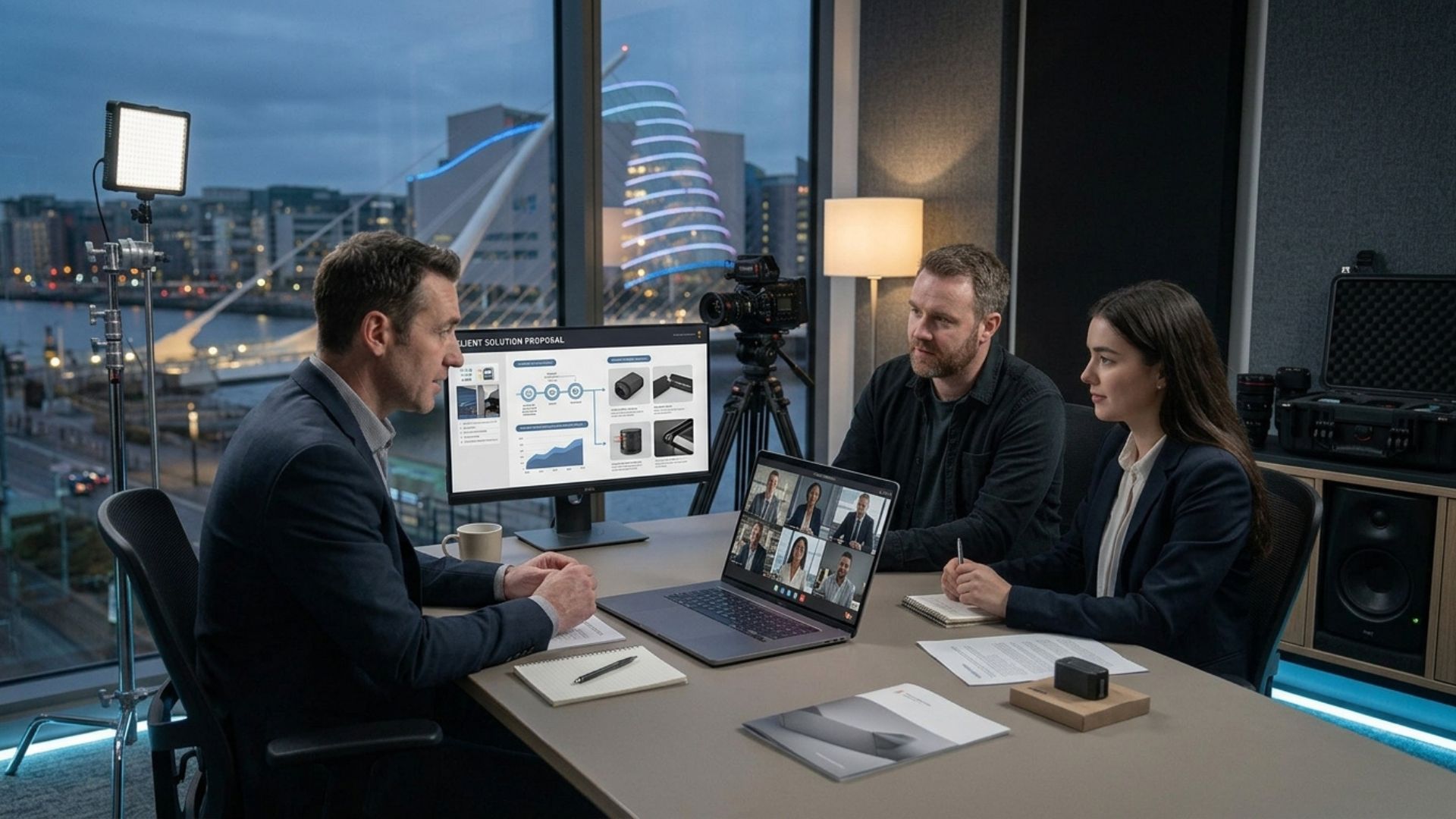
This stage starts with a conversation between your business and the video production team.
Key questions usually include:
- What is the purpose of the video?
- Who is the target audience?
- Where will the video be used (website, ads, social media)?
- What action should viewers take after watching?
This step ensures the video has a clear commercial goal from the start.
In our experience working with Irish businesses across different sectors, this stage is where most of the clarity (or confusion) is established, depending on how well the goals are defined early on.
During discovery, production teams will often gather additional information about your business, including:
- Brand positioning
- Core services or products
- Customer pain points
- Competitor landscape
- Existing marketing campaigns
- Preferred visual style
For example, a recruitment video designed to attract employees may require a more culture-focused and personable approach, while a product video may focus more heavily on demonstrations and features.
The discovery phase also helps determine practical considerations such as:
- Budget expectations
- Production timelines
- Number of filming days
- Required deliverables
- Distribution strategy
The more clarity established upfront, the smoother the overall production process tends to be.
2. Concept Development
Once the brief is clear, the creative direction is developed.
This may include:
- Story ideas
- Messaging strategy
- Tone and style (corporate, emotional, energetic, etc.)
- Visual approach
The goal is to turn your business message into a compelling visual story.
This stage focuses on how the message will actually be communicated visually and emotionally. Even if two businesses offer similar services, the creative direction may differ significantly depending on their audience and brand identity.
Concept development may involve:
- Moodboards
- Reference videos
- Storyboards
- Visual style examples
- Narrative structure ideas
A good concept balances creativity with practicality. The idea should not only look visually strong, but also support the business objective clearly.
For example:
- A corporate brand video may prioritize credibility and professionalism
- A social media campaign may focus on fast pacing and attention-grabbing visuals
- A testimonial video may emphasize authenticity and trust
The concept stage helps ensure that every later production decision supports a consistent direction.

3. Scriptwriting
A strong script is essential for any successful video.
Depending on the type of video, this may include:
- Voiceover scripts
- Interview questions
- On-screen messaging
- Call-to-action statements
The script ensures clarity, structure, and consistency throughout the video.
Even videos that appear casual or conversational usually involve some level of scripting or structured planning behind the scenes.
A good script helps:
- Keep messaging concise
- Improve pacing
- Reduce unnecessary filming time
- Ensure important points are covered
- Maintain audience engagement
For marketing videos, clarity is especially important. Viewers should quickly understand:
- What the business offers
- Why it matters
- What action they should take next
Many production teams also structure scripts around audience attention spans. For example, social media videos often need stronger hooks within the first few seconds to prevent viewers from scrolling away.
Depending on the project, scripts may go through several revisions before filming begins.
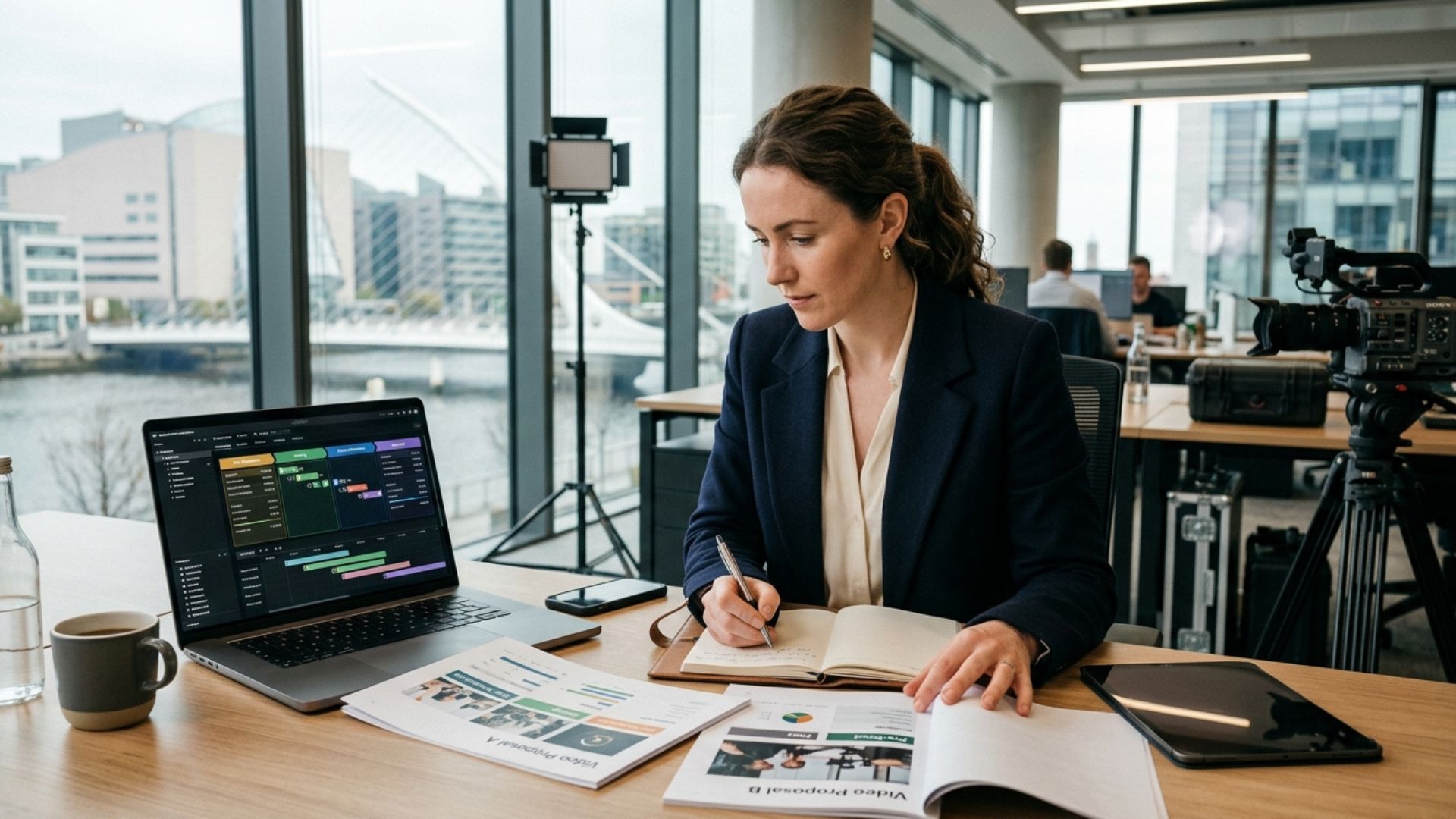
4. Planning & Logistics
This includes all the practical arrangements needed before filming:
- Location scouting
- Scheduling shoot days
- Talent or spokesperson coordination
- Equipment planning
- Shot list creation
This stage ensures the production day runs efficiently with minimal disruptions.
Production logistics are often more detailed than businesses initially expect. Even a relatively simple shoot can involve coordinating multiple people, schedules, locations, and technical requirements.
Additional planning may include:
- Securing filming permissions
- Creating production schedules
- Preparing backup equipment
- Coordinating travel
- Planning around weather conditions
- Organizing interview schedules
Shot lists are particularly important because they provide a structured checklist of footage needed during filming. This reduces the risk of missing important content that would later require reshoots.
Thorough planning also minimizes downtime during production, allowing crews to focus more on capturing high-quality footage efficiently.

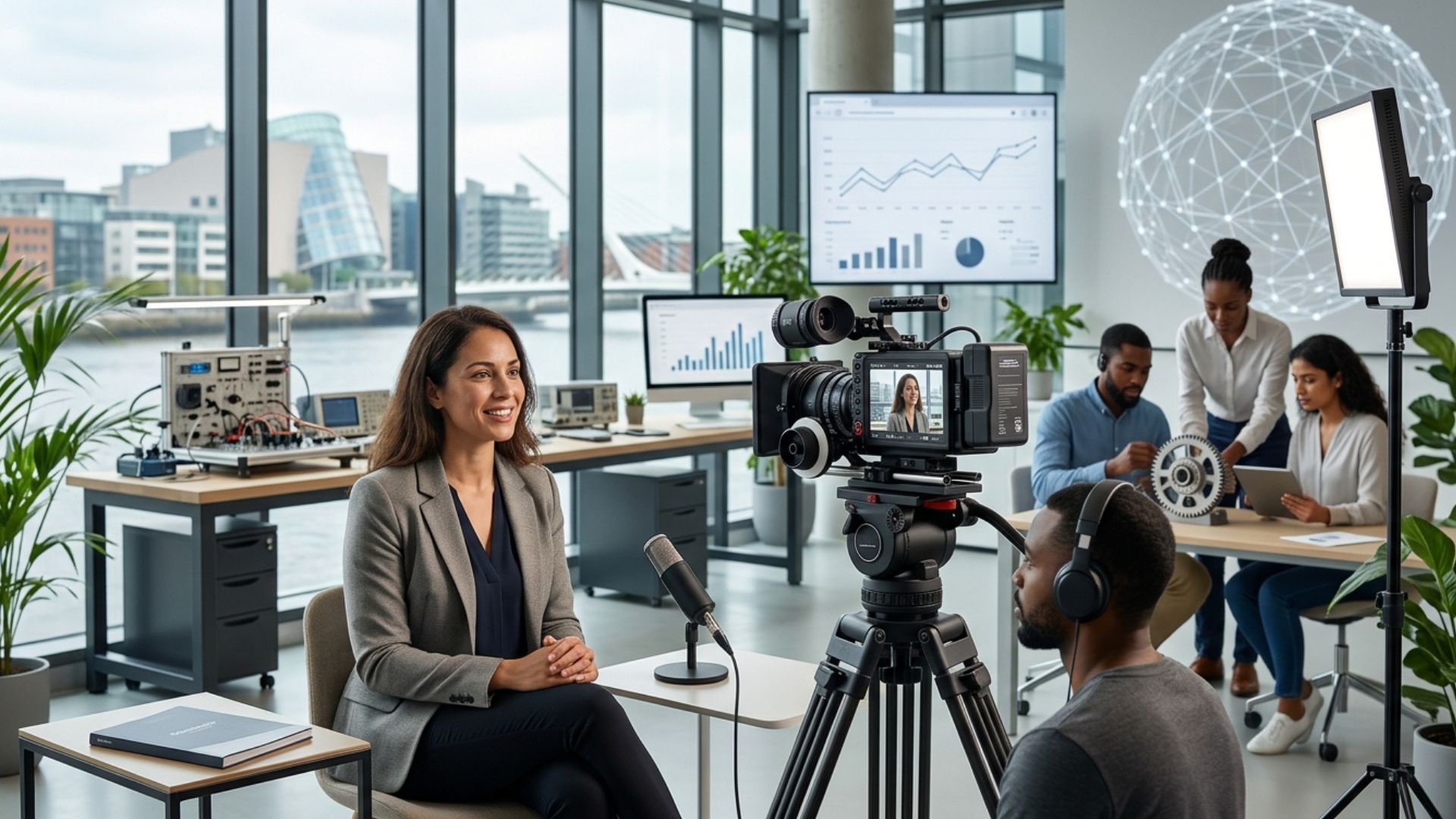
Stage 2: Production (Filming Stage)
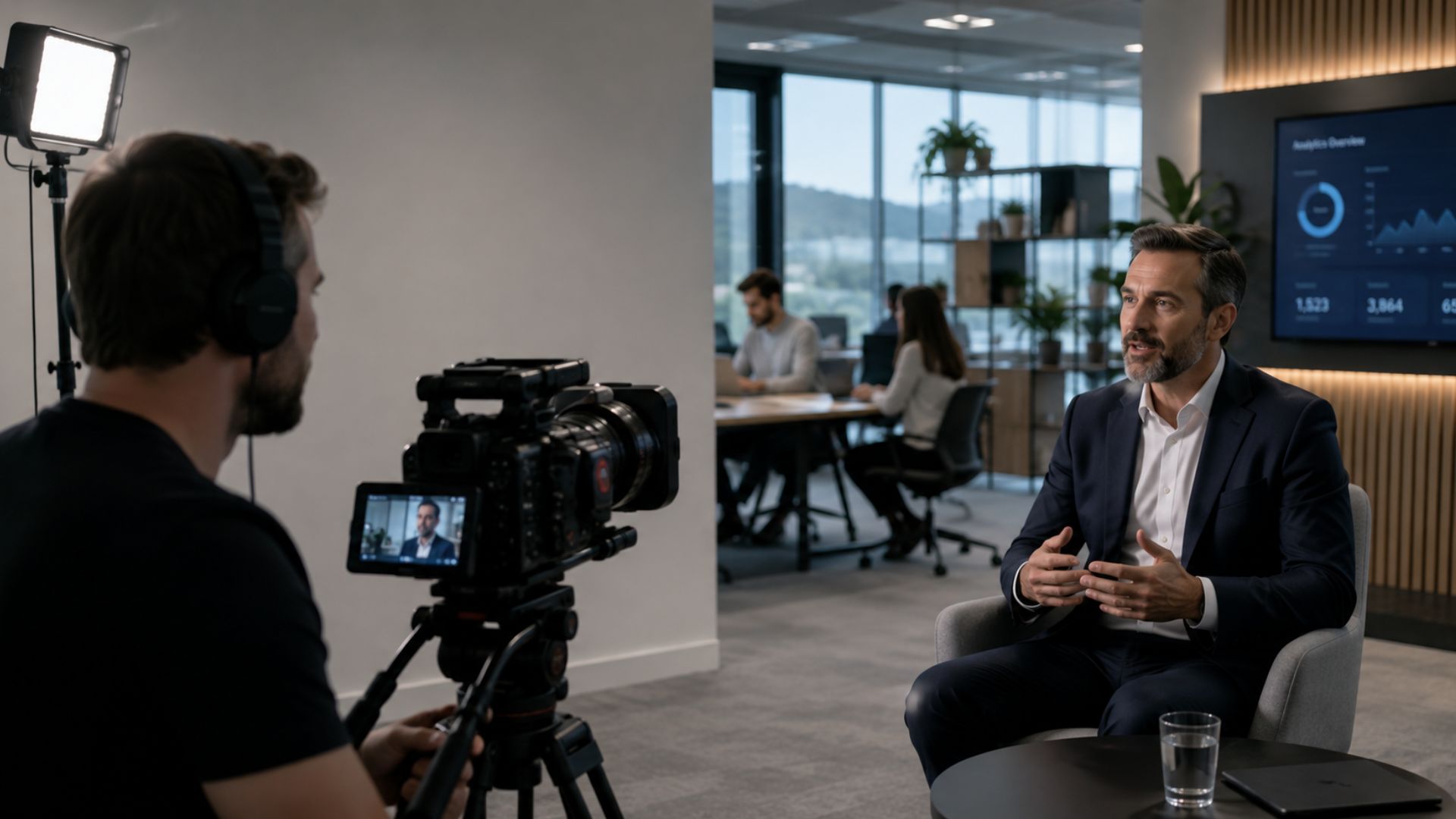
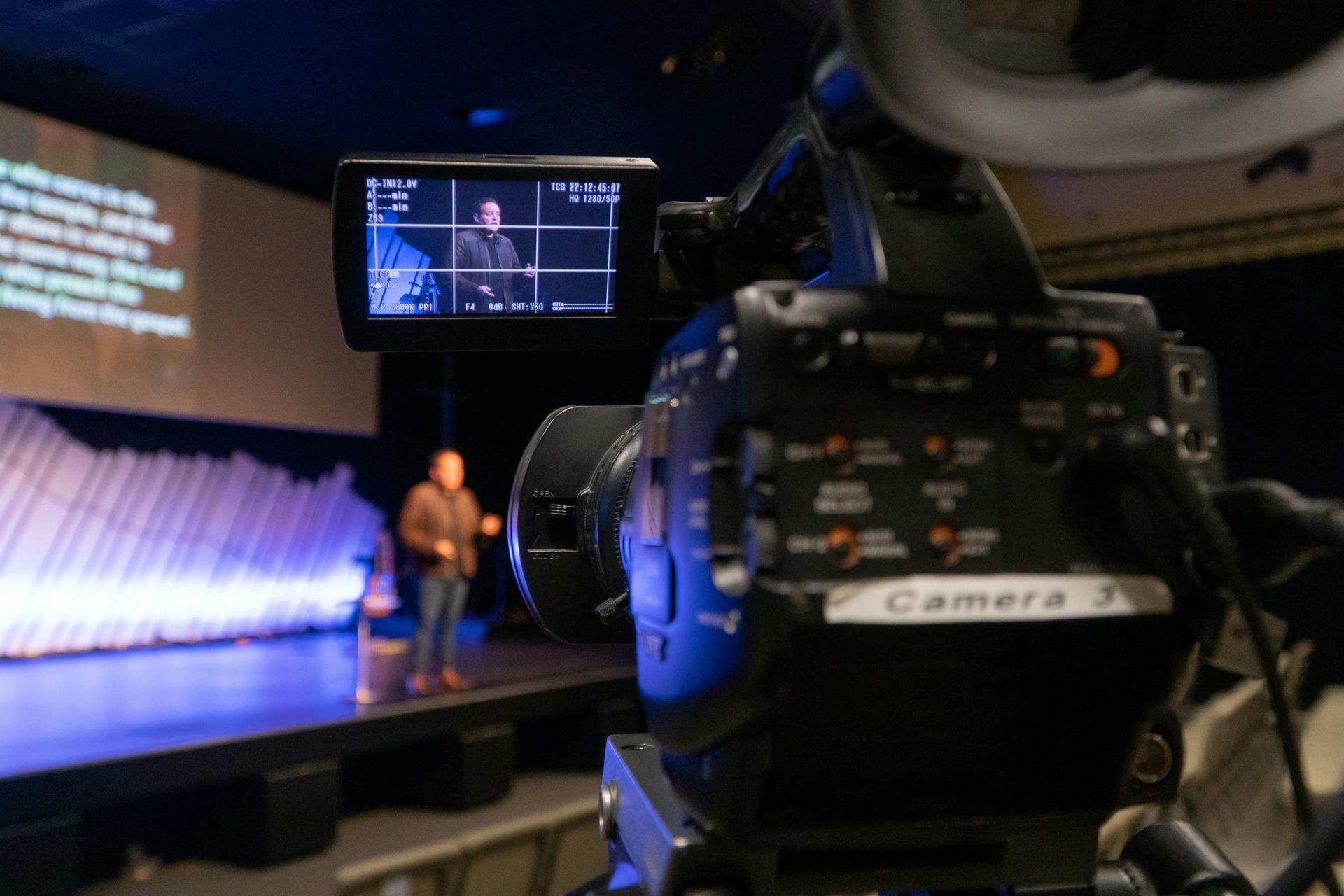
This is the stage most people are familiar with — where the actual filming takes place.
Although production days may look straightforward from the outside, they involve continuous coordination between technical setup, creative direction, and scheduling.
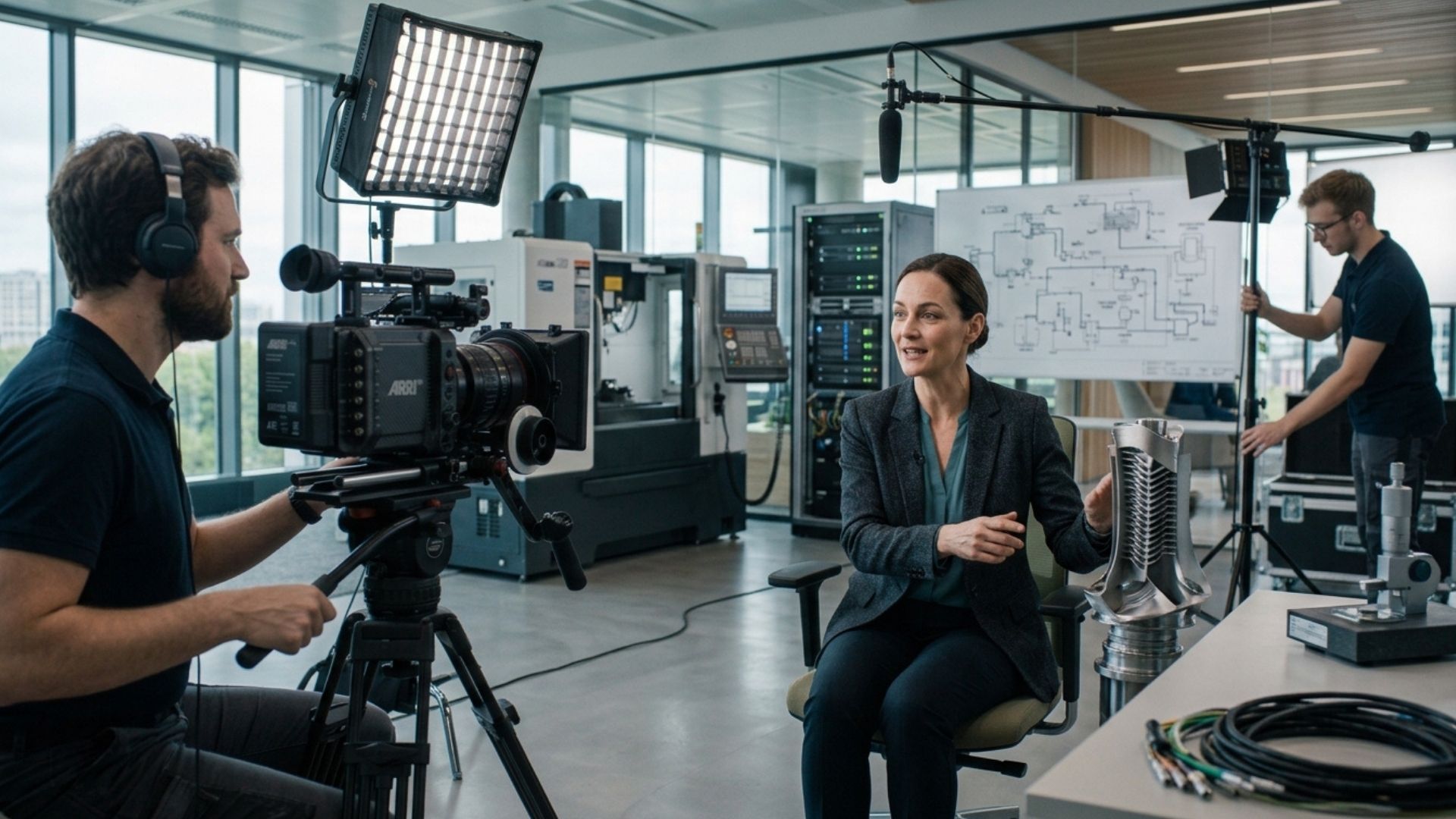
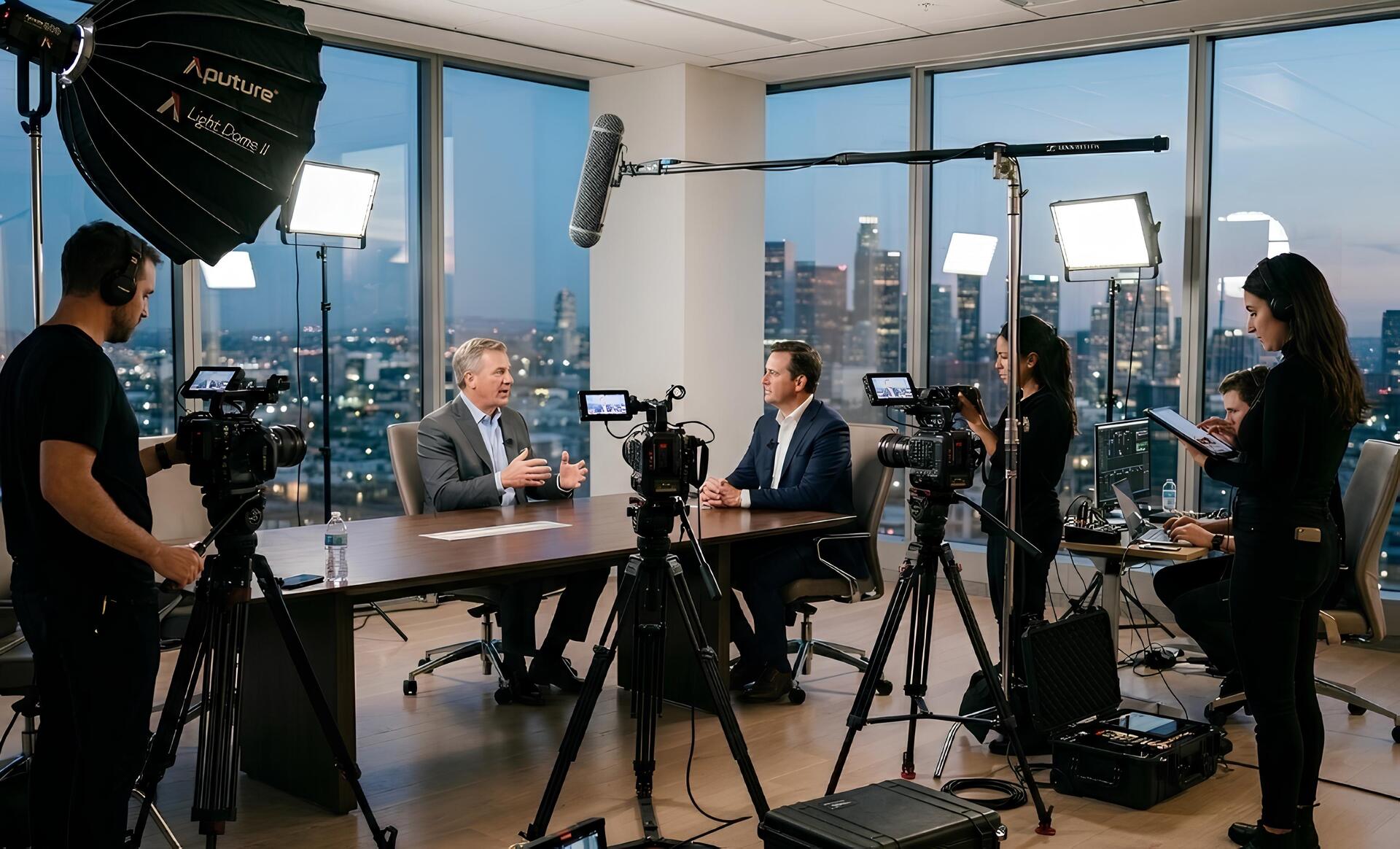
Depending on the project size, the production crew may include:
- Camera operators
- Directors
- Audio technicians
- Lighting crew
- Producers
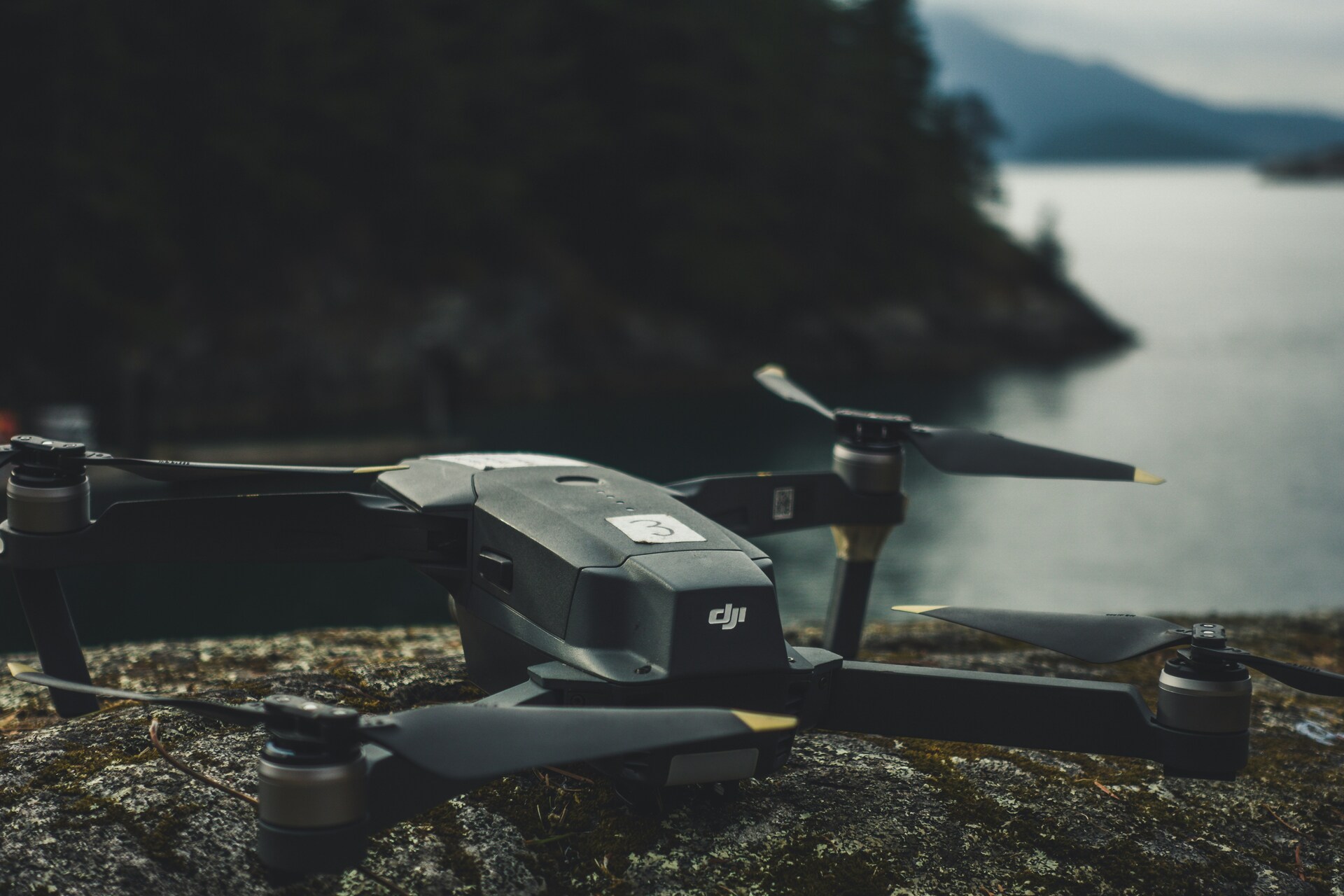
- Drone operators
- Production assistants
The goal during filming is not simply to capture footage, but to capture footage that aligns with the planned story, messaging, and visual style.
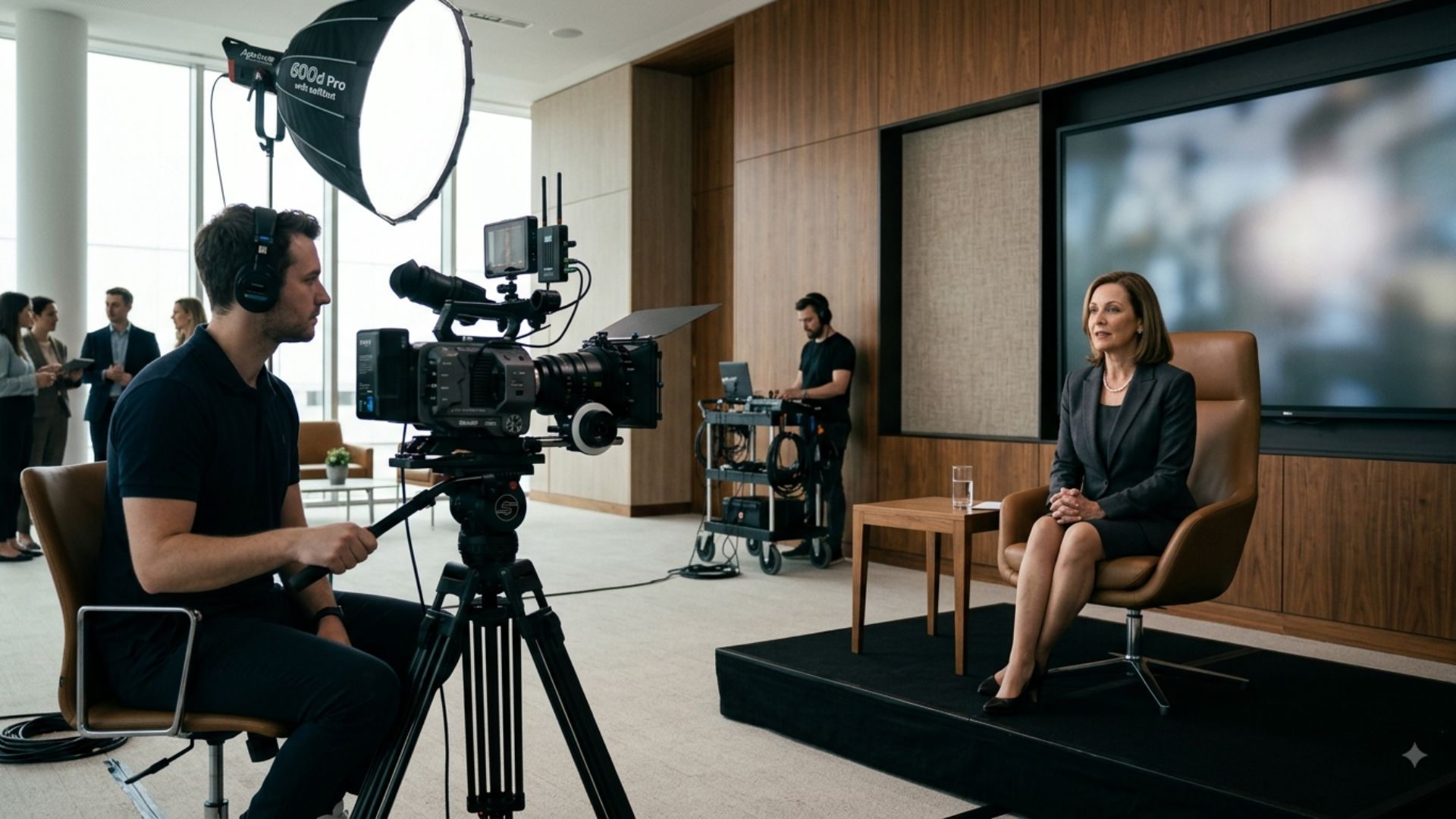
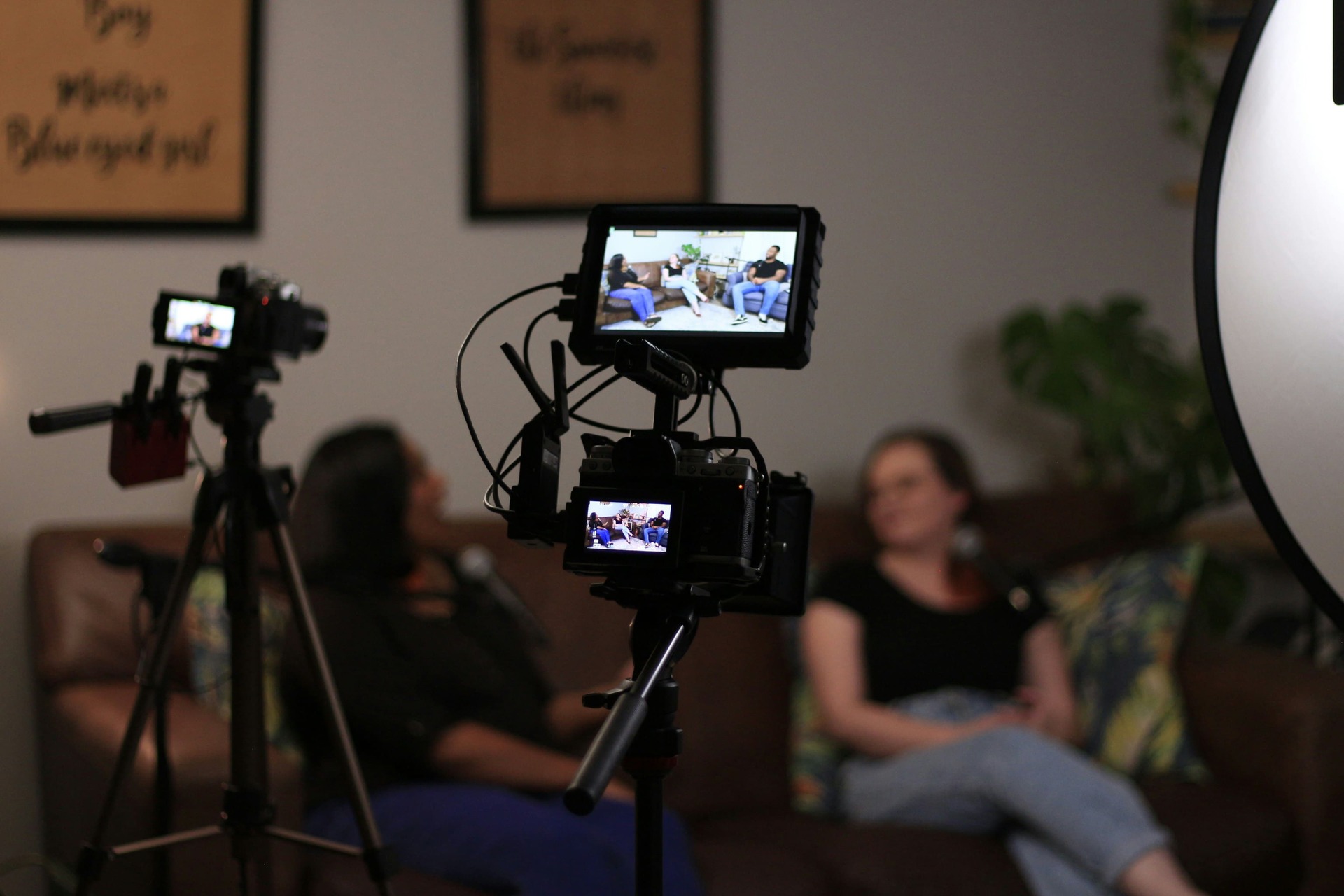
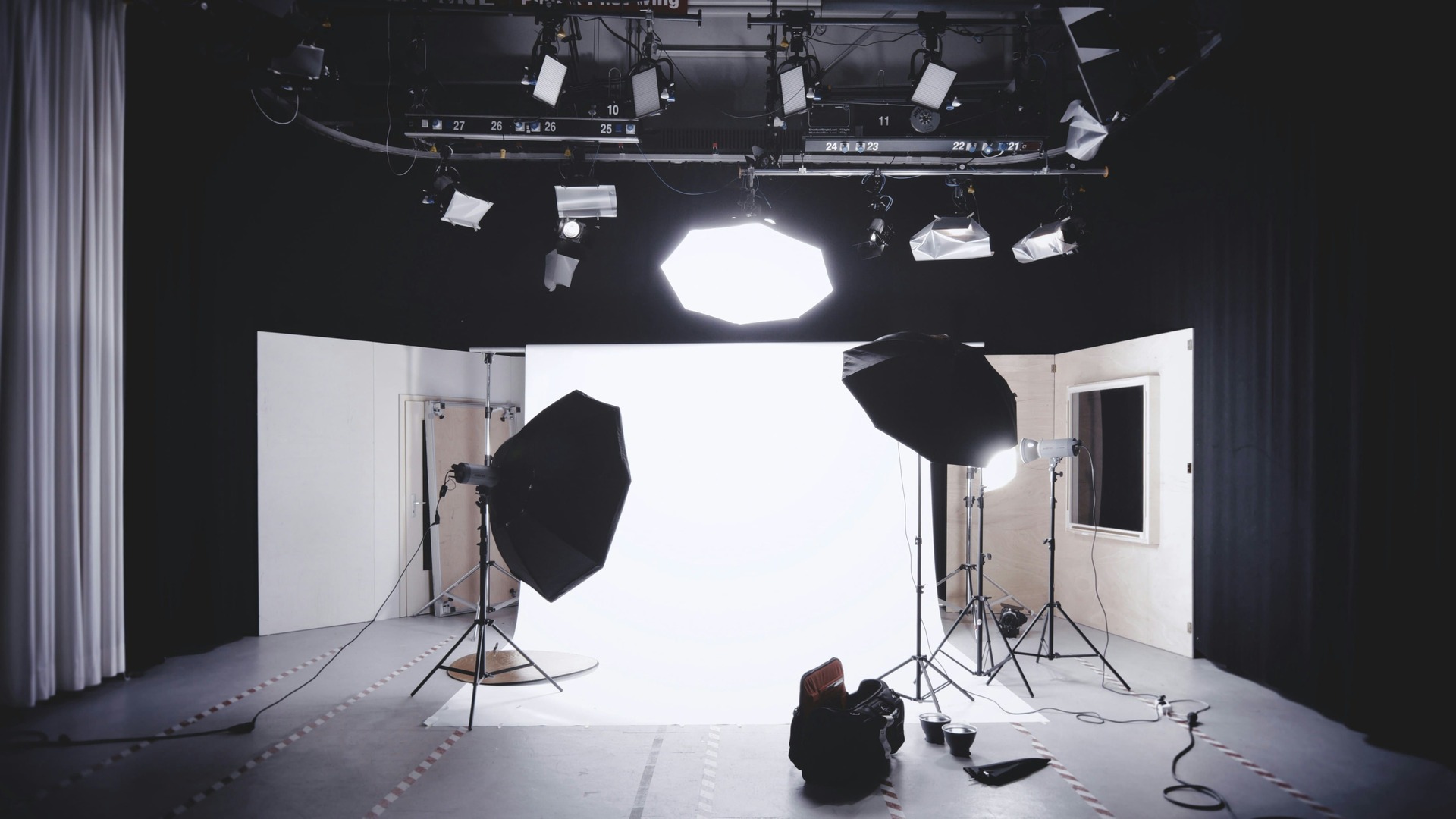
1. Setting Up the Shoot
On production day, the crew prepares:
- Cameras and lighting
- Audio equipment
- Background setups
- Framing and composition
Even simple-looking shots require careful technical setup to achieve a professional result.
Lighting and audio are two of the most important technical aspects of production. Poor lighting can make footage look unprofessional, while poor audio can significantly reduce viewer engagement and trust.
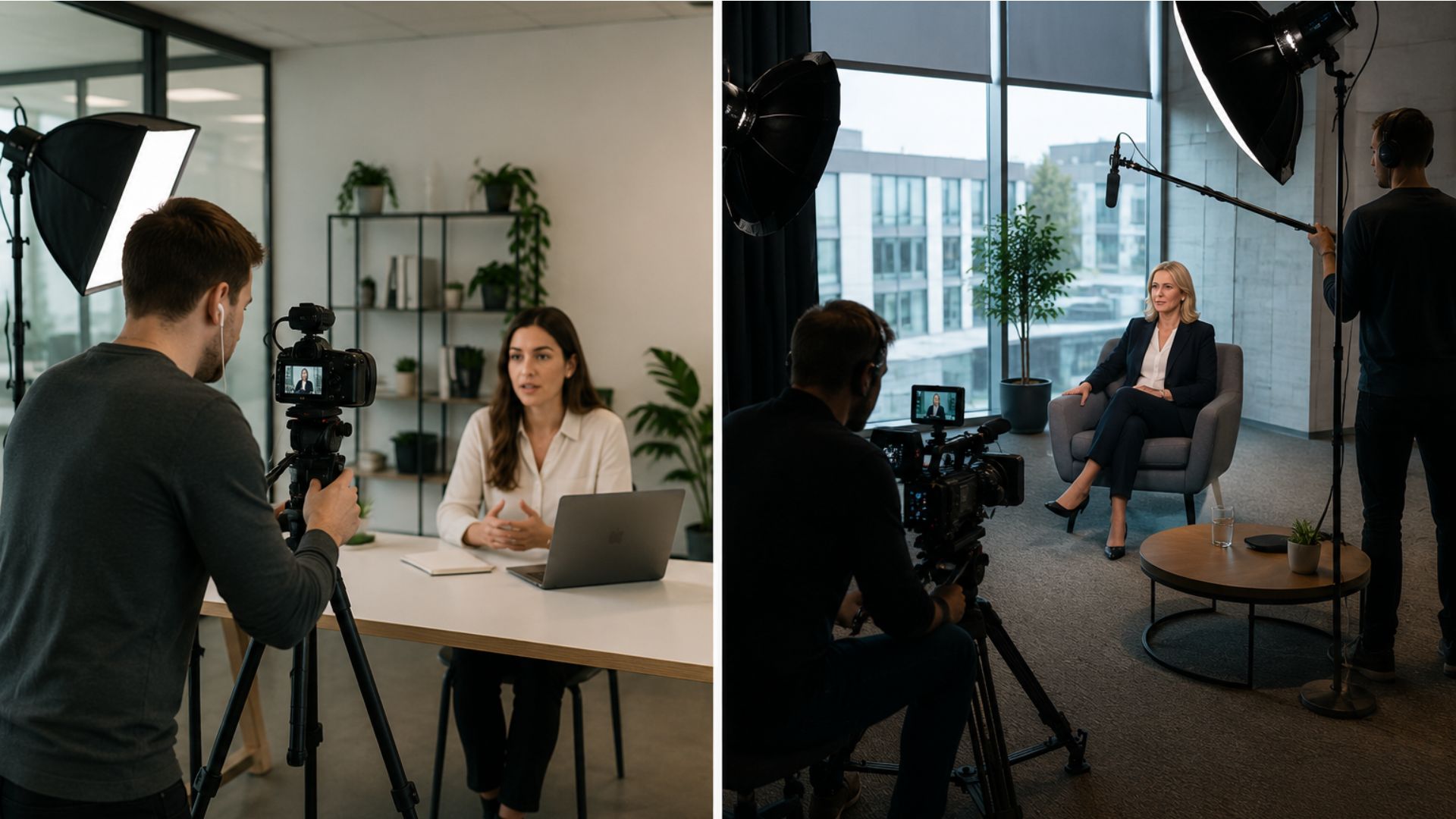
Professional setups may involve:
- Soft lighting for interviews
- Directional microphones
- Stabilization equipment
- Multiple camera angles
- Controlled backgrounds
Crews also pay close attention to small visual details within the frame, such as:
- Background distractions
- Brand visibility
- Reflections
- Room acoustics
- Natural light consistency
These technical adjustments help create a polished and consistent final result.
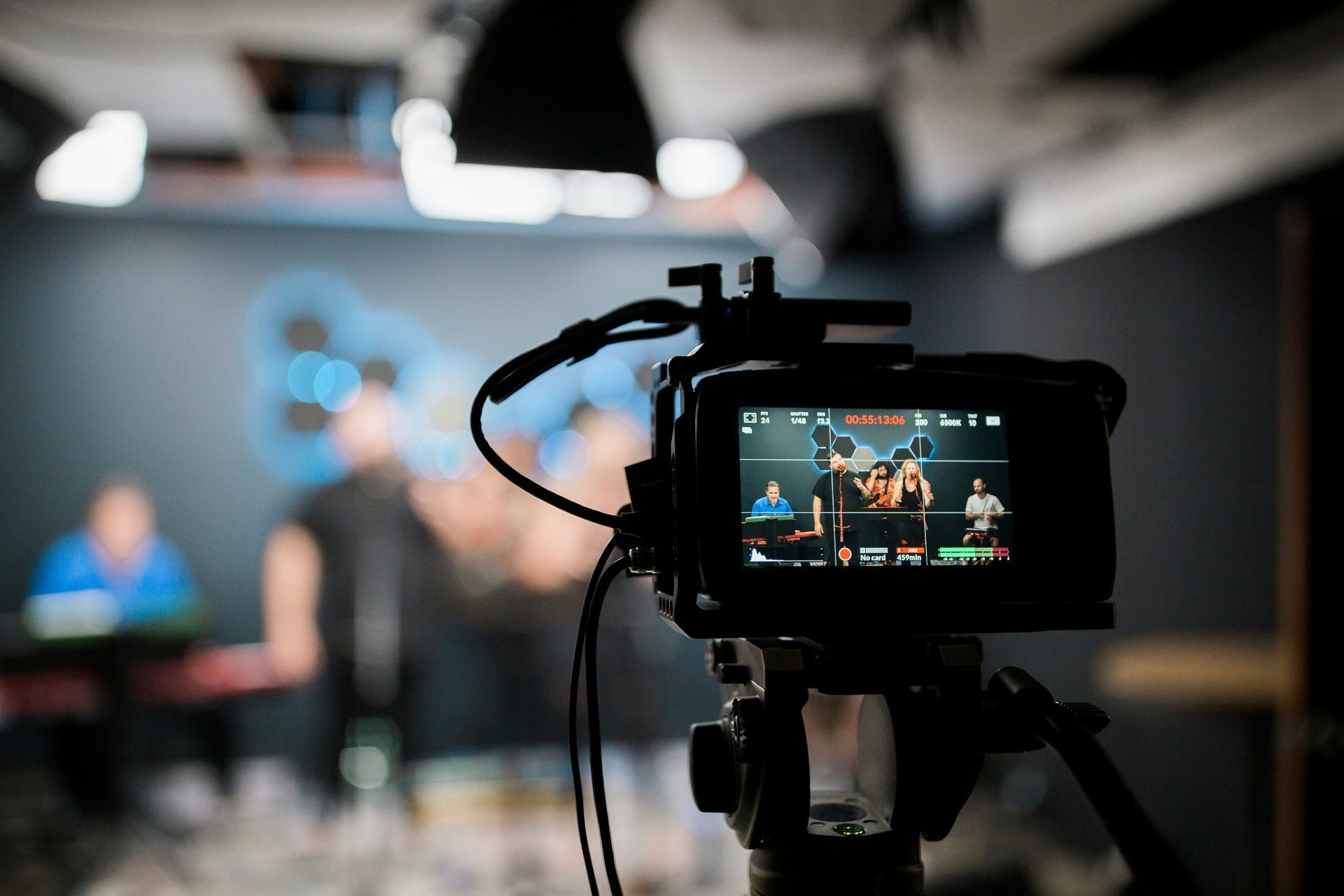
2. Filming Interviews or Key Content
Depending on the project, this may include:
- Corporate interviews
- Customer testimonials
- Product demonstrations
- B-roll footage of your business in action
Multiple takes are often recorded to ensure the best possible performance and clarity.
Interview filming often requires direction and coaching, especially for people who are not used to speaking on camera.
Production teams may help guide:
- Speaking pace
- Tone of delivery
- Eye line
- Body language
- Answer structure
Creating a relaxed environment is important because natural delivery tends to feel more authentic on screen.
For testimonial videos, authenticity is especially valuable. Real customer experiences often help build trust more effectively than heavily scripted messaging.
Product demonstrations may also require additional attention to detail to ensure products are shown clearly and accurately.

3. Capturing Supporting Footage (B-Roll)
B-roll refers to additional footage that supports the main message, such as:
- Office environment shots
- Team collaboration
- Product close-ups
- Facility walkthroughs
This footage is essential for making the final video more dynamic and engaging.
B-roll helps improve visual pacing and prevents videos from relying too heavily on interviews or static shots.
It is commonly used to:
- Cover cuts between interview segments
- Reinforce spoken messaging
- Add visual variety
- Showcase business operations
- Improve storytelling flow
Strong B-roll often captures real moments and natural interactions rather than staged scenes.
4. On-Site Direction and Adjustments
During filming, the production team will guide:
- Delivery and tone
- Camera angles
- Lighting adjustments
- Scene pacing
This ensures everything aligns with the original concept and script.
Production days rarely go exactly according to plan. Lighting conditions, noise levels, schedules, or technical issues often require adjustments throughout the day.
Experienced production teams continuously adapt while keeping the overall project objectives in mind.
On-site direction also helps maintain consistency across different scenes, interview subjects, and filming locations.
Good direction can make a major difference in:
- Viewer engagement
- Message clarity
- Natural performance
- Visual consistency

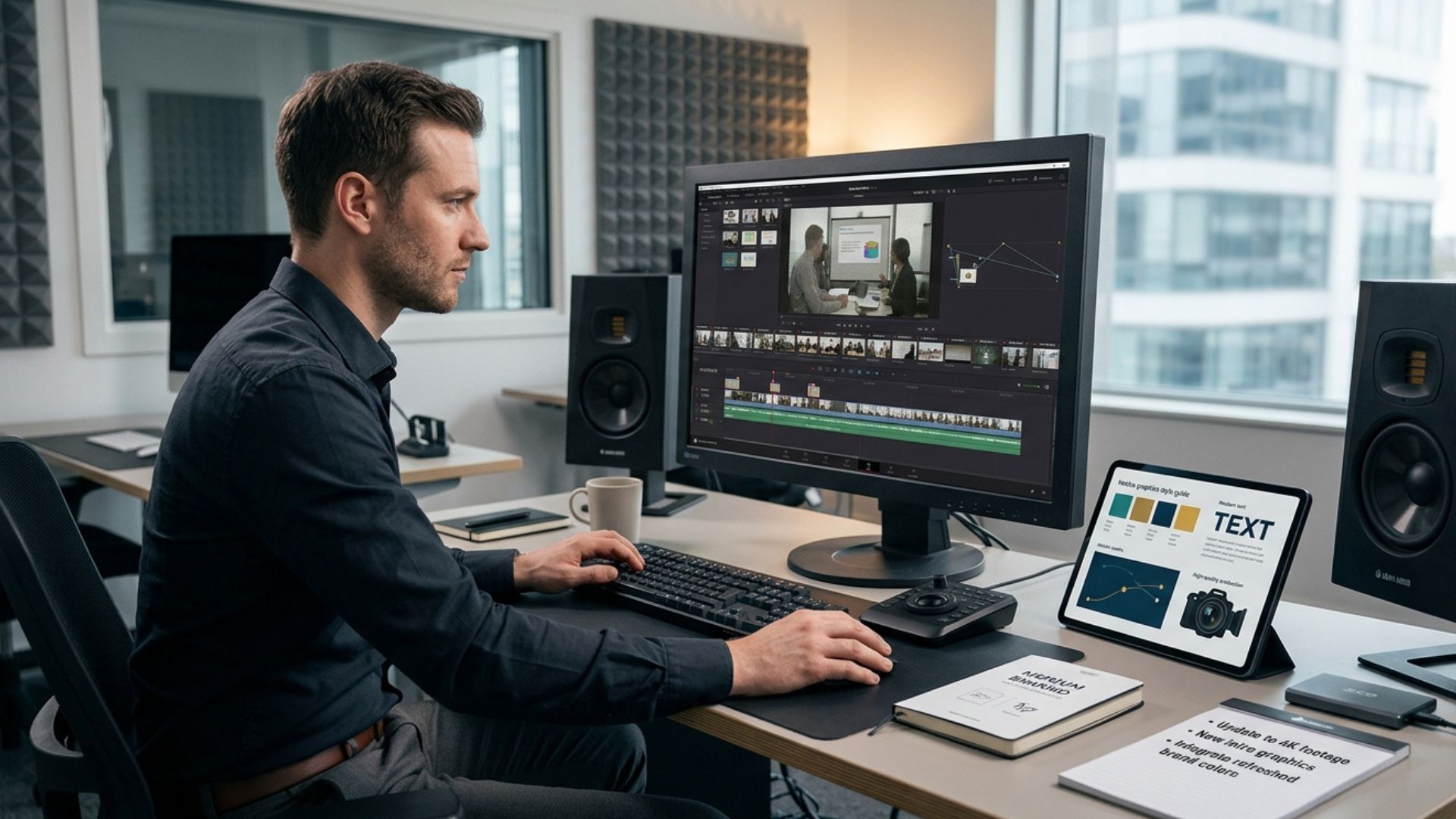
Stage 3: Post-Production (Editing Phase)
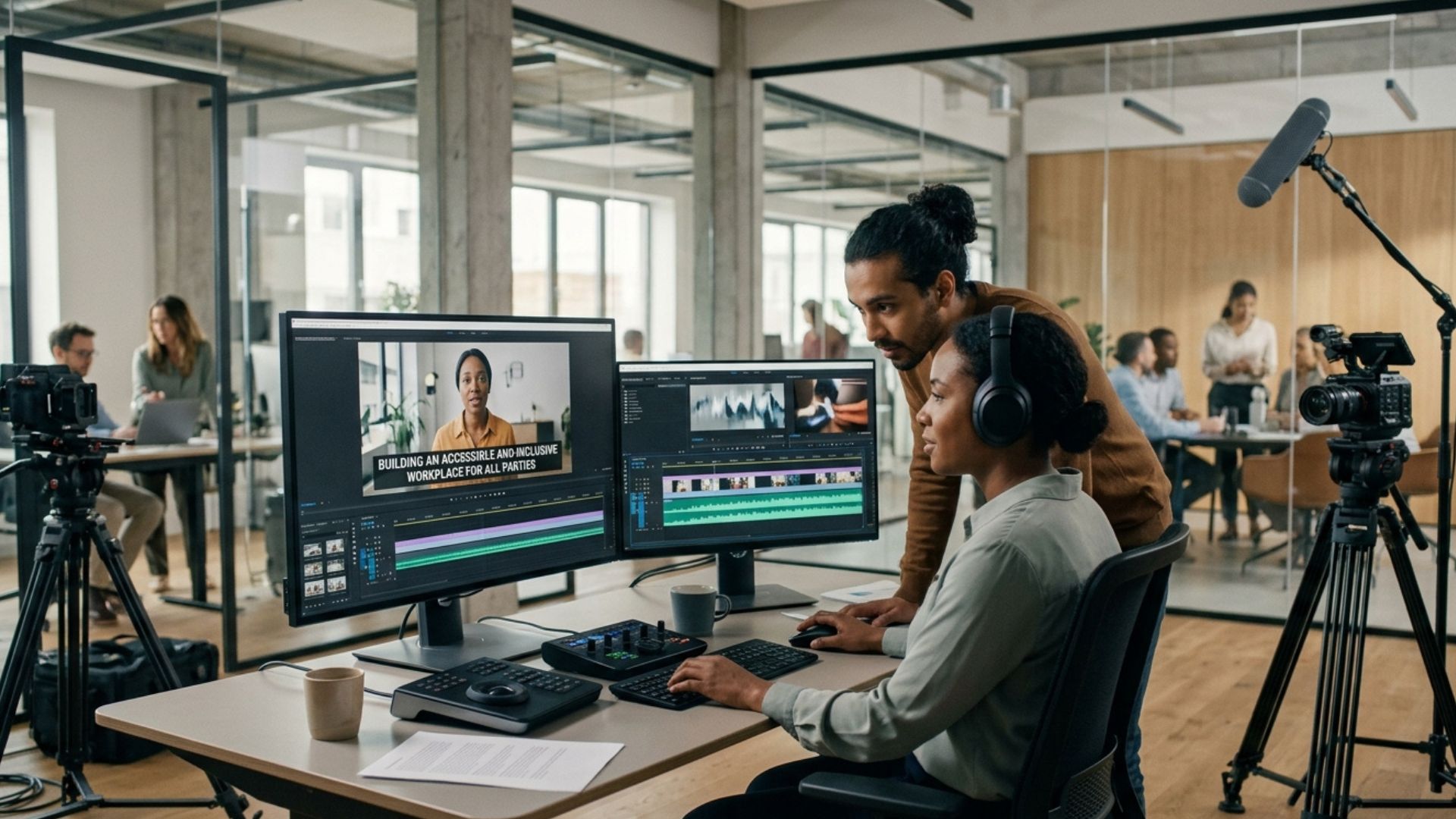
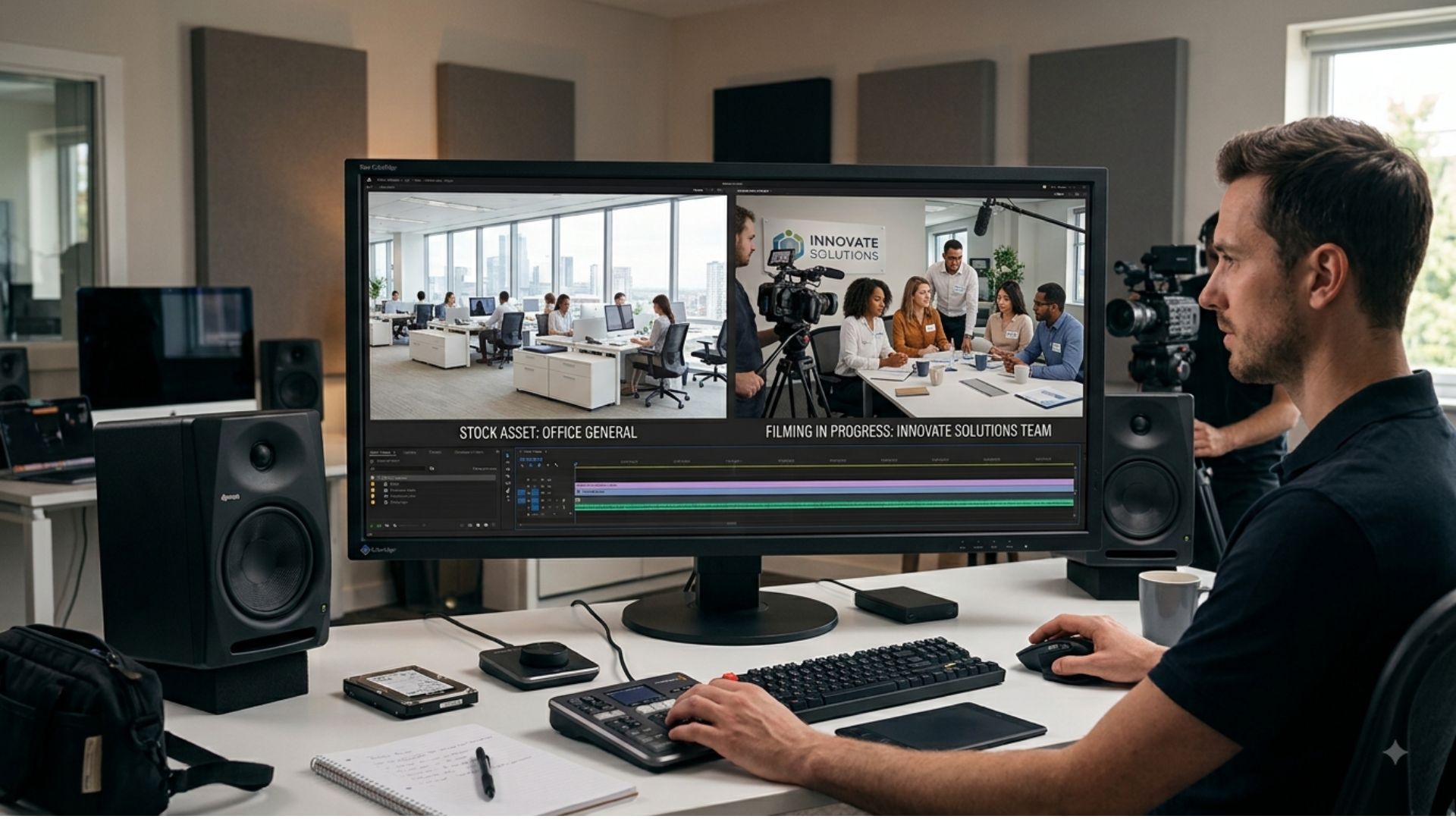
Once filming is complete, the footage moves into post-production — where everything comes together.
This stage transforms raw footage into a polished final product through editing, audio work, colour correction, graphics, and revisions.
Post-production is often one of the most time-intensive stages because large amounts of footage need to be reviewed, organized, edited, and refined carefully.
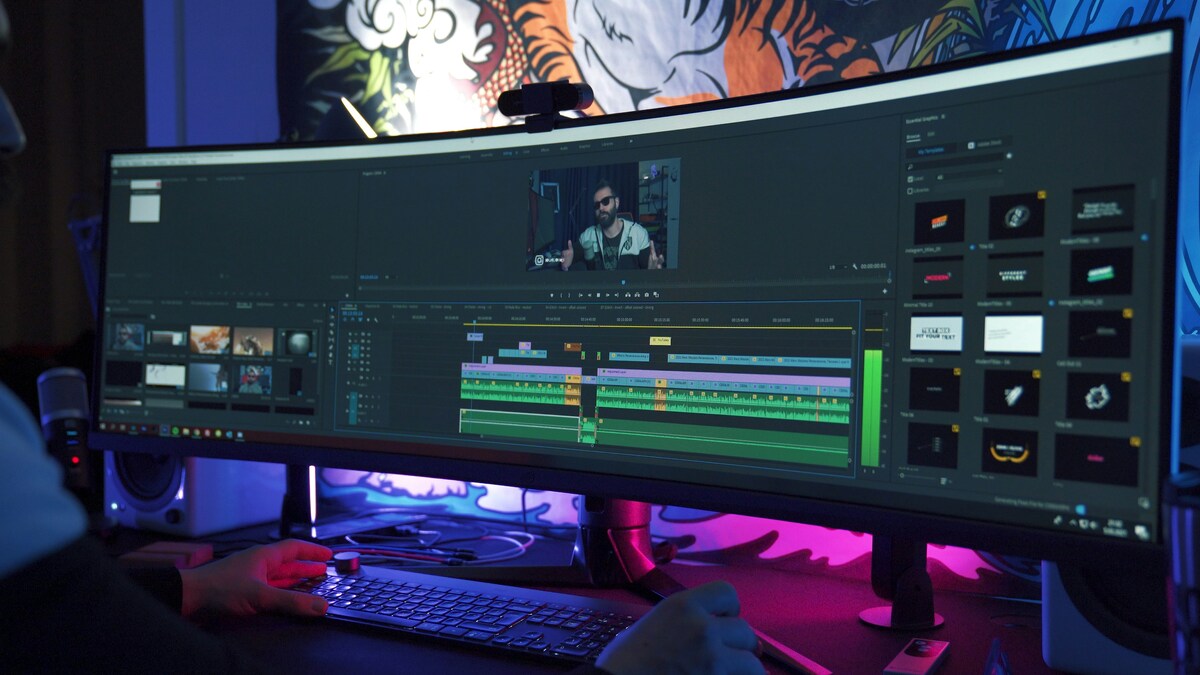
1. Video Editing
Editors will:
- Select the best footage
- Arrange scenes in sequence
- Remove unnecessary content
- Build narrative flow
This is where the story is refined and shaped.
Editing plays a major role in how viewers experience the final video. Small adjustments to pacing, timing, transitions, and shot selection can significantly impact engagement.
2. Sound Design and Audio Editing
Good audio is just as important as visuals.
This stage includes:
- Cleaning up background noise
- Balancing audio levels
- Adding music (if appropriate)
- Syncing voiceovers
Professional audio work improves overall production quality and helps maintain viewer attention.
3. Colour Correction and Grading
Colour work ensures your video looks professional and consistent:
- Adjusting brightness and contrast
- Enhancing brand colours
- Creating a specific mood or tone
Colour correction helps ensure shots filmed in different conditions appear visually consistent.
Colour grading is then used to create a more polished visual style that supports the intended tone of the video.
4. Graphics, Titles, and Branding
Depending on the project, this may include:
- Logo animation
- On-screen text
- Lower thirds (name/title captions)
- Call-to-action screens
This helps reinforce brand identity and messaging.
Graphics can also improve communication by making information easier to follow visually.
This is especially useful for:
- Statistics
- Key messaging
- Service highlights
- Product features
- Social media viewing without sound
5. Review and Revisions
Before final delivery, you’ll typically review the first cut.
Feedback may include:
- Minor edits to timing or pacing
- Adjustments to text or branding
- Refinement of messaging
Most professional productions include revision rounds to ensure satisfaction.
Clear and organized feedback helps streamline the revision process and avoid unnecessary delays.
The revision stage is ultimately about ensuring the final video aligns with both creative expectations and business objectives.
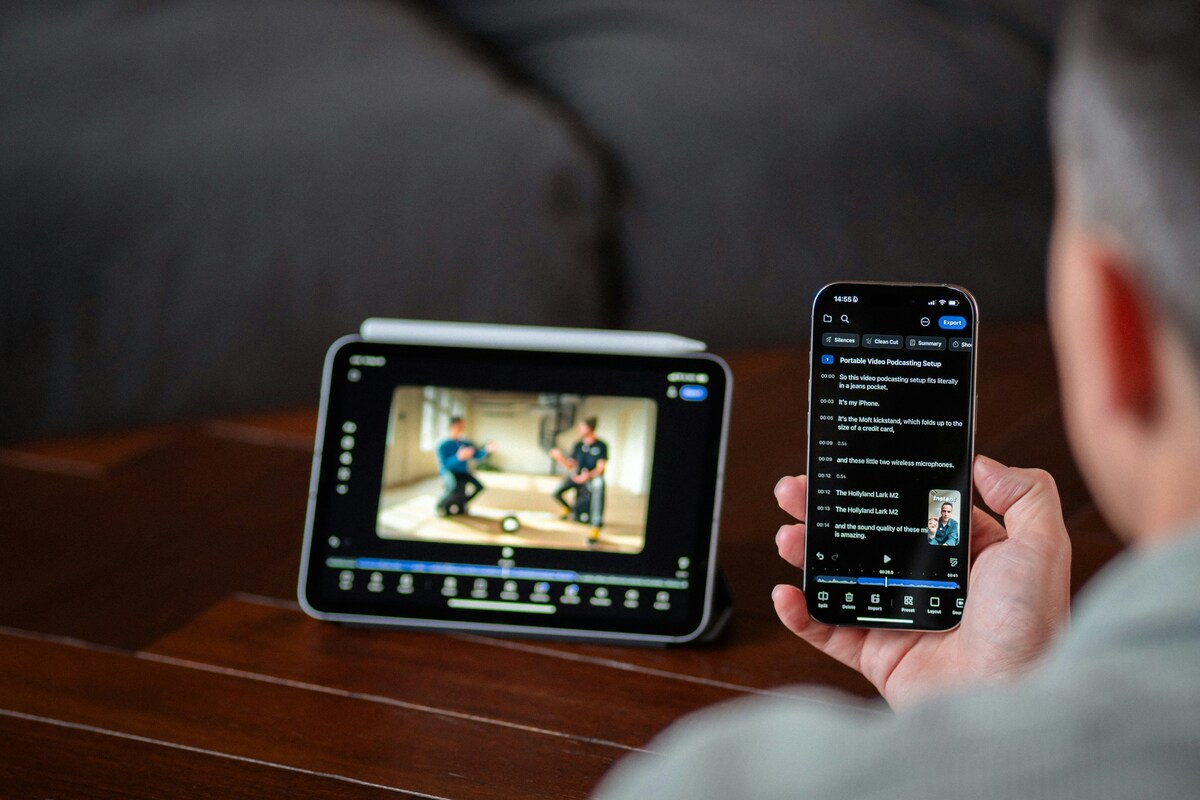
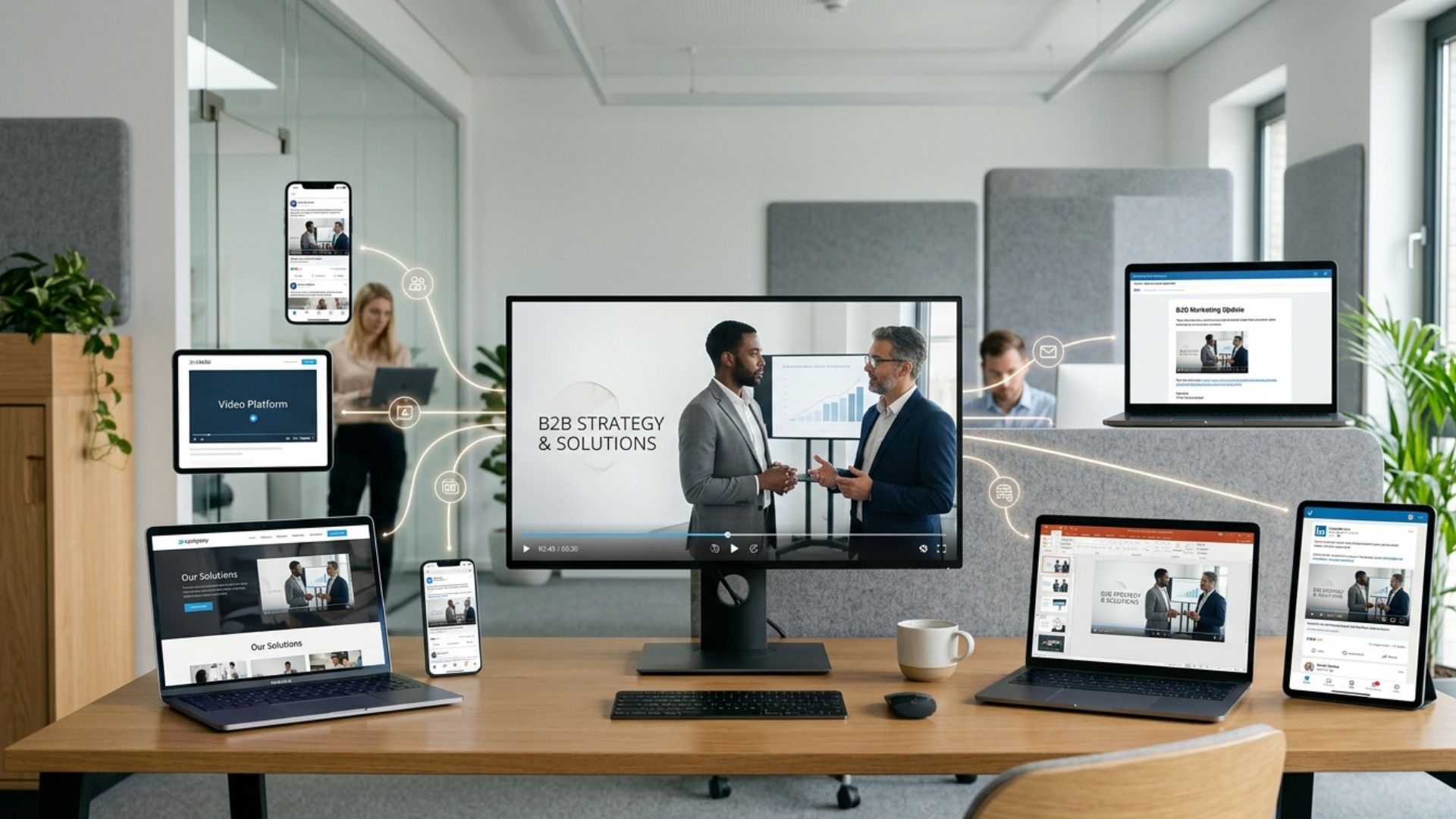
Stage 4: Final Delivery and Distribution
Once approved, the final video is exported in the required formats.
Common deliverables include:
- Website version
- Social media cuts (Instagram, LinkedIn, TikTok)
- Advertising formats
- High-resolution master file
A strong video production partner may also advise on how to distribute and repurpose the content effectively.
Modern video distribution often requires multiple versions of the same content for different platforms.
How Long Does the Video Production Process Take?
Timelines vary depending on complexity, but a typical production may take:
- Pre-production: 3–10 days
- Filming: 1–3 days
- Post-production: 1–3 weeks
More complex projects (multi-location shoots or animation) may take longer.
Production timelines can also be affected by:
- Client approval speed
- Number of revisions
- Filming logistics
- Animation requirements
- Weather conditions
- Scheduling availability
Setting realistic timelines early helps reduce pressure on both the production team and the client while improving overall production quality.
Common Mistakes Businesses Make During Video Production
1. Not Having a Clear Objective
Without a clear goal, videos often lack direction and fail to deliver results.
2. Underestimating Pre-Production
Skipping planning leads to delays, confusion, and inconsistent messaging.
3. Trying to Do Everything in One Video
One video cannot achieve multiple unrelated goals effectively.
4. Ignoring Distribution Strategy
A great video is wasted if it’s not shared properly across channels.

From Understanding to Action
Once you understand how the video production process works, the next step is turning that knowledge into something tangible for your business. Most projects don’t move forward because of uncertainty — but once the process is clear, it becomes much easier to decide what you actually need, what to prioritise, and how video can support your goals.
Conclusion
The video production process is designed to turn ideas into structured, effective visual content that supports specific business goals. While the filming stage tends to receive the most attention, successful videos are usually the result of strong planning, clear messaging, and thoughtful post-production work behind the scenes.
If you’re ready to explore what that could look like for your business, you can view our video production services, try our instant price calculator, or get in touch with the Mango Media team for a no-obligation conversation.
Frequently Asked Questions
What are the stages of the video production process?
The video production process is made up of three main stages: pre-production (planning), production (filming), and post-production (editing and delivery).
How long does the video production process take?
Most business videos take around 2 to 4 weeks to complete, depending on the complexity, number of filming days, and revision rounds needed.
What happens during post-production in video production?
Post-production includes editing the footage, cleaning up audio, adding music, colour correction, and including graphics or branding elements before final delivery.
Similar blogs:


















![How to Write a Promo Video Script (Free Template Included) [2026 Guide]](https://cdn.prod.website-files.com/6226fcc37e2eb518b6e69a7f/69c3804c0b9ea78696bd89e0_covertab11.jpeg)


.jpg)
%20(1)%20(1).jpg)
.jpg)






We'd love to hear from you! Reach out to us today for a chat about our services, pricing, or just to say hello!


