
In today’s oversaturated inboxes, getting your email noticed — let alone opened — is no easy feat. In this article, we’ll explore the power of video in email campaigns, how to embed video content the right way, best practices to maximise performance, and how to track your results. Whether you’re a startup, marketer, or creative agency, using video in your emails can be a game-changer for audience retention and conversions.
What Does Audience Engagement Mean During a Livestream?
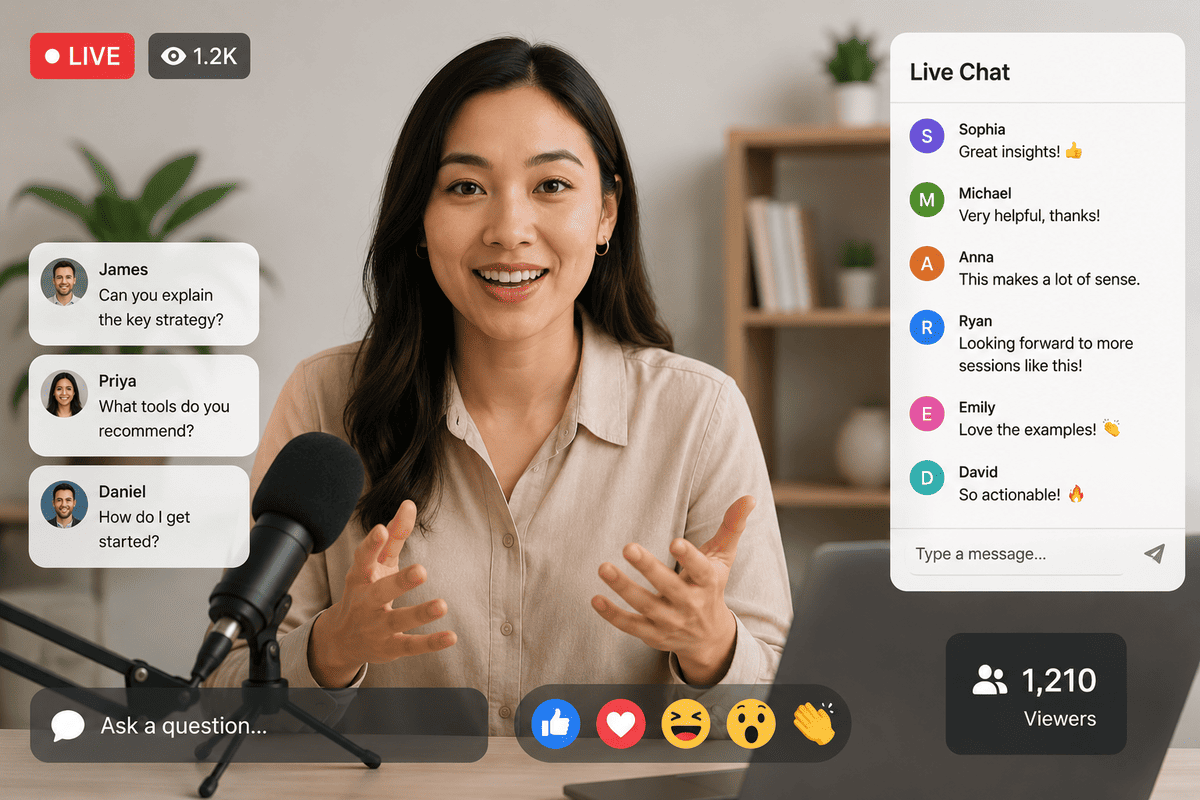
Audience engagement is more than simply counting how many people joined your livestream. While viewer numbers are important, they don't tell the full story.
A successful livestream encourages people to actively participate rather than passively watch. The more involved your audience feels, the more likely they are to stay until the end, absorb your message, and respond to your call to action.
Engagement can take many forms, including:
- Asking questions during the session.
- Responding to live polls.
- Leaving comments.
- Participating in Q&A discussions.
- Downloading resources.
- Sharing the livestream with colleagues.
- Following links after the event.
- Registering for future events or making an enquiry.
These actions show that viewers are paying attention and finding value in your content.
Whether you're hosting a webinar, product launch, training session, conference, or hybrid event, engagement should be considered one of the primary measures of success.
Why Audience Engagement Matters

An engaged audience is far more likely to remember your message than one that simply watches without interacting.
When viewers participate throughout a livestream, they become active contributors rather than passive observers. This creates a more enjoyable experience while also helping businesses achieve better outcomes from their events.
1. Higher Watch Time
One of the biggest challenges with livestreaming is keeping viewers from leaving early.
Interactive elements encourage people to stay involved because they know they'll have opportunities to contribute rather than simply listen.
Longer watch times also indicate that your content is relevant and valuable to your audience.
2. Better Learning and Knowledge Retention
For webinars, training sessions, and educational events, participation improves understanding.
When viewers answer questions, take part in polls, or ask for clarification, they're more likely to remember the information being shared.
This is particularly valuable for organisations delivering employee training or professional development sessions.
3. Stronger Trust
People connect with businesses that encourage conversation rather than one-way communication.
Responding to questions, acknowledging comments, and involving viewers throughout the event demonstrates that you value their participation.
This helps build credibility and strengthens relationships with both existing and potential customers.
4. Improved Lead Generation
Many business livestreams are designed to generate enquiries, registrations, or sales.
When viewers remain engaged throughout the event, they're more likely to:
- Download additional resources.
- Book a consultation.
- Request a quotation.
- Register for future events.
- Contact your business.
Engagement often leads to stronger conversion rates because viewers have had more opportunities to connect with your brand.
5. Better Return on Investment
Planning and producing a livestream requires time, resources, and investment.
Maximising audience participation helps ensure you gain greater value from that investment by increasing the overall impact of the event.
In our experience producing livestreams for businesses and organisations across Ireland, the most successful events encourage interaction throughout the session rather than leaving all audience participation until the final few minutes.
Plan Engagement Before the Event

One of the biggest misconceptions about livestream engagement is that it happens naturally once the event begins.
In reality, the most engaging livestreams are carefully planned long before anyone goes live.
Building opportunities for participation into your agenda ensures engagement feels natural rather than forced.
Define Your Objectives
Start by deciding what success looks like.
For example, do you want viewers to:
- Ask questions?
- Download a resource?
- Register for another event?
- Request a consultation?
- Complete a survey?
Having a clear objective helps you design interactions that support your overall goals.
Understand Your Audience
Different audiences engage in different ways.
A technical webinar may benefit from live Q&A sessions, while a product launch might include demonstrations and audience polls.
Understanding who you're speaking to allows you to choose engagement techniques that feel relevant and valuable.
Build Interaction into the Agenda
Instead of scheduling all interaction at the end, spread opportunities throughout the livestream.
For example:
- Welcome viewers by name at the beginning.
- Run a poll after the first presentation.
- Pause for audience questions between speakers.
- Invite viewers to share their opinions during demonstrations.
These regular moments of interaction help maintain energy throughout the event.
Prepare a Moderator
Having a dedicated moderator allows presenters to focus on delivering the content while someone else monitors audience questions and comments.
A moderator can:
- Welcome new participants.
- Answer simple questions.
- Highlight common themes.
- Select audience questions.
- Resolve basic technical issues.
This keeps the livestream organised while ensuring viewers feel heard.
Practical Ways to Keep Your Audience Engaged During a Livestream
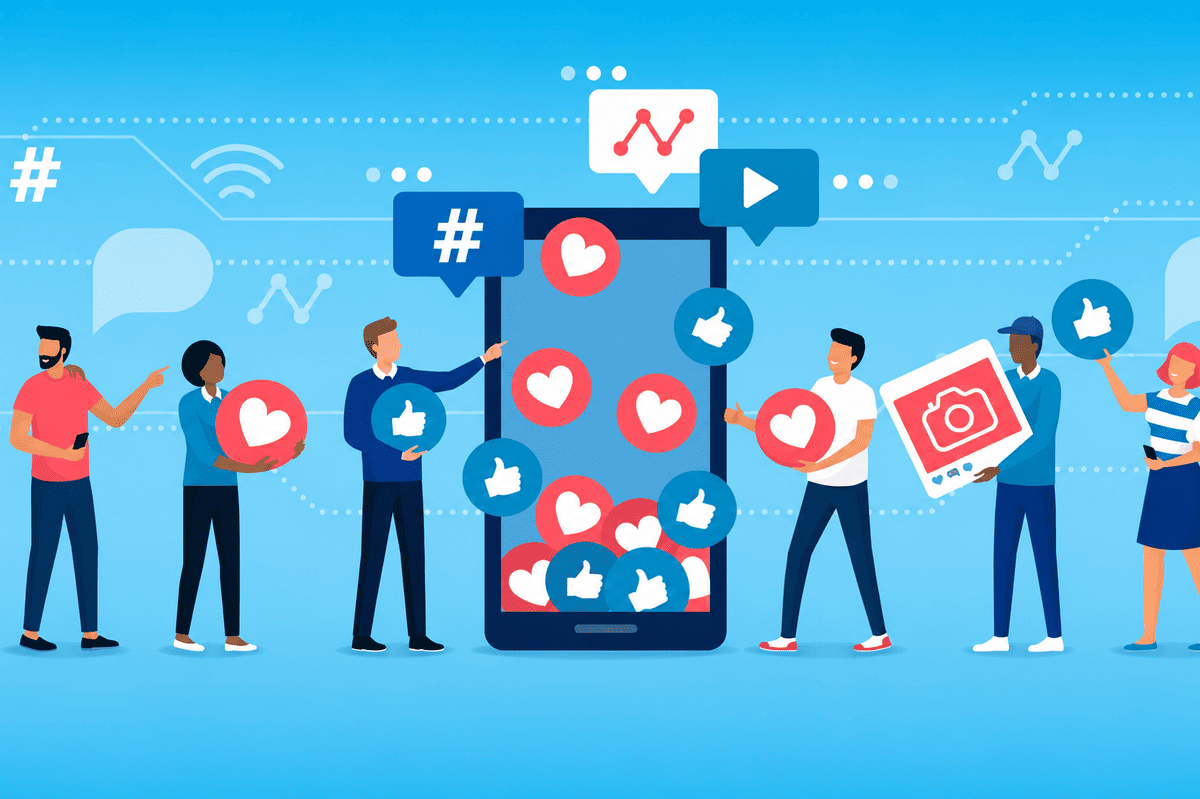
Planning creates the foundation for engagement, but what you do during the livestream has the greatest impact on how involved your audience feels.
Here are some practical techniques that can make a significant difference.
1. Welcome Viewers Personally
The first few minutes help set the tone for the entire event.
Rather than beginning immediately with your presentation, take a moment to welcome viewers, introduce the speakers, and explain what they'll gain from attending.
If your platform allows it, acknowledge people joining in the comments or mention where attendees are watching from. Small personal touches help create a more welcoming atmosphere.
2. Encourage Interaction Early
People are much more likely to participate later if they've already engaged once.
Start with a simple question such as:
- Where are you joining us from?
- Have you attended one of our events before?
- What are you hoping to learn today?
These easy questions encourage viewers to become active participants within the first few minutes.
3. Use Live Polls
Polls provide a quick and effective way to involve your audience while gathering useful insights.
You might ask attendees about:
- Their biggest challenge.
- Their level of experience.
- Which topic they'd like covered in more detail.
- Their opinion on an industry trend.
Sharing the results also creates natural talking points that make the presentation feel more interactive.
4. Include Q&A Throughout the Session
Rather than saving every question until the end, consider answering selected questions between sections.
This helps:
- Keep the discussion dynamic.
- Address confusion before moving on.
- Show viewers that their participation matters.
- Maintain attention throughout the livestream.
It also prevents a long backlog of unanswered questions at the end of the event.
5. Show Audience Comments on Screen
If your livestream platform supports it, displaying selected audience comments on screen is a simple way to encourage participation.
When viewers see their questions or comments featured during the event, they're often more motivated to join the conversation. It also helps create a stronger sense of community, particularly during webinars, panel discussions, and virtual conferences.
Choose comments that add value to the discussion, answer common questions, or introduce new perspectives that benefit the wider audience.
6. Keep Presentations Concise
Even the most interesting topic can lose momentum if one speaker talks for too long without a change of pace.
Break your livestream into shorter segments with clear transitions. This gives viewers regular opportunities to reset their attention and makes the session feel more dynamic.
For longer events, consider alternating between:
- Presentations.
- Interviews.
- Panel discussions.
- Live demonstrations.
- Audience Q&A sessions.
This variety helps maintain interest and prevents the event from becoming repetitive.
7. Include Live Demonstrations
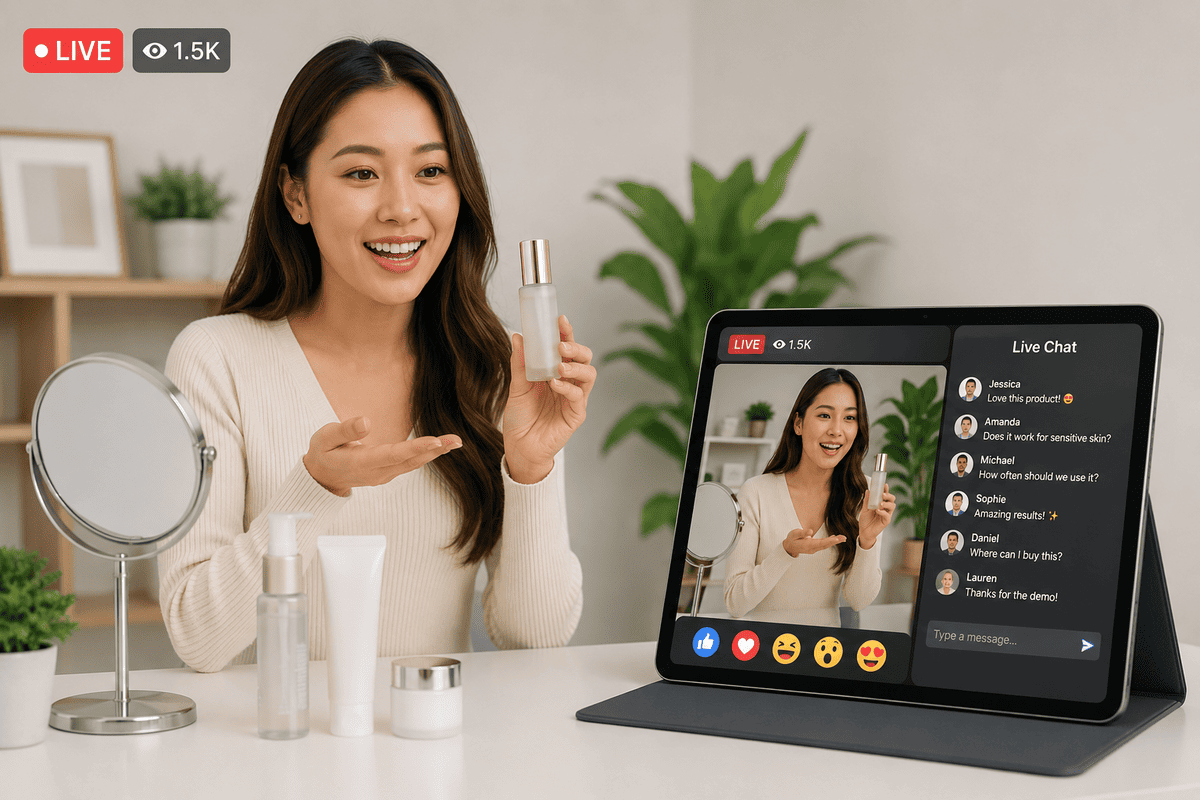
Showing something in action is often more engaging than simply talking about it.
Depending on your business, this could include:
- Product demonstrations.
- Software walkthroughs.
- Behind-the-scenes tours.
- Equipment demonstrations.
- Live problem-solving.
- Step-by-step tutorials.
Visual demonstrations keep viewers involved while making complex information easier to understand.
8. Remind Viewers What's Coming Next
People are more likely to stay if they know what's ahead.
Throughout the livestream, briefly remind viewers about upcoming sections, guest speakers, demonstrations, or Q&A sessions.
Simple updates such as "We'll be answering your questions in just a few minutes" or "Coming up next, we'll demonstrate the new product features" help create anticipation and encourage viewers to remain until the end.
9. Encourage Social Media Interaction
If appropriate, invite viewers to continue the conversation beyond the livestream.
This might include:
- Sharing key takeaways on LinkedIn.
- Posting questions after the event.
- Using an event hashtag.
- Tagging your business when discussing the session.
Extending engagement beyond the livestream itself can increase the reach of your content and keep conversations going long after the broadcast has ended.
10. Provide Useful Resources
If you've mentioned guides, templates, reports, or other helpful materials during the presentation, make them easily accessible.
Providing downloadable resources adds value for attendees and gives them a reason to continue engaging with your business after the event.
It also reinforces the key messages from your livestream and encourages viewers to revisit the information at their own pace.
Common Mistakes That Reduce Audience Engagement

Even well-planned livestreams can lose viewers if common mistakes aren't addressed. Being aware of these issues can help you create a smoother and more engaging experience.
Speaking for Too Long Without Interaction
A presentation that runs for 30 or 40 minutes without audience participation can quickly lose attention.
Instead, build regular opportunities for viewers to comment, ask questions, or take part in polls throughout the session.
Ignoring Viewer Questions
If people take the time to ask questions but receive no acknowledgement, they may stop participating altogether.
Even if you can't answer every question live, recognise audience contributions and let viewers know when remaining questions will be addressed.
Poor Audio Quality
Viewers are generally more forgiving of average video quality than poor sound.
Investing in clear microphones and monitoring audio throughout the event helps maintain professionalism and prevents people from leaving due to frustration.
Technical Difficulties
Unexpected issues can happen during any livestream, but preparation reduces the impact.
Testing your equipment, internet connection, presentation materials, and backup systems before going live helps minimise disruptions that could distract or frustrate your audience.
Making the Session Too Long
Longer isn't always better.
Keep presentations focused, remove unnecessary repetition, and respect your audience's time. If your event needs to cover multiple topics, consider breaking it into shorter sessions with scheduled breaks.
Measuring Livestream Engagement
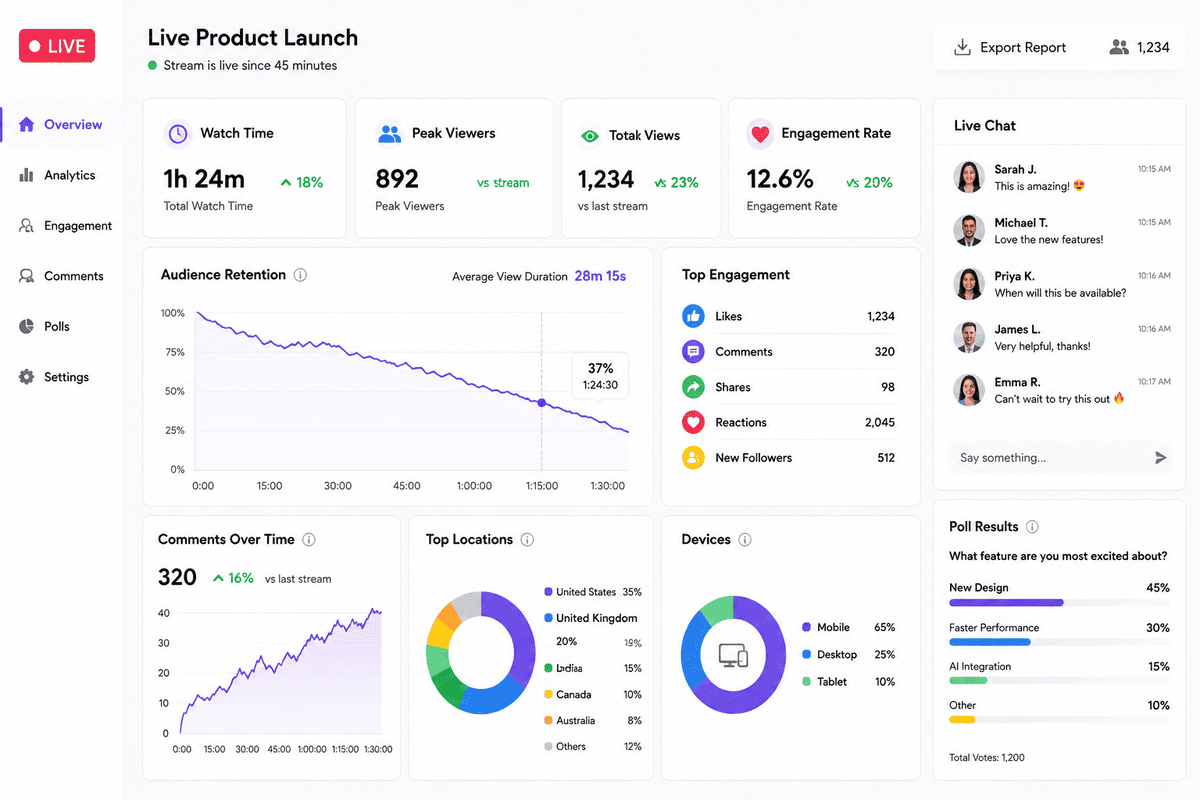
After the livestream ends, reviewing your performance can help improve future events.
Rather than focusing solely on total viewer numbers, consider a wider range of engagement metrics.
Useful indicators include:
- Average watch time.
- Peak concurrent viewers.
- Number of comments.
- Questions submitted.
- Poll participation.
- Resource downloads.
- Click-through rates.
- Leads generated.
- Replay views.
- Audience retention throughout the event.
Looking at these metrics together provides a more complete picture of how effectively your livestream kept viewers engaged.
You may also find it helpful to gather direct feedback through a short post-event survey. Asking attendees what they found most valuable and where improvements could be made can provide insights that analytics alone may not reveal.
How Professional Livestream Production Helps
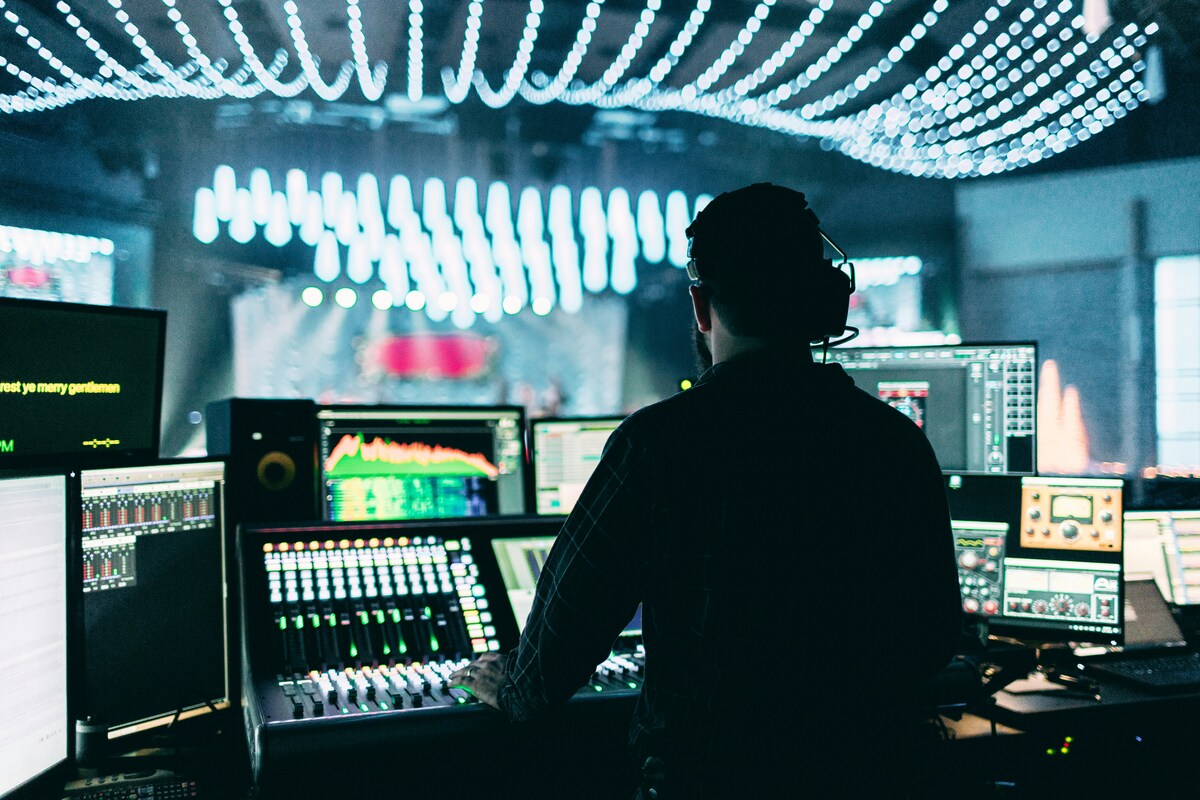
Successful audience engagement doesn't happen by accident. Behind every smooth, interactive livestream is careful planning and reliable technical execution.
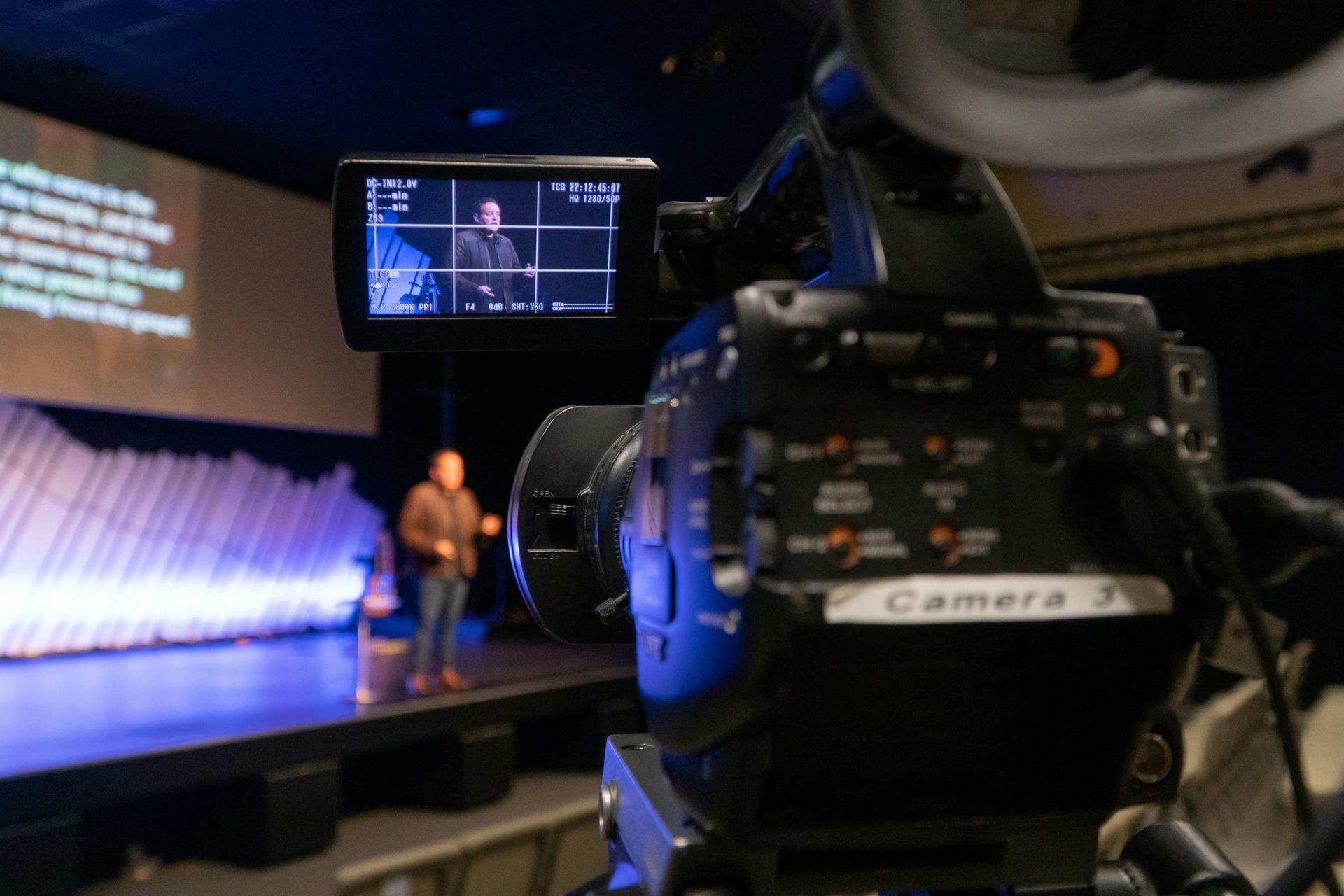
Working with a professional livestream production team allows presenters to focus on delivering valuable content while experienced technicians manage the production.
Professional livestream production can support engagement through:
- Multiple camera angles that keep visuals interesting.
- High-quality audio for a better viewing experience.
- Smooth transitions between speakers and presentations.
- Live graphics and branded overlays.
- On-screen display of audience questions.
- Poll and Q&A integration.
- Dedicated moderation support.
- Reliable streaming across selected platforms.
- Technical monitoring and backup solutions.
These production elements may seem subtle, but together they create a more polished experience that helps viewers stay focused on the content rather than being distracted by technical issues.
From Engagement to Results
Keeping your audience engaged isn't simply about making a livestream more entertaining—it's about creating meaningful interactions that support your business objectives.
When viewers stay involved throughout the event, they're more likely to understand your message, trust your organisation, and take the next step, whether that's making an enquiry, registering for another event, or becoming a customer. By planning engagement from the very beginning, you can turn a livestream from a one-way presentation into a valuable conversation with your audience.
Conclusion
A successful livestream is measured by more than the number of people who register or tune in. The real value comes from keeping viewers engaged, encouraging meaningful participation, and creating an experience that people remember after the broadcast has ended.
By combining thoughtful planning, interactive content, strong presentation skills, and reliable production, businesses can deliver livestreams that not only capture attention but also build trust and achieve meaningful results.
If you're planning a business livestream, explore our video production services, try our instant price calculator, or get in touch with the Mango Media team to discuss how we can help you deliver a professional and engaging event.
Frequently Asked Questions
How do you keep viewers engaged during a livestream?
Keep viewers engaged by encouraging interaction throughout the event using live polls, Q&A sessions, audience comments, demonstrations, and shorter presentation segments. Planning these activities in advance helps maintain attention from beginning to end.
What is the best length for a business livestream?
The ideal length depends on the event, but most business livestreams perform best when they are focused and well-structured. Webinars often last between 30 and 60 minutes, while larger conferences or training sessions may run longer with scheduled breaks and interactive segments.
Why is audience engagement important in livestreaming?
Audience engagement helps improve watch time, strengthens relationships with viewers, increases knowledge retention, and supports business goals such as lead generation, event registrations, and customer enquiries. An engaged audience is also more likely to remember your message and take action after the livestream ends.
Similar blogs:


















![How to Write a Promo Video Script (Free Template Included) [2026 Guide]](https://cdn.prod.website-files.com/6226fcc37e2eb518b6e69a7f/69c3804c0b9ea78696bd89e0_covertab11.jpeg)



.jpg)
%20(1)%20(1).jpg)
.jpg)





We'd love to hear from you! Reach out to us today for a chat about our services, pricing, or just to say hello!


