
In today’s oversaturated inboxes, getting your email noticed — let alone opened — is no easy feat. In this article, we’ll explore the power of video in email campaigns, how to embed video content the right way, best practices to maximise performance, and how to track your results. Whether you’re a startup, marketer, or creative agency, using video in your emails can be a game-changer for audience retention and conversions.
Why CEO Video Messages Matter

Business leaders are expected to communicate more openly than ever before. Employees want transparency, customers appreciate hearing directly from the people behind the business, and stakeholders value clear leadership during both opportunities and periods of change.
A well-produced CEO communication video helps achieve all of these goals by making leadership more visible and approachable. Rather than relying solely on emails or written announcements, businesses can deliver messages that feel genuine and build stronger relationships with their audience.
CEO video messages are commonly used to:
- Share company updates and strategic direction
- Introduce new products or services
- Welcome new employees
- Celebrate milestones and achievements
- Reinforce company values
- Support recruitment campaigns
- Thank customers and business partners
- Communicate during organisational change
When viewers can see and hear a leader speaking directly to them, the message often feels more credible and engaging. Over time, consistent leadership video communication can strengthen trust, reinforce company culture, and improve overall business communication.
When Should Businesses Use CEO Video Messages?

Company Updates
Major announcements often raise questions among employees and stakeholders. A CEO video message allows leaders to explain not only what is changing but also why the decision has been made.
Providing context through video helps reduce uncertainty and creates a greater sense of transparency than a written update alone.
Recruitment and Employer Branding
Today's job candidates want to understand a company's culture before applying. A short executive video message gives potential employees an authentic introduction to your organisation's mission, leadership style, and values.
These videos work particularly well on careers pages, recruitment campaigns, and onboarding materials, helping candidates decide whether your business is the right fit.
Customer Communications
CEO video messages can also strengthen external communication by making important announcements feel more personal.
Examples include:
- Launching a new product or service
- Announcing partnerships
- Sharing significant company news
- Thanking customers for their support
- Explaining changes that affect clients
When updates come directly from leadership, customers often perceive the business as more transparent and approachable.
Organisational Change
Periods of change require thoughtful communication. Whether your business is expanding, restructuring, merging, or responding to market challenges, employees naturally look to leadership for reassurance.
A CEO video allows leaders to explain the situation calmly, outline the company's direction, and address concerns with confidence. This type of communication helps maintain trust while ensuring everyone understands what comes next.
Best Practices for Creating Authentic CEO Video Messages
A successful CEO video message doesn't depend on expensive production or a perfectly rehearsed script. What matters most is delivering a clear, authentic message that connects with your audience. These best practices will help you create leadership videos that build trust while maintaining a professional standard.
1. Start With a Clear Purpose

Every effective CEO video begins with a defined objective. Before writing a script or booking a filming day, identify exactly what you want your audience to understand or do after watching.
Ask yourself:
- Who is this video for?
- What is the main message?
- What action or takeaway should viewers have?
Keeping the video focused on one objective makes it easier for viewers to absorb the information and remember your message. If you have several important announcements, it's usually better to create multiple shorter videos rather than one lengthy presentation covering unrelated topics.
2. Speak Naturally, Not Like a Press Release
One of the biggest advantages of a CEO communication video is that audiences get to hear directly from a real person. That benefit can quickly disappear if the message sounds overly scripted or filled with corporate jargon.
Write your script as though you're speaking to one individual rather than an entire organisation. Use everyday language, keep sentences concise, and explain ideas clearly without relying on buzzwords.
A helpful tip is to read your script aloud before filming. If a sentence feels awkward to say, it's probably too complicated. Simple, conversational language almost always creates a stronger connection with viewers.
3. Prioritise Authenticity Over Perfection
Many business leaders worry about making mistakes on camera, but audiences rarely expect flawless delivery. In fact, a message often feels more genuine when it sounds natural rather than heavily rehearsed.
That doesn't mean preparation isn't important. Taking time to rehearse key points helps you speak confidently while allowing your personality to come through.
During filming, focus on:
- Speaking at a comfortable pace
- Maintaining eye contact with the camera
- Using a confident, conversational tone
- Pausing naturally between key points
- Showing genuine enthusiasm where appropriate
Remember that professional editing can remove minor mistakes or awkward pauses, so there's no need to deliver everything perfectly in one take.
4. Keep It Concise
Attention spans are limited, especially for business content. A focused message is far more likely to be watched until the end than a lengthy presentation packed with unnecessary detail.
As a general guide:
- 1–2 minutes: Company updates, customer messages, recruitment videos, and social media.
- 3–5 minutes: Strategic updates, organisational announcements, and internal communications requiring more context.
If your topic is particularly detailed, consider breaking it into a series of shorter videos. This approach keeps viewers engaged while making it easier for them to revisit specific topics later.
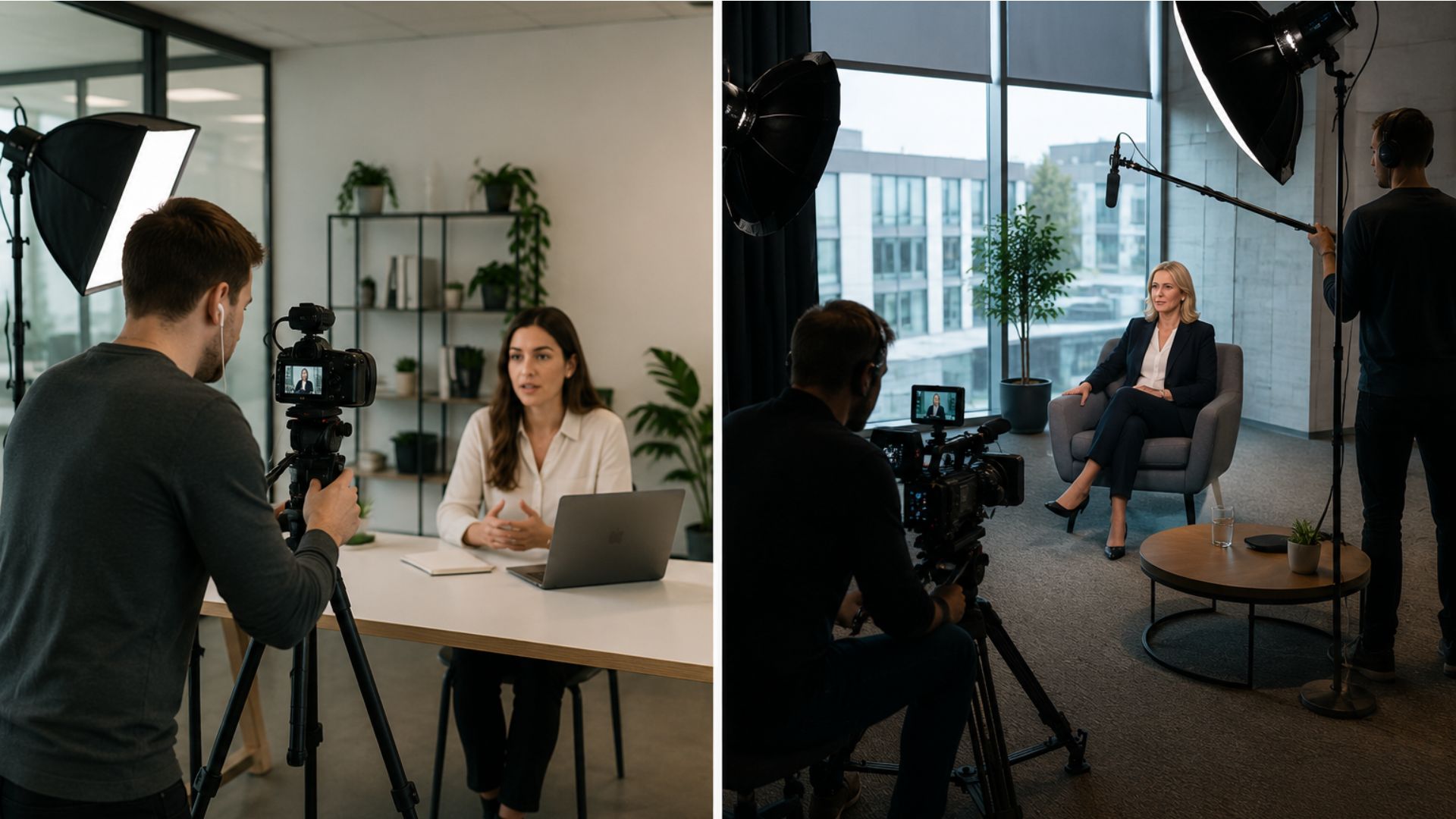
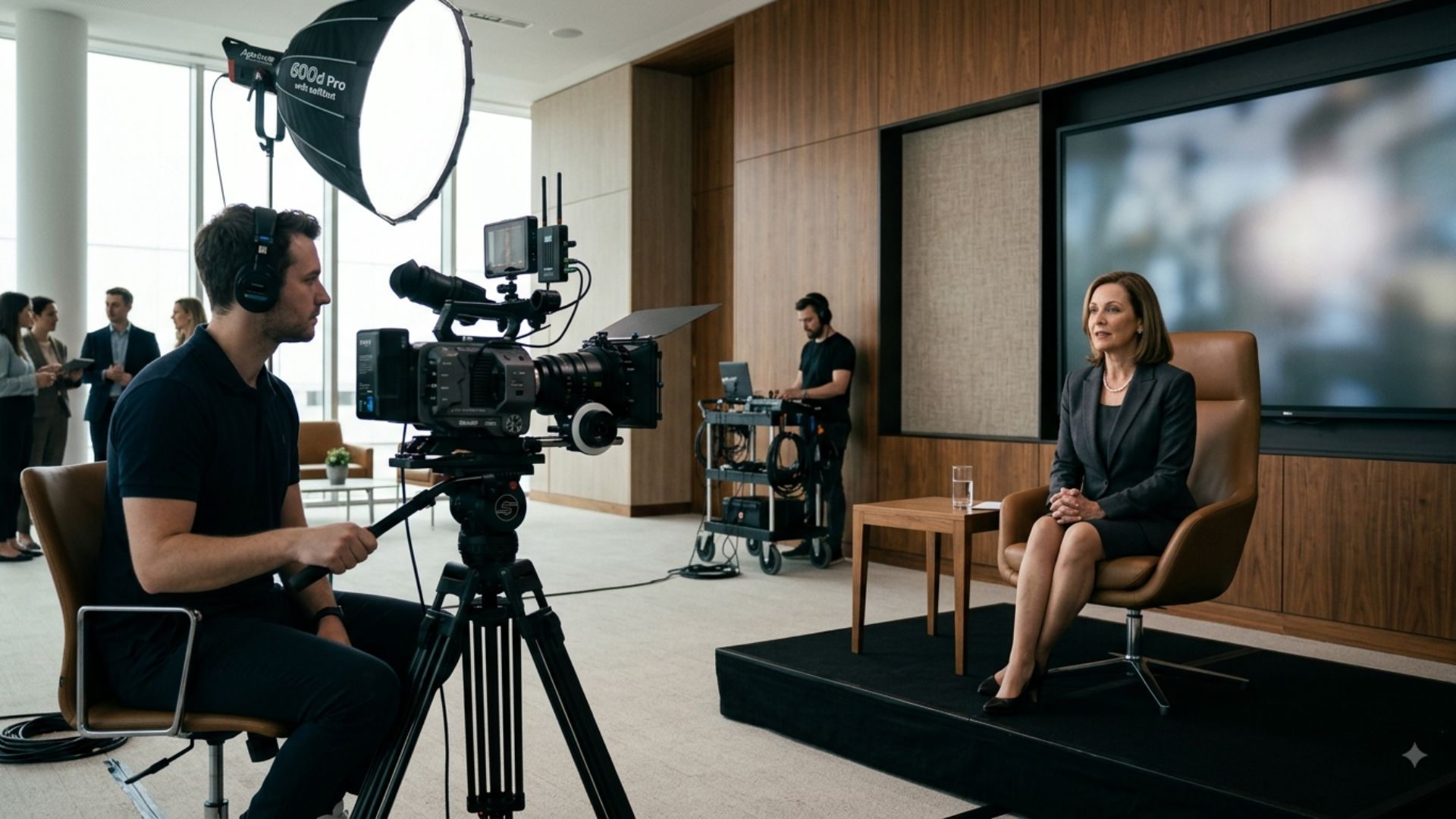
5. Choose a Setting That Reflects Your Business

Where you film your CEO video message influences how audiences perceive both the speaker and the organisation.
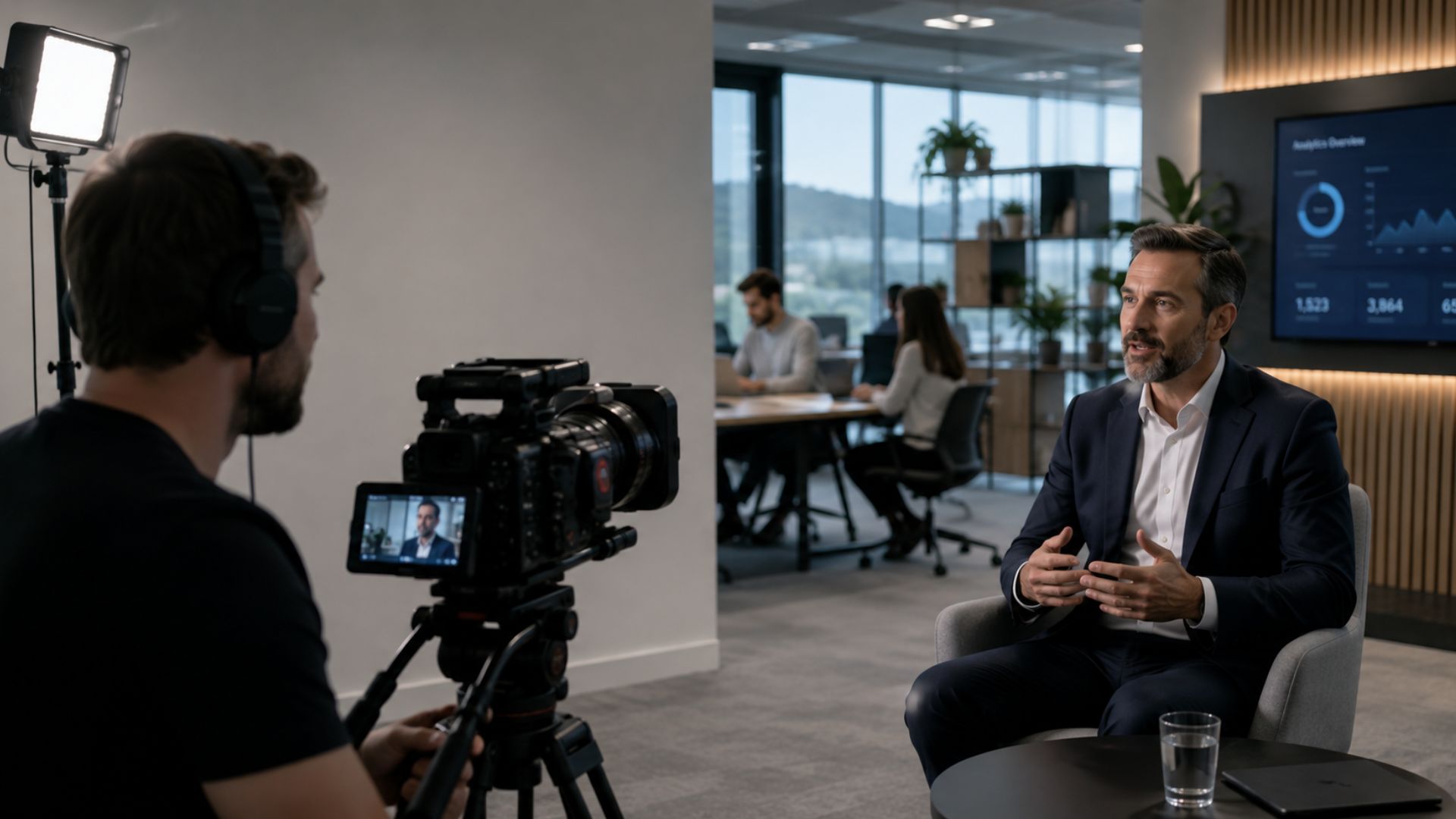
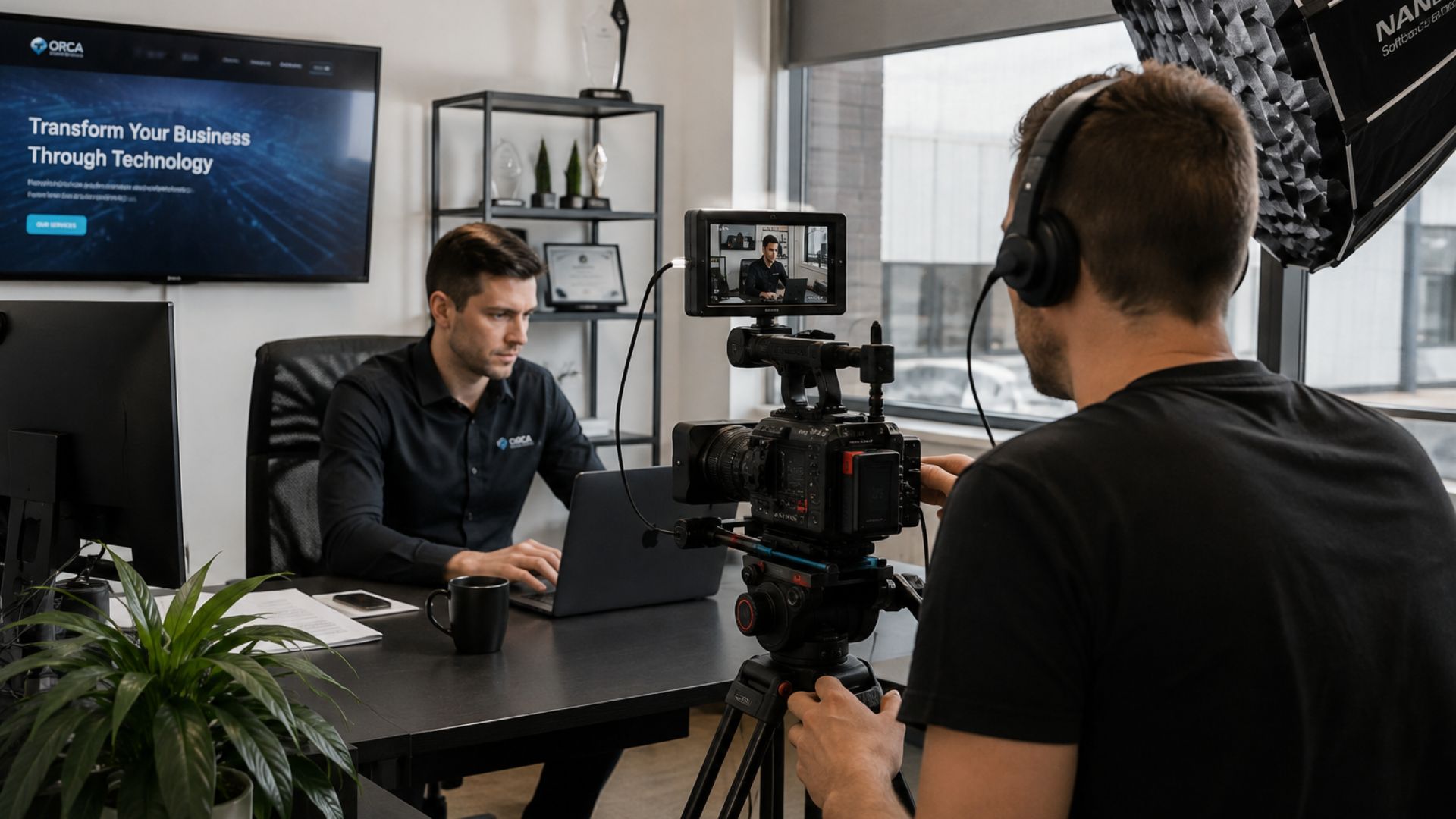
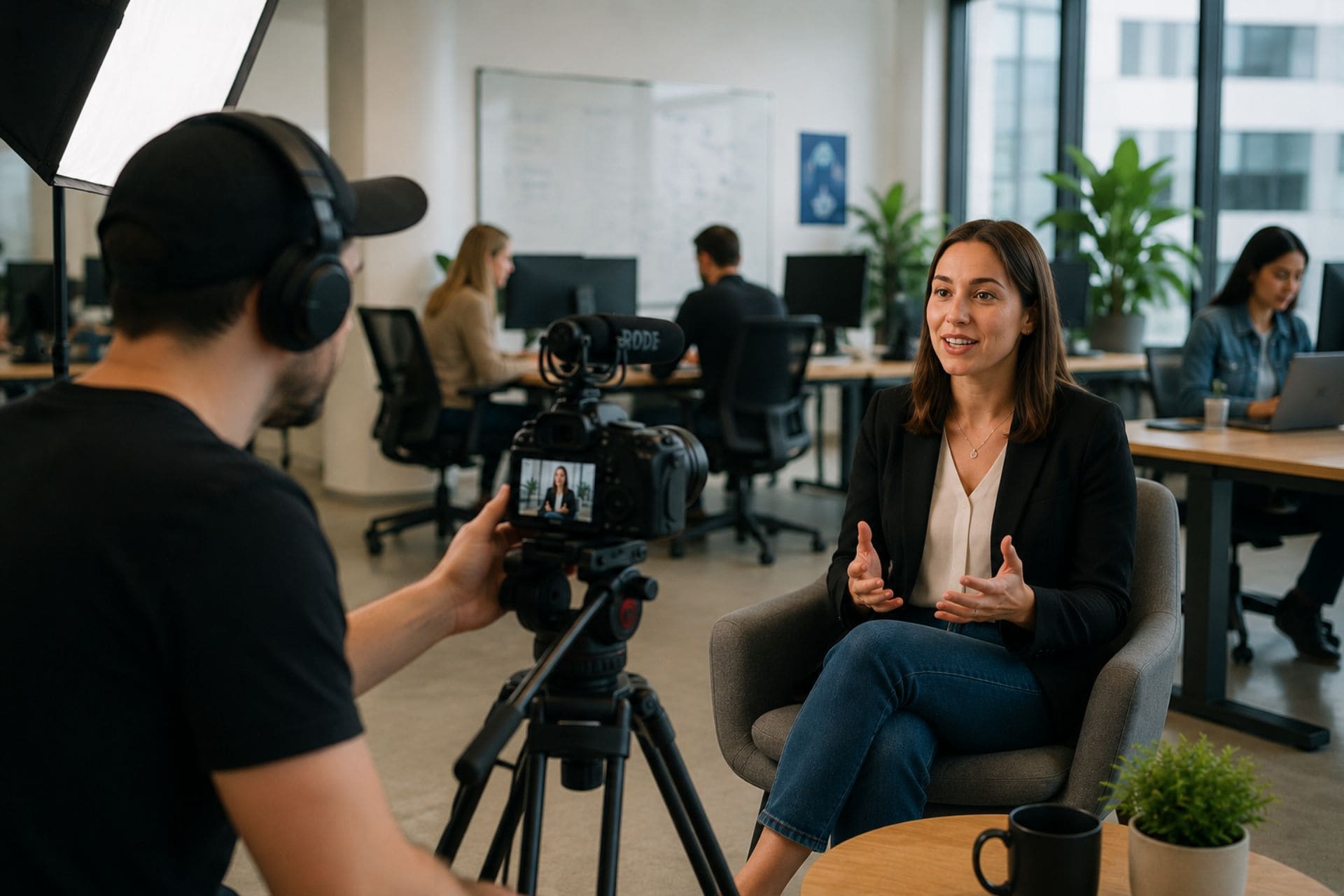
Instead of using a plain background, consider filming in an environment that reflects your business, such as your office, workspace, retail location, or production facility. These settings add authenticity and help reinforce your brand story.
Whatever location you choose, make sure it supports the message by:
- Keeping the background tidy and uncluttered
- Minimising background noise
- Using good lighting
- Removing distractions that could pull attention away from the speaker
The CEO's clothing should also suit the occasion and reflect the company's culture, whether that's formal business attire or smart casual.
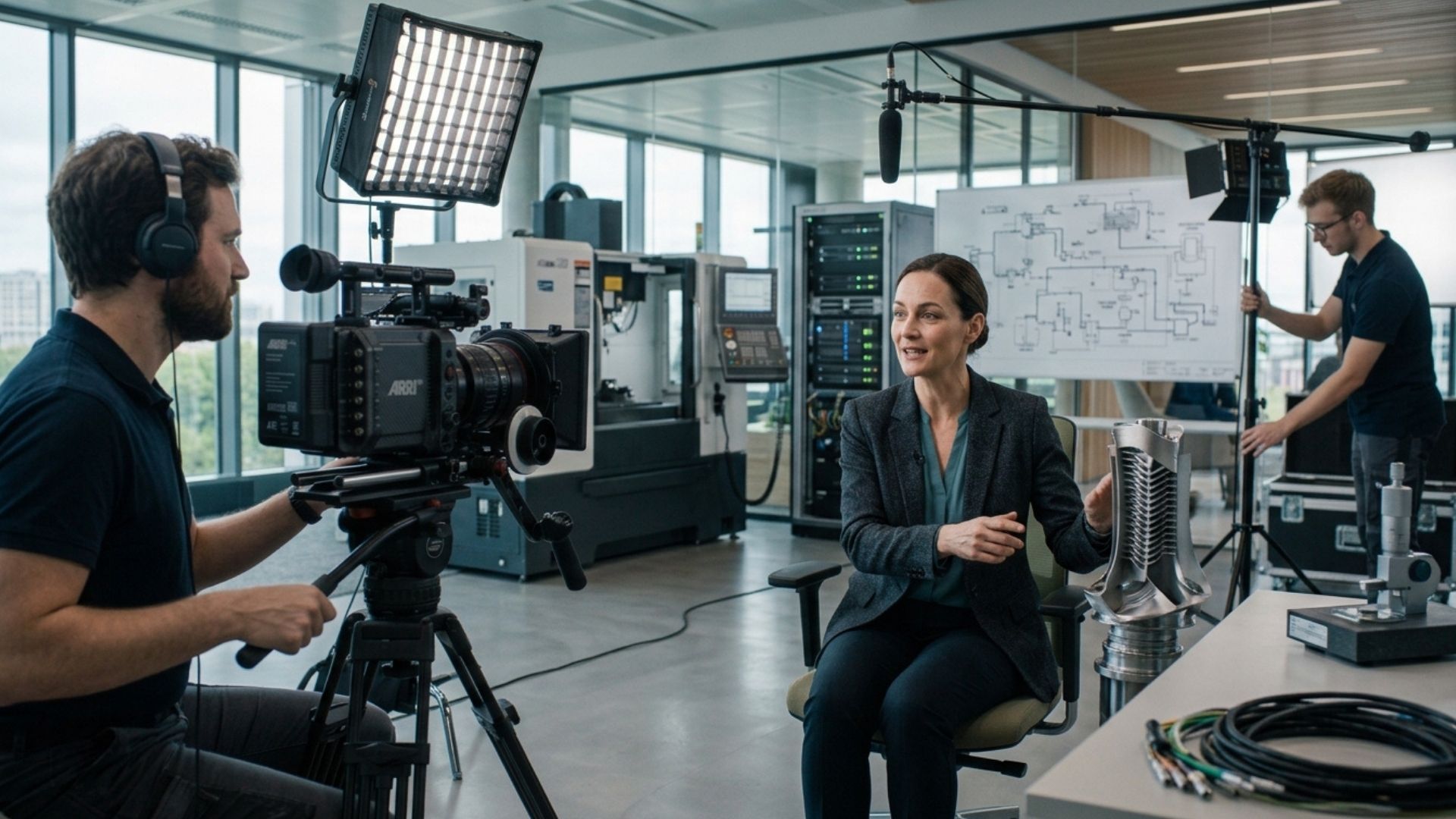
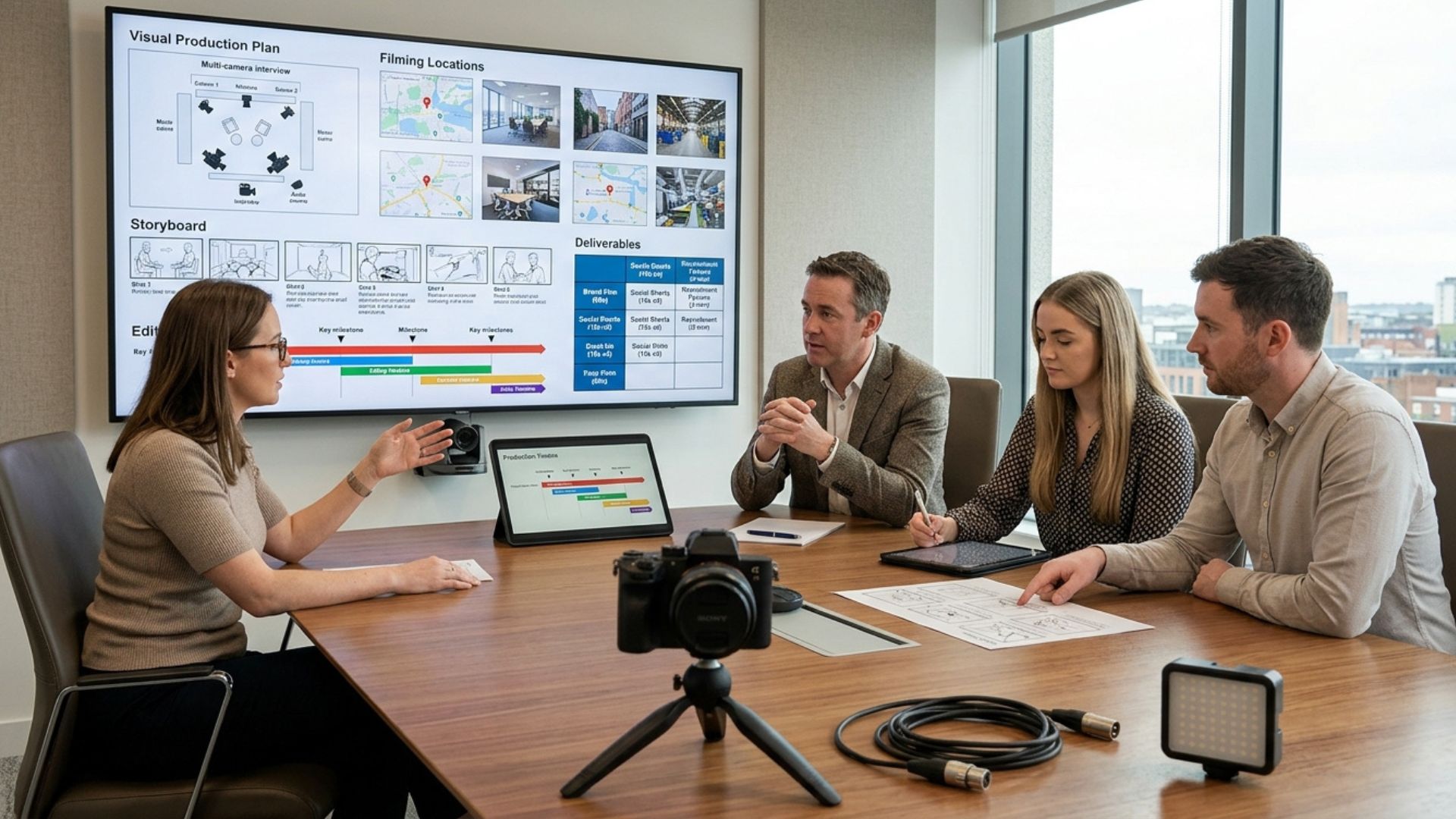
6. Invest in Professional Production

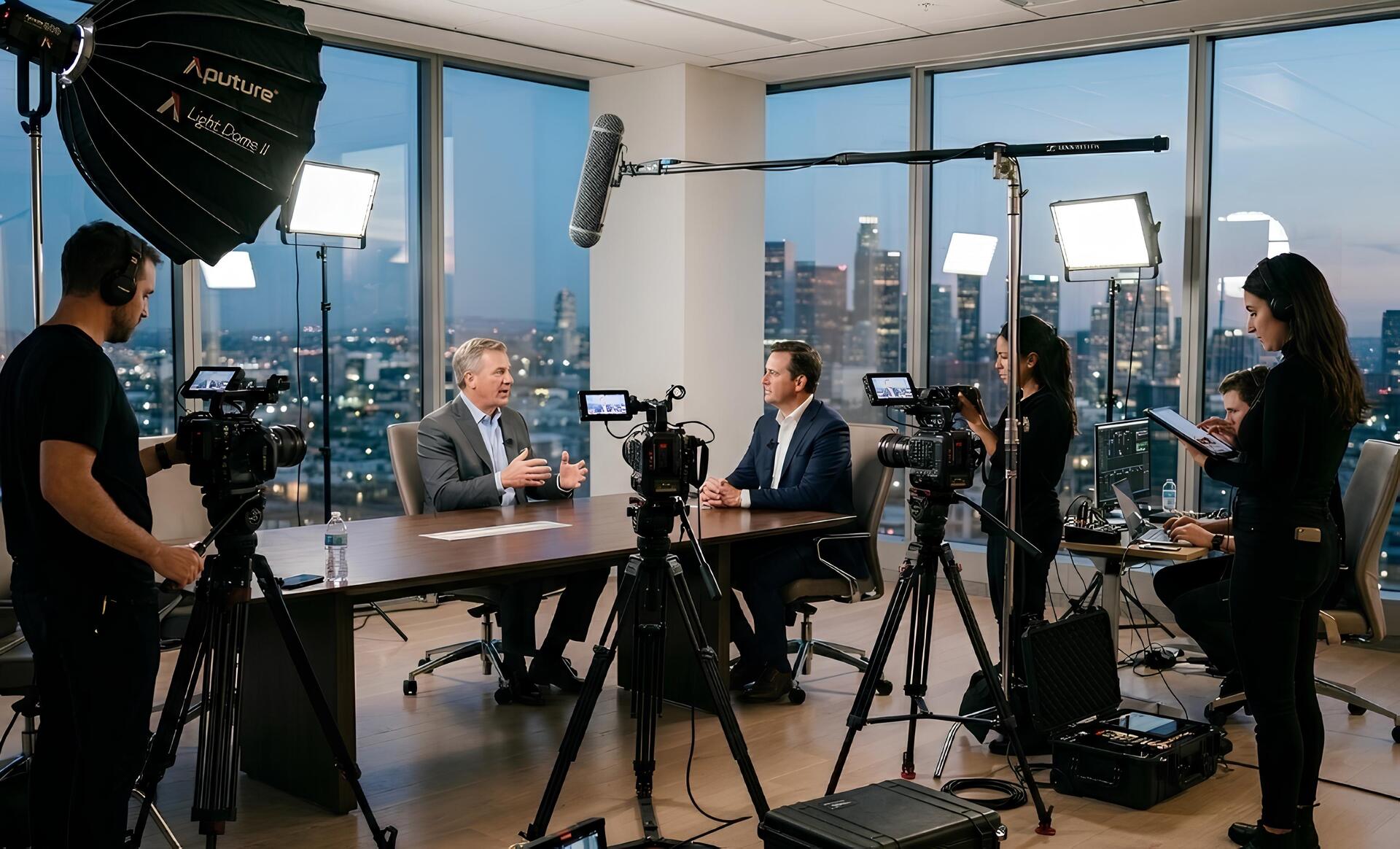
Authenticity doesn't mean compromising on quality. Clear audio, good lighting, and professional editing help ensure your audience focuses on the message instead of technical distractions.
Professional video production typically includes:
- High-quality microphones for clear audio
- Professional lighting
- Strong camera composition
- Multiple takes where needed
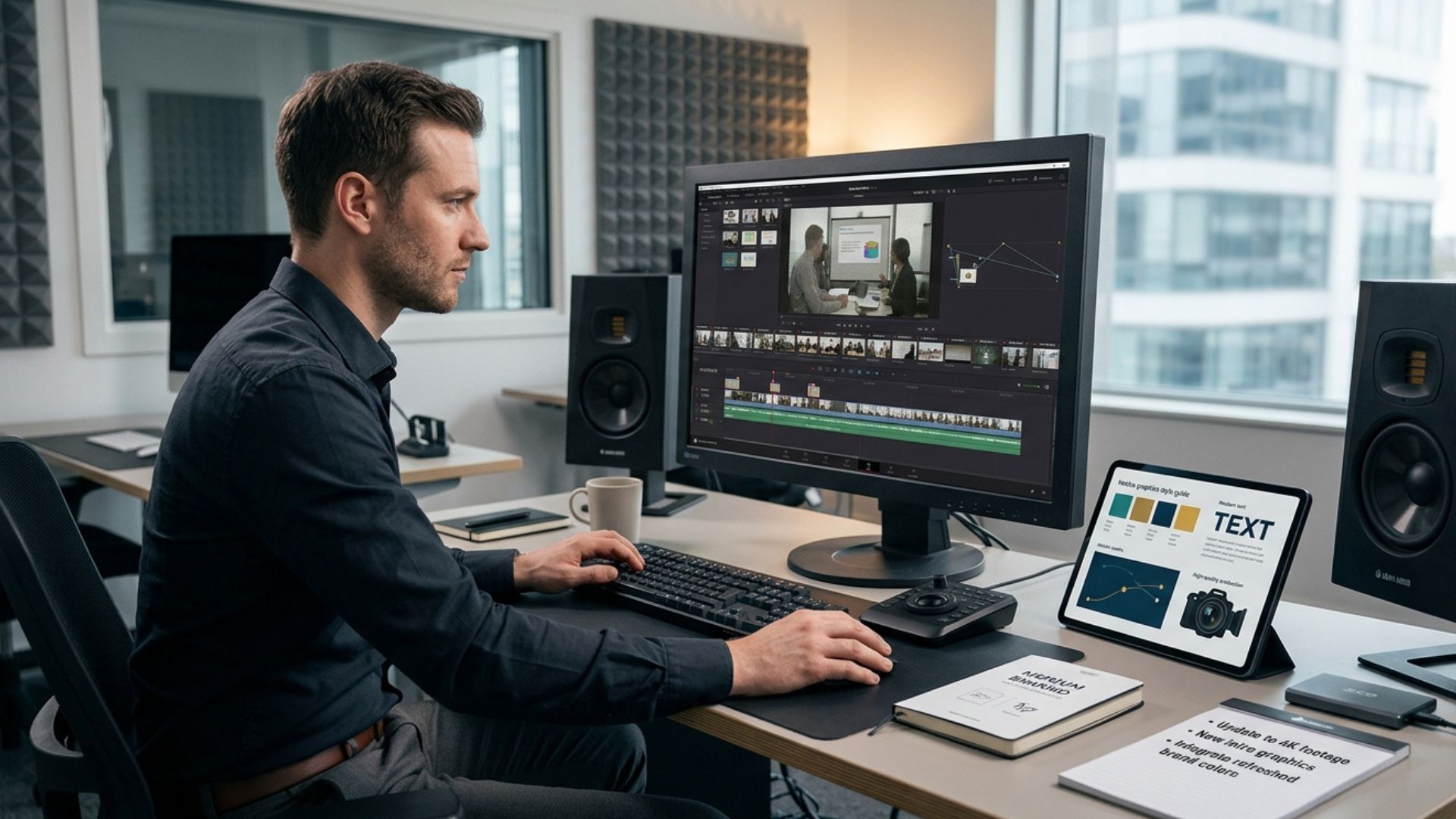
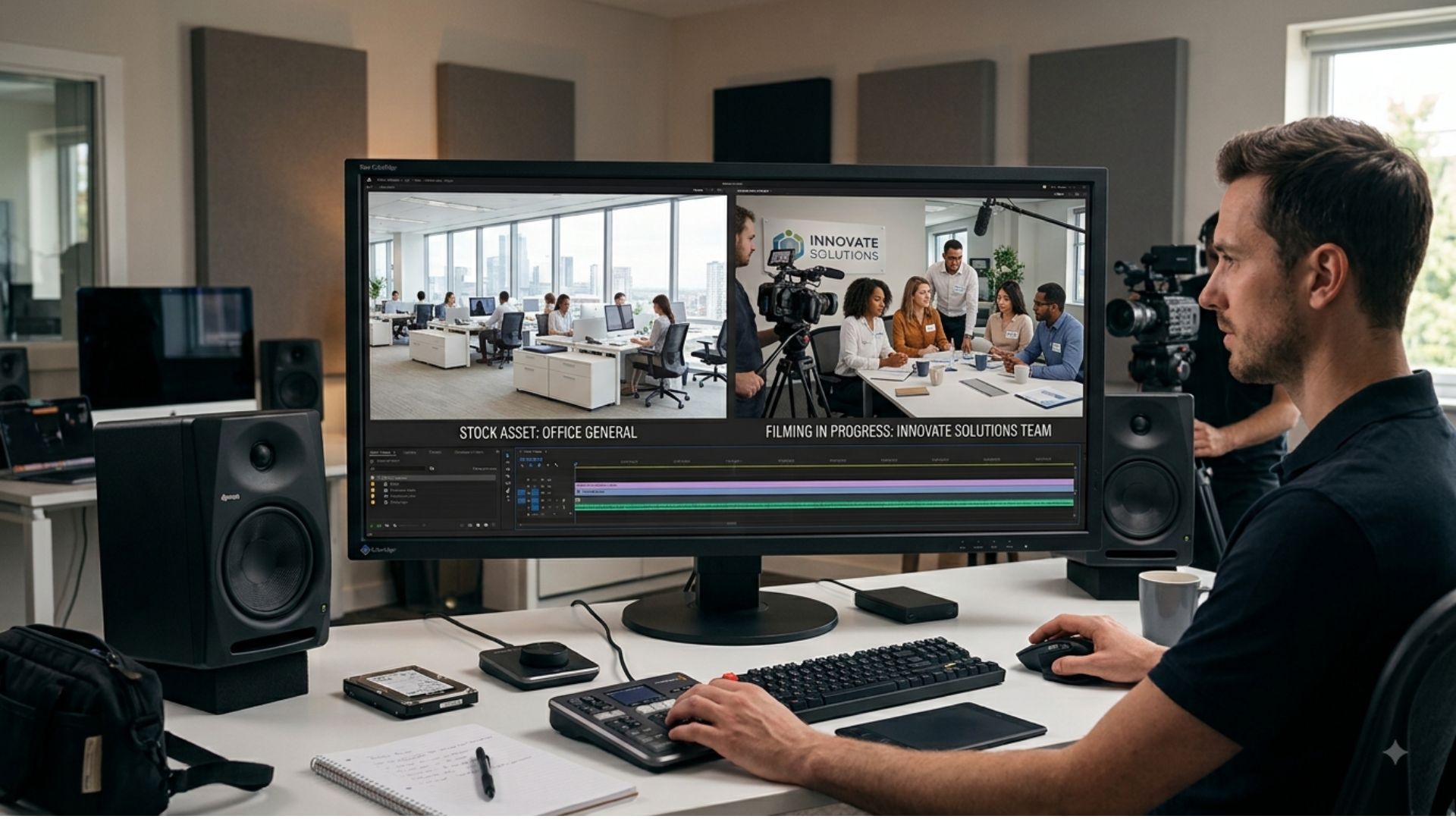
- Smooth editing and pacing
- Branded graphics and captions where appropriate
These production elements don't make a CEO video feel less authentic—they simply present the message in the clearest and most professional way possible.
A well-produced executive video message reflects positively on your brand and demonstrates the same level of professionalism that audiences expect from your business.
7. Think About Where the Video Will Be Shared
Before filming begins, consider where the finished video will be published. Different platforms often require different lengths, formats, and styles.
For example:
Internal Communications
Longer, more detailed messages shared through company intranets, Microsoft Teams, or internal email.
Company Website
Leadership messages that introduce the business, reinforce company values, or support recruitment.
Shorter thought leadership videos, company announcements, or milestone celebrations designed to encourage engagement.
Email Campaigns
Personal updates that add warmth and context to written communications.
Planning distribution from the outset also makes it easier to create multiple versions of the same video.
One filming session could produce:
- A full-length internal version.
- A shorter LinkedIn edit.
- A careers page video.
- Social media clips.
- Short teaser content for future campaigns.
Thinking about these outputs during pre-production helps maximise the value of every filming session and ensures the content reaches each audience in the most effective format.
Should You Memorise, Read, or Use a Teleprompter?

One of the most common questions business leaders ask before filming is how they should deliver their message. There's no single approach that works for every CEO or every type of announcement, but understanding the advantages and limitations of each method can help you choose the right one.
Memorising Your Message
Memorising can work well for shorter videos where the message is straightforward and conversational.
Because you're not looking at notes or reading from a screen, it's often easier to maintain eye contact with the camera and speak naturally. However, trying to memorise a long script word for word can add unnecessary pressure and make the delivery feel overly rehearsed.
Reading From Notes
Some presenters prefer to have printed notes or a laptop nearby. While this can provide reassurance, it often leads to frequent glances away from the camera, reducing eye contact and making the message feel less engaging.
If you choose this approach, use concise bullet points instead of full paragraphs. This helps you stay on track while allowing your delivery to remain conversational.
Using a Teleprompter
A teleprompter can be an excellent solution for longer or carefully worded messages, particularly when accuracy is important.
It's commonly used for:
- Investor updates.
- Regulatory announcements.
- Company-wide strategic updates.
- Public statements.
- Messages where wording has been carefully approved.
The key is to avoid reading mechanically. Practising beforehand and speaking at a natural pace will help the message feel authentic rather than scripted.
Speaking From Key Talking Points
For many CEO video messages, speaking from a list of key talking points offers the best balance.
It provides enough structure to keep the message focused while allowing room for natural expression and personality. Combined with a few rehearsal runs, this approach often results in a confident and engaging delivery.

Common Mistakes Businesses Make With CEO Video Messages
Even experienced business leaders can make simple mistakes that reduce the impact of a CEO video message. Fortunately, most of these issues are easy to avoid with thoughtful planning.
Trying to Cover Too Much
A common mistake is combining several unrelated announcements into one video. This can overwhelm viewers and make the message feel unfocused.
Instead, choose one primary objective for each video. If you have multiple updates to share, create separate videos so each message receives the attention it deserves.
Using Too Much Corporate Jargon
Business buzzwords and overly formal language can make communication feel impersonal and difficult to understand.
Speak in a clear, conversational way that reflects how you would naturally explain the message in person. Simple language helps audiences stay engaged and improves understanding.
Focusing Too Much on Perfection
Many CEOs worry about appearing flawless on camera. In reality, authenticity is usually more important than perfection.
Minor pauses or small mistakes are normal and can even make the message feel more genuine. Focus on communicating with confidence rather than delivering every sentence perfectly.
Overlooking Production Quality
Even the strongest message can lose impact if viewers struggle to hear the speaker or are distracted by poor lighting and cluttered backgrounds.
Professional production helps eliminate these distractions, allowing your audience to focus on the message while reinforcing a polished brand image.
Forgetting the Audience
Before filming, think about what your audience needs to hear—not just what your business wants to say.
Consider:
- What questions might viewers have?
- What concerns should be addressed?
- What action should they take after watching?
Answering these questions helps create a message that feels relevant, helpful, and engaging.
Measuring the Success of CEO Video Messages

Like any business communication, CEO video messages should be reviewed to understand whether they achieved their objective.
For internal communications, useful indicators include employee feedback, video completion rates, meeting participation, and overall engagement.
For external audiences, businesses can monitor metrics such as video views, watch time, social media engagement, website traffic, enquiries, and conversions.
While analytics provide valuable insights, qualitative feedback is equally important. If employees feel better informed or customers respond positively to a leadership message, your video has successfully strengthened communication and trust.
From Communication to Connection
The most effective CEO video messages do more than deliver information—they strengthen relationships.
When leaders communicate with clarity, authenticity, and purpose, they help employees, customers, and stakeholders feel more connected to the business and more confident in its direction.
By combining thoughtful planning with professional production, businesses can create leadership videos that not only communicate important updates but also reinforce trust, transparency, and credibility over the long term.
Conclusion
CEO video messages have become an increasingly valuable way for businesses to communicate with employees, customers, and stakeholders. By focusing on clear objectives, authentic delivery, and professional production, organisations can create videos that build trust, strengthen relationships, and communicate important messages with greater impact.
If you're planning a CEO video message, whether it's for internal communication, customer engagement, or a company announcement, explore our Video Production Services, try our Instant Price Calculator, or Get in Touch with the Mango Media team to discuss how we can help bring your message to life.
Frequently Asked Questions
How long should a CEO video message be?
For most business announcements, a CEO video message should be between one and three minutes long. More detailed updates may require additional time, but keeping the message concise helps maintain engagement and makes it easier for viewers to remember the key points.
What should a CEO include in a video message?
A CEO video message should have one clear objective, explain the key message in straightforward language, and finish with a clear next step for the audience. Authenticity, clarity, and relevance are often more effective than trying to cover every detail.
Do CEO video messages need professional production?
Not every CEO video requires a large production, but professional filming can make a significant difference when the message is important to your business. High-quality audio, lighting, camera work, and editing help remove distractions, allowing viewers to focus on the communication while reinforcing a professional brand image.
Similar blogs:






















![How to Write a Promo Video Script (Free Template Included) [2026 Guide]](https://cdn.prod.website-files.com/6226fcc37e2eb518b6e69a7f/69c3804c0b9ea78696bd89e0_covertab11.jpeg)





.jpg)
%20(1)%20(1).jpg)
.jpg)






We'd love to hear from you! Reach out to us today for a chat about our services, pricing, or just to say hello!


