
In today’s oversaturated inboxes, getting your email noticed — let alone opened — is no easy feat. In this article, we’ll explore the power of video in email campaigns, how to embed video content the right way, best practices to maximise performance, and how to track your results. Whether you’re a startup, marketer, or creative agency, using video in your emails can be a game-changer for audience retention and conversions.
Why Use Video for Internal Communications?
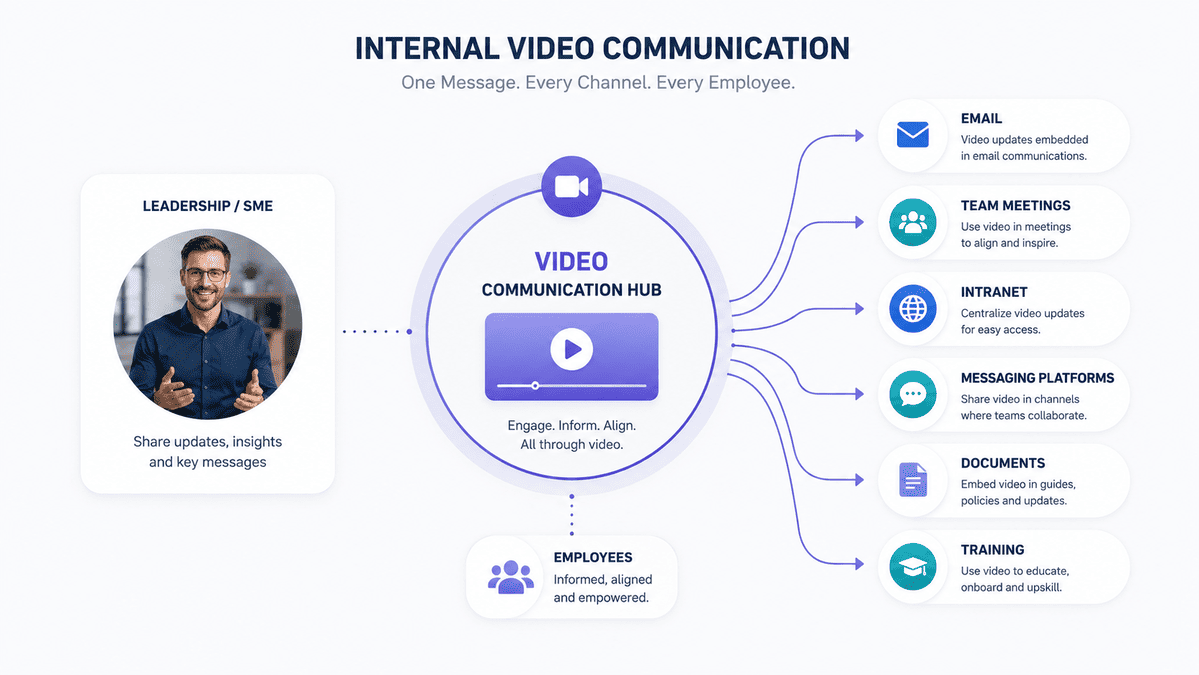
Internal communication can become difficult as businesses grow.
A small team might be able to gather everyone in the same room for an important announcement. But as organisations expand across departments, offices, locations and working patterns, communicating the same message consistently becomes more challenging.
Employees may receive information through:
- Emails
- Team meetings
- Intranet posts
- Presentations
- Messaging platforms
- Documents
- Training sessions
- Company-wide meetings
The problem is not necessarily a lack of communication.
It is often too much communication.
Important messages can become buried among everyday updates, lengthy documents and meeting notifications.
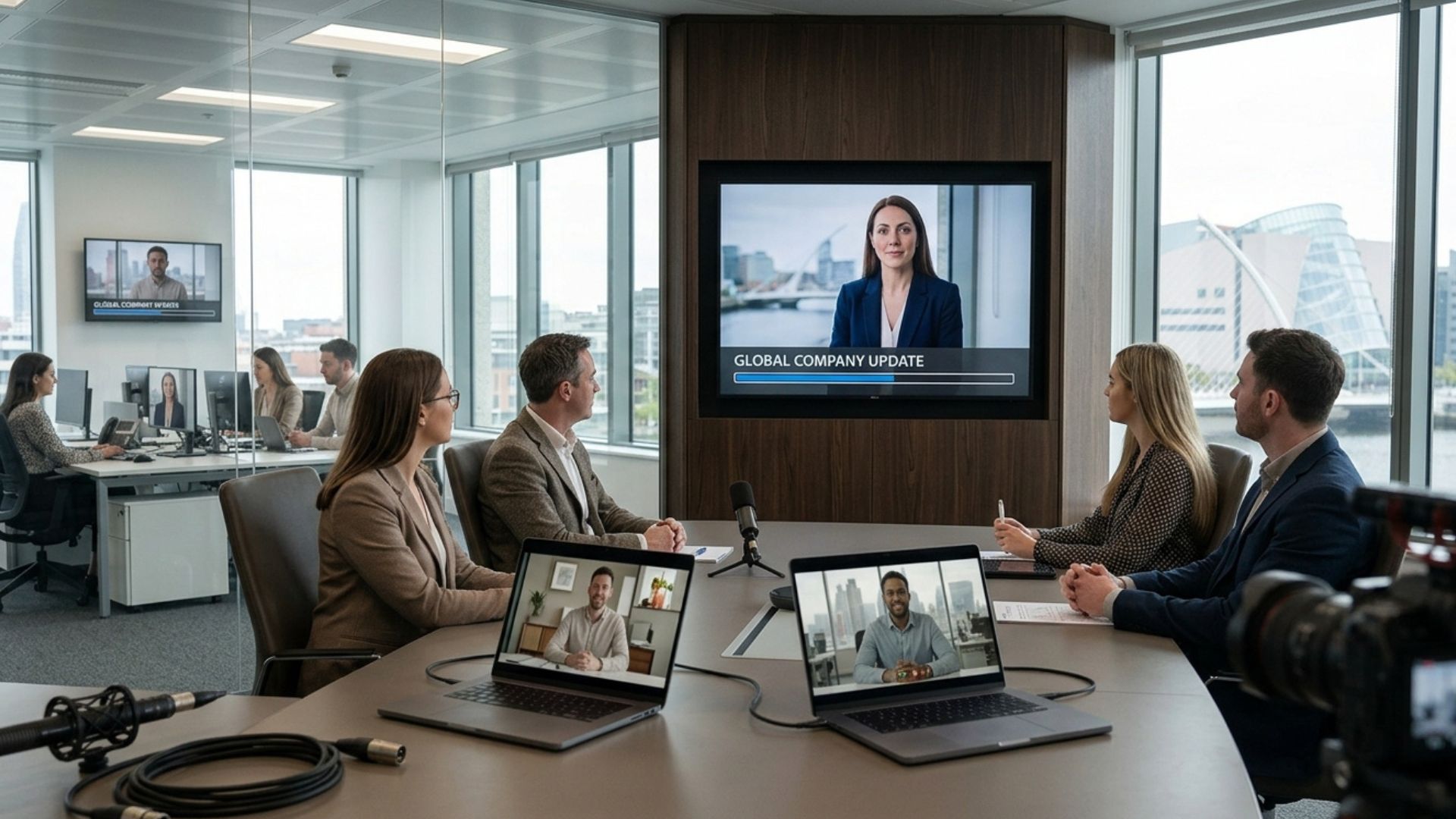
Video gives businesses another way to communicate information.
Instead of asking employees to read through several paragraphs or attend another meeting, a short video can allow a leader, subject-matter expert or colleague to explain the message directly.
That can be particularly useful when the information is complex, sensitive, visual or likely to generate questions.
What Can Businesses Use Internal Communications Videos For?
Internal video is not limited to company announcements.
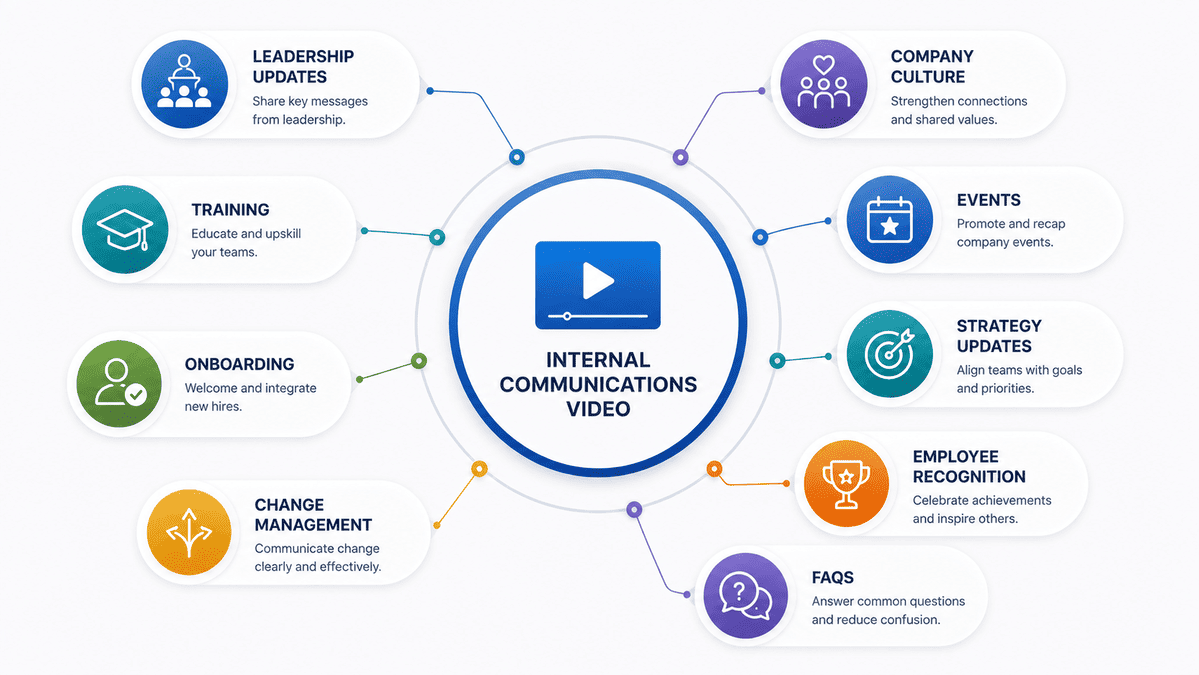
It can support a wide range of business communication, including:
- Leadership updates
- Company announcements
- Training
- Employee onboarding
- Change management
- New processes
- Health and safety information
- Company culture
- Internal events
- Business milestones
- Strategy updates
- Employee recognition
- Frequently asked questions
- New product or service information
The right format depends on what you need employees to understand or do.
A CEO message about company direction, for example, should not look or feel the same as a health and safety training video.
The audience may be internal in both cases, but the communication objective is completely different.
1. Use Video for Leadership Messages
Leadership communication is one of the areas where video can add something that written communication cannot.
A written company update can communicate the facts.
A video can also communicate tone, personality and emotion.
A CEO or senior leader can speak directly to employees about:
- Company performance
- Business priorities
- Future plans
- Organisational changes
- Major achievements
- Challenges
- New initiatives
- Company values
Seeing and hearing the person delivering the message can make communication feel more direct and human.
This does not mean every leadership update needs a professionally produced film.
For quick, low-stakes updates, a simple recording may be perfectly appropriate.
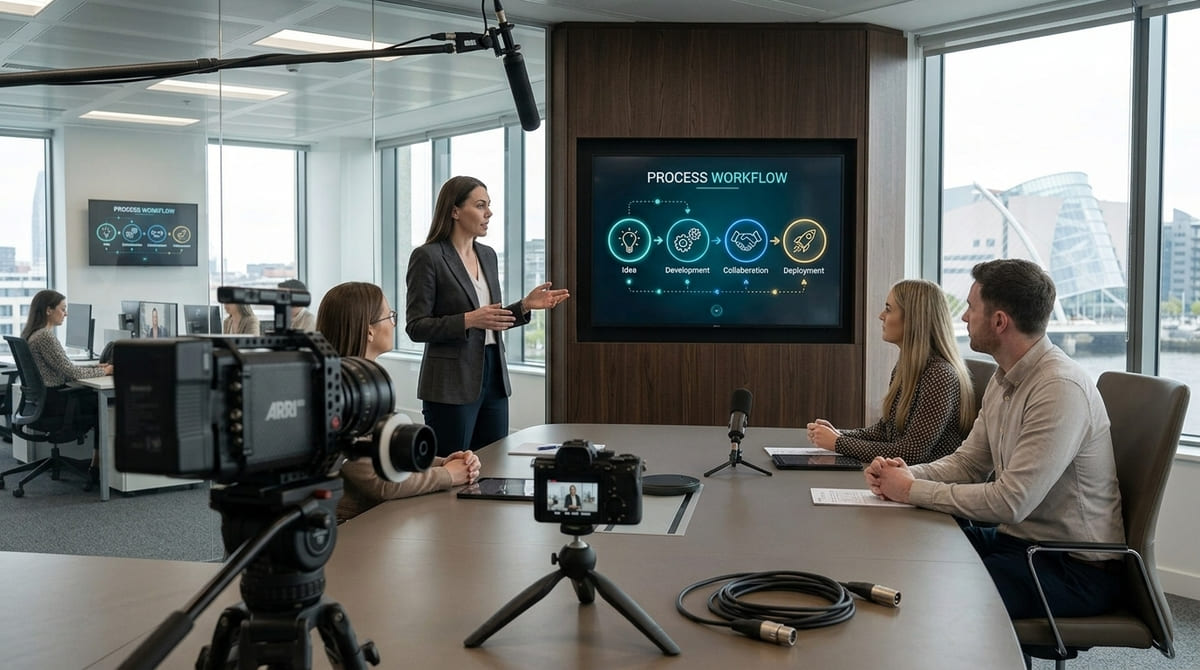
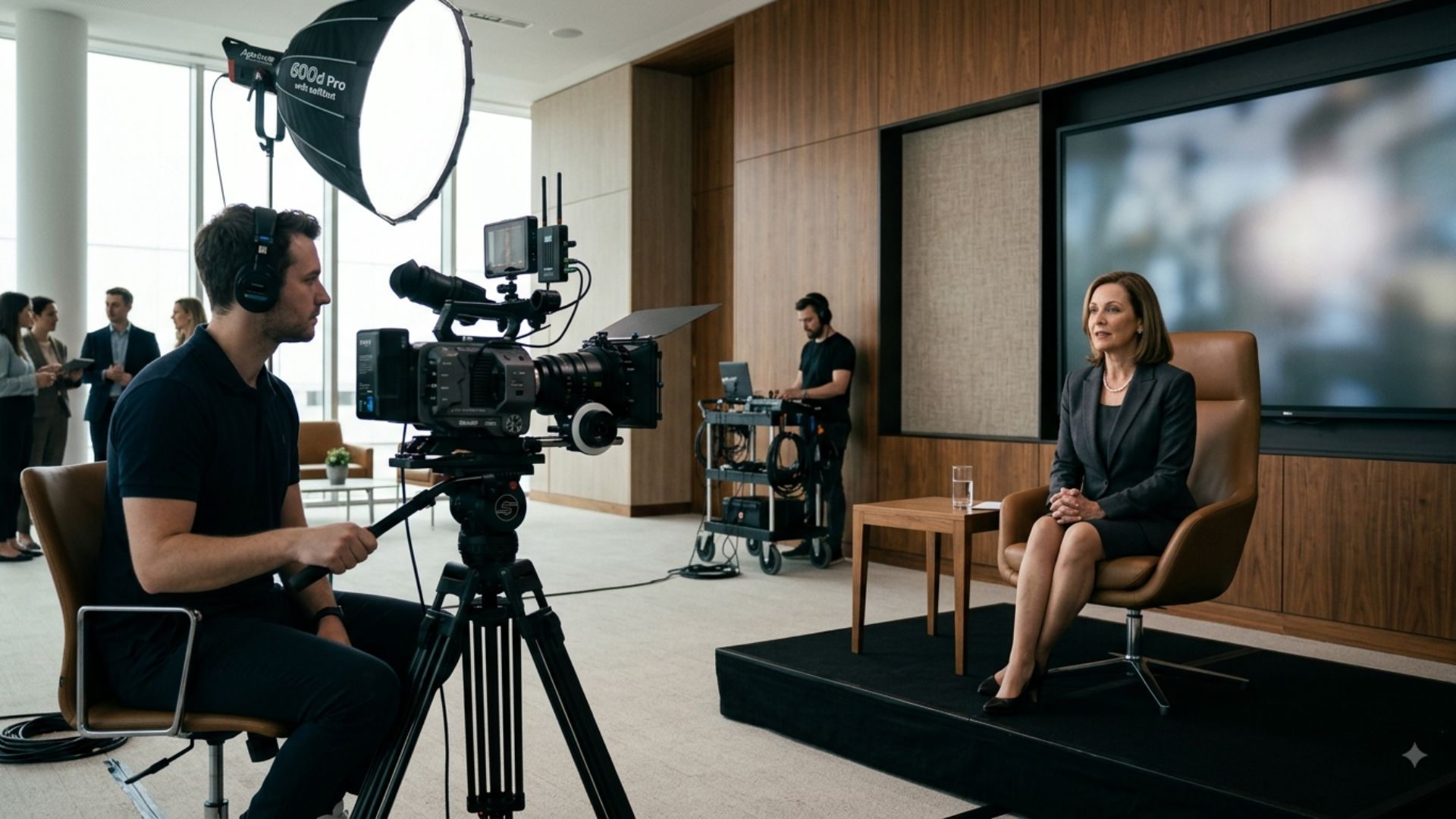
But for major announcements or messages that need to communicate confidence and clarity across a large organisation, professional production can help ensure the message is presented clearly and consistently.
2. Make Company Announcements More Engaging
Not every company announcement needs to be an email.
Video can be particularly useful when the announcement is important enough that you want employees to pay attention and understand the context behind it.
For example:
- A new office opening
- A major company milestone
- A merger or acquisition
- A new company direction
- A significant organisational change
- A new leadership team
- A major business achievement
Instead of sending a long written announcement, a short video could combine a leadership message with supporting visuals, graphics or footage.
The aim is not to make every announcement cinematic.
It is to make important information easier to absorb and harder to overlook.
3. Use Video for Employee Training
Training is another strong use case for internal video.
Written instructions can be useful as a reference, but some processes are easier to understand when employees can actually see them demonstrated.
Training videos can be used for:
- Software demonstrations
- Operational procedures
- Health and safety
- Equipment use
- Customer service processes
- Compliance
- Workplace procedures
- Technical training
- Product knowledge
For example, imagine asking a new employee to follow a written document explaining a complicated process.
Now imagine allowing them to watch someone perform the process step by step.
The second approach can make the information much more practical and easier to revisit.
Video also creates a reusable resource.
Instead of delivering the same explanation repeatedly to every new employee, the business can create a training video that employees can watch when they need it.
4. Improve Employee Onboarding
The first few weeks at a new company can involve an enormous amount of information.
New employees may need to learn:
- Company policies
- Systems
- Processes
- Team structures
- Company values
- Workplace expectations
- Health and safety procedures
- Products or services
- Internal tools
Trying to communicate all of this through documents can quickly become overwhelming.
Video can help break onboarding information into smaller, more manageable pieces.
For example, a business could create separate videos covering:
Welcome to the company
An introduction from leadership and an overview of the organisation.
Meet the team
Short introductions to key departments and people.
How we work
An explanation of company culture, communication and expectations.
Your first week
Practical guidance for getting started.
How our systems work
Screen recordings or demonstrations of essential tools.
This creates an onboarding library that employees can return to whenever they need clarification.

5. Support Change Management With Video
Organisational change is one of the situations where clear communication matters most.
Whether a company is introducing new technology, changing its processes, restructuring teams or moving to a new way of working, employees need to understand more than what is changing.
They also need to understand:
- Why is this happening?
- What does it mean for me?
- When will it happen?
- What do I need to do?
- Where can I get help?
A written announcement might communicate the first point.
A well-planned video can help communicate all of them in a more accessible format.
A leadership video could explain the reason for the change, while shorter follow-up videos could explain specific processes or answer common questions.
This turns video into part of a broader change-management communication strategy rather than a one-off announcement.
6. Explain Complex Information Visually
Some information is simply easier to understand when people can see it.
This is particularly true for:
- Processes
- Systems
- Technical concepts
- Organisational structures
- Timelines
- New workflows
- Data
- Policies
Video can combine spoken explanation with:
- Animation
- Motion graphics
- Screen recordings
- Diagrams
- Demonstrations
- On-screen text
- Real workplace footage
For example, instead of sending employees a detailed document explaining a new workflow, a video could walk them through the process visually from beginning to end.
The goal is not to replace every document.
Sometimes employees will still need written references.
Instead, video can provide another layer of explanation that makes the information easier to understand.
7. Bring Company Culture to Life
Internal communication is not only about delivering information.
It is also about helping employees feel connected to the organisation.
Video can give businesses a way to showcase the people and stories behind the company.
This could include:
- Employee stories
- Team introductions
- Company milestones
- Behind-the-scenes footage
- Employee recognition
- Charity initiatives
- Company events
- Celebrations
- Leadership interviews
This is particularly valuable for organisations where employees are spread across different locations or work remotely.
A company culture can be difficult to communicate through a document.
Showing real people, workplaces and experiences gives employees something more tangible to connect with.
8. Use Video to Communicate Across Multiple Locations
As businesses grow, maintaining consistent communication becomes more difficult.
Employees might work across:
- Multiple offices
- Different cities
- Different countries
- Remote locations
- Manufacturing sites
- Construction sites
- Retail locations
- Hybrid working environments
Getting everyone into the same room is not always practical.
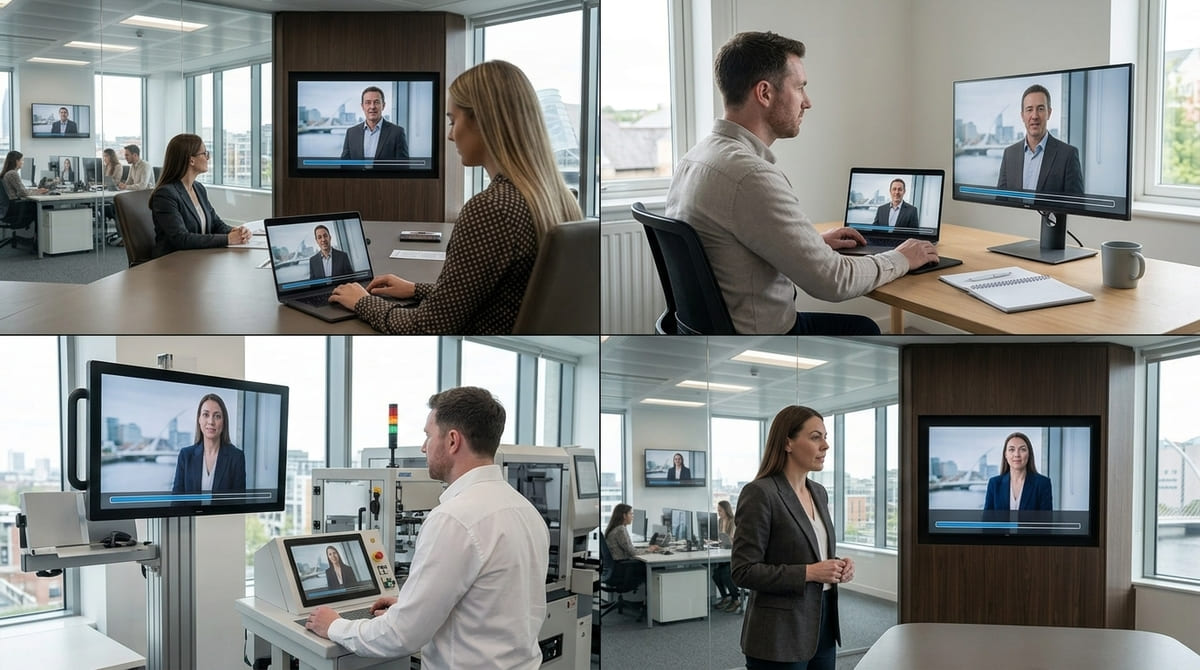
Video can help distribute the same message across the organisation.
A leadership update can be recorded once and shared with teams across multiple locations.
A training video can give employees access to the same explanation regardless of where they work.
An important company announcement can be delivered consistently rather than relying on different managers to communicate the message separately.
That consistency can be especially valuable when the information is important or sensitive.
9. Turn Internal Events Into Useful Video Content
Company events can generate content that continues to provide value after the event itself has finished.
For example:
- Annual conferences
- Town halls
- Company celebrations
- Leadership events
- Internal presentations
- Team events
- Awards
- Training sessions
Rather than simply recording the entire event and leaving the footage unused, consider how the content could be turned into useful internal resources.
A production team could potentially capture:
- Key presentations
- Leadership messages
- Interviews
- Event highlights
- Employee reactions
- Educational sessions
These assets can then be used for internal communications, onboarding, training or future company updates.
This approach can also make an event investment more valuable beyond the day itself.
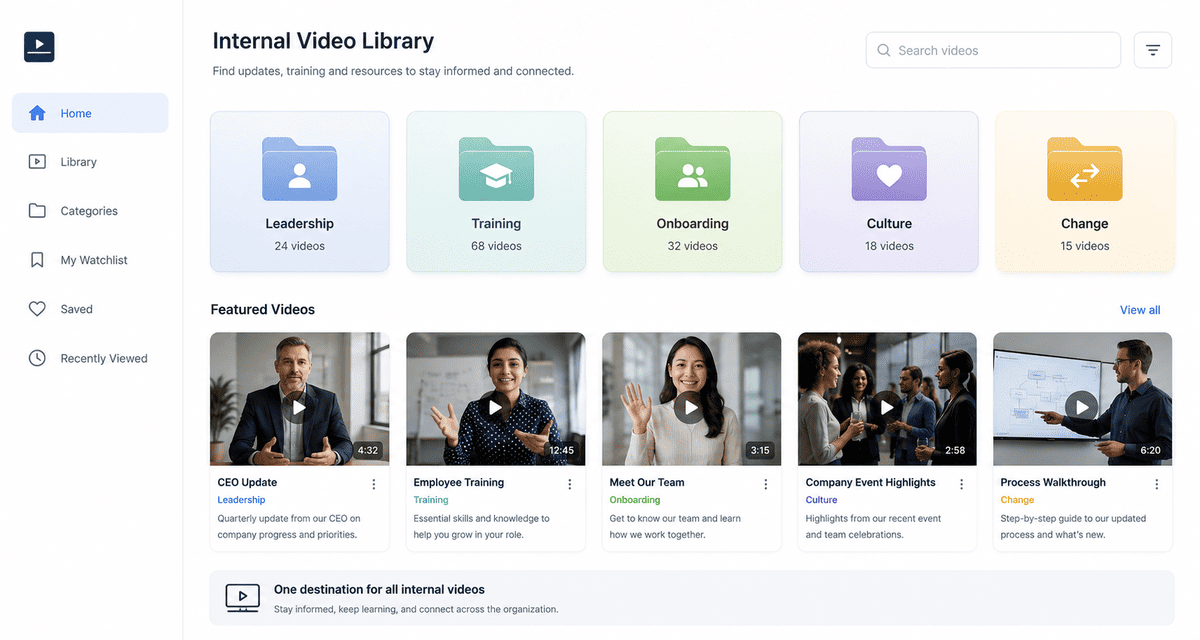
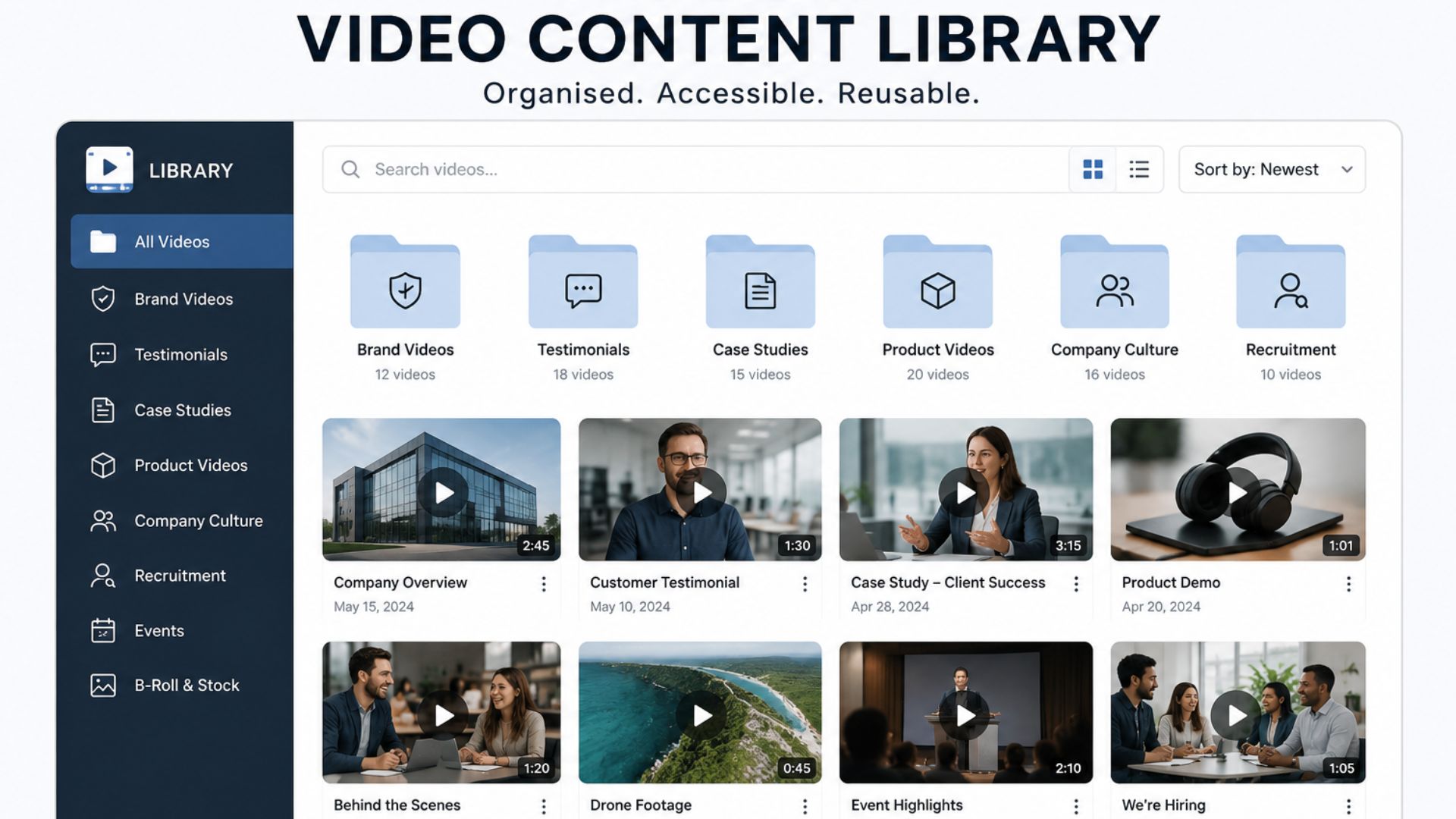
10. Create an Internal Video Library
One of the biggest advantages of video is that it can become a reusable business resource.
Instead of producing isolated videos whenever a communication problem appears, businesses can gradually build an internal video library.
This could include sections for:
Leadership
- CEO updates
- Strategy
- Company direction
Training
- Systems
- Processes
- Compliance
- Safety
Onboarding
- Company introduction
- Team introductions
- Workplace procedures
Culture
- Employee stories
- Company events
- Milestones
Change
- New systems
- New processes
- Organisational updates
Over time, this creates a central resource that employees can refer back to.
It also means the business does not have to start from scratch every time the same question comes up.
What Makes an Effective Internal Communications Video?
Creating a video does not automatically make communication better.
The video still needs to be planned around the audience and the message.
Keep the Message Focused
Internal videos can easily become too long because there is a temptation to include every detail.
Instead, decide what employees genuinely need to know.
Ask:
What should the viewer understand or do after watching this?
That question can help keep the script focused.
Speak to Employees, Not at Them
Internal communication should feel like communication between people, not a corporate advertisement.
Use clear language and a natural tone.
Where appropriate, let real employees and leaders speak in their own voices.
Authenticity can make an important message feel more credible and approachable.
Consider the Viewing Environment
Think about where employees are likely to watch the video.
Some may watch on:
- Desktop computers
- Laptops
- Mobile phones
- Shared screens
- Internal communication platforms
This can affect video length, framing, captions and graphics.
For example, subtitles may be useful when employees are watching without sound or when the message needs to be accessible across different environments.
Make Information Easy to Find
Not every employee will watch a video from beginning to end every time they need information.
For longer training or instructional videos, consider chapters, sections or timestamps so viewers can quickly find the information they need.
Should Internal Communications Videos Be Professionally Produced?
Not every internal video needs a production crew.
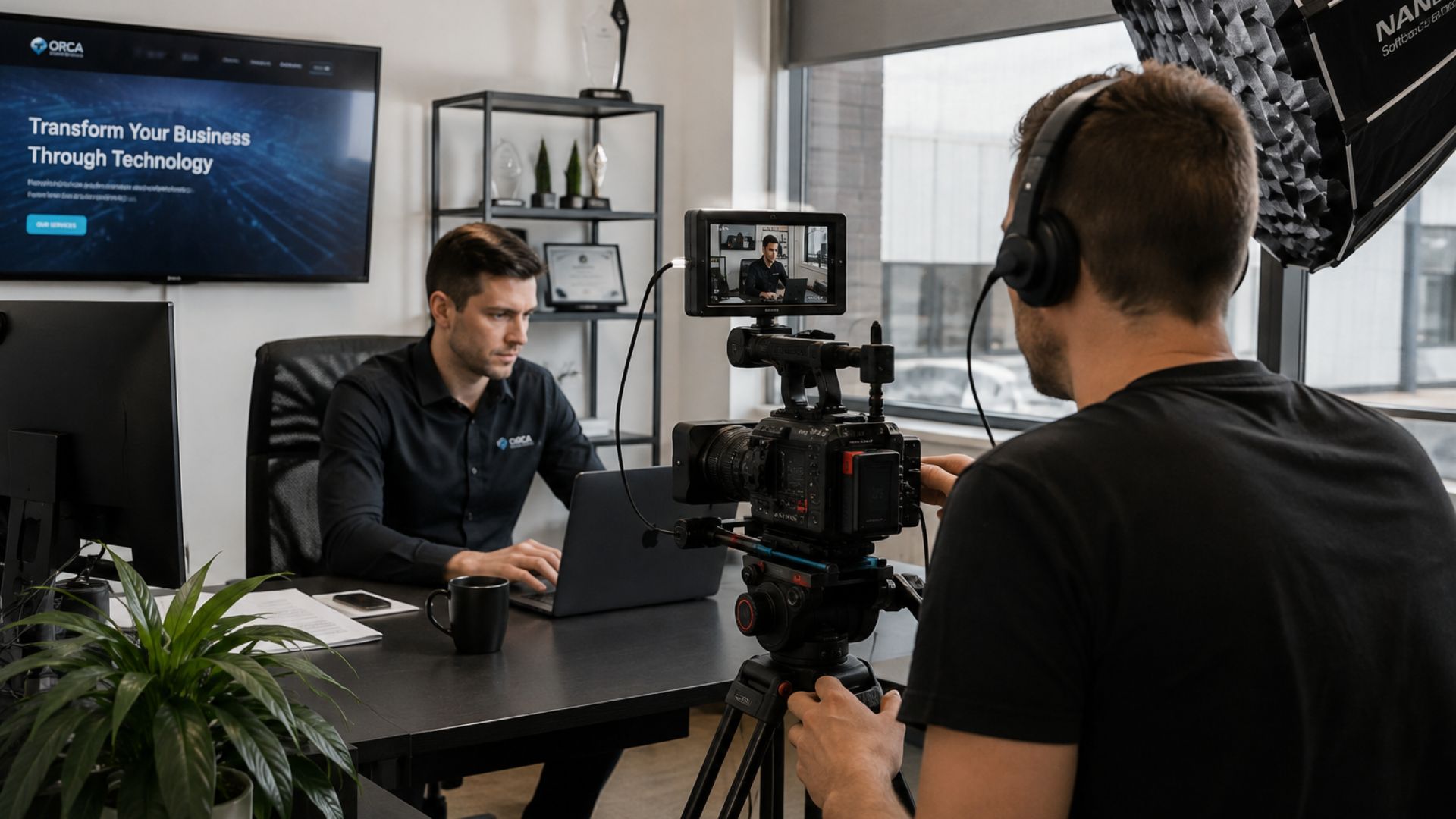
A quick update from a CEO filmed on a phone may be completely appropriate for an informal weekly message.
The question is:
How important is the message, and how will the video be used?
For high-value communications, professional production can make a significant difference.
This might include:
- Leadership announcements
- Major organisational changes
- Training programmes
- Company-wide campaigns
- Important internal events
- Strategic communications
- Complex educational content
Professional production can improve the clarity, sound, lighting, structure and overall presentation of the message.
It also allows businesses to create content that can remain useful for longer.
The goal is not to make internal communication unnecessarily polished.
It is to match the level of production to the importance and lifespan of the message.
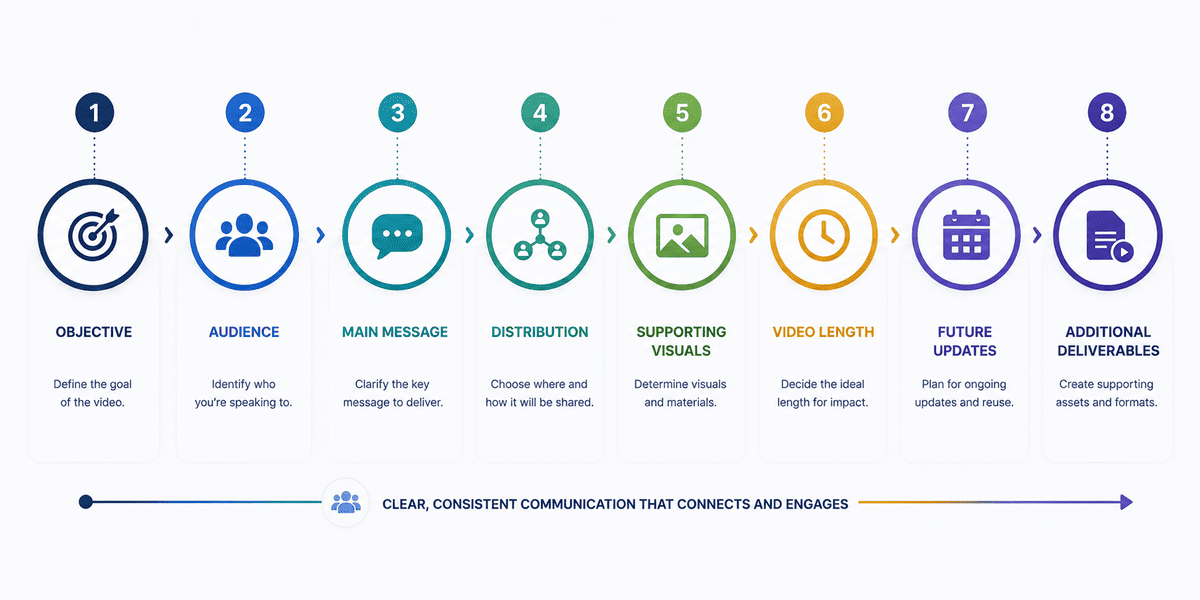
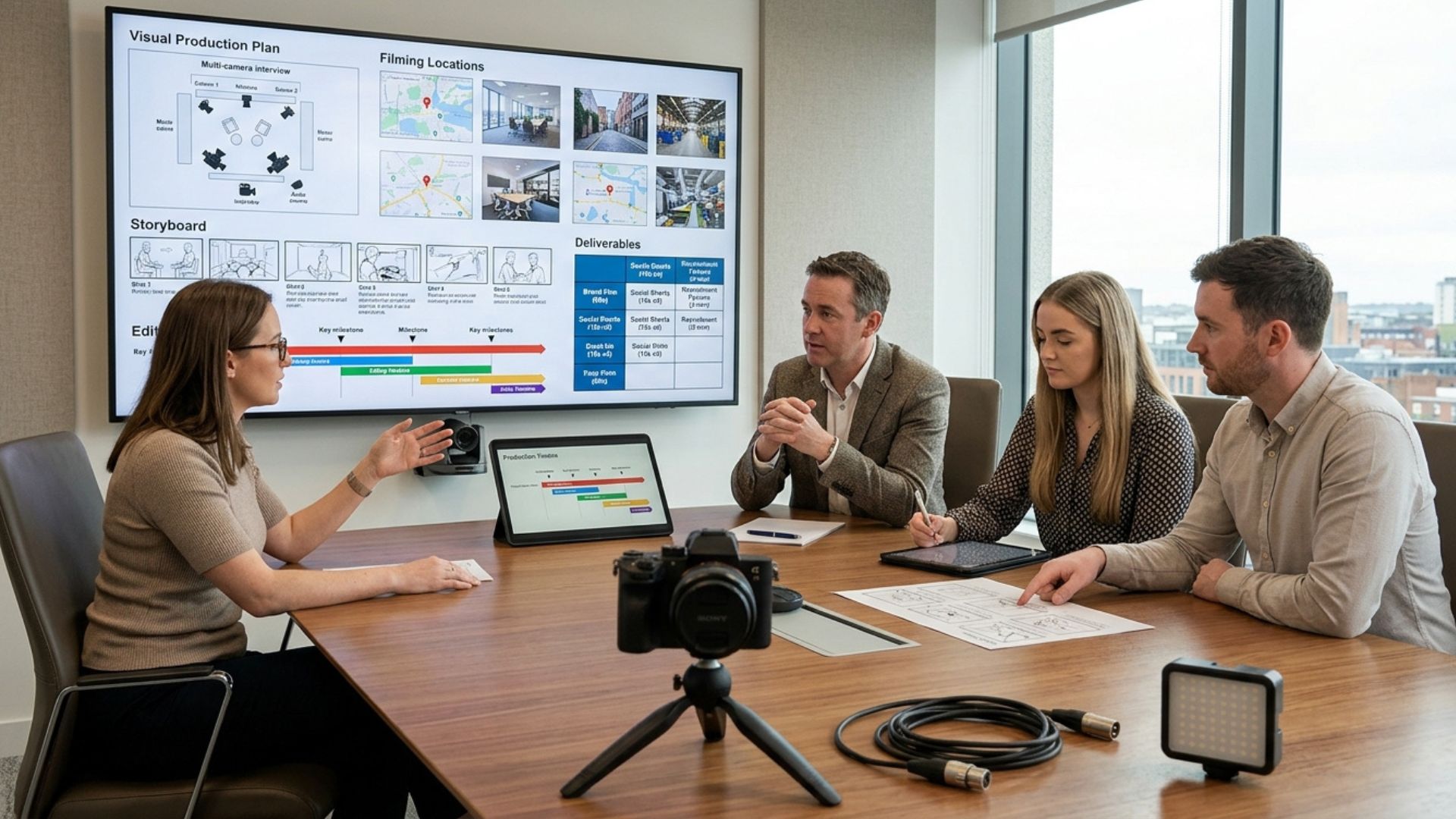
How to Plan an Internal Communications Video
Before producing an internal video, answer a few key questions.
1. What is the objective?
What does the business need employees to understand or do?
2. Who is the audience?
Is this for the entire company, one department, new employees, managers or a specific location?
3. What is the main message?
If employees remember only one thing, what should it be?
4. Where will the video be shared?
For example:
- Intranet
- Internal communication platform
- Employee app
- Training platform
- Company meeting
- Internal event
5. Does the message need supporting visuals?
Consider whether demonstrations, graphics, animation, screen recordings or workplace footage would make the message easier to understand.
6. How long does the video need to be?
The answer depends on the complexity of the message.
Avoid adding information simply to make the video longer.
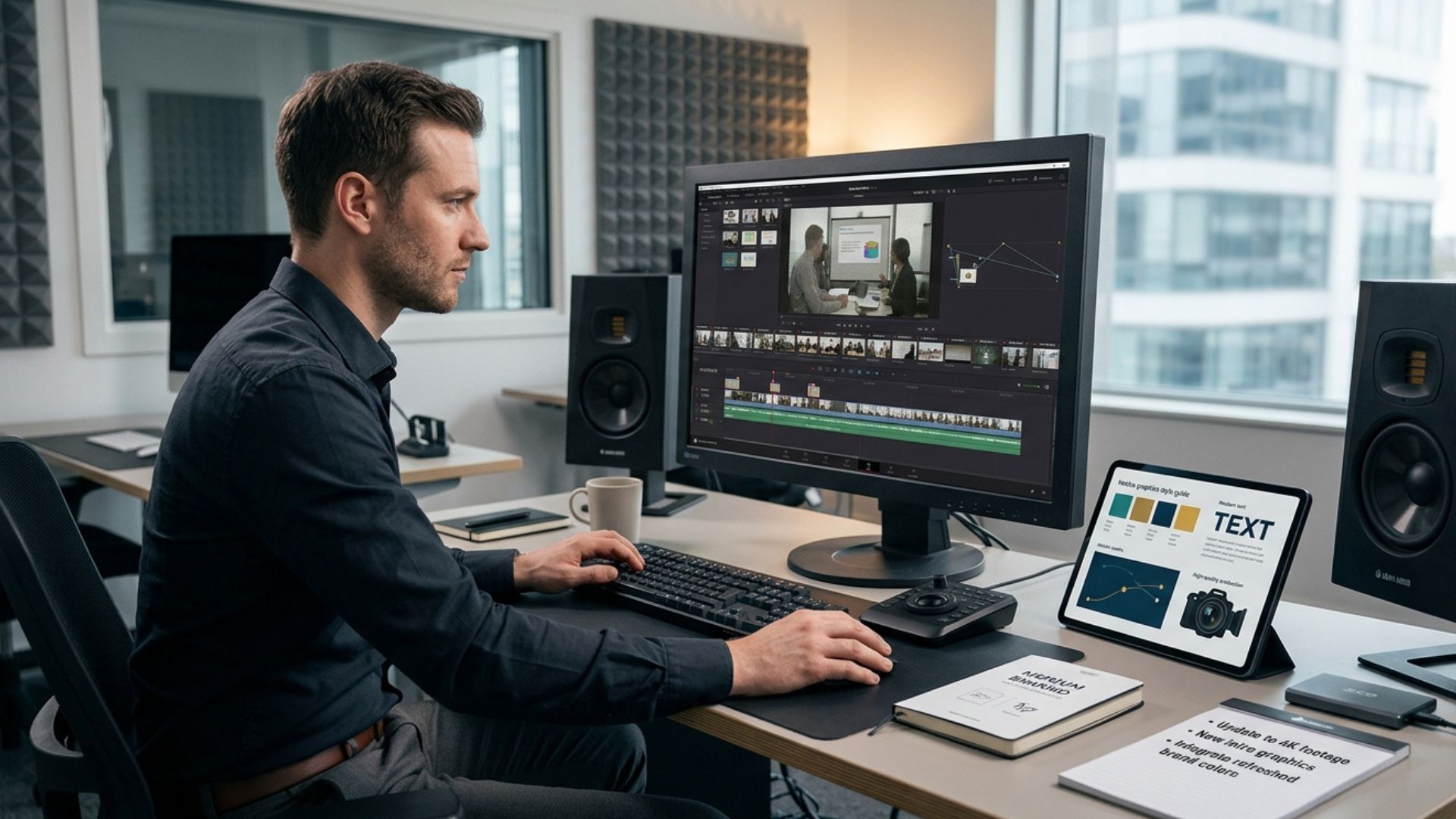
7. Will the video need updating?
Training, policies and processes can change.
If the video is likely to become outdated, consider how it can be structured so that updates are easier to manage.
8. Are there additional deliverables?
You may need:
- Shorter versions
- Different formats
- Captions
- Social or external versions
- Training modules
- Supporting graphics
Thinking about these requirements before filming can make production more efficient.
How to Get More Value From an Internal Video Production
A common mistake is treating each internal video as a completely separate production.
Instead, consider whether one production session can support multiple communication needs.
For example, a leadership filming day could potentially produce:
- A company-wide update
- Short leadership clips
- Department-specific messages
- Social content
- Recruitment material
- Internal training content
Similarly, a training production could create several modules rather than one long video.
The important thing is to identify these requirements before production begins.
That allows the script, filming schedule and shot list to be planned around the complete set of deliverables.
Common Internal Communications Video Mistakes
Making every video too corporate
Internal communication does not need to sound like advertising.
If the message feels overly scripted or impersonal, employees may find it harder to connect with.
Trying to communicate too much
One video cannot solve every communication problem.
Break complex information into focused pieces where necessary.
Using video when text would be simpler
Video is not automatically the best format.
A short announcement that takes one sentence to communicate does not need a three-minute video.
Use video when it adds genuine value.
Forgetting about accessibility
Consider captions, clear audio, readable graphics and other accessibility requirements from the beginning.
Producing a video without considering distribution
A beautifully produced video is not useful if employees cannot easily find or access it.
Decide where and how the video will be shared before production.
Failing to plan for updates
If a training video contains information that could change, think about how the content will be maintained.
A modular approach can make future updates easier.
From Internal Communication to Better Business Communication
Internal video should not be viewed simply as another content format.
Used properly, it can become part of a wider communication system that helps businesses explain important information, support employees and maintain consistency as the organisation grows.
The strongest approach is not to replace every email or meeting with video.
It is to identify the messages where seeing and hearing the information directly can make a meaningful difference.
For leadership updates, training, onboarding, change management and complex processes, that difference can be significant.
Planning Your Internal Communications Video Production
If you know that your business has important messages to communicate, the next step is deciding which ones genuinely benefit from video and what production approach each requires. A clear brief can help you define the audience, message, format, filming requirements and deliverables before production begins — making the finished content more useful from the outset.
Conclusion
Internal communication works best when employees understand not just what is happening, but why it matters and what they need to do next. The right video can help businesses deliver that message clearly while giving employees content they can revisit whenever they need it.
If you're looking to create leadership videos, training content, company updates or a wider internal communications video strategy, explore Mango Media’s video production services. You can also use our instant price calculator to get an initial idea of what your project could involve, or get in touch with Mango Media to discuss the right approach for your business, no strings attached.
Frequently Asked Questions
What is an internal communications video?
An internal communications video is video content created to communicate with employees or other internal audiences rather than external customers. It can be used for leadership updates, company announcements, training, onboarding, change management, company culture and other internal business communications.
How can video improve internal communication?
Video can make complex information easier to explain, give leadership messages a more personal feel, provide consistent communication across locations and create reusable training or information resources. Its value depends on using it for messages where visual or spoken communication genuinely improves understanding.
What types of videos can be used for internal communications?
Businesses can use internal videos for leadership messages, company updates, employee onboarding, training, change management, process demonstrations, company culture, internal events and frequently asked questions. The best format depends on the communication objective and audience.
Similar blogs:



































![How to Write a Promo Video Script (Free Template Included) [2026 Guide]](https://cdn.prod.website-files.com/6226fcc37e2eb518b6e69a7f/69c3804c0b9ea78696bd89e0_covertab11.jpeg)






.jpg)
%20(1)%20(1).jpg)
.jpg)






We'd love to hear from you! Reach out to us today for a chat about our services, pricing, or just to say hello!


