
In today’s oversaturated inboxes, getting your email noticed — let alone opened — is no easy feat. In this article, we’ll explore the power of video in email campaigns, how to embed video content the right way, best practices to maximise performance, and how to track your results. Whether you’re a startup, marketer, or creative agency, using video in your emails can be a game-changer for audience retention and conversions.
Why One Filming Day Shouldn't Mean One Video
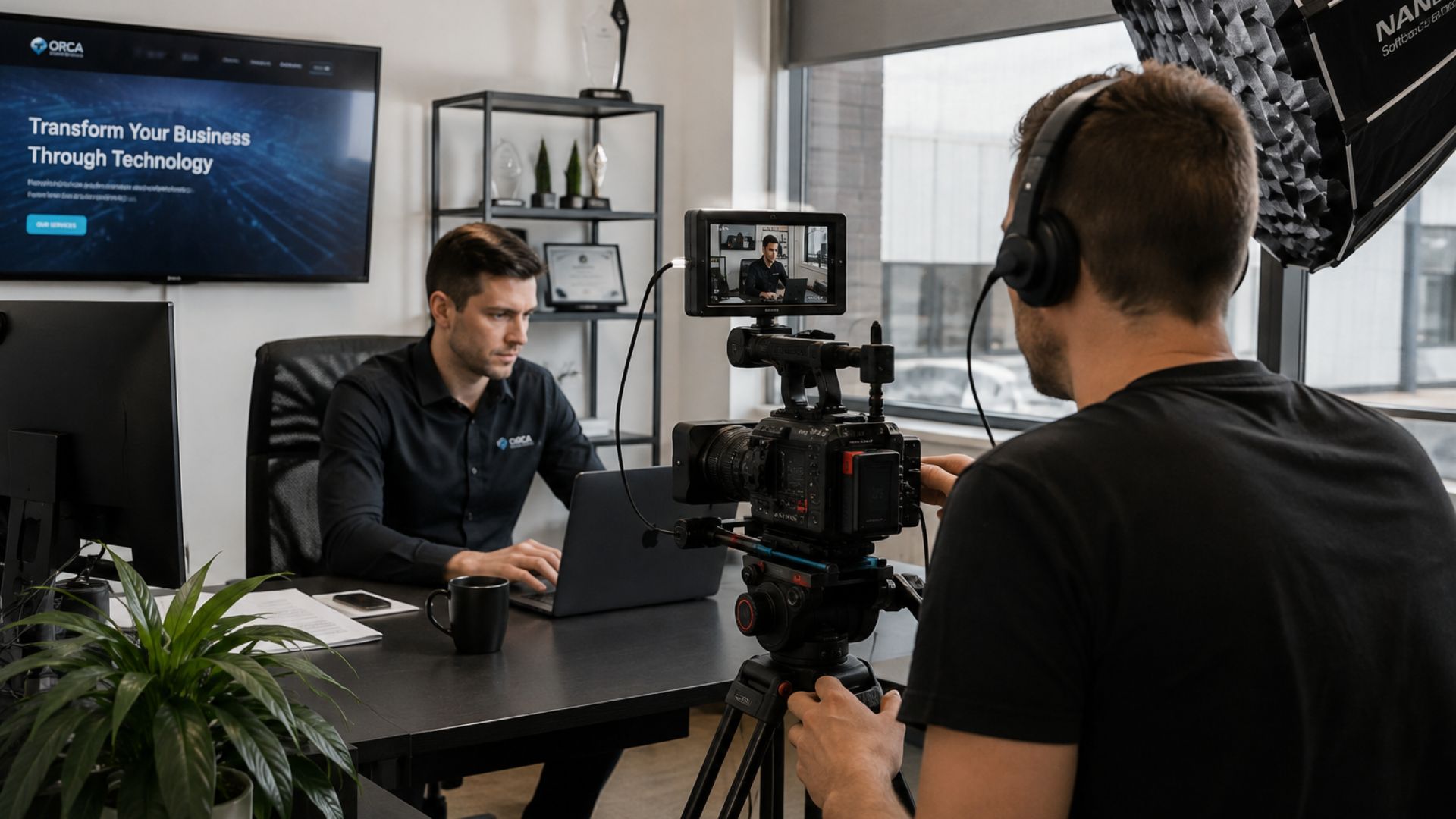
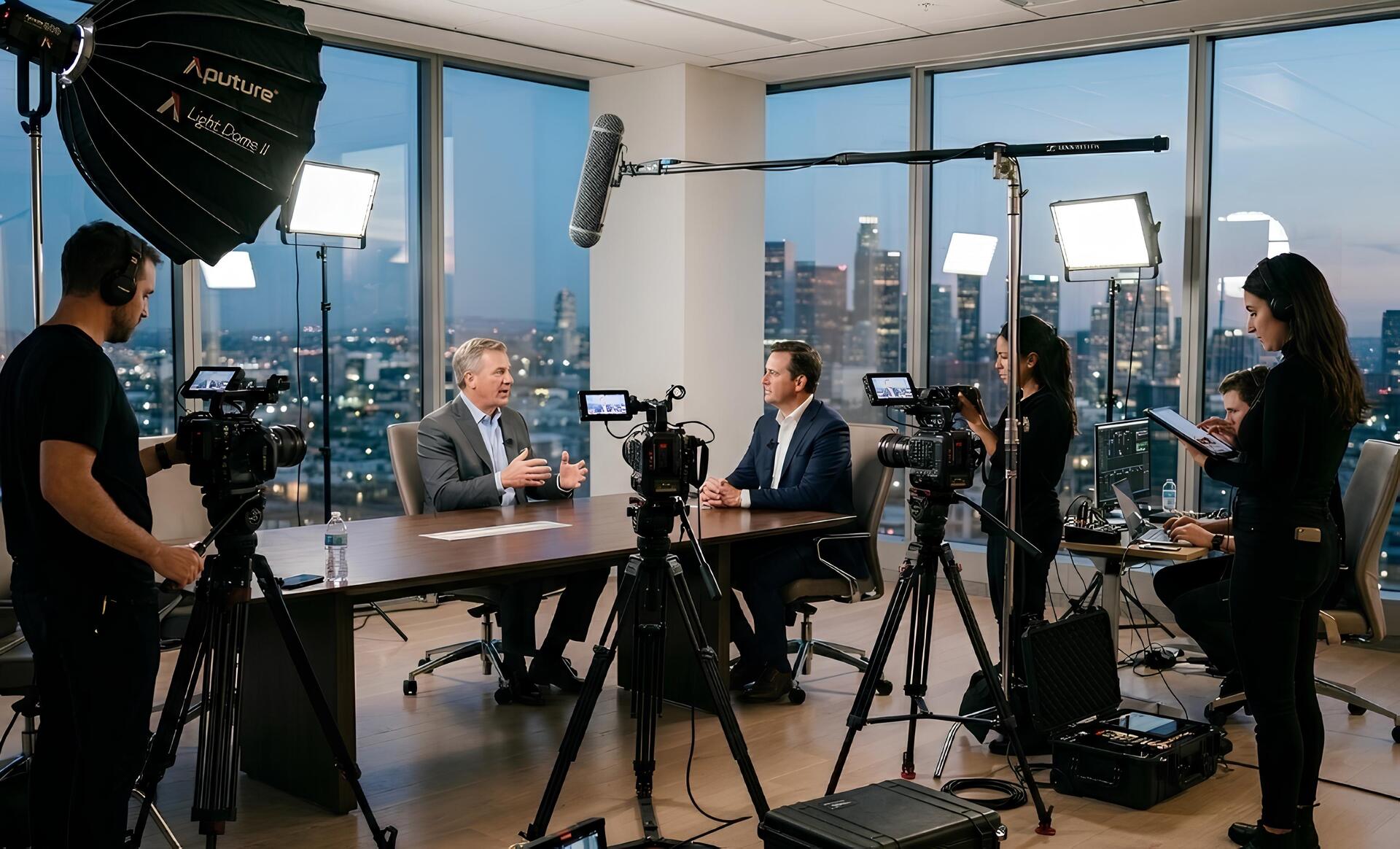
A filming day can involve a surprising amount of preparation.
People need to be available. Locations need to be organised. Equipment needs to be transported and set up. Interviews need to be scheduled. The production team needs enough time to capture everything properly.
That makes the filming day one of the most valuable parts of the entire production.
Yet businesses sometimes approach it with a very narrow objective:
"We're here to film our corporate video."
The problem is that the final corporate video might only be two or three minutes long.
What happens to everything else?
The answer should be planned before the cameras start rolling.
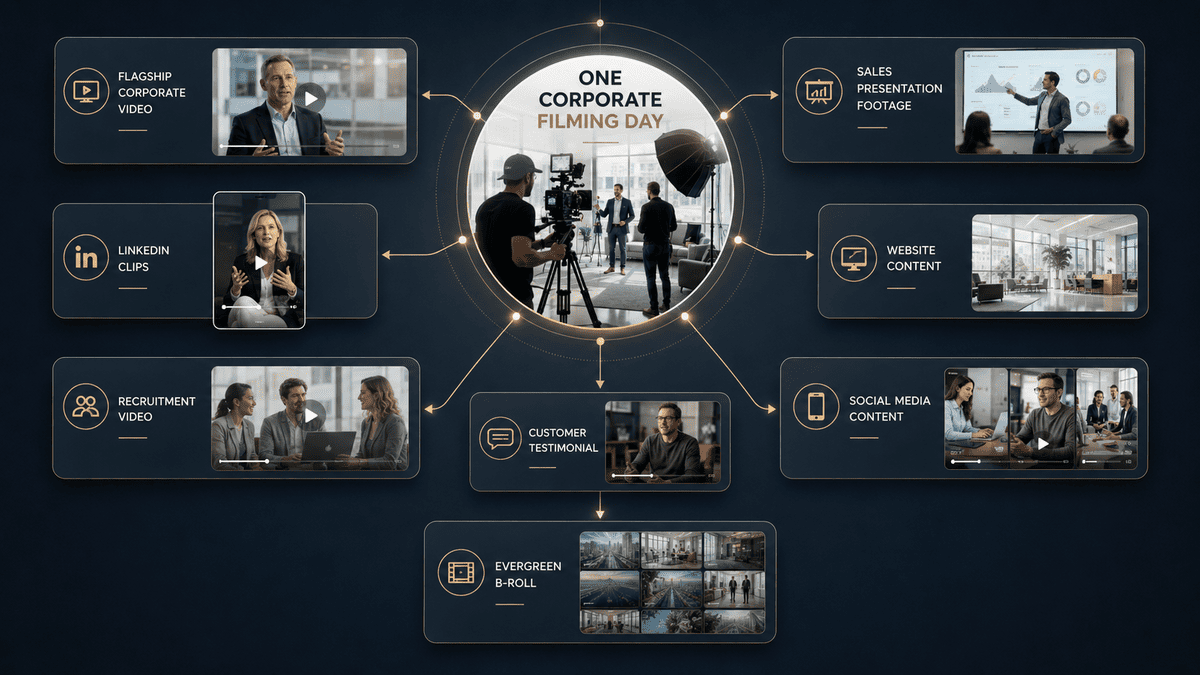
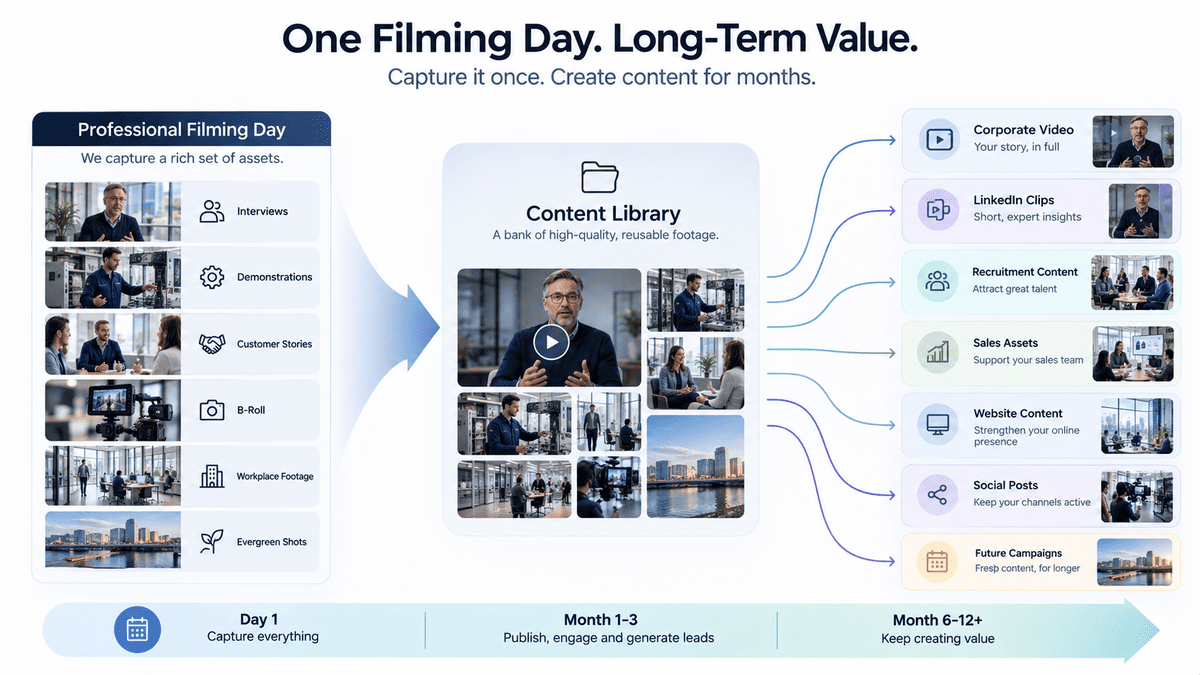
Instead of thinking about the day as producing one finished video, think about it as capturing a collection of useful raw materials that can support your marketing, sales, recruitment and social media afterwards.
This doesn't mean filming everything imaginable.
It means identifying the footage your business is likely to need and making the most of the people, locations and equipment already available.
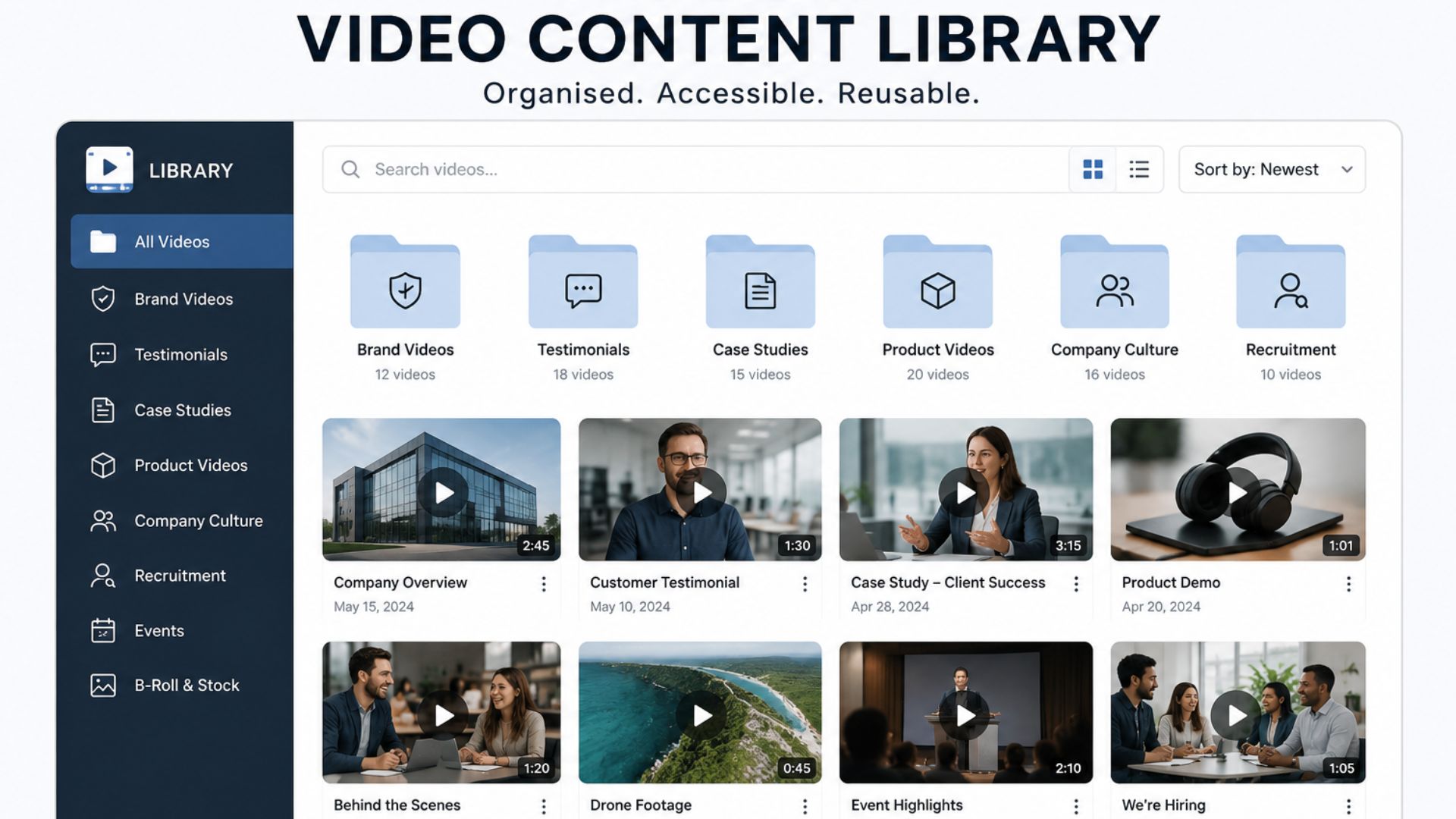
Mango's existing content on building a video content library takes a similar long-term approach, focusing on creating reusable assets rather than starting from scratch for every campaign. The difference here is that we're looking specifically at what you need to capture during the filming day to make that possible.
Start With What You'll Need After the Shoot
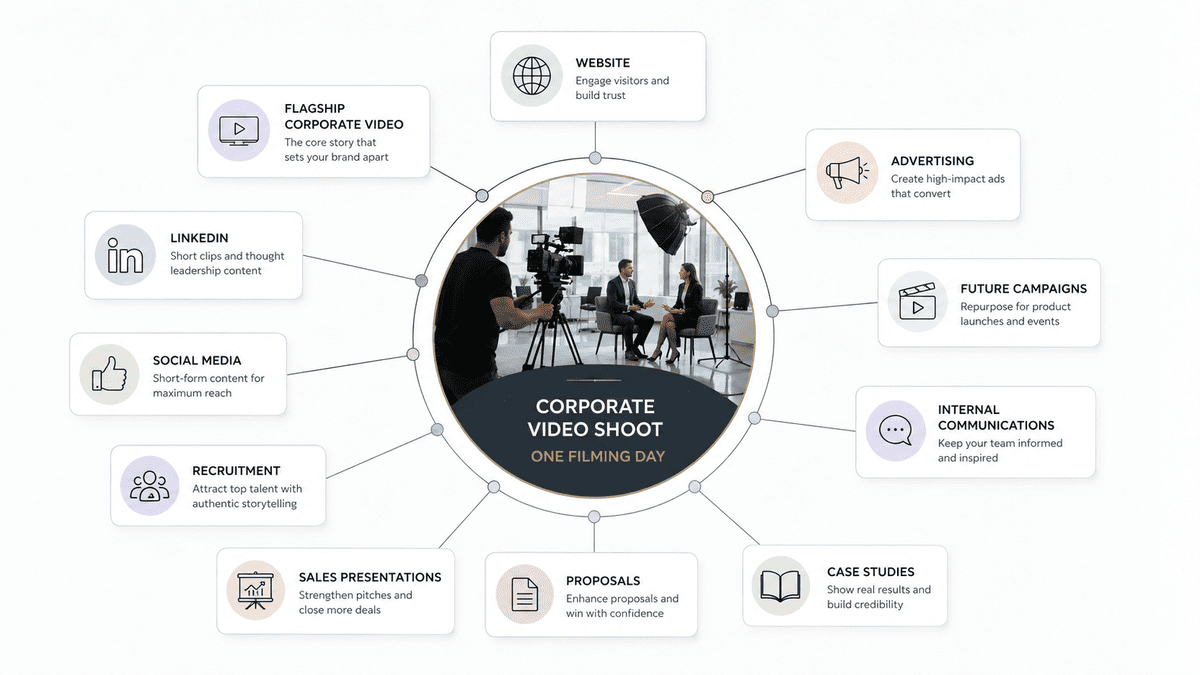
Before creating a shot list, make a list of the places where your footage could eventually be used.
For example:
- Website
- Main corporate or brand video
- Other social channels
- Recruitment
- Sales presentations
- Customer proposals
- Case studies
- Internal communications
- Future campaigns
- Paid advertising
This immediately changes how you plan the shoot.
If you only need a two-minute website video, you may approach the filming differently.
If you want that same production to support LinkedIn for the next three months, recruitment campaigns and sales presentations, you'll need a broader range of footage.
The goal isn't to film unnecessarily.
It's to capture useful footage while the right people and production setup are already there.
The 10 Types of Footage to Capture in One Day
A good corporate shoot should give you more than talking-head interviews.
Here are the key categories worth considering.
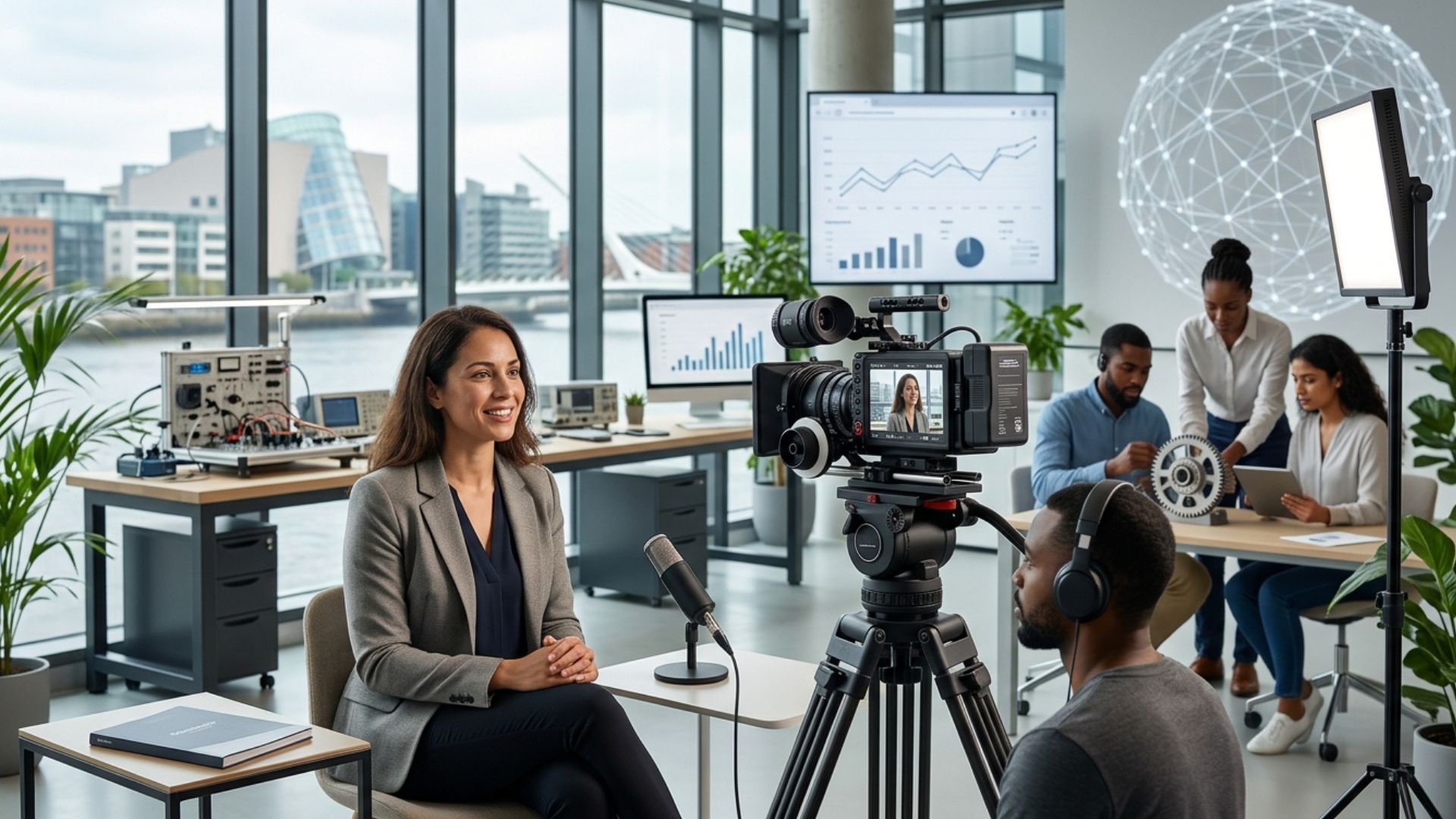
1. Your Main Interview
Start with the most important content.
This could be an interview with:
- The managing director
- Founder
- CEO
- Subject-matter expert
- Marketing director
- Product specialist
- Technical expert
The interview should address the core message of the project.
What problem does the business solve?
Who does it help?
What makes its approach different?
What should the viewer understand after watching?
This footage will often form the backbone of the main video.
But don't stop there.
If the person is already set up, consider capturing additional questions that can stand alone as shorter pieces of content.
For example:
Main video question:
"What makes your business different?"
Additional questions:
"What is the biggest mistake customers make?"
"What question do prospects ask you most often?"
"What has changed in your industry?"
"What advice would you give someone considering this service?"
Now one interview can potentially support multiple future assets.

2. Supporting Expert Interviews
Your CEO doesn't have to be the only person on camera.
If the business has specialists with different areas of knowledge, consider capturing them too.
For example:
- A technical expert explaining the process
- A salesperson answering a common customer question
- An operations manager explaining how something works
- A team leader discussing company culture
- A product specialist demonstrating a feature
This gives your content more variety.
It also prevents every piece of content from sounding like it comes from the same person.
Most importantly, these interviews can answer questions your customers actually ask.
Your sales team is a particularly useful source of ideas here.
If they repeatedly hear:
"How long does this take?"
or
"What's involved?"
or
"What's the difference between X and Y?"
those questions can become useful video content.
3. Customer Testimonials and Stories
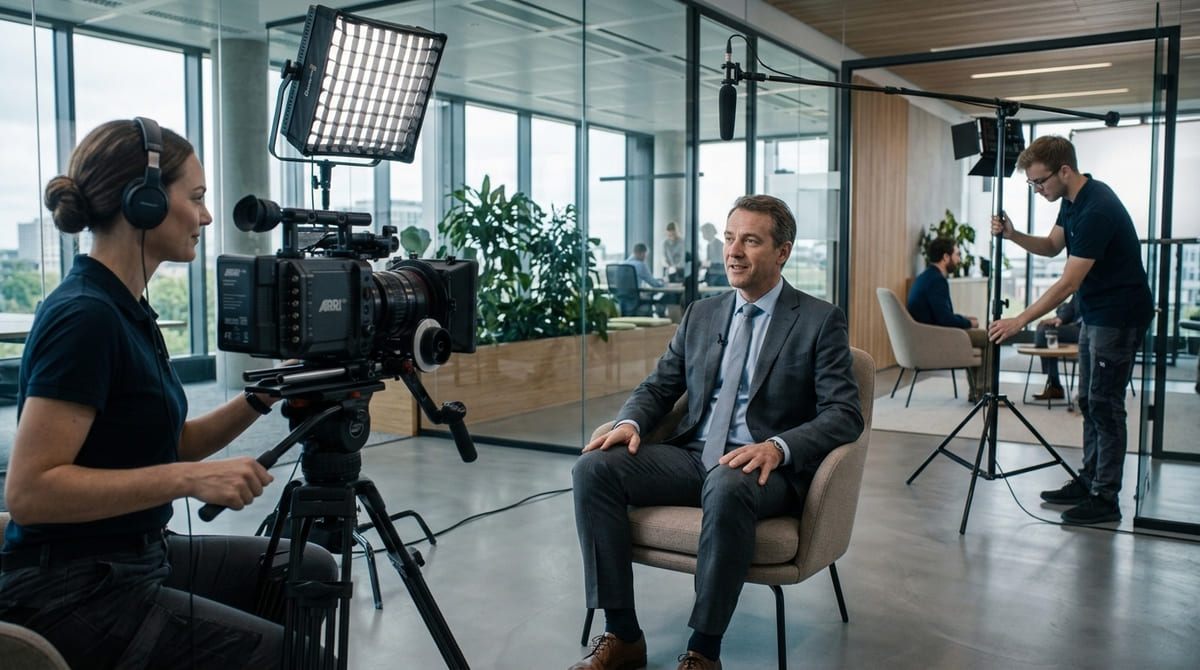
If a customer is available and willing to participate, use the opportunity.
A customer interview can be much more powerful than a business simply saying how good it is.
Instead of:
"We provide excellent service and have a great team."
you can capture:
"Here's the problem we had before working with them."
Then:
"Here's what changed."
And:
"Here's what we'd tell another business considering the same solution."
That creates evidence.
Customer stories can also be edited into different formats later, depending on what was captured.
You might use the full interview for a case study while extracting shorter sections for social media or sales conversations.
The important thing is to ask questions that encourage stories and experiences, rather than simple yes-or-no answers.
4. Product or Service Demonstrations
If your business sells a physical product, software platform or specialised service, show it.
Don't rely entirely on someone explaining what the customer receives.
Capture the process.
Film:
- The product being used
- A service being delivered
- A demonstration
- A technical process
- A customer interaction
- A before-and-after situation
- Important details or features
These shots can become valuable B-roll in the main video.
They can also make future videos easier to produce because you have visual evidence of what you're talking about.
If someone says:
"Our team handles this process in three stages."
you should ideally have footage that shows those stages.
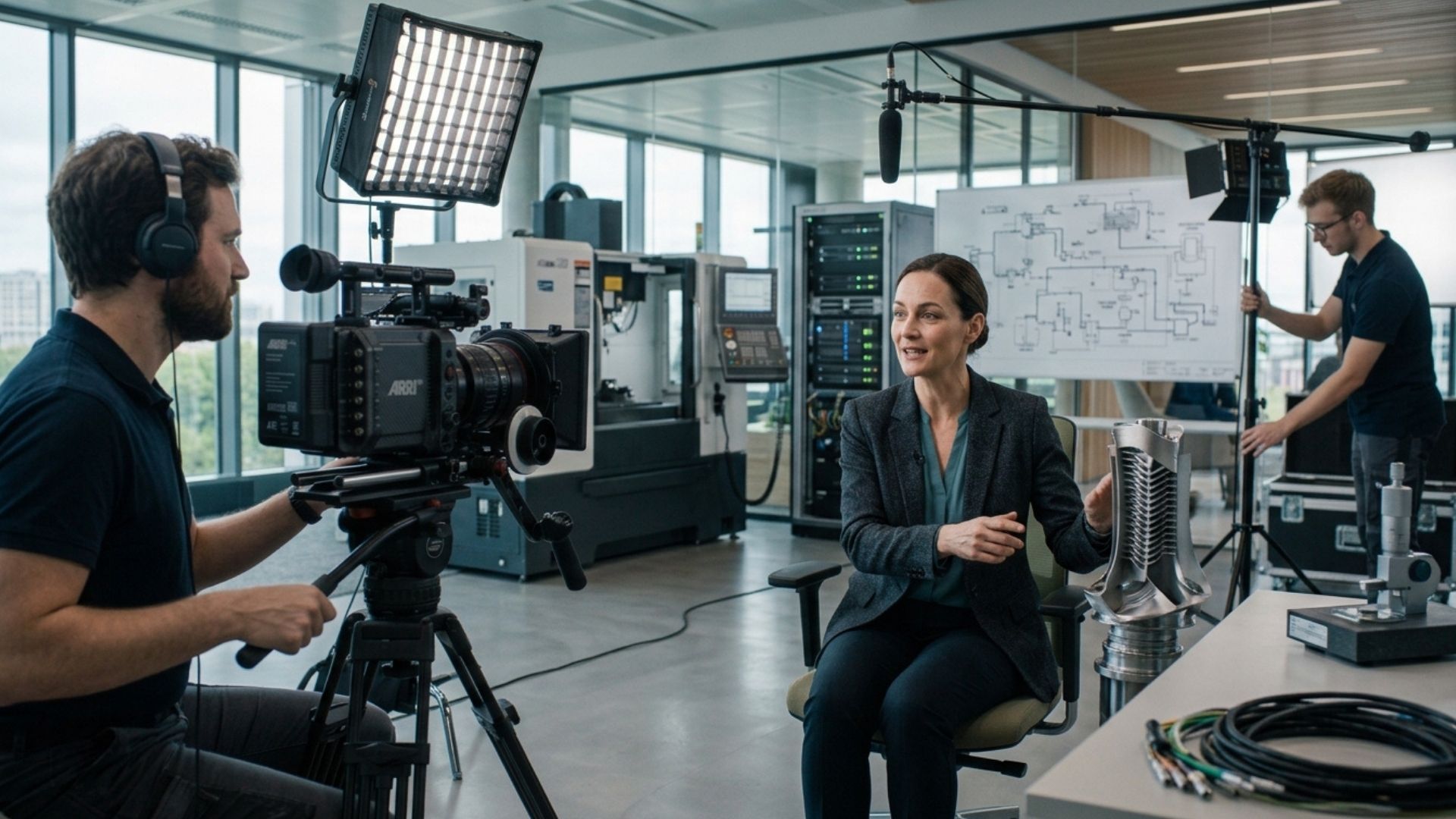
5. Workplace B-Roll
This is where your filming day can become much more valuable than a simple interview session.
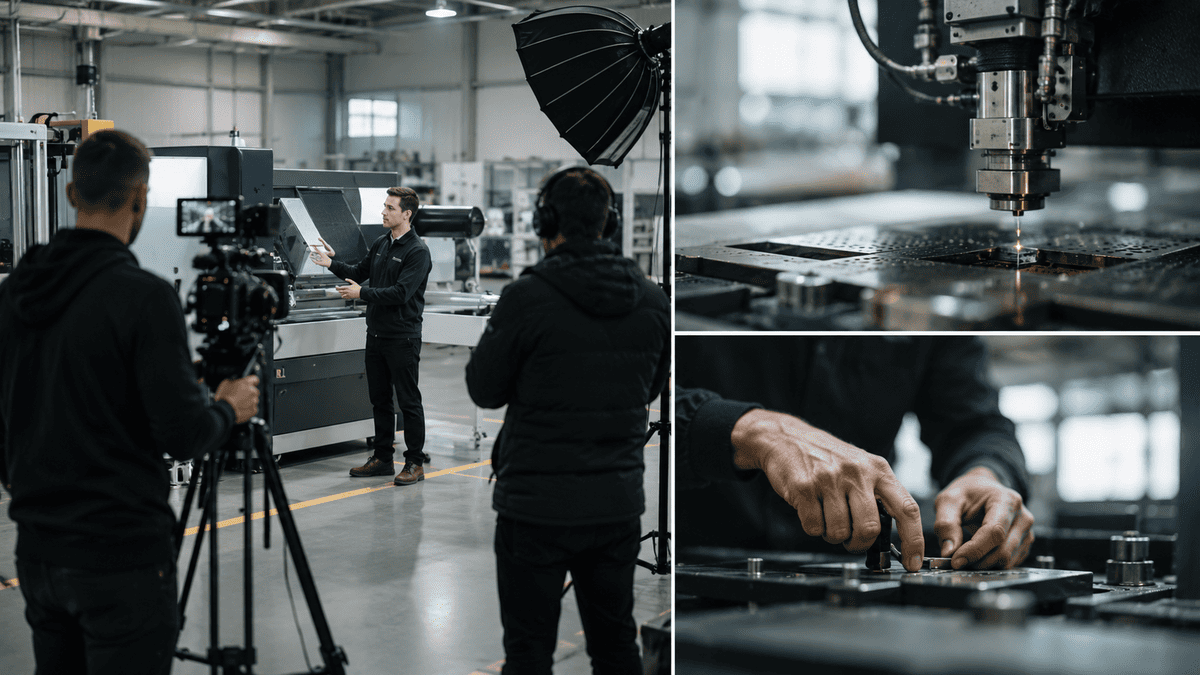
Capture your business doing what it actually does.
That could include:
- Employees working
- Meetings
- Team discussions
- Customer interactions
- Manufacturing
- Deliveries
- Site visits
- Equipment being used
- Products being prepared
- Designers working
- Engineers solving problems
- Staff collaborating
The key is to capture natural activity rather than forcing everyone to pose.
Good B-roll gives editors options.
If someone says:
"Our team works closely with customers throughout the project."
you can cut away from their interview to footage of an actual team interaction.
B-roll also helps prevent the final video from becoming a sequence of people talking directly to camera.
6. People and Company Culture
Don't overlook the human side of the business.
Film your team interacting naturally.
Capture:
- Conversations
- Collaboration
- Informal moments
- Team meetings
- People arriving at work
- People working together
- Training
- Social moments
- Staff using the workplace
This can support recruitment content as well as brand videos.
For businesses trying to attract employees, showing what the workplace actually feels like can be more useful than simply saying:
"We have a great company culture."
Let people see it.
And remember that culture footage doesn't have to look staged.
A genuine interaction between colleagues can often communicate more than a carefully arranged group shot.
7. Vertical Footage for Social Media
If LinkedIn and other social channels are part of the content plan, think about framing before filming.
A beautifully composed horizontal shot isn't automatically ideal for every social format.
Where appropriate, capture footage that can work in vertical formats too.
That might include:
- Expert clips
- Product demonstrations
- Behind-the-scenes footage
- Workplace activity
- Short statements
- Customer insights
This doesn't mean filming everything twice.
It means making the intended future formats part of the planning process.
The same production can then produce a main horizontal video alongside shorter social assets.
8. Detail and Cutaway Shots
These are easy to forget.
They're also incredibly useful.
Capture close-up footage of:
- Hands working
- Products
- Equipment
- Screens
- Materials
- Documents
- Tools
- Details of the workplace
- People interacting with products
These shots give editors flexibility.
For example, if an interview contains an awkward cut between two sentences, a detail shot can cover the edit.
But they can also make the finished video more visually interesting.
A corporate video shouldn't need to show the same person's face for every second they're speaking.
Good cutaways keep the story moving.
They can also become useful standalone assets later, particularly when you need visual material to accompany a social post or presentation.

9. Exterior and Location Footage
Get the obvious shots while you're there.
Film:
- The building exterior
- Entrance
- Reception
- Signage
- Surrounding location
- Key facilities
- Important rooms
- Different areas of the workplace
These establishing shots help viewers understand where the business operates.
They're particularly useful for:
- Corporate videos
- Recruitment videos
- Location-based businesses
- Hotels and venues
- Manufacturing facilities
- Offices
- Construction projects
- Events
They can also become evergreen assets that remain useful after the original campaign has finished.
10. Evergreen Footage
This is one of the most valuable categories to think about.
Ask:
"What footage could we still use six months from now?"
Avoid making every shot dependent on a specific campaign, date or promotion.
Instead, capture footage that represents the business generally.
For example:
- Employees working
- Products being used
- General workplace activity
- Team collaboration
- Equipment
- Facilities
- Customer interactions
- Generic establishing shots
This gives you a visual library that can support future projects.
The value is particularly high when the footage doesn't contain information that will quickly become outdated.
For example, a general shot of your team collaborating may remain useful for years.
A shot showing a dated promotion or temporary campaign probably won't.
What Can You Realistically Film in One Day?
There is no universal one-day schedule.
A small interview shoot in one location is completely different from a production involving multiple sites, customers, products and locations.
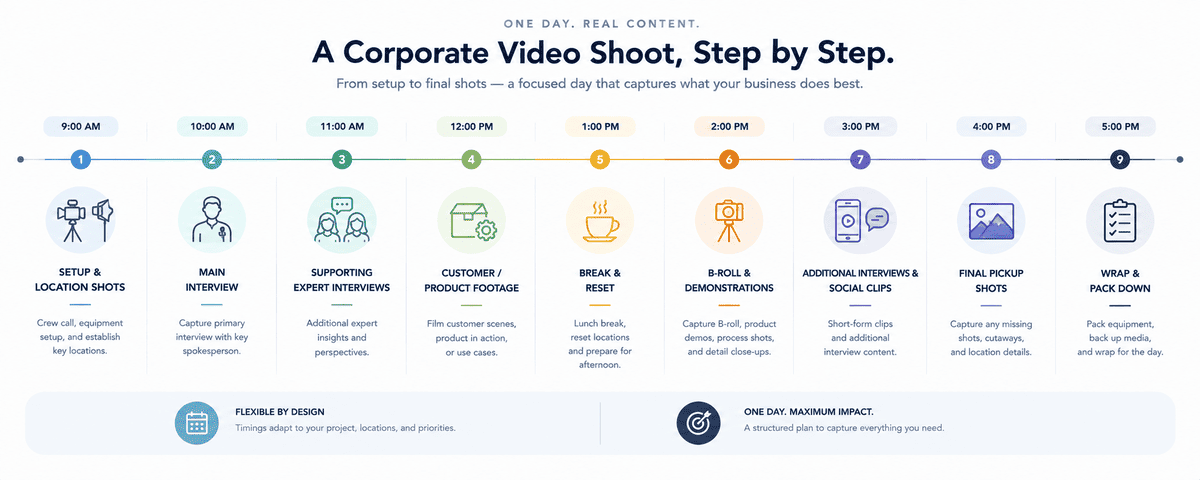
But a simple one-day structure might look something like this:
Time
Focus
9:00–9:30
Setup, location shots and establishing footage
9:30–11:00
Main interview
11:00–12:00
Supporting expert interviews
12:00–13:00
Customer/product footage
13:00–13:30
Break and location reset
13:30–15:30
B-roll, demonstrations and workplace footage
15:30–16:30
Additional interviews and social clips
16:30–17:00
Remaining shots and pickups
This is only an example.
Some productions will need considerably more time for travel, lighting, set changes or multiple locations.
That's why the important part isn't copying a particular timetable.
It's allocating the day according to the value of each shot.
If your CEO is only available for 45 minutes, don't use that time capturing generic office footage.
Get the interview first.
If a customer has travelled specifically for the shoot, prioritise their story.
If a product demonstration requires a complicated setup, build enough time around it.
Good production planning is about making those decisions before the day becomes chaotic.
What Businesses Often Forget to Film
From our experience working with businesses across Ireland, one of the recurring lessons is that the footage people remember to request isn't always the footage they end up needing most.
The main interview is usually obvious.
The supporting footage isn't.
Businesses often forget to capture:
Empty establishing shots
Useful for opening and closing sequences.
Natural interactions
People working together can make a business feel much more human.
Close-up details
Hands, equipment, products and processes give editors useful cutaways.
Multiple angles
A second angle can make an interview or demonstration much easier to edit.
Clean room tone and natural sound
The small sounds of a workplace can help make footage feel more authentic.
Generic evergreen footage
Useful material can otherwise become tied to one campaign.
Vertical-friendly compositions
Particularly important if social media is part of the content plan.
Extra answers from interviewees
The main interview might answer the brief, but additional questions can create valuable future content.
These aren't necessarily complicated additions.
They're simply things worth considering while the production team is already there.
Don't Film More. Film More Intentionally.
The answer isn't to turn every one-day shoot into an exhausting marathon.
More footage doesn't automatically mean more value.
If you capture 500 clips that nobody ever uses, you haven't necessarily made the production more efficient.
The better question is:
"Are we capturing the right variety of footage?"
You want enough material to:
- Tell the main story
- Support the edit
- Create additional content
- Show the people behind the business
- Demonstrate products or services
- Support future marketing
- Give sales teams useful assets
- Keep the footage relevant after the original campaign
That is much more useful than simply chasing a huge number of shots.
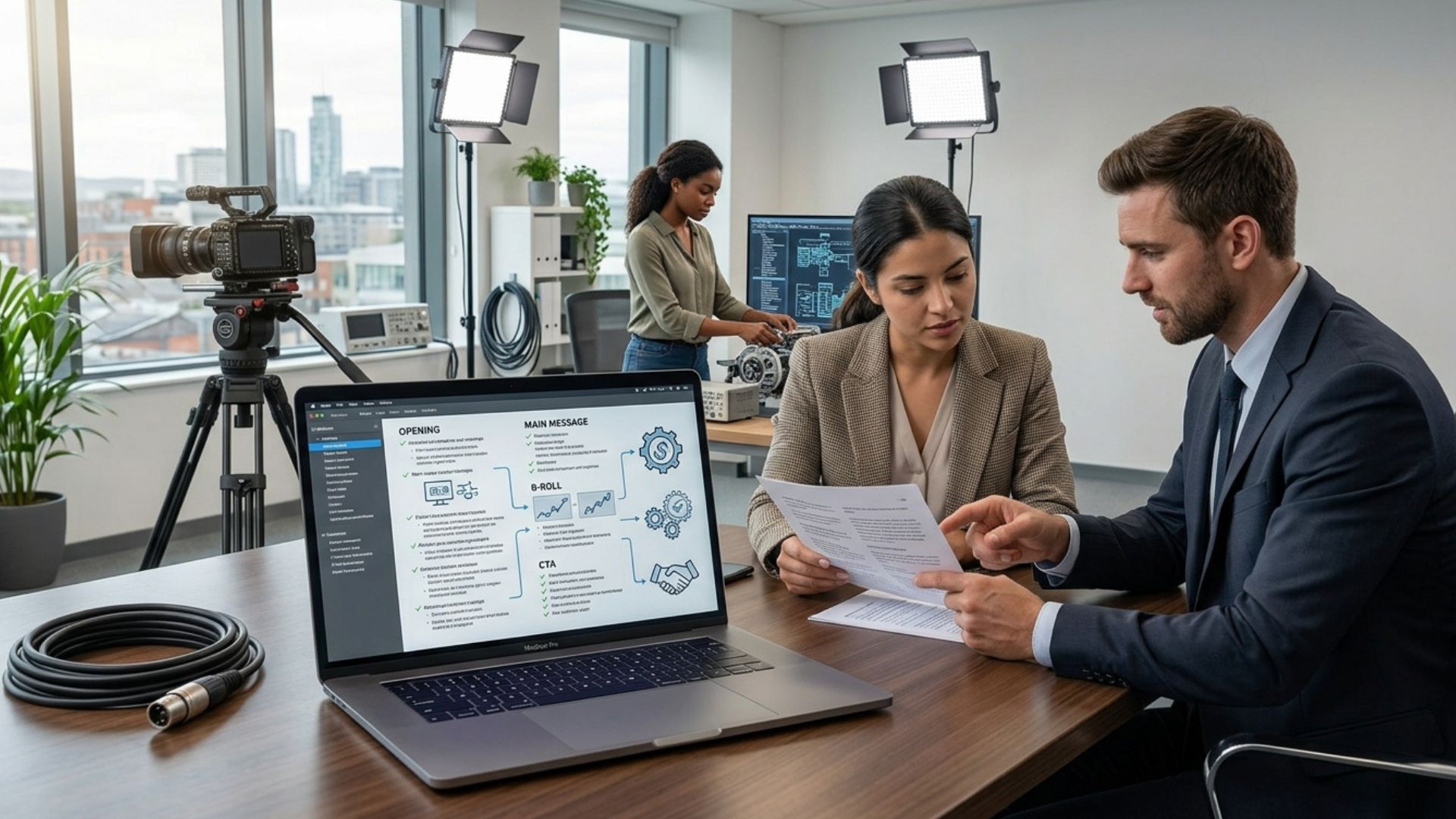
Build Your Shot List Around Deliverables
One of the simplest ways to improve a filming day is to work backwards from the final assets.
Let's say the business wants:
1 main corporate video
6 LinkedIn clips
1 recruitment video
2 customer testimonial edits
A library of B-roll
Now you can ask:
What needs to be filmed to create all of those?
That might mean:
- Two leadership interviews
- Three employee interviews
- One customer interview
- Product demonstrations
- Workplace B-roll
- Team interactions
- Exterior footage
- Detail shots
- Vertical-friendly footage
Now the shoot has a purpose.
You're not simply collecting footage.
You're collecting the ingredients for specific business assets.
This also makes the production brief clearer for everyone involved.
It helps the production team understand what coverage is required and helps the business avoid discovering halfway through the edit that an important visual is missing.
How to Make One Filming Day More Efficient
A few practical decisions can make a major difference.
Group Interviews Together
If several people need to be interviewed, try to schedule them in a way that reduces repeated lighting and camera changes.
Film One Location Properly
Moving between locations takes time.
If several useful shots can be captured in one place, plan them together.
Capture B-Roll Around the Main Activity
If a particular process is already happening, use the opportunity to capture it from different angles rather than recreating it later.
Prepare Interview Questions in Advance
The production team doesn't need every word scripted, but everyone should know what the interview needs to achieve.
Identify Must-Have Shots
Create a priority list.
If time runs out, you should know which shots cannot be missed.
Leave Room for Unexpected Moments
Don't schedule every minute.
Some of the best footage can come from something natural that happens during the day.
The Biggest Mistake: Planning the Shoot Around One Final Video
A corporate video might be the main reason you're filming.
But it doesn't have to be the only reason.
If you're already investing in professional production, think about how the footage could support the business beyond the original deliverable.
That could mean marketing.
Sales.
Recruitment.
Social media.
Your website.
Future campaigns.
Internal communications.
The key is to make those potential uses part of the conversation before filming, not after the edit is finished.
This is also where professional production can provide more value than simply handing a camera to someone and hoping for the best.
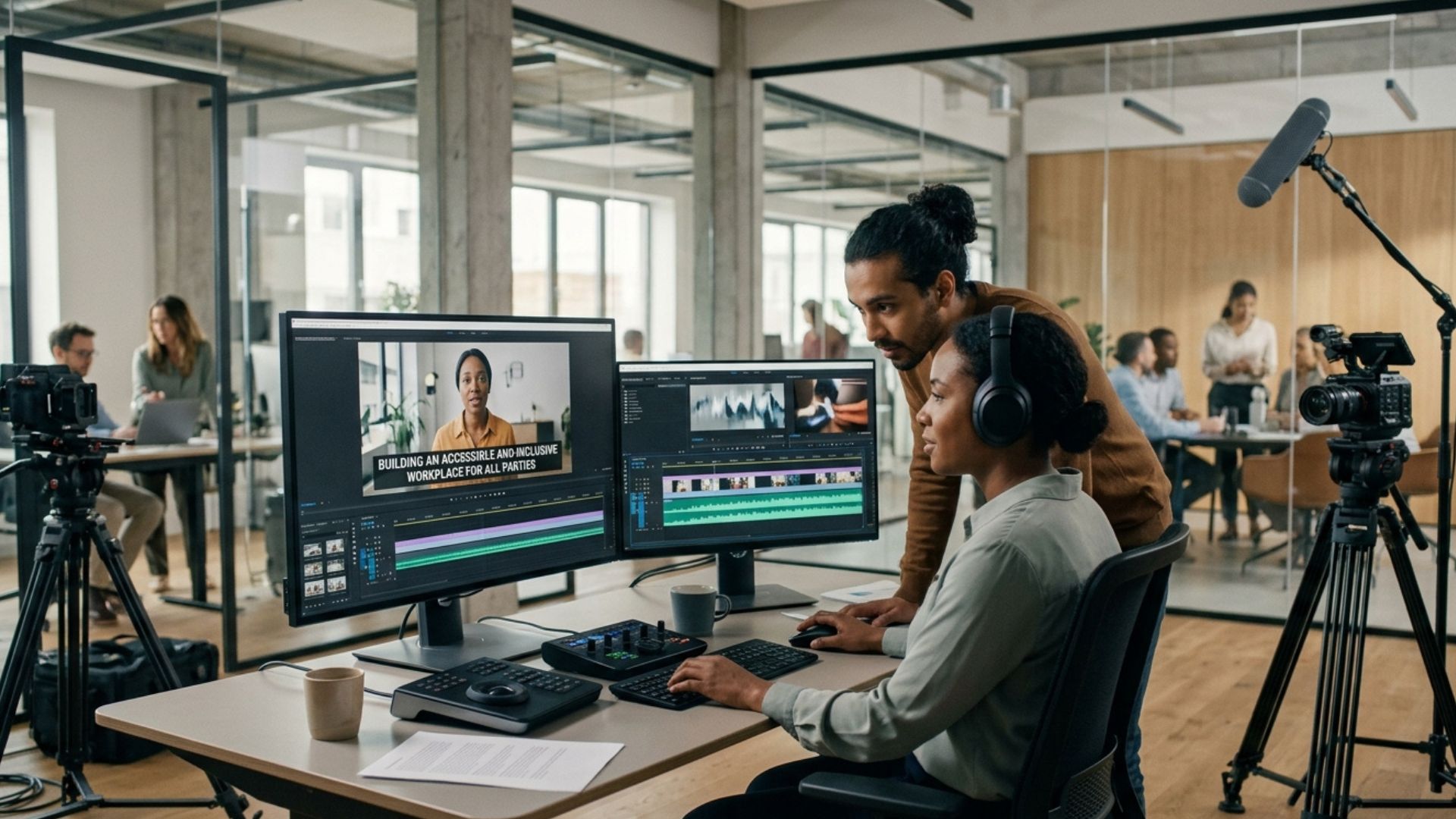
A production team can help you think about coverage, interviews, B-roll, framing, lighting, sound and the practical requirements of the final deliverables.
The result isn't just a better-looking video.
It's a more useful collection of footage.
One Shoot Can Become a Longer-Term Asset
The filming day eventually ends.
The content doesn't have to.
A well-planned production can give your business material that supports future marketing long after the original video has been delivered.
Mango's existing article on turning one video into multiple pieces of content explores how a core production can be adapted into clips, written content, FAQs, social assets and other formats. The important distinction here is that effective repurposing starts with what you capture on the filming day.
If you only filmed one scripted speech against one background, your options are limited.
If you captured interviews, demonstrations, B-roll, customer stories, workplace footage, detail shots and evergreen material, you have far more to work with.
Good repurposing starts at the filming stage.
That's why the best time to think about your future content isn't when you're opening the editing software.
It's when you're planning the shoot.
A Better Way to Think About Your Next Filming Day
Don't ask:
"What video are we making?"
Ask:
"What do we want to have available after this filming day?"
That small change can completely alter the way you plan a production.
You might still produce one flagship corporate video.
But you can also come away with expert interviews, customer stories, social clips, recruitment footage, B-roll, product demonstrations and evergreen material that continues to support the business.
The goal isn't to squeeze every possible second of footage out of your crew.
It's to make sure that the time, people and resources you've brought together on filming day are working towards more than one outcome.
From Planning to Production
Once you know what you need to capture, the next step is turning that list into a realistic filming plan. Prioritise the footage that matters most, build your schedule around the people and locations involved, and leave enough flexibility to capture useful moments you didn't anticipate.
The aim isn't to make your filming day longer. It's to make every hour of it count.
Conclusion
One filming day can give your business much more than a single corporate video. With the right plan, you can capture the interviews, customer stories, B-roll, social content and evergreen footage you'll need across your marketing, sales and recruitment activity.
Explore our video production services, use our instant price calculator, or get in touch with Mango Media to start planning a production that makes every filming day count.
Frequently Asked Questions
What should I film during a corporate video shoot?
At minimum, consider filming your main interview, supporting expert interviews, B-roll of your team and workplace, product or service demonstrations, customer stories, location footage and useful detail shots. If you also need social media or recruitment content, plan for those assets before filming begins.
How many videos can you film in one day?
It depends on the number of people, locations and production requirements, but a well-planned filming day can capture material for a main corporate video alongside shorter expert clips, testimonials, recruitment content, social media videos and B-roll. The aim isn't simply to film as much as possible, but to capture the right footage efficiently.
How do I plan a corporate video shoot?
Start by deciding what you need the finished production to achieve and where the footage will be used. Then identify the people, locations, interviews, demonstrations and B-roll you need, prioritise the must-have shots, and build a realistic filming schedule around them.
Similar blogs:

















![How to Write a Promo Video Script (Free Template Included) [2026 Guide]](https://cdn.prod.website-files.com/6226fcc37e2eb518b6e69a7f/69c3804c0b9ea78696bd89e0_covertab11.jpeg)


.jpg)
%20(1)%20(1).jpg)
.jpg)






We'd love to hear from you! Reach out to us today for a chat about our services, pricing, or just to say hello!


